
NT-U GLOSS VST3 Plugin for Karaoke Streams (NivanT Labs|BOOTH)
✨ What You Can Do with This Tool
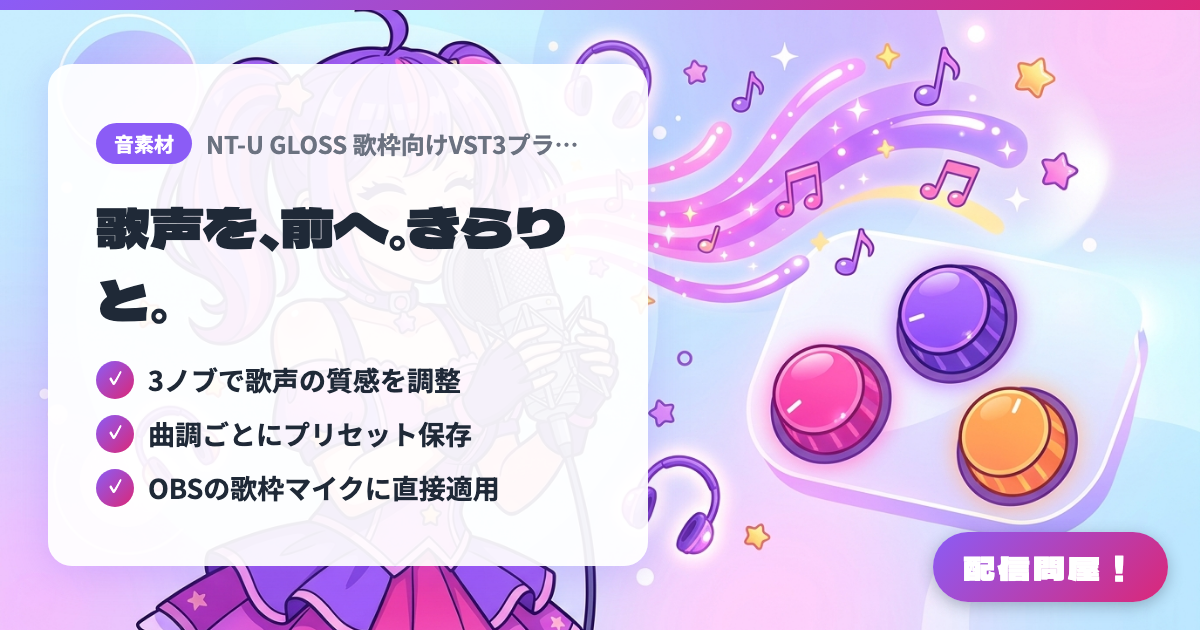
- ✓ 3ノブで歌声の質感を調整
- ✓ 曲調ごとにプリセット保存
- ✓ OBSの歌枠マイクに直接適用
🖼️ Screenshots
📖 What is NT-U GLOSS VST3 Plugin for Karaoke Streams (NivanT Labs|BOOTH)?
A VST3 plugin for people who do karaoke streams in OBS. It smooths out a muffled or harsh singing voice so it is easier to listen to. The Full version lets you adjust three knobs, COMP / WARM / EFFECT, to suit your voice and microphone setup, and supports saving presets. On BOOTH the Full version is 3,000 yen (the Lite version, with 3 fixed styles, is a separate product at 500 yen). Windows 11 only (Windows 10 untested, no Mac support). In OBS you also need a separate VST3 host such as atkAudioPlugin. One-person license; usable on monetized streams; no redistribution.
💡 When to Use It
Useful when your voice feels buried under the backing track or sounds flat in a karaoke stream, and you want to bring it forward and make it easier to hear with just a few knob adjustments. If you want a different vocal texture for ballad streams and rock streams, you can make a preset for each song style and recall it for each stream. Note that if you use it in a loopback setup that mixes your voice and the backing track, the processing is also applied to the backing track, so it is meant to be applied directly to the microphone audio.
📋 Basic Info
| Price | Paid |
| Supported OS | Windows 11 |
| Developer | NivanT Labs |
| Last Updated | Oct 2026 |
🚀 How to Use
- Step 1: Buy the Full version on BOOTH and install NT-U GLOSS (VST3 x64) on your Windows 11 PC
- Step 2: It cannot be loaded with OBS's built-in "VST 2.x Plug-in" filter, so install a VST3 host for OBS such as atkAudioPlugin for OBS
- Step 3: Add the VST3 host as a filter on your microphone audio source in OBS, and load NT-U GLOSS inside the host
- Step 4: While singing, adjust the COMP, WARM and EFFECT knobs to tune the brightness and clarity of your voice, then save the settings you like as a preset
- Step 5: Before going live, do a test recording to check latency and sync with the video (it varies with the host, hardware and buffer settings)
🎉 Highlights & Comments
What do you love about this tool?
✏️ Leave a comment (optional, up to 200 characters)
0/200