
COEIROINK
✨ What You Can Do with This Tool
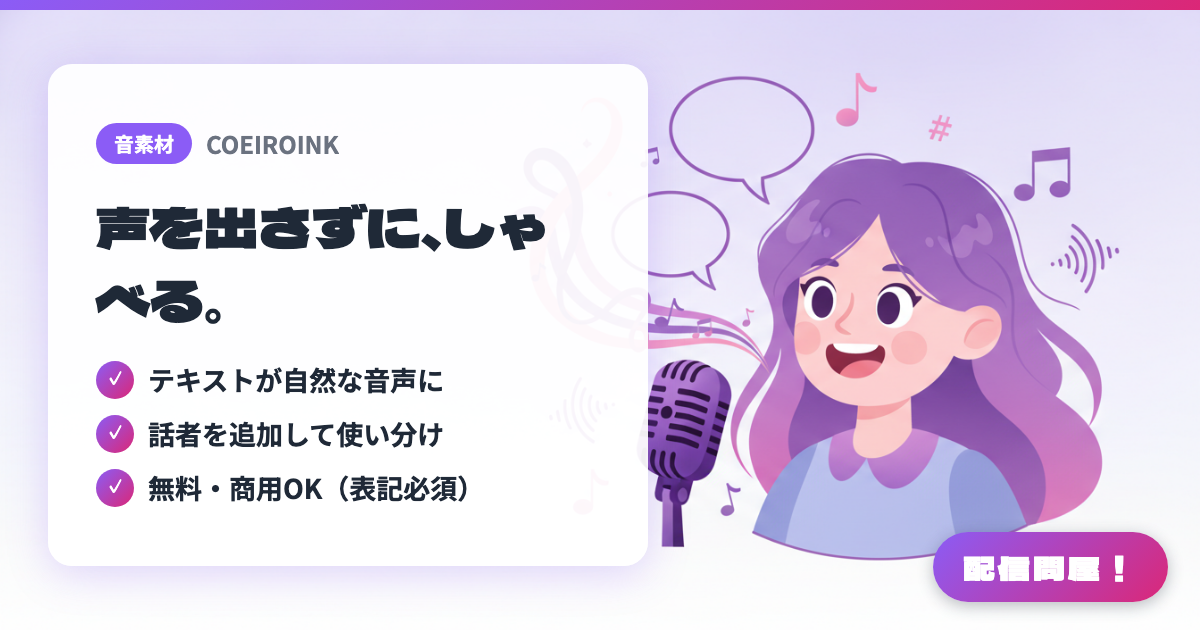
- ✓ テキストが自然な音声に
- ✓ 話者を追加して使い分け
- ✓ 無料・商用OK(表記必須)
🖼️ Screenshots
📖 What is COEIROINK?
A free text-to-speech synthesis app that reads your input text aloud in natural-sounding Japanese. Distributed as CPU and GPU versions for Windows, Mac, and Linux — just unzip and run, no installation needed. You can add speakers from the in-app "Character Download" menu, and commercial use is allowed, but crediting is required (e.g., "Voice: COEIROINK / character name"). Terms vary by character, so always check the official terms of use page.
💡 When to Use It
A go-to tool for anyone who wants to stream or post videos without showing their face or using their real voice. You can narrate an entire game commentary segment with synthesized speech, or use a read-aloud character as a co-host in chatting streams to react to chat. It also shines for late-night streams where you can't talk out loud, or for recording project video summaries in a consistent tone.
📋 Basic Info
| Price | Free |
| Supported OS | Windows / Mac / Linux |
| Last Updated | Jul 2026 |
🚀 How to Use
- Step 1: On the download page at coeiroink.com, choose the CPU or GPU version for Windows, Mac, or Linux that matches your environment, and grab the ZIP file.
- Step 2: Right-click the ZIP and choose "Extract All," then launch the COEIROINK executable inside the folder. No installation or admin rights are needed.
- Step 3: Add the voice library for the speaker you want from the in-app "Character Download" menu, then select it from the speaker list.
- Step 4: Type your line into the text box, fine-tune the reading with the speed, pitch, and intonation sliders and accent adjustment, then play it back to check.
- Step 5: Export the audio as a WAV file and load it into Yukkuri MovieMaker 4 or an OBS media source to use in your stream or video. When you publish, credit the voice following the terms for each character.
🎉 Highlights & Comments
What do you love about this tool?
✏️ Leave a comment (optional, up to 200 characters)
0/200