
AITuberKit
✨ What You Can Do with This Tool
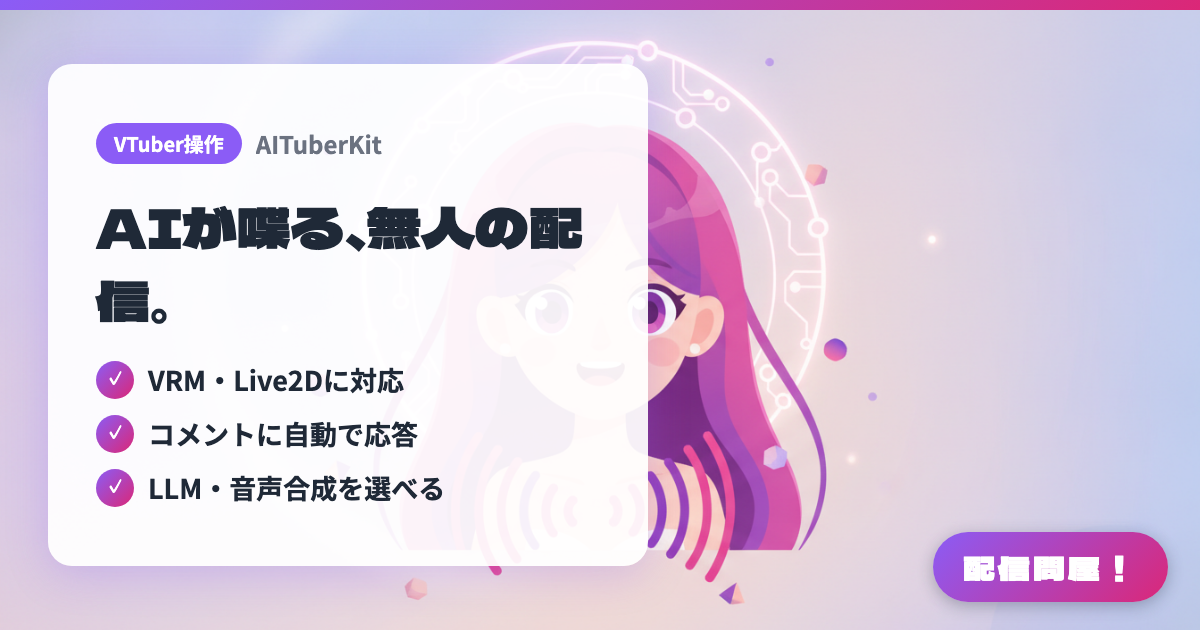
- ✓ VRM・Live2Dに対応
- ✓ コメントに自動で応答
- ✓ LLM・音声合成を選べる
🖼️ Screenshots
📖 What is AITuberKit?
An open-source toolkit for building web apps that let you chat with an AI character. It supports VRM, Live2D, and animated PNGTuber models, plus automatic replies to YouTube comments and a game-commentary mode. It works with 15+ LLMs and 10+ speech synthesis engines including VOICEVOX. Free for personal, non-commercial use, but commercial use requires a separate license. Using it on a monetized stream is likely to count as commercial use, so check the license terms beforehand.
💡 When to Use It
A foundation for building AITuber streams where an AI character automatically picks up comments and chats or answers questions. Since it can make your own VRM or Live2D model talk as-is, you can put an existing VTuber model to work as an AI-hosted stream. With continuous-conversation mode, the character keeps talking on its own even during unattended work streams. It's free for personal, non-commercial use, but using it on a monetized stream is likely to count as commercial use, so check the license conditions beforehand.
📋 Basic Info
| Price | Freemium (some features paid) |
| Supported OS | Windows / Mac / Linux(Node.js環境) |
| Developer | tegnike |
| Last Updated | Jul 2026 |
🚀 How to Use
- Step 1: Clone the repository from GitHub with git clone https://github.com/tegnike/aituber-kit.git.
- Step 2: Run npm install to install the dependencies.
- Step 3: Copy .env.example to create a .env file, and fill in the API key for the LLM you'll use (OpenAI, Anthropic, Google Gemini, Ollama, etc.) along with your speech synthesis settings (VOICEVOX, etc.).
- Step 4: Start it with npm run dev, open http://localhost:3000, and load your VRM, Live2D, or animated PNGTuber character.
- Step 5: Set the comment source to the YouTube API or OneComme, then capture the screen where the AI character auto-replies as an OBS browser source.
🎉 Highlights & Comments
What do you love about this tool?
✏️ Leave a comment (optional, up to 200 characters)
0/200