
🛠️
AnimationMike
PNGTuberLip SyncBOOTHFreeWindowsBeginner-FriendlySimpleJapaneseFree
✨ What You Can Do with This Tool
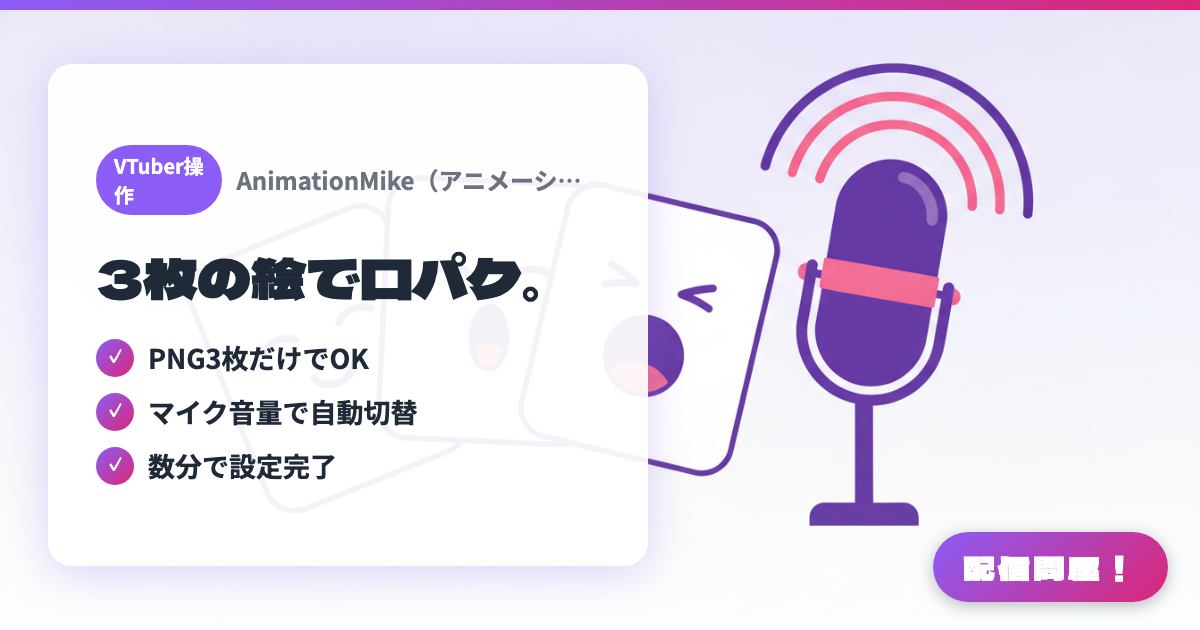
- ✓ Just 3 PNGs needed
- ✓ Auto-switches with mic volume
- ✓ Set up in minutes
🖼️ Screenshots
📖 What is AnimationMike?
An ultra-simple lip-sync PNGTuber tool that runs on just three PNG images — mouth closed, half-open, and fully open. Images switch automatically based on mic volume, and you can capture it in OBS via Window Capture. Setup takes only a few minutes, making it the perfect starter tool for anyone trying PNGTuber for the first time.
💡 When to Use It
Use this when you want to start PNGTuber-ing with minimal effort. Lip sync runs off just three images, making it an ideal entry point for anyone trying VTuber streaming for the first time.
📋 Basic Info
| Price | Free |
| Last Updated | Apr 2026 |
🚀 How to Use
- Step 1: Prepare three PNG images: mouth closed, half-open, and fully open
- Step 2: Launch AnimationMike and register the three images along with your microphone
- Step 3: Capture AnimationMike's window in OBS using Window Capture
- Step 4: Images switch automatically based on mic volume, turning you into a lip-syncing PNGTuber
🎬 Tutorial Video
🎉 Highlights & Comments
What do you love about this tool?
✏️ Leave a comment (optional, up to 200 characters)
0/200