
Blender
✨ What You Can Do with This Tool
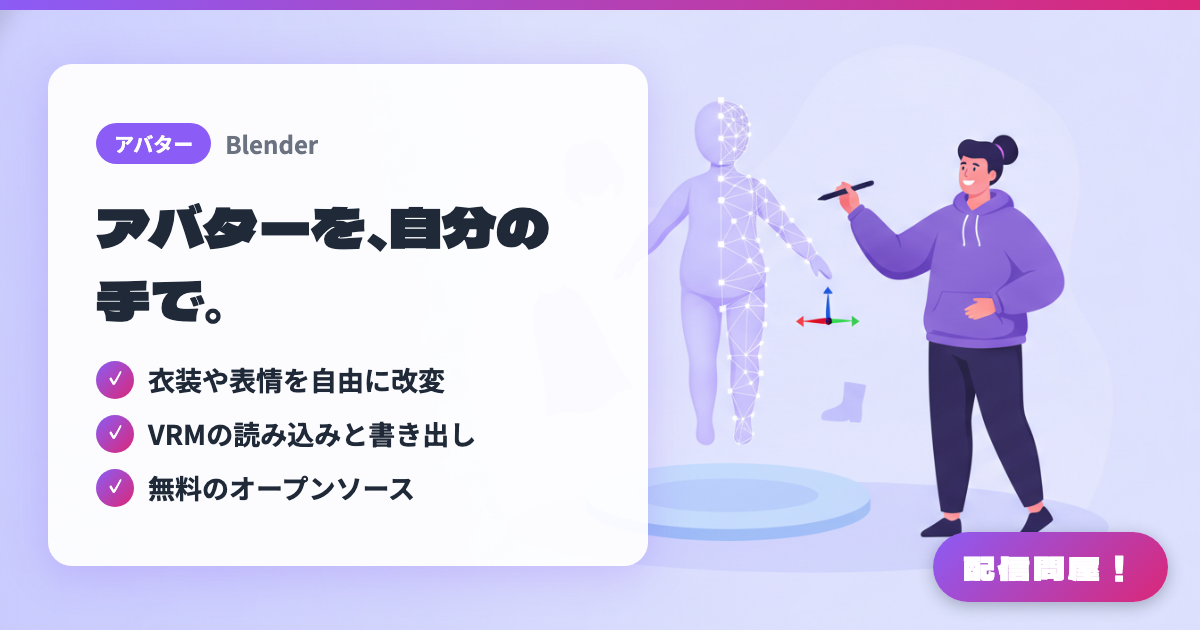
- ✓ 衣装や表情を自由に改変
- ✓ VRMの読み込みと書き出し
- ✓ 無料のオープンソース
🖼️ Screenshots
📖 What is Blender?
A free, open-source (GPL) all-in-one 3DCG suite from the Blender Foundation. It covers modeling, sculpting, rigging, and animation in a single app. With the VRM Add-on for Blender installed, you can adjust the outfits and expressions of VRM avatars made in VRoid Studio and similar tools, or build VTuber models from scratch. Anything you create can be used commercially. Available for Windows/macOS/Linux (the 5.x macOS builds require Apple Silicon; Intel Macs are supported up to 4.5 LTS).
💡 When to Use It
Use it for deeper customization: adding outfits or accessories that stock parts can't provide to a VTuber avatar made in VRoid Studio, or adding expression shape keys to make your on-stream reactions richer. Whether you're adjusting the hairstyle or body shape of a base model bought on BOOTH for streaming, or building a new outfit from scratch for an anniversary stream, it serves as a full-fledged production environment for streamers who want to grow their avatar with their own hands.
📋 Basic Info
| Price | Free |
| Supported OS | Windows / Mac / Linux |
| Last Updated | Sep 2026 |
🚀 How to Use
- Step 1: Download the latest release (5.2 LTS as of September 2026) from the Download page on blender.org and install it (on Windows you can choose the installer or the portable version).
- Step 2: Launch Blender, go to Edit → Preferences → Get Extensions, click Allow Online Access, type "VRM" in the search box, and install "VRM format".
- Step 3: Choose VRM under File → Import to load an avatar made in VRoid Studio or a similar tool, then adjust outfit meshes, shape keys (expressions), and bone weights.
- Step 4: Export via File → Export → VRM (.vrm), then load it into a VRM-compatible streaming app such as VSeeFace, VMagicMirror, or Warudo and check how the expressions and swaying parts move.
🎉 Highlights & Comments
What do you love about this tool?
✏️ Leave a comment (optional, up to 200 characters)
0/200