
CHARAT
✨ What You Can Do with This Tool
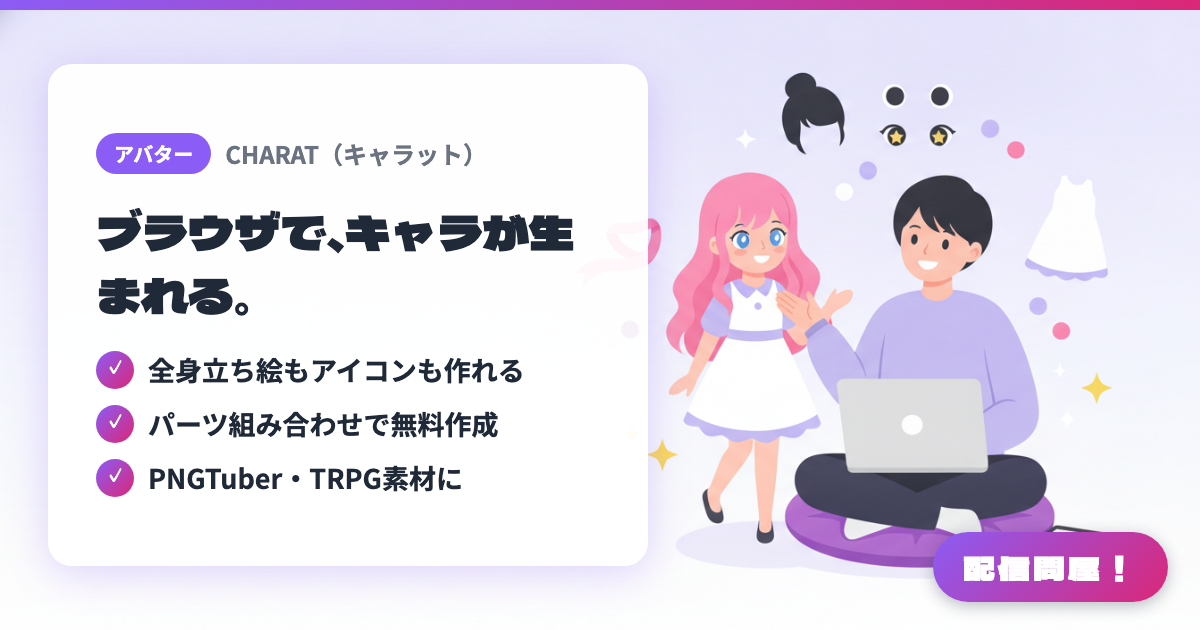
- ✓ 全身立ち絵もアイコンも作れる
- ✓ パーツ組み合わせで無料作成
- ✓ PNGTuber・TRPG素材に
🖼️ Screenshots
📖 What is CHARAT?
A collection of Japanese-made avatar makers you can use for free, entirely in your browser. It bundles multiple makers — "GENESIS2" for full-body character art, the gyaru-style "GYARU", the outfit-swapping "DRESSUP2", icon-focused "Cute Girl Maker" and "Deco Girl Maker", the chibi-style "STORM", and more. Mix and match hairstyles, eyes, clothes, colors, and accessories to build an original character, useful for stream icons, full-body art, PNGTuber assets, and TRPG character portraits. No software needed — great for beginners who want to sketch out a character idea quickly (check each maker's terms of use for usage scope).
💡 When to Use It
Handy for pinning down your character's direction before commissioning a Live2D or 3D model. You can quickly make and compare several drafts for a streamer's temporary icon, a PNGTuber's character art, or a TRPG stream character. Since it works entirely in the browser, it's also an easy entry point for beginners unfamiliar with design software who need to put together an initial visual.
📋 Basic Info
| Price | Free |
| Supported OS | ブラウザ |
| Developer | Ameniwa |
| Last Updated | Jul 2026 |
🚀 How to Use
- Step 1: On the CHARAT top page, pick a maker that matches what you want to create — full-body, icon, or chibi character
- Step 2: Combine parts like hairstyle, eyes, clothes, colors, and accessories to build the character's look for your stream
- Step 3: For PNGTuber or TRPG use, switch to a maker suited to your purpose, such as the GENESIS series for full-body images, and adjust further
- Step 4: Save the finished image, check the usage guidelines, and set it as your stream icon or profile asset
- Step 5: Import it into OBS or your thumbnail tool, and remove the background or resize as needed
🎉 Highlights & Comments
What do you love about this tool?
✏️ Leave a comment (optional, up to 200 characters)
0/200