
VRM Kantan ni Ijiru Yatsu – Easy VRM Editor (MONARCH|BOOTH)
✨ What You Can Do with This Tool
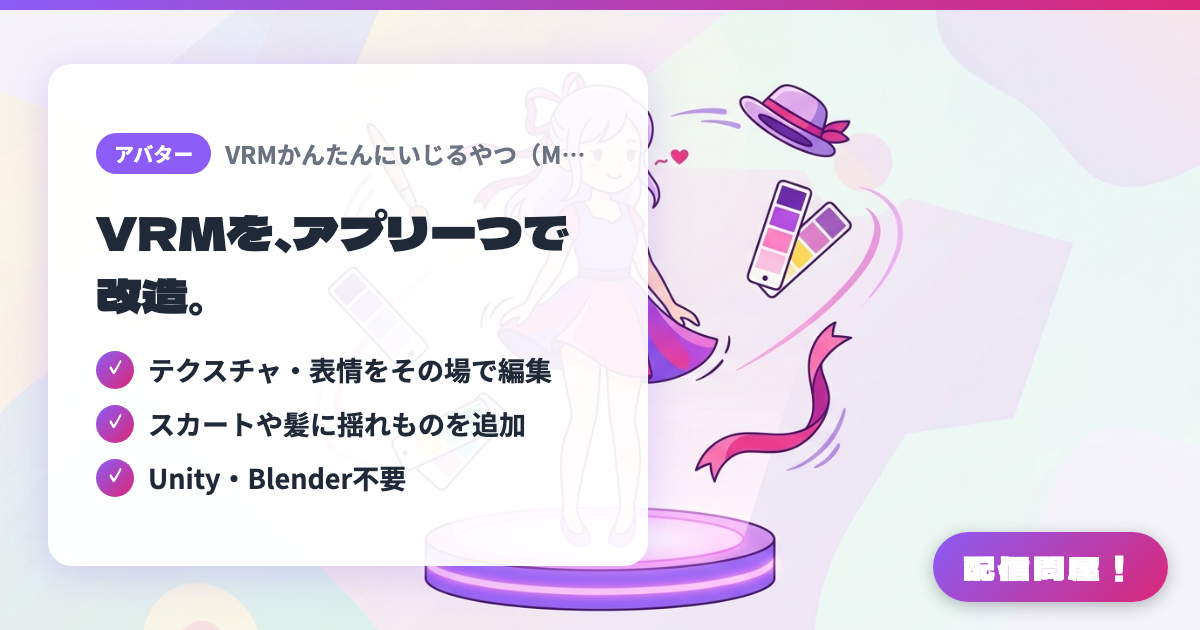
- ✓ テクスチャ・表情をその場で編集
- ✓ スカートや髪に揺れものを追加
- ✓ Unity・Blender不要
🖼️ Screenshots
📖 What is VRM Kantan ni Ijiru Yatsu – Easy VRM Editor (MONARCH|BOOTH)?
A Windows tool that lets you load a VRM 0.x/1.0 model and edit it while checking the result on screen, without opening Unity or Blender. You can swap textures, adjust shade colors and outlines, reshape hair and clothes with brushes, edit the shape and strength of expressions, add special expressions such as heart eyes and blushing, add swaying (spring bones) and colliders to sleeves and skirts, and attach GLB accessories. The full version is a one-time purchase of 2,000 yen, and there is a free trial that cannot export. Edited models can also be used for streaming and monetized activities.
💡 When to Use It
Use it when you want to refine an avatar you made in VRoid Studio one step further. For example, you can add sway to skirt hems or ribbons that didn't move, so your avatar looks better when it moves during karaoke streams or dances, or add special expressions like heart eyes and blushing to make your reactions in chatting streams more expressive. Attaching GLB accessories such as hats to the head or hands also works well for seasonal outfit-change streams. A big advantage is that you don't need to learn Unity or Blender.
📋 Basic Info
| Price | Paid |
| Supported OS | Windows 10 / 11(64bit) |
| Developer | MONARCH |
| Last Updated | Nov 2026 |
🚀 How to Use
- Step 1: Download the free trial (no export) from BOOTH, extract the ZIP and launch the app in the folder. Only Windows 10/11 (64-bit) is supported
- Step 2: Load the VRM you want to edit with "Open VRM", then choose what to edit from the feature menu on the left, such as materials, expressions, sway or accessories
- Step 3: Select the target to edit, such as a material, expression or part, adjust it, and move the model to check how it looks, how it sways and whether anything clips through
- Step 4: Once you've confirmed in the trial that your VRM loads correctly and each screen works, buy the full version (2,000 yen) and edit with the same steps
- Step 5: Check the model info and photo with "Save VRM as" and export (the original VRM is not overwritten). Always test the exported VRM in the software you plan to use, such as Warudo or VSeeFace
🎉 Highlights & Comments
What do you love about this tool?
✏️ Leave a comment (optional, up to 200 characters)
0/200