
Live2D Model Commission (by an Active VTuber | Coconala)
✨ What You Can Do with This Tool
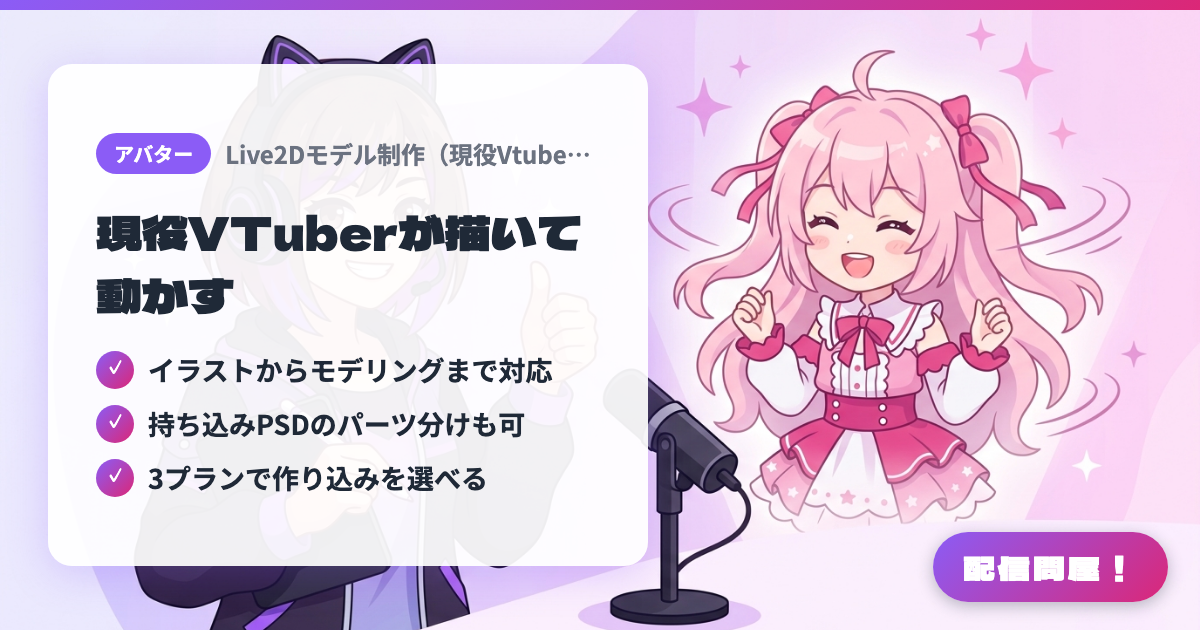
- ✓ イラストからモデリングまで対応
- ✓ 持ち込みPSDのパーツ分けも可
- ✓ 3プランで作り込みを選べる
🖼️ Screenshots
📖 What is Live2D Model Commission (by an Active VTuber | Coconala)?
A Coconala listing where the active VTuber "Akana = Tempest" creates Live2D models for you. You can commission everything in one package — character design and illustration (bust-up to full body), part separation, modeling, and after-sales support — and they also handle layer separation for illustrations you already have as PSD files. There are three plans — Light, Standard, and High-Spec — letting you choose how detailed the expressions, mouth shapes, and physics/key-bound movement should be. Delivery includes a full set of moc3, model3.json, and related files, ready to use directly in VTube Studio or nizimaLIVE. Pricing and turnaround vary by plan, so check the listing page for details.
💡 When to Use It
Use this when you want to debut with your own Live2D model but making one yourself feels out of reach. Since an active VTuber handles everything from illustration to modeling and after-sales support, it suits anyone who wants a polished avatar ready for their first stream. Even if you already have an illustration you want turned into a VTuber model, they'll handle layer separation from a PSD you bring in — making it a solid choice for anyone who wants a moving avatar for chatting streams or game streaming.
📋 Basic Info
| Price | Paid |
| Last Updated | Jul 2026 |
🚀 How to Use
- Step 1: Check the details of the Light, Standard, and High-Spec plans on the Coconala listing page (coconala.com/services/1428762)
- Step 2: Use "Consult on Quote/Customization" to share your art style, range of motion (expressions, mouth, physics), budget, and desired turnaround
- Step 3: Agree to the quote and purchase, then let the work proceed through character design → illustration → part separation → modeling
- Step 4: Request up to 2 rounds of revisions at each stage and confirm the movement
- Step 5: Load the delivered moc3 and model3.json files into VTube Studio or nizimaLIVE and use them on stream
🎉 Highlights & Comments
What do you love about this tool?
✏️ Leave a comment (optional, up to 200 characters)
0/200