
VTuber Model Creation Debut Support Package (Coconala)
✨ What You Can Do with This Tool
- ✓ イラストとLive2D一括
- ✓ 表情差分5種・物理演算
- ✓ 商用OK・動作確認まで
🖼️ Screenshots
📖 What is VTuber Model Creation Debut Support Package (Coconala)?
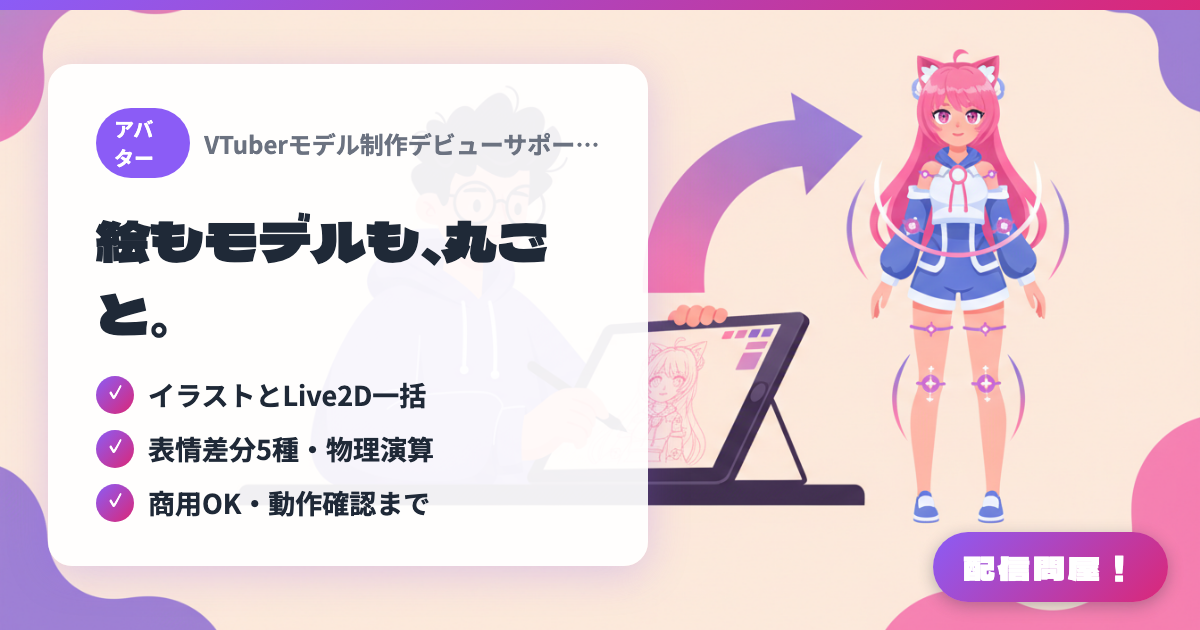
An all-in-one VTuber model creation service that handles illustration and Live2D modeling together as a single order. You receive the illustration (PNG) and a complete Live2D model set (moc3/json), plus support confirming it works in VTube Studio and OBS. It supports 5 expression variants and physics simulation, with free copyright transfer that allows commercial use and merchandise sales. The defining feature is having one creator walk you through your entire VTuber debut from zero. Check the Coconala listing page for current availability and pricing.
💡 When to Use It
For when you want to debut as a VTuber starting from nothing — no artwork, no model. It removes the hassle of finding and coordinating separate illustrators and modelers, letting one creator handle everything from character design to modeling to post-delivery functionality checks. Progress is confirmed at every stage, which helps prevent the finished result from drifting from what you imagined, even on a first-time order.
📋 Basic Info
| Price | Paid |
| Last Updated | Jul 2026 |
🚀 How to Use
- Step 1: Check availability on the Coconala listing page, and share your character concept and preferences during the pre-purchase quote consultation
- Step 2: After purchasing, answer the character design interview (preferred vibe, reference images, streaming style, etc.)
- Step 3: Work through each stage with check-ins along the way: rough sketch → coloring → finished illustration → modeling
- Step 4: Load the delivered Live2D model into VTube Studio and get support confirming it works
- Step 5: Capture VTube Studio in OBS to build your stream layout, and head into your debut stream
🎉 Highlights & Comments
What do you love about this tool?
✏️ Leave a comment (optional, up to 200 characters)
0/200