
MakeAvatar
✨ What You Can Do with This Tool
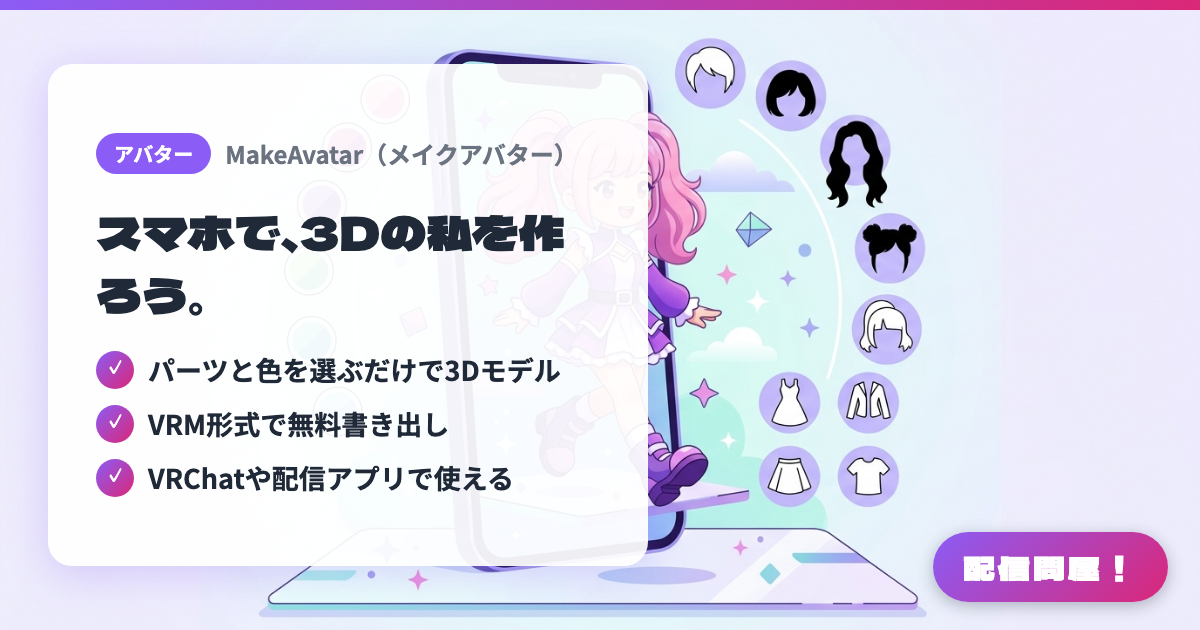
- ✓ パーツと色を選ぶだけで3Dモデル
- ✓ VRM形式で無料書き出し
- ✓ VRChatや配信アプリで使える
🖼️ Screenshots
📖 What is MakeAvatar?
A mobile-only 3D avatar creation app from Gugenka. Just pick parts and colors to build your own original 3D model, and export it as a VRM file for free. The exported VRM can be loaded into VTuber apps like VSeeFace and Warudo for streaming, or used in social VR platforms like VRChat and cluster. The app itself is free, while extra outfits and collaboration costumes with popular anime are paid. Available on iOS and Android.
💡 When to Use It
Use it when you want to quickly build a 3D avatar on your phone and take it straight into metaverse platforms like VRChat or VirtualCast. Its strength is letting you prepare a personal VRM-based avatar just by picking parts, without touching a PC tool like VRoid Studio first. If you need a base body to load into a VRM-compatible app for game commentary or chatting streams, you can start by shaping the look in MakeAvatar and then choose outfits and connection destinations as needed.
📋 Basic Info
| Price | Freemium (some features paid) |
| Supported OS | iOS / Android |
| Developer | Gugenka Inc. |
| Last Updated | Jul 2026 |
🚀 How to Use
- Step 1: Install MakeAvatar on iOS or Android, and create a 3D avatar by choosing parts like hair, eyes, and clothes along with their colors
- Step 2: Combine free parts, Gugenka's original outfits, and collaboration costumes as needed, and check the overall look
- Step 3: Upload your finished avatar to a VRM-compatible platform, or check within the app what's required to export it as VRM
- Step 4: Follow the steps for each destination — VRChat, VRoid Hub, VirtualCast, and so on — to connect your avatar
- Step 5: If you're using it for streaming, load it into a VRM-compatible VTuber app, check the expressions, physics, and license terms, then bring it into OBS
🎉 Highlights & Comments
What do you love about this tool?
✏️ Leave a comment (optional, up to 200 characters)
0/200