
Full-Package Live2D Model Production (伊糖だねこ)
✨ What You Can Do with This Tool
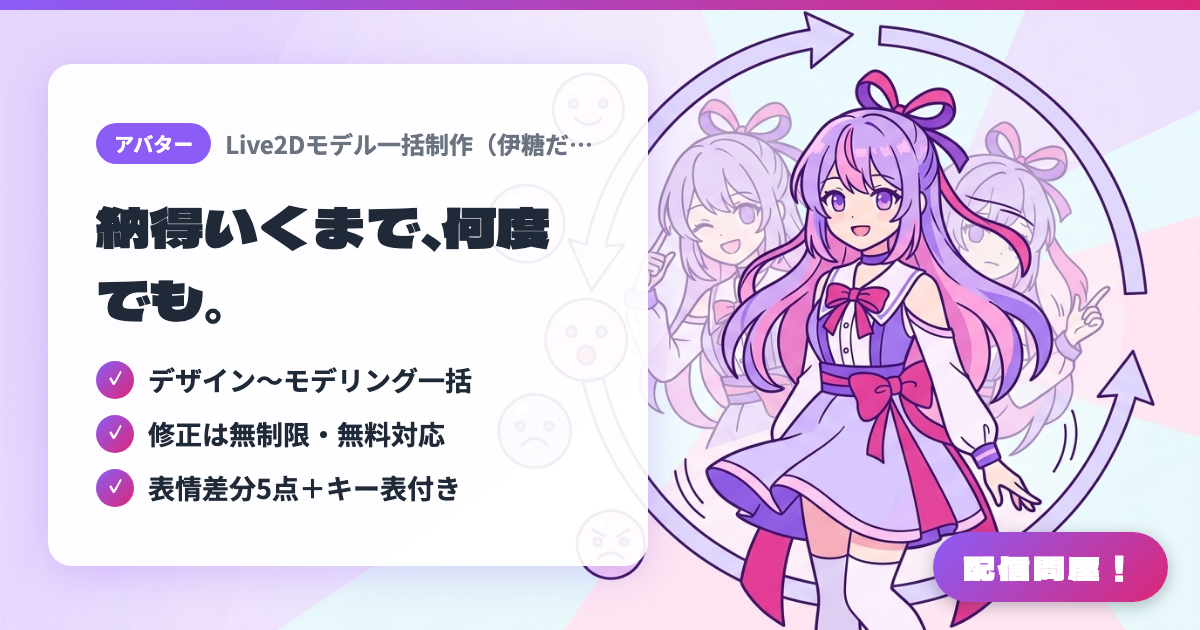
- ✓ デザイン〜モデリング一括
- ✓ 修正は無制限・無料対応
- ✓ 表情差分5点+キー表付き
🖼️ Screenshots
📖 What is Full-Package Live2D Model Production (伊糖だねこ)?
A つなぐ listing by 伊糖だねこ delivering full-package character design, part separation, and Live2D modeling (from ¥90,000, about 1.5 months from start). It implements multi-angle head and body movement, expression changes in the eyes/mouth/eyebrows, physics-based sway for hair, eyes, eyelashes, clothing, and accessories, breathing, and up to 5 keybind expression variants. Deliverables include a merged full-body illustration PNG, the full model data set, and a keybind chart, with unlimited free revisions until you're satisfied. Rush delivery is available from +¥3,000.
💡 When to Use It
Good for when you want to go back and forth on revisions without hesitation to get a model you're truly happy with. Since there's no limit on the number of revisions, it's easy to work with even if this is your first model commission and you can't quite put your image into words yet. The included keybind chart also makes it easy to assign the 5 expression variants to shortcuts in VTube Studio after delivery, so getting set up before you go live happens quickly.
📋 Basic Info
| Price | Paid |
| Last Updated | Aug 2026 |
🚀 How to Use
- Step 1: Consult with 伊糖だねこ via the つなぐ listing page (tsunagu.cloud/products/125098), sharing your character direction and desired turnaround to receive a quote.
- Step 2: Once a listing is prepared to match the quote, purchase it, and if you're in a hurry, discuss the rush fee (+¥3,000 and up).
- Step 3: Review the submitted color rough and request free revisions until you're satisfied to lock in the composition and colors.
- Step 4: After fine-tuning the clean lines, move on to modeling and motion checks, specifying the content of the 5 keybind expression variants.
- Step 5: Receive the merged full-body illustration PNG, full model data set, and keybind chart, and check the expression key assignments in VTube Studio.
🎉 Highlights & Comments
What do you love about this tool?
✏️ Leave a comment (optional, up to 200 characters)
0/200