
Live2D Model Production (Illustration Included, Mini/Full-Body Choice) — ながい
✨ What You Can Do with This Tool
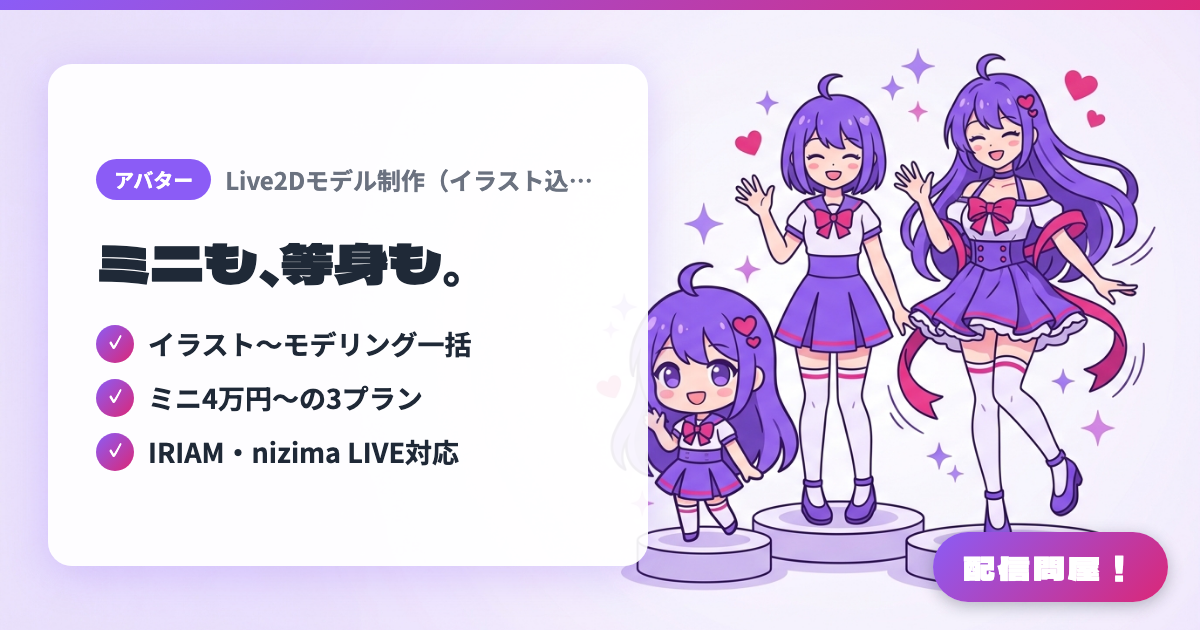
- ✓ イラスト〜モデリング一括
- ✓ ミニ4万円〜の3プラン
- ✓ IRIAM・nizima LIVE対応
🖼️ Screenshots
📖 What is Live2D Model Production (Illustration Included, Mini/Full-Body Choice) — ながい?
A Live2D model commission covering illustration production through part separation and modeling as one package. It supports nizima LIVE, VTube Studio, and IRIAM, with 3 plans: Mini ¥40,000, Full-Body Simple ¥55,000, and Full-Body Standard ¥85,000 (includes physics simulation). Delivery includes a layer-merged PNG and model file, with 2 free revisions and a turnaround of around 20 days. Options are available for things like added expressions and outfit swaps. Credit (@eingado) is required.
💡 When to Use It
Good for when you're debuting as a VTuber or IRIAM live streamer and want to order everything together, from character illustration through part separation to Live2D modeling. You can choose based on your stage — start affordably with a Mini model, or prioritize looks with physics simulation on the Full-Body Standard. If you already have a character design or outfit ideas, you can also discuss adding expression variants, hairstyles, or outfits to finish it as a ready-to-use streaming avatar.
📋 Basic Info
| Price | Paid |
| Supported OS | ブラウザ(つなぐで相談・購入。納品モデルは nizima LIVE / VTube Studio / IRIAM 向け) |
| Last Updated | Jul 2026 |
🚀 How to Use
- Step 1: On the つなぐ product page, check the differences between the Mini, Full-Body Simple, and Full-Body Standard models, nizima LIVE / VTube Studio / IRIAM compatibility, deliverables, and the credit requirement.
- Step 2: Using the pre-inquiry template, fill in your activity name, intended use, software you plan to use, model type, desired turnaround, reference material, and any needed expressions, outfits, hairstyles, or part variants.
- Step 3: Consult via message, confirm the quote and expected delivery, then start the order. If you're in a hurry or need extra modeling, also check the rush fee and options.
- Step 4: Review each stage — rough draft, finished illustration, and modeling — separating feedback that falls within the 2 free revisions from revisions that need an additional fee.
- Step 5: Load the delivered layer-merged PNG and model file into your compatible software, and check expressions, lip sync, physics simulation, and keybinds before you go live.
🎉 Highlights & Comments
What do you love about this tool?
✏️ Leave a comment (optional, up to 200 characters)
0/200