
Vket Avatar Maker
✨ What You Can Do with This Tool
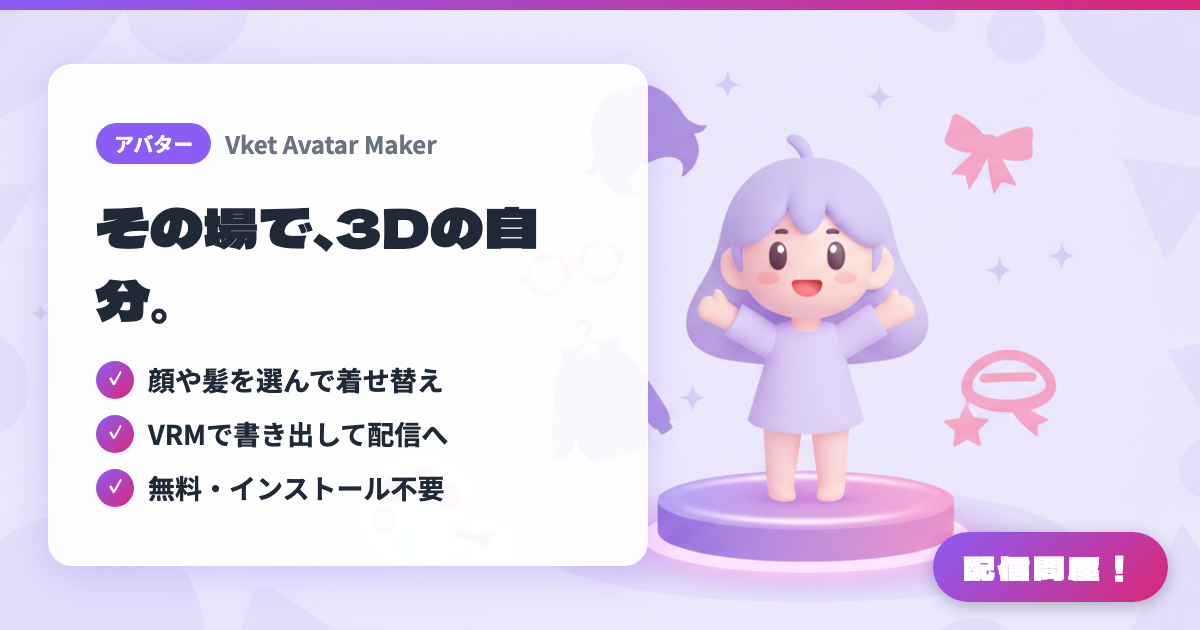
- ✓ 顔や髪を選んで着せ替え
- ✓ VRMで書き出して配信へ
- ✓ 無料・インストール不要
🖼️ Screenshots
📖 What is Vket Avatar Maker?
A free service from HIKKY for creating 3D avatars right in your web browser. Log in with a Vket account, combine face, hairstyle, eye, outfit, and accessory parts, and fine-tune colors, height, and body shape. Finished avatars can be exported as VRM or UnityPackage files, or uploaded directly to VRChat. Commercial use in streaming is allowed, but selling or distributing the model data and corporate use without prior approval are prohibited. Derivative works require the ©HIKKY credit, and paid Creators' Items are also available.
💡 When to Use It
You want to start chatting streams or game streaming without showing your face, but can't afford to commission a Live2D model or spend time learning 3D modeling. At that pre-debut VTuber stage, you can build a free 3D avatar in your browser and load it into your streaming app as a VRM. The editor's view mode also lets you take photos with a transparent background, which is handy for thumbnails and stream announcement images. It's also useful when you want to join VRChat events or collab streams with the same look.
📋 Basic Info
| Price | Freemium (some features paid) |
| Supported OS | ブラウザ |
| Last Updated | Sep 2026 |
🚀 How to Use
- Step 1: Open avatarmaker.vket.com, log in with your Vket account, and click the Create New button to enter the avatar editor.
- Step 2: Use the tabs on the left to pick the face, hairstyle, eyes, ears, outfit, and accessories, then adjust hair color (gradients supported) and outfit colors with the sliders or color palette at the top right of the avatar.
- Step 3: Use the EDIT button on the right side of the screen to change an accessory's size, position, and angle, and use the height icon at the top left to tweak height and head/limb proportions.
- Step 4: Save with the save button at the top right, then click the VRM File button on the avatar list page to export a VRM (for VRChat, upload directly or bring it in via a UnityPackage).
- Step 5: Load the exported VRM into a VRM-compatible streaming app such as VSeeFace or 3tene, and keep the source data safe with the Backup button on the list page.
🎉 Highlights & Comments
What do you love about this tool?
✏️ Leave a comment (optional, up to 200 characters)
0/200