
Alive Studio
✨ What You Can Do with This Tool
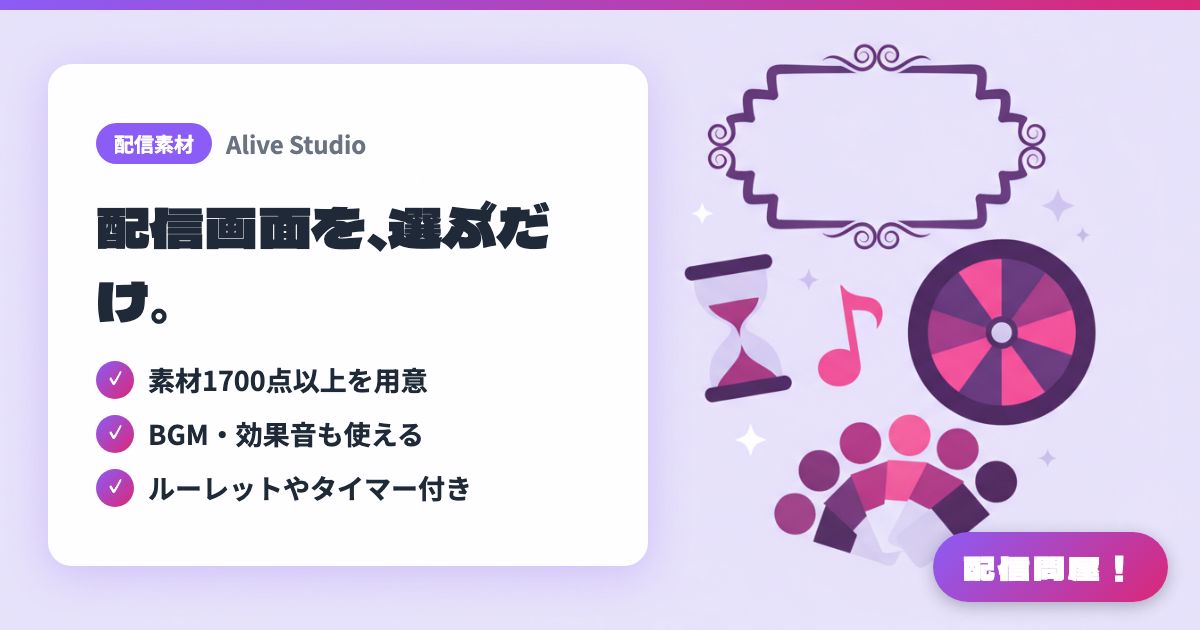
- ✓ 素材1700点以上を用意
- ✓ BGM・効果音も使える
- ✓ ルーレットやタイマー付き
🖼️ Screenshots
📖 What is Alive Studio?
A browser-based design service run by GMO Pepabo for building your stream screen. It integrates with OBS Studio's custom browser dock, letting you combine background and frame assets (400+ on the free plan, 1,700+ on Premium), 100+ sound effects, and 100+ BGM tracks from 魔王魂, to put together a full stream layout with zero design skills required. It also has interactive features to liven up your stream, like a topic roulette, counters, and timers. The Premium plan is ¥980/month with a 7-day free trial.
💡 When to Use It
For those “I want a stylish stream layout but I'm not a designer” moments, you can put together backgrounds, frames, BGM, and sound effects just by picking assets. Its strength is covering both screen design and stream content in one place — spin the topic roulette during a chatting stream to kick off conversation, or use the counter and timer to dress up an endurance challenge.
📋 Basic Info
| Price | Freemium (some features paid) |
| Last Updated | Jul 2026 |
🚀 How to Use
- Step 1: Create an Alive project account.
- Step 2: Download the Alive Studio setup script and register it from OBS Studio's “Tools” menu.
- Step 3: Add a “Custom Browser Dock” in OBS and open Alive Studio in it.
- Step 4: Log in to Alive Studio in the dock, then pick background and frame assets to customize your stream screen.
- Step 5: Place features like the topic roulette, counter, and timer to match your stream's format.
🎉 Highlights & Comments
What do you love about this tool?
✏️ Leave a comment (optional, up to 200 characters)
0/200