
AOmaterial
✨ What You Can Do with This Tool
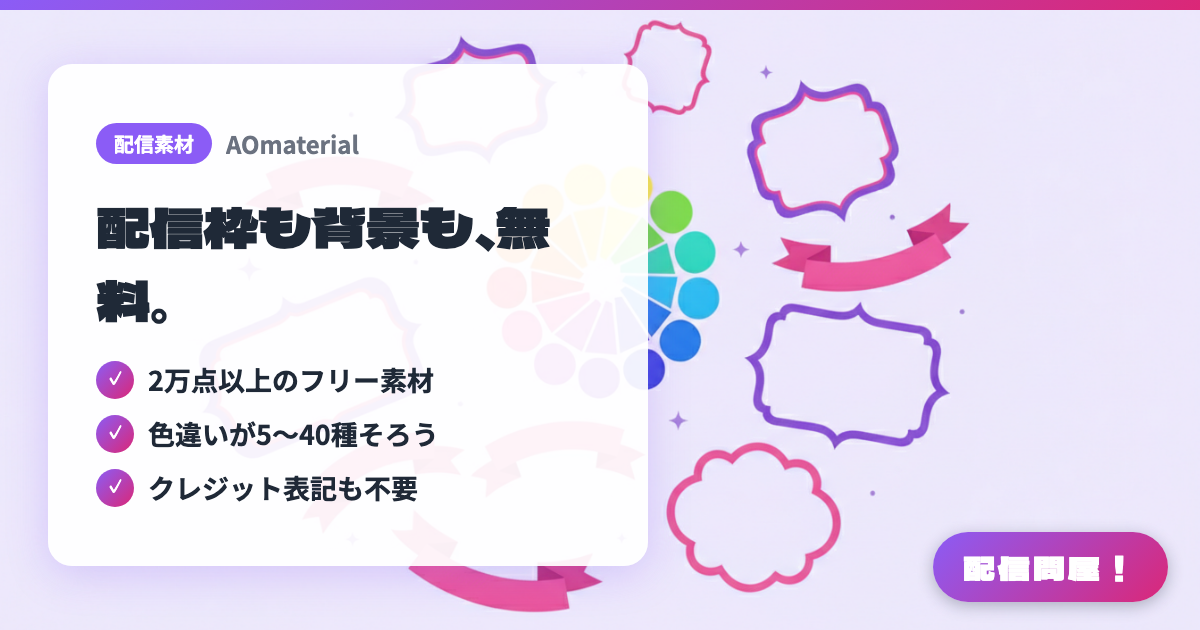
- ✓ 2万点以上のフリー素材
- ✓ 色違いが5〜40種そろう
- ✓ クレジット表記も不要
🖼️ Screenshots
📖 What is AOmaterial?
A free asset site for VTubers, streamers, and video creators. It offers 20,000+ assets — stream overlay frames, chat boxes, backgrounds, stamps, logos, schedule templates, and more — each with 5 to 40+ color variations. Free to use for individuals or companies, commercial or non-commercial, with no credit or usage report required (only merchandise sales require crediting the site name and URL). Redistributing the assets as-is, or turning the assets alone into merchandise, is prohibited.
💡 When to Use It
Handy when you're just starting out and don't have time to make your own overlay frame and chat box from scratch — you can grab a whole set at once. With so many color variations, you can match your frame, background, and schedule to your own image color, so even a first stream doesn't look thrown together. It's also useful when you want separate layouts for game streams versus chatting streams, or want to swap the screen's mood for a seasonal event.
📋 Basic Info
| Price | Free |
| Developer | あおじず |
| Last Updated | Jul 2026 |
🚀 How to Use
- Step 1: Open aomaterial.com and pick the type of asset you want from the categories (backgrounds, live-stream parts, frames, others).
- Step 2: On the asset page, choose a color that matches your image color from the available palettes, and download it.
- Step 3: Check the “Terms of Use” page (aomaterial.com/tos/) for commercial use, editing, and prohibited actions. Redistributing assets or turning assets alone into merchandise is not allowed.
- Step 4: Add the frame and chat box parts as “Image” sources in OBS, then adjust their position and size to build your stream layout.
- Step 5: New assets are added daily, so follow the official X account (@AOmaterial) to catch updates. If you want a whole set at once, consider the paid pack on BOOTH too.
🎬 Tutorial Video
🎉 Highlights & Comments
What do you love about this tool?
✏️ Leave a comment (optional, up to 200 characters)
0/200