
BEIZ images
✨ What You Can Do with This Tool
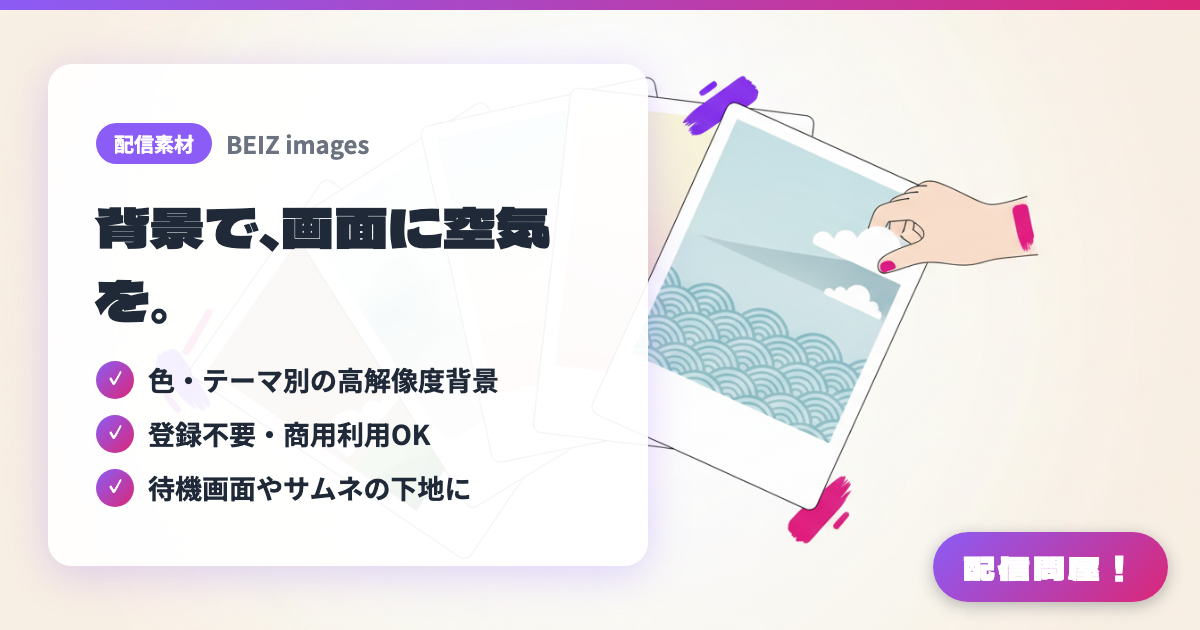
- ✓ 色・テーマ別の高解像度背景
- ✓ 登録不要・商用利用OK
- ✓ 待機画面やサムネの下地に
🖼️ Screenshots
📖 What is BEIZ images?
A free asset site specializing in backgrounds and textures. Browse color-sorted collections (white, black, red, blue, pastel, etc.) or categories like landscapes, wood grain, watercolor, Japanese-style, and decorative patterns for high-resolution images. No sign-up is needed to download, and commercial use is allowed (redistributing the assets is prohibited). Good for an understated background — a base for a flat single-color stream screen, a starting soon screen, a thumbnail, or under text overlays. See the official Terms of Use page for full conditions.
💡 When to Use It
Handy when the empty space on your stream screen looks flat in a plain color — lay down a wood-grain or pastel texture to set the mood. It's also easy to swap in cherry blossom, snow, or Japanese-pattern backgrounds for seasonal streams. You can reuse the same assets as a base for starting soon/BRB screens, thumbnail backgrounds, or YouTube banners. No sign-up and no credit required, so it's a reliable pick when you need "just one more background" right before going live.
📋 Basic Info
| Price | Free |
| Supported OS | ブラウザ(OS不問) |
| Last Updated | Jul 2026 |
🚀 How to Use
- Step 1: Browse beiz.jp by color category (white, black, pink, pastel, etc.) or by theme (landscapes, wood grain, watercolor, Japanese-style, and more) to find a background.
- Step 2: Open the image page, view the high-resolution version, and download it (no sign-up required).
- Step 3: Add it as an Image source at the very back in OBS, then layer your game screen, character art, and frame assets on top to build your stream layout.
- Step 4: If it's too bright and makes text hard to read, lower the brightness with OBS's Color Correction filter or add a semi-transparent black layer on top.
- Step 5: Reuse the same assets as a base for thumbnails and announcement images to keep your channel's color palette consistent.
🎉 Highlights & Comments
What do you love about this tool?
✏️ Leave a comment (optional, up to 200 characters)
0/200