
Bitfocus Companion
✨ What You Can Do with This Tool
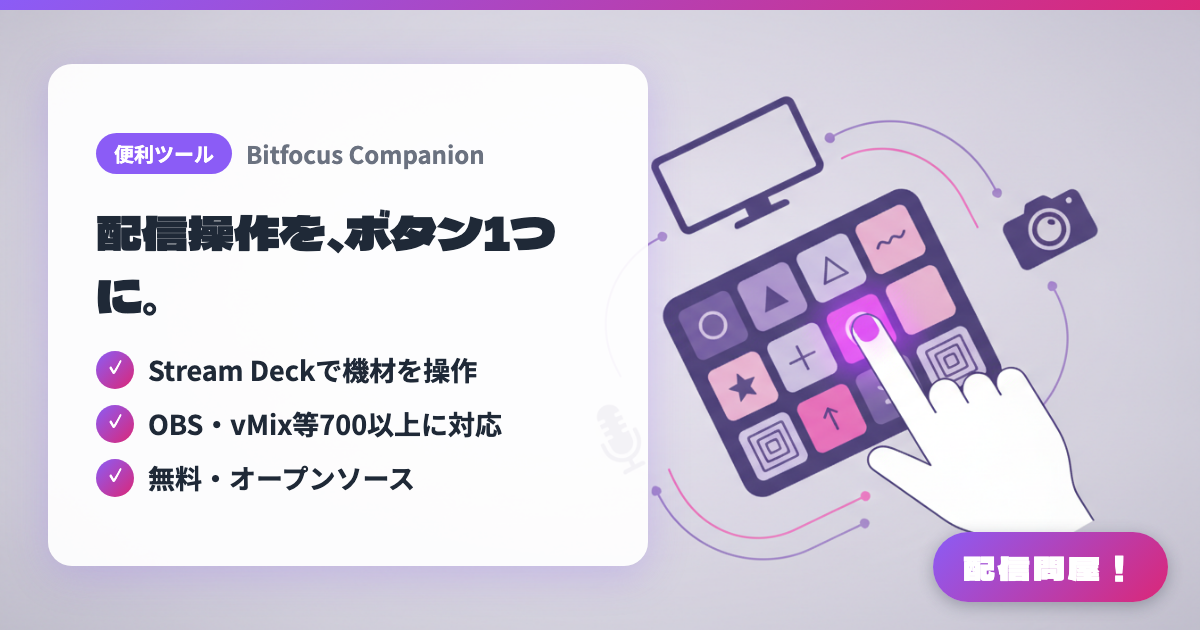
- ✓ Control your gear with Stream Deck
- ✓ Supports 700+ incl. OBS & vMix
- ✓ Free and open source
🖼️ Screenshots
📖 What is Bitfocus Companion?
Free, open-source software that turns controllers like the Elgato Stream Deck into a control surface for 700+ devices and apps, including OBS Studio, vMix, and ATEM switchers. Each button can run multiple actions in sequence or with delays, and show feedback that changes color based on device state. No hardware? Use the built-in emulator or web buttons in a phone or tablet browser. Runs on Windows, Mac, Linux, and Raspberry Pi with no license fees.
💡 When to Use It
When you're running a solo VTuber stream and juggling OBS scene switches, background music volume, and recording in separate windows, Companion lets you pack several operations into a single Stream Deck button. Even without a Stream Deck, your phone or tablet can become a web-button control panel—handy for karaoke streams or event streams using a switcher like ATEM, where a producer handles scene transitions from their own device.
📋 Basic Info
| Price | Free |
| Supported OS | Windows / Mac / Linux / Raspberry Pi |
| Last Updated | Sep 2026 |
🚀 How to Use
- Step 1: Download Companion for your OS from the user portal at bitfocus.io. On Windows, run the installer; on Mac, move Companion.app into your Applications folder and launch it.
- Step 2: Open the admin interface in your browser (port 8000), then go to the "Connections" tab to add modules for the apps and gear you want to control, such as OBS Studio, and set their connection details.
- Step 3: In the "Buttons" tab, select a button and assign press actions (switching scenes, starting a recording, etc.) plus feedback that changes the button color based on state.
- Step 4: Check in the "Surfaces" tab that your Stream Deck is detected. If you don't have one, use the emulator or web buttons from a phone or tablet browser.
- Step 5: Before going live, press every button to confirm your gear responds, then tidy up labels, colors, and images so the layout is easy to use mid-stream.
🎉 Highlights & Comments
What do you love about this tool?
✏️ Leave a comment (optional, up to 200 characters)
0/200