
🔧Utilities
Chat management, multistreaming, device integration, and stream support
7TV
An extension platform that adds custom emotes to Twitch and Kick chat. You can manage up to 1,000 emote slots per channel, with support for grouping and sharing sets, plus lightweight delivery via WebP/AVIF. It comes with a browser extension, mobile app, and chatbot, and is free to use at its core. Note that emotes are only visible to viewers who have the 7TV extension installed.
Advanced Scene Switcher
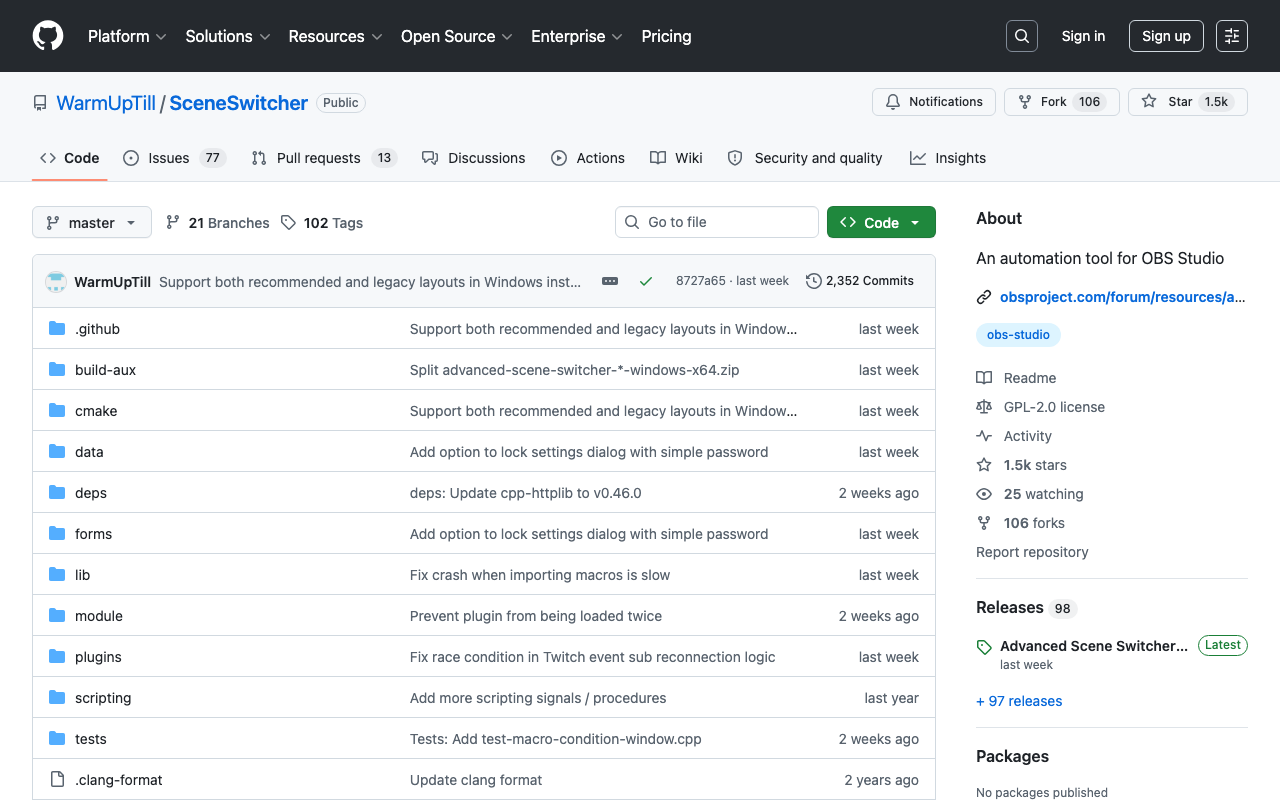
A plugin that automates scene switching and source control in OBS Studio. You can register Conditions and Actions together as "Macros," using triggers like audio level, cursor position, date/time, hotkeys, media playback state, or process launch status to run scene switches, source show/hide, audio output control, and even HTTP requests — all hands-free. Works on Windows, Mac, and Linux, and is free and open source under the GPL-2.0 license.
Aitum Vertical (Vertical Canvas)
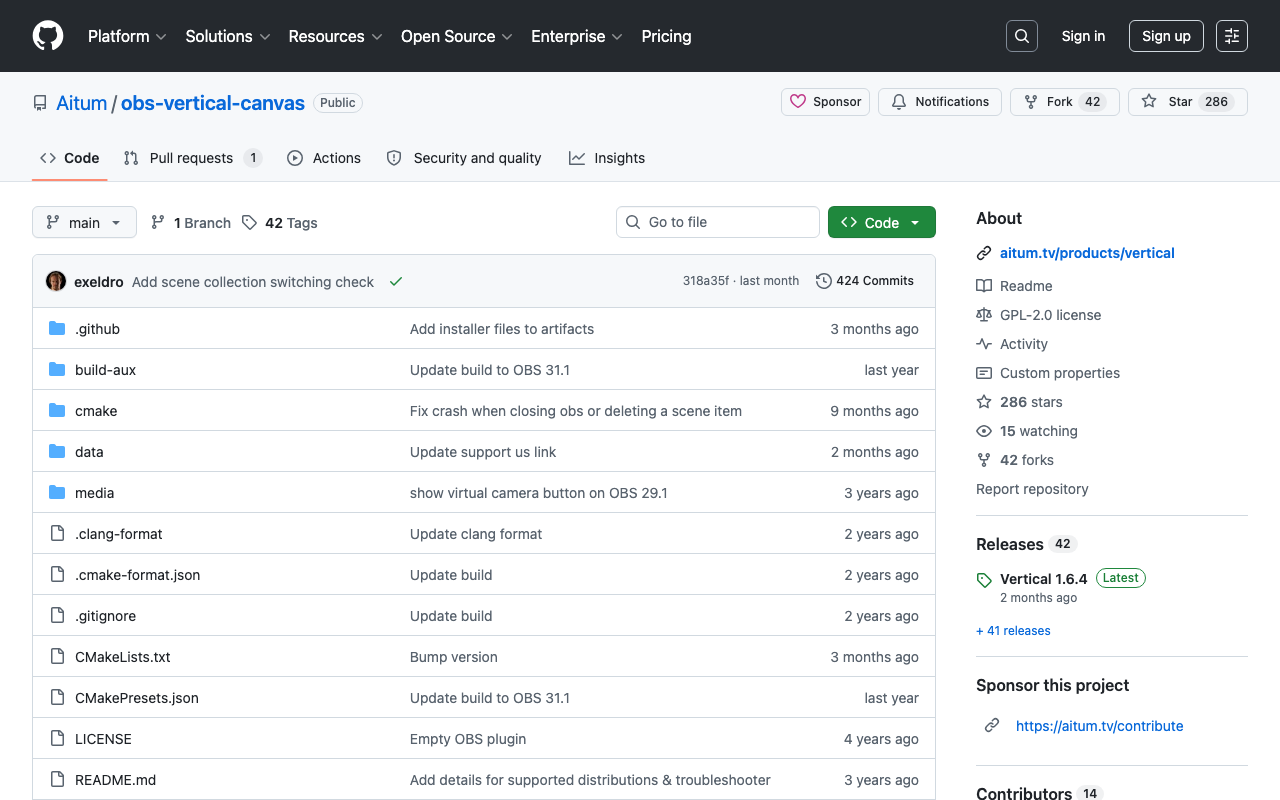
A free OBS Studio plugin that adds a vertical canvas (its GitHub name is Vertical Canvas). While you stream in landscape, you build a separate 9:16 screen and send only that vertical output to another destination or record it. The Vertical Canvas dock manages your vertical scenes, Linked Scenes keeps them in step with your main scenes, Backtrack saves the last few minutes as a clip, and there is a dedicated vertical virtual camera output. Open source under GPL-2.0.
Bitfocus Companion
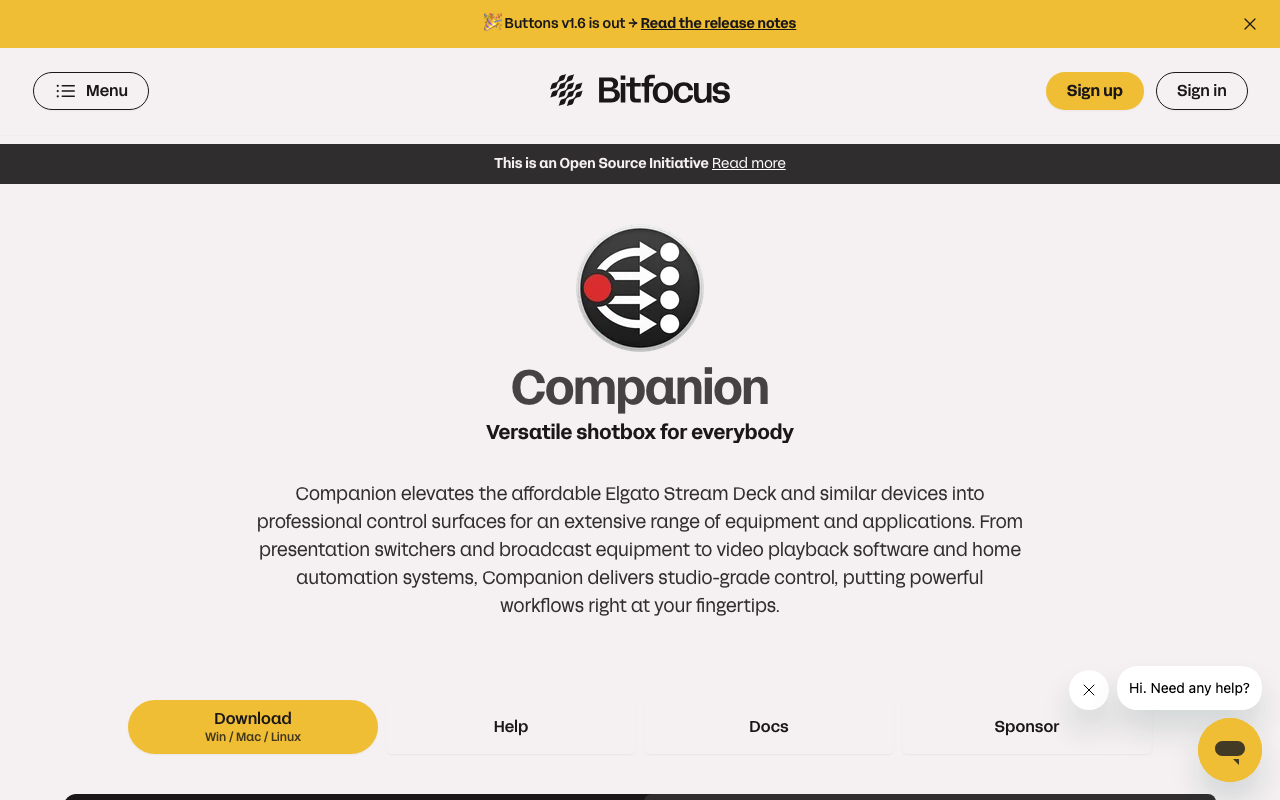
Free, open-source software that turns controllers like the Elgato Stream Deck into a control surface for 700+ devices and apps, including OBS Studio, vMix, and ATEM switchers. Each button can run multiple actions in sequence or with delays, and show feedback that changes color based on device state. No hardware? Use the built-in emulator or web buttons in a phone or tablet browser. Runs on Windows, Mac, Linux, and Raspberry Pi with no license fees.
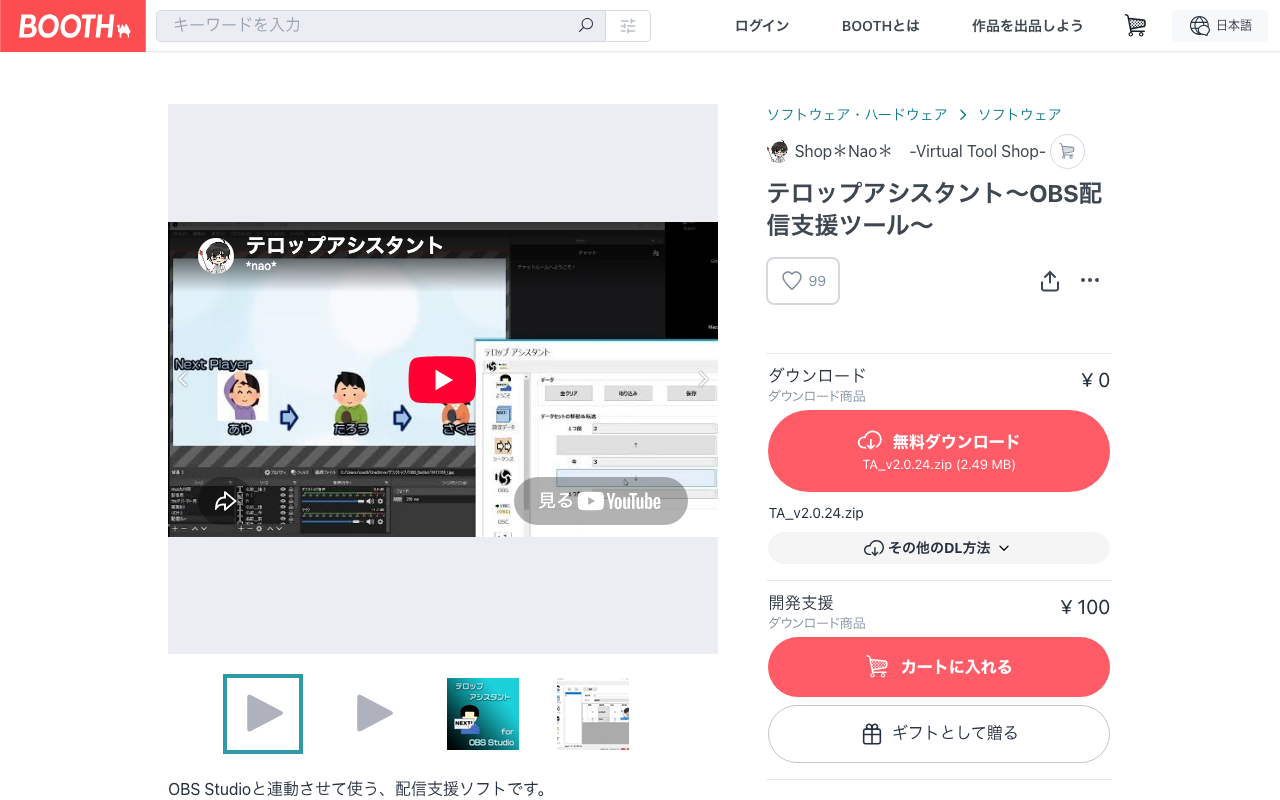
Telop Assistant – OBS Streaming Support Tool (Shop*Nao* | BOOTH)
Streaming support software that links with OBS Studio v28 or later, letting you swap text, images, and media and toggle their visibility from outside OBS. It supports a sequence feature that automatically rotates on-screen captions at set intervals, audio-triggered scene switching, and plugin extensions. For Windows; requires .NET Framework 4.8. Free (a ¥100 developer-support version is available) and commercial use is allowed for both individuals and companies.
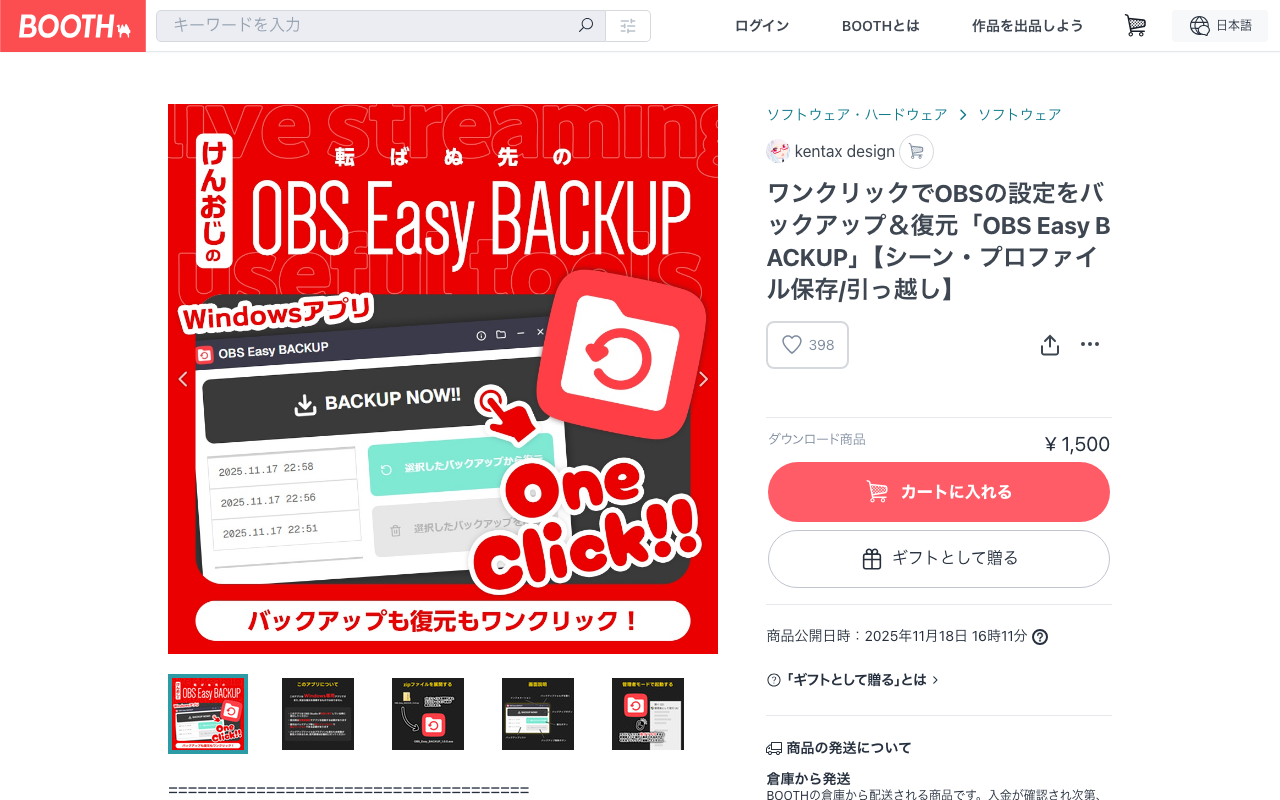
OBS Easy BACKUP (kentax design | BOOTH)
A standalone app for Windows 10/11 only (not an official OBS tool, no installation needed) that saves OBS Studio scenes, profiles, plugins and more to a zip with a single "BACKUP NOW!!" button, and lets you pick one from a list to restore. A safety net for corrupted settings or PC replacement. Run it while OBS is closed, and restore with administrator rights; the same path and the same OBS version as at backup time are required. A complete restore is not guaranteed, and size ranges from several hundred MB to several GB. It has no code signing, so Windows shows a warning on first launch. Paid (check the listing page for the price).
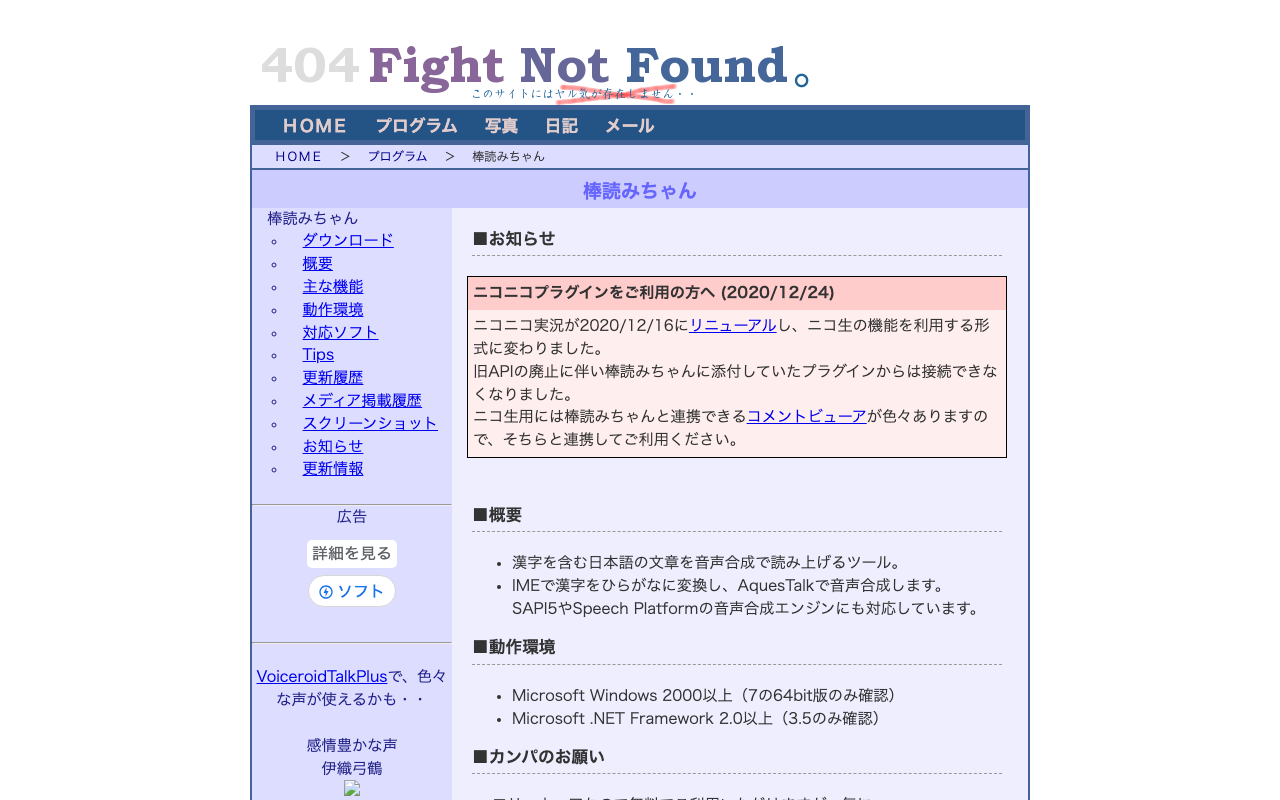
棒読みちゃん (Bouyomi-chan)
A staple free tool for reading Japanese text aloud with synthesized speech. It bundles the AquesTalk speech synthesis engine and needs no installation — just unzip and run. It comes with an external integration interface, so pairing it with a comment viewer like OneComme or Multi Comment Viewer lets it automatically read out stream comments. This Windows tool also supports clipboard monitoring and switching to SAPI5 voices. Check the distributor's listing for the commercial-use conditions of the bundled speech engine.
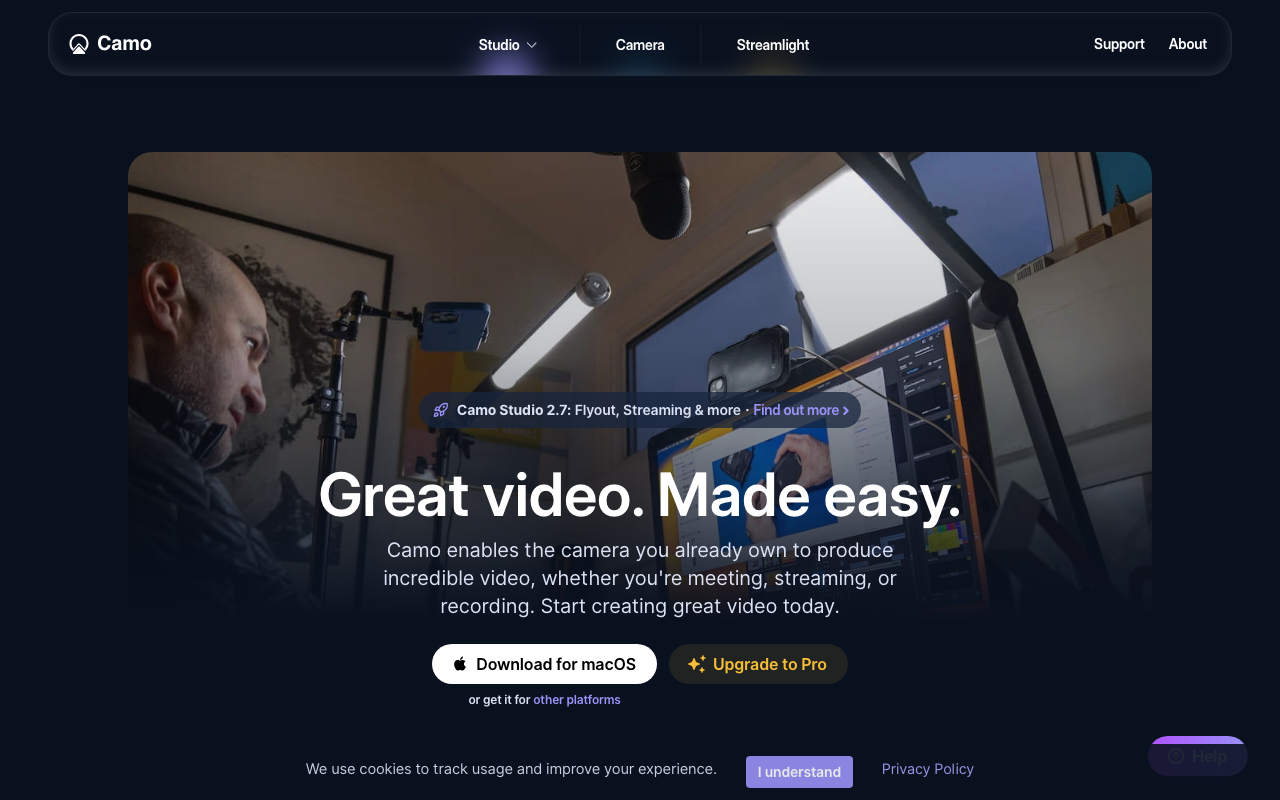
Camo Studio
An app that turns your iPhone, Android phone, or DSLR/mirrorless camera into a high-quality webcam. It works on Mac and Windows and outputs as a virtual camera to 40+ apps including OBS Studio and Discord, with built-in background blur and color adjustment. The free version goes up to 720p (no watermark or ads), while Pro unlocks 4K.
CastCraft
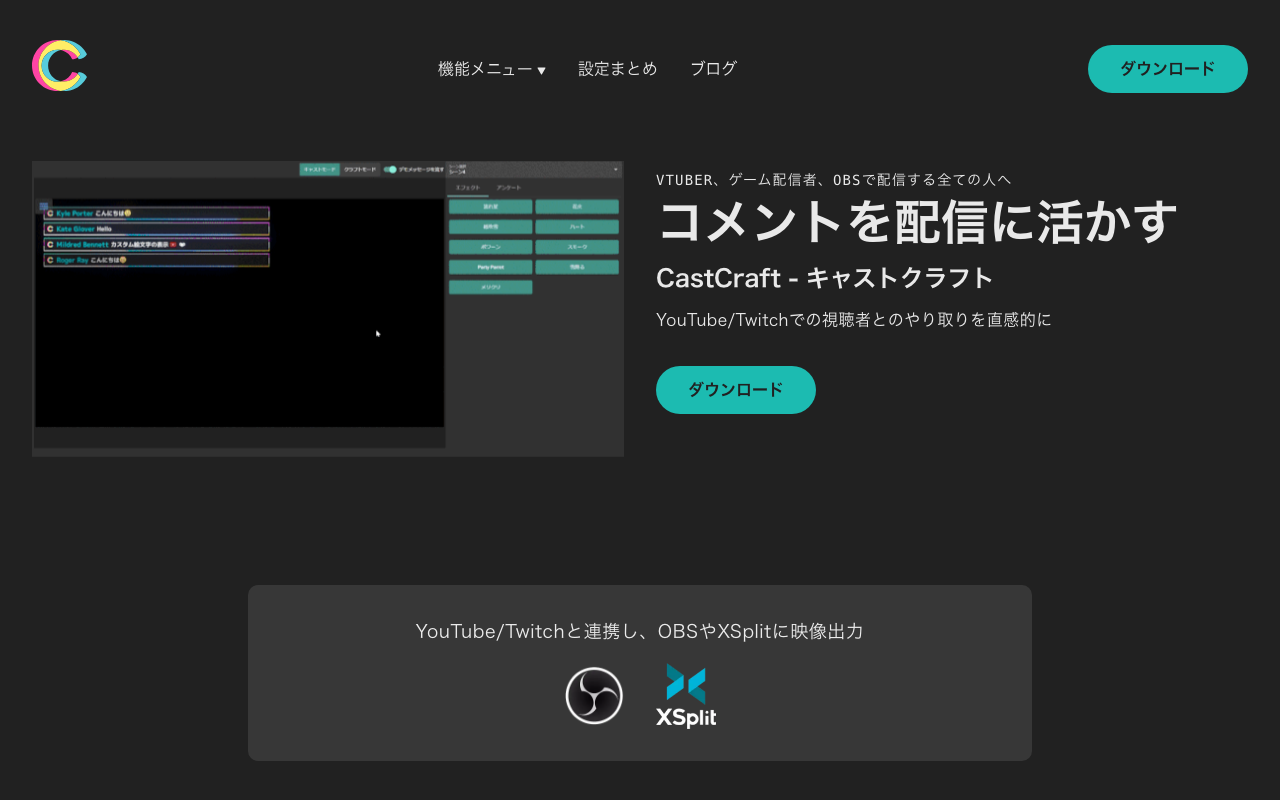
A free comment viewer and stream effects tool for YouTube and Twitch. First-time viewers are marked with a "NEW" label, and each viewer's chat history, notes, and visit count are automatically tracked, making it easier to call out regulars by name. It comes with everything you need: chat TTS integration with Bouyomi-chan and VOICEVOX, "Chatbox" for displaying chat in OBS, and "Screen" for on-screen effects like fireworks triggered by chat or tips. It's completely free and even has its own tipping feature with a 90% payout rate.
Chatty
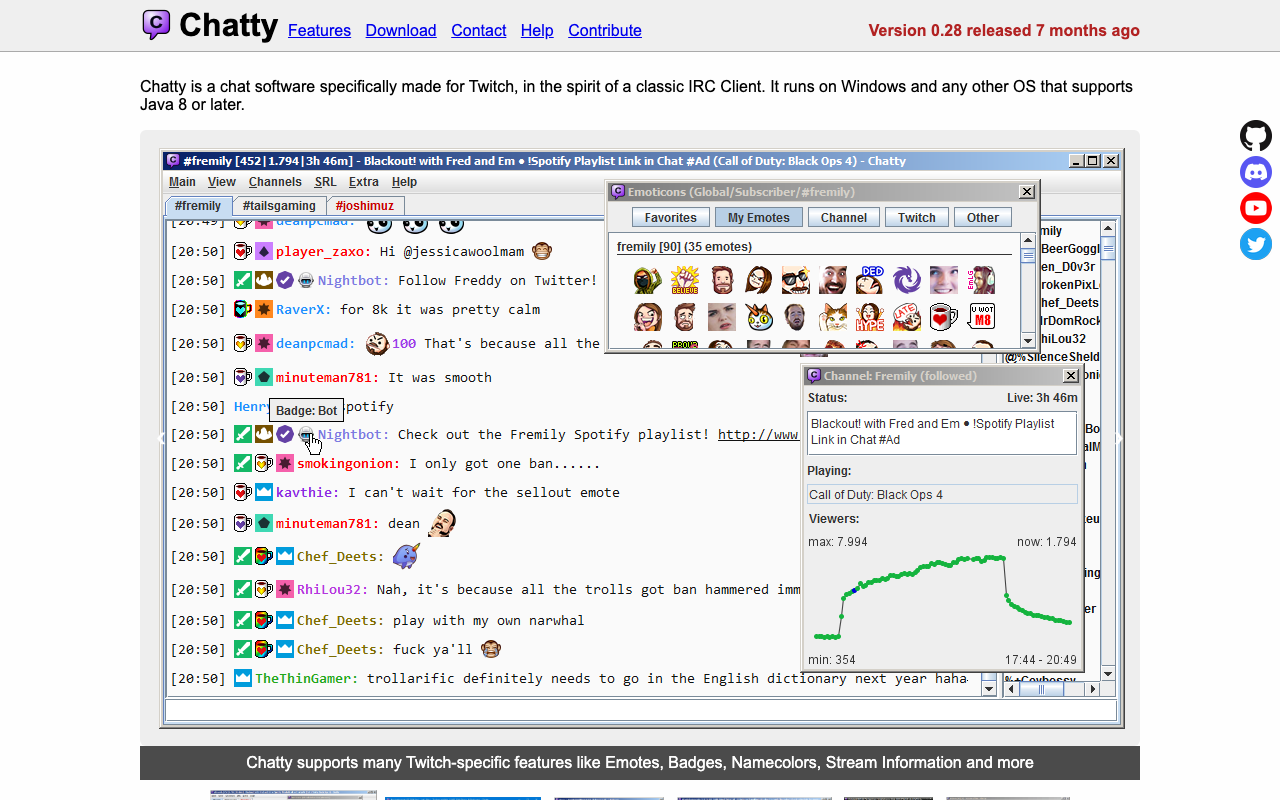
An IRC-client-style chat app built specifically for Twitch. It supports multi-channel tab management, chat log recording, message highlighting, detailed color and font settings, and FrankerFaceZ / BetterTTV emote display. It's completely free and open source, and runs anywhere Java 8 or later is available. The UI is English-only.
Clip Video Editing for Streamers (Ikarashi | Coconala)
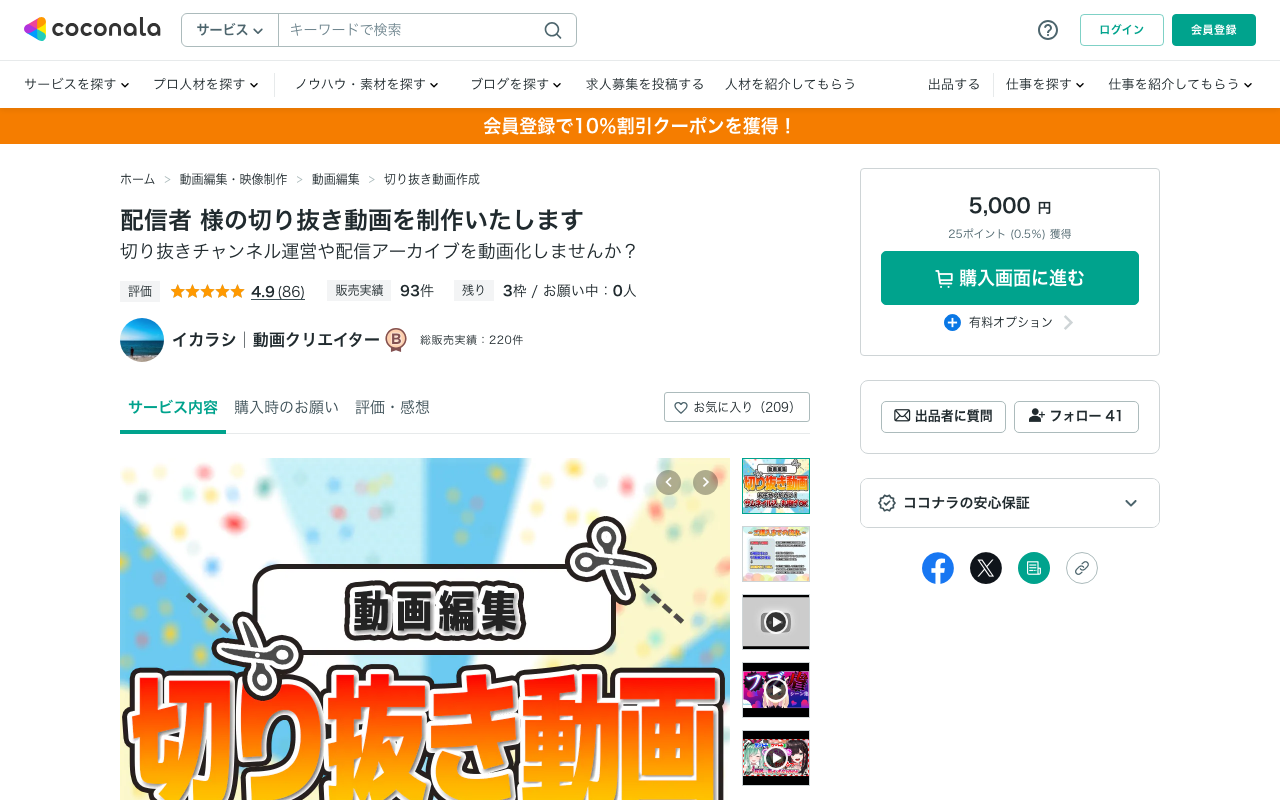
A Coconala service that turns stream archives into clip videos of around 3 to 4 minutes. You can discuss cuts, captions, color correction, volume adjustment, SE/BGM, comment images, and other editing work, making it useful for repackaging VTuber or game-stream highlights for YouTube and short-form video. Good for streamers unfamiliar with video editing software or teams that want to outsource post-stream publishing. Check the listing page for the latest pricing, delivery time, and revision terms.
Complete OBS Setup & Test Stream Support (たにした | Coconala)
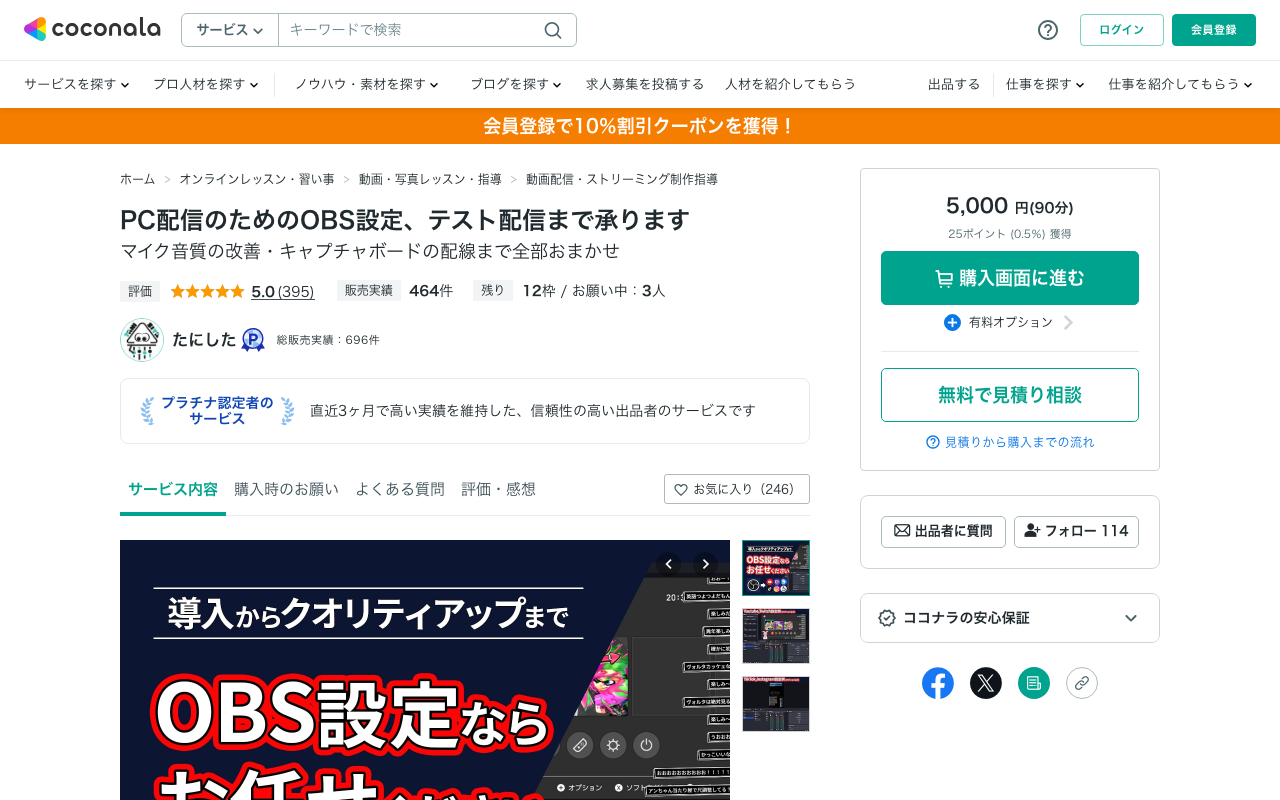
A Coconala listing offering remote help with OBS initial setup, YouTube/Twitch/Twitcasting integration, video and audio output testing, and picture/sound quality tuning matched to your PC and connection. The base plan is 90 minutes of setup support, with mic quality improvement, capture card wiring, 2-PC setups, and subtitle/translation display available on request via a quote consultation. Great for anyone who wants to work through pre-first-stream nerves or gear trouble together over screen share. A quote consultation also lets you confirm the scope of your issue beforehand.
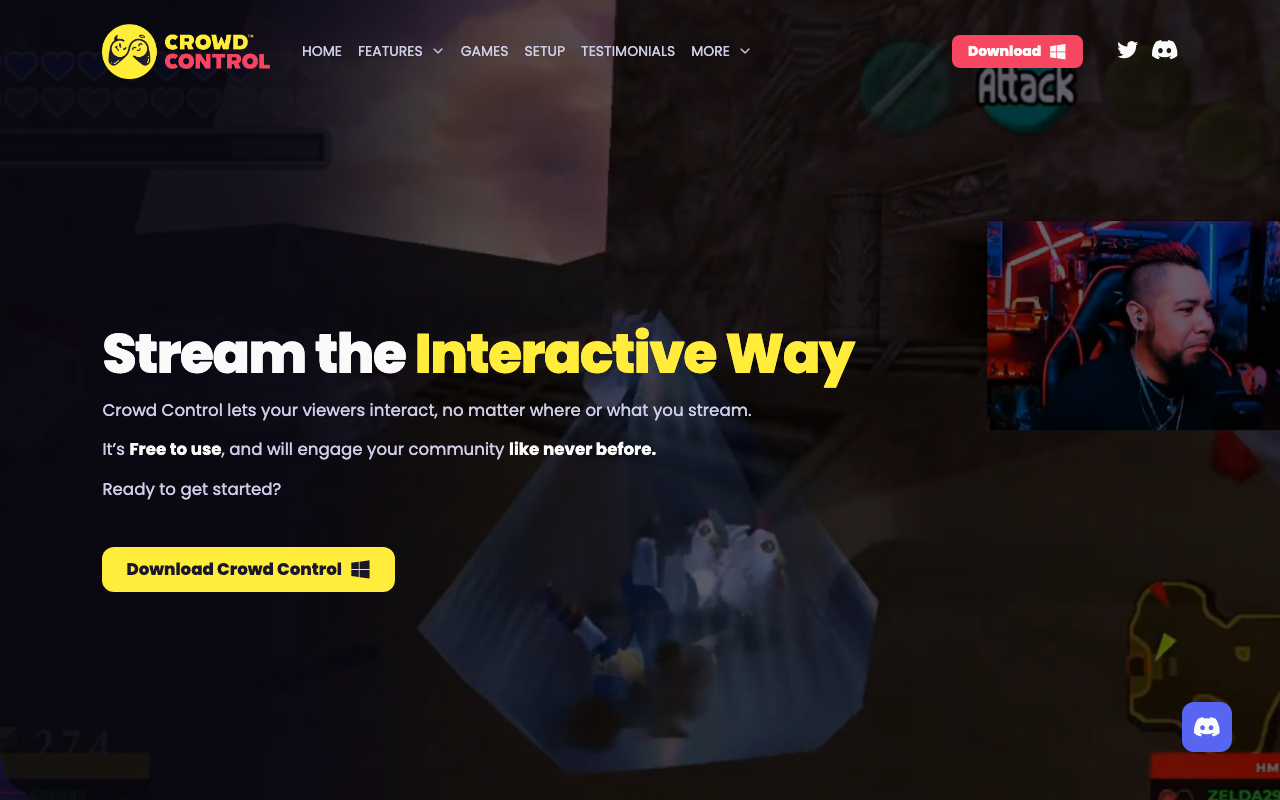
Crowd Control
An interactive service that lets viewers mess with a streamer's gameplay. Beyond in-game effects that change characters, items, and environments in 250+ supported games, "Disrupts" let viewers throw images, videos, puzzles, or keyboard/mouse inputs onto the screen. It works with Twitch (extension, Bits, Channel Points), TikTok Gifts, YouTube, and more, and viewers can also join via an Interact Link. Free for streamers, with Pro/Max plans for extra features (check the official site for pricing). The app is Windows-only.
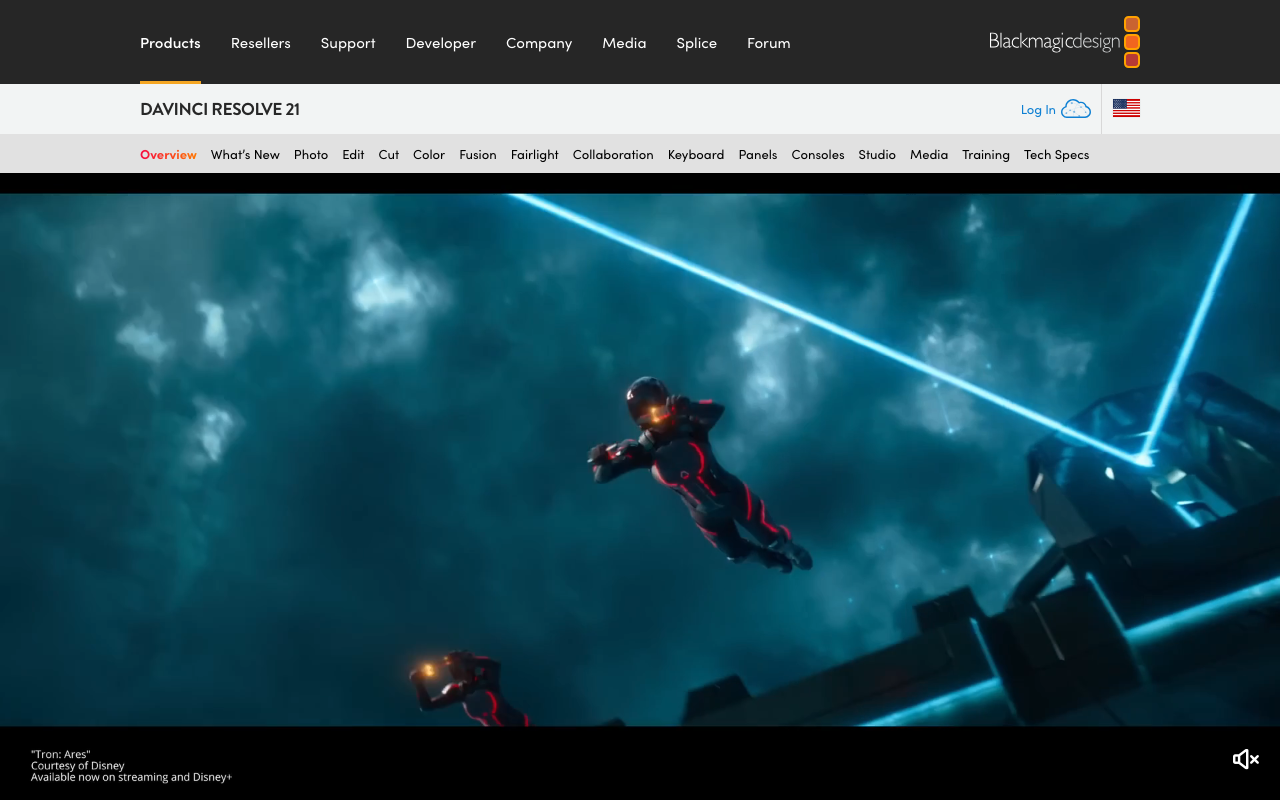
DaVinci Resolve
A professional-grade video production suite used on Hollywood sets, bundling cut editing ("Cut/Edit"), compositing ("Fusion"), color grading ("Color"), audio editing ("Fairlight"), and export ("Deliver") into one app. Even the free version handles Ultra HD (3840×2160) at 8-bit/60fps, plenty for stream clips and highlight reels. Need 10-bit/120fps or AI features? You can upgrade to the one-time-purchase Studio edition ($295).
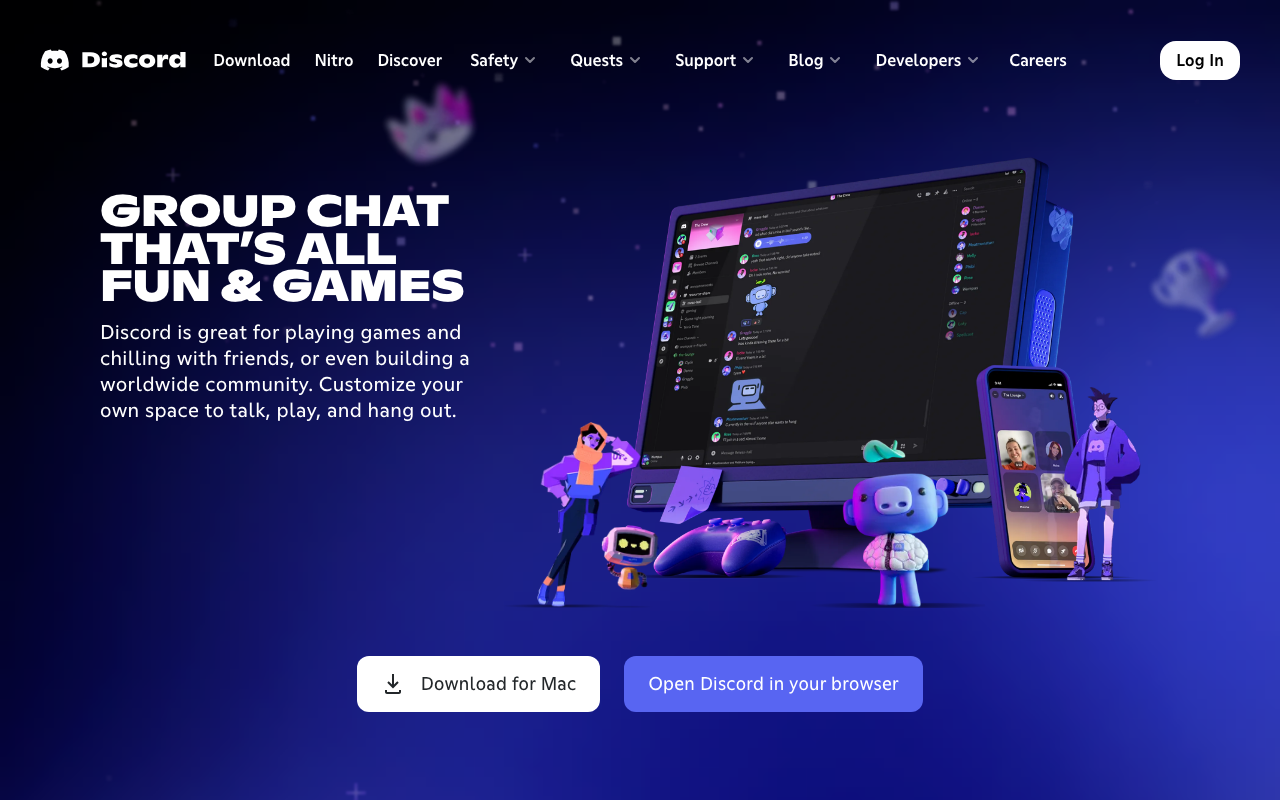
Discord
A community app for running text, voice, and video chat together on a server-by-server basis. Streamers can set up fan servers and use roles and channels to separate announcements, casual chat, and member-only spaces. Screen sharing (Go Live) also works well for small watch-alongs with viewers or for collab planning calls. Core features are free, with higher-quality streaming and extra customization available through paid Nitro.
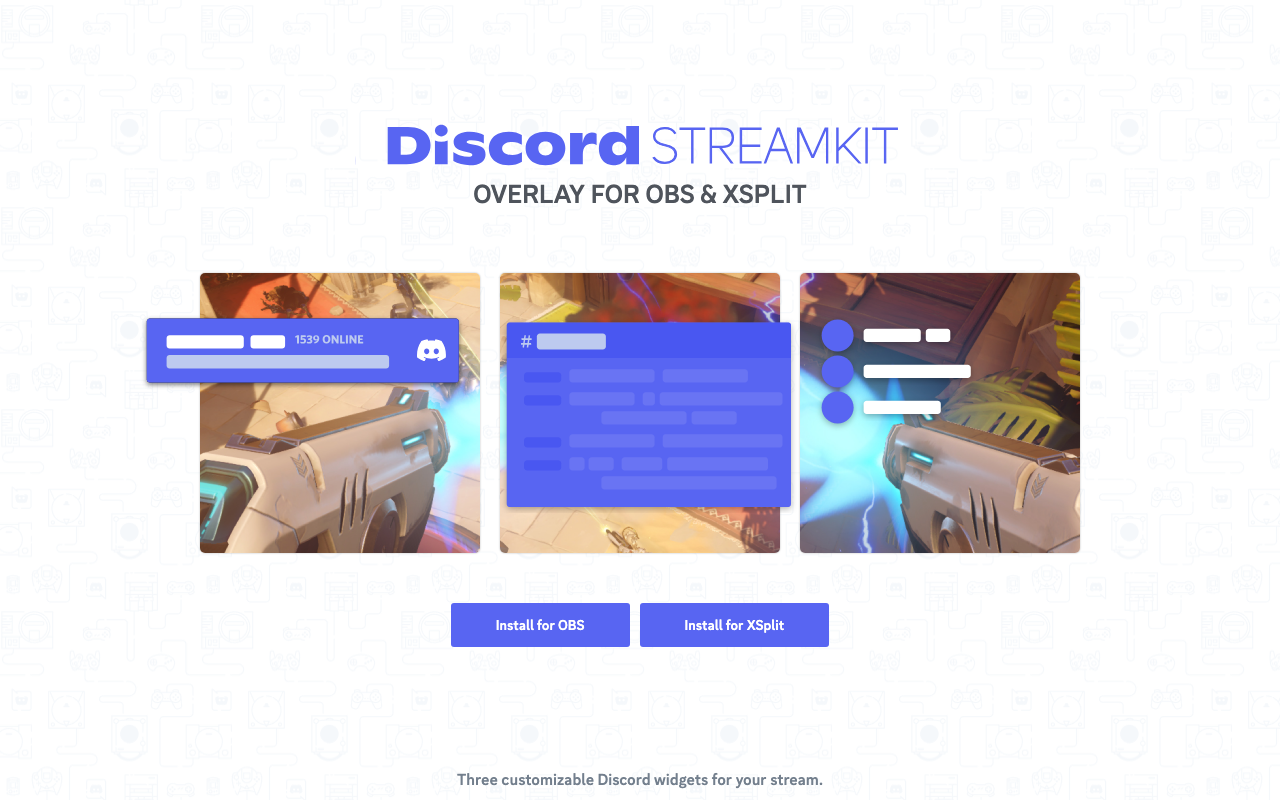
Discord Streamkit Overlay
An official overlay generator from Discord for streaming. Open streamkit.discord.com/overlay in your browser, configure one of the three widget types — Status, Chat, or Voice — and it issues a URL you can simply paste into an OBS browser source. It can show icons for who's currently talking, or scroll messages from a text channel across your screen. Everything happens in the browser, with no extra install and no cost.
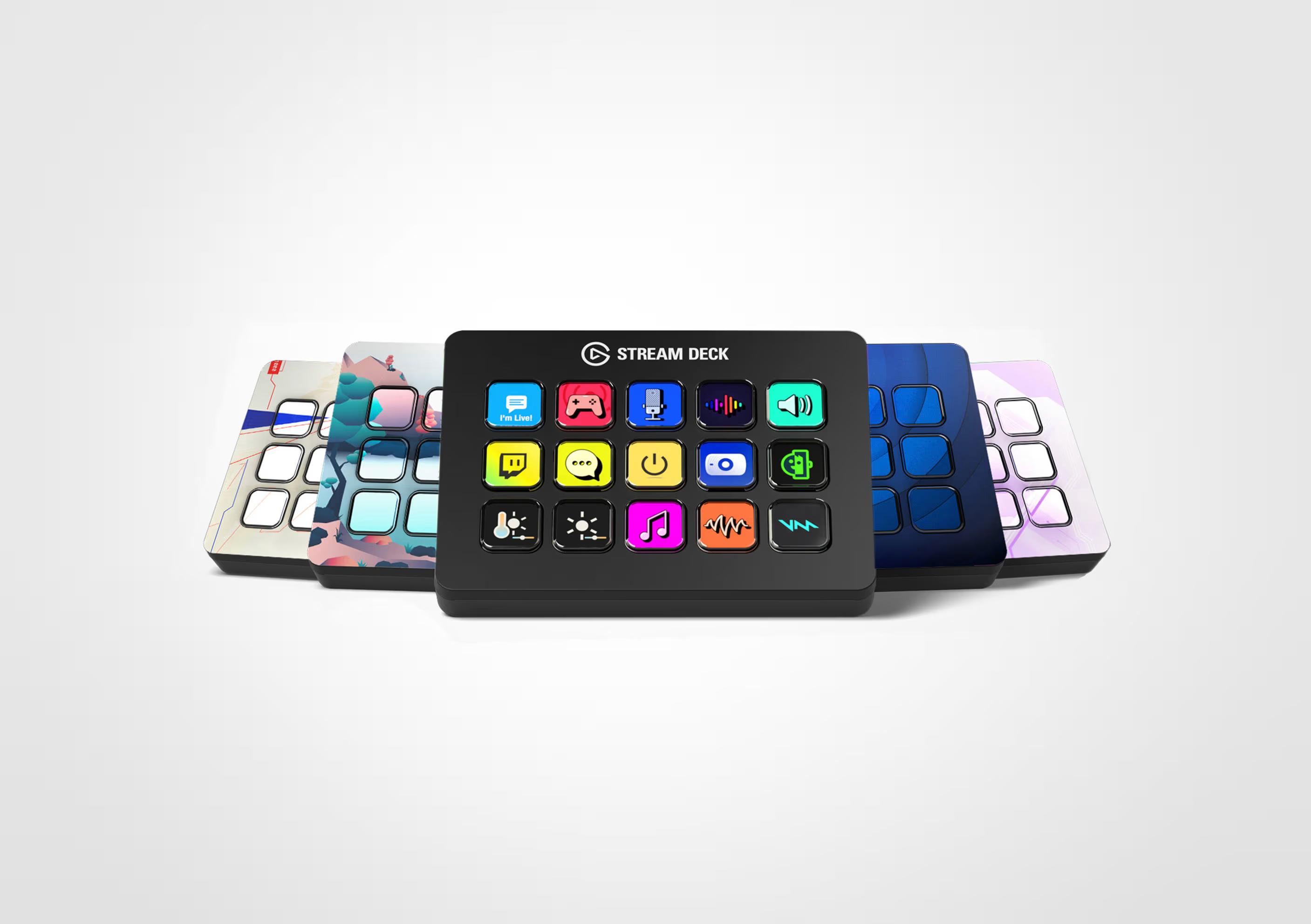
Elgato Stream Deck
An Elgato streaming controller that lets you assign custom actions to LCD keys, so you can switch OBS scenes, mute your mic, play BGM, or post to social media with a single tap. The hardware lineup includes the Mini, XL, Neo, and the dial-equipped +, and there's also Stream Deck Mobile, which turns your phone into a deck. Plugins from the Marketplace let you extend support to more apps. The hardware is paid, while the dedicated app is free.
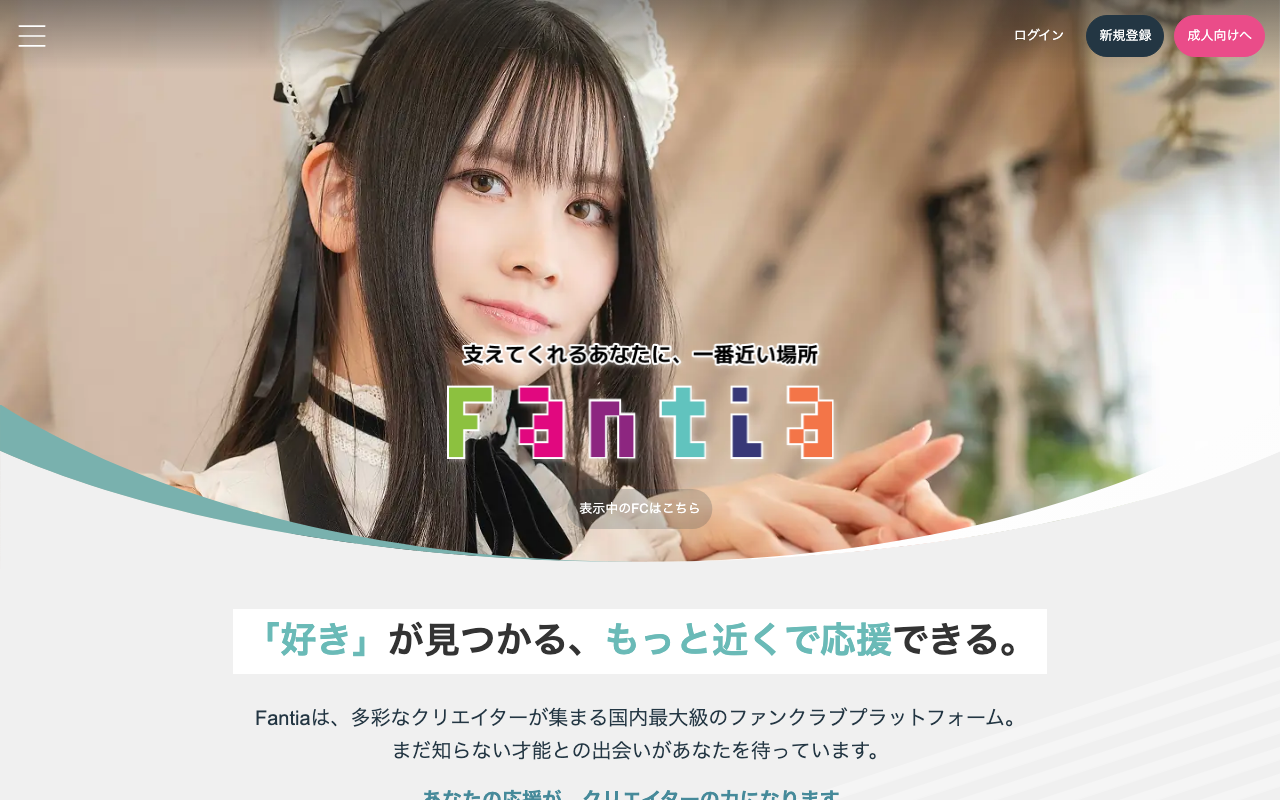
Fantia
A creator-support platform for illustrators, cosplayers, VTubers, and more. You can set up free and paid plans to publish exclusive content, plus sell plan-exclusive merchandise and take commission requests from fans. Registration is free. Sales commission is 12.5% for non-photographic content and 17.5% for photographic content, plus a ¥330 transfer fee. Content ranges from all-ages to R18, so pay attention to zoning (operated by Toranoana).
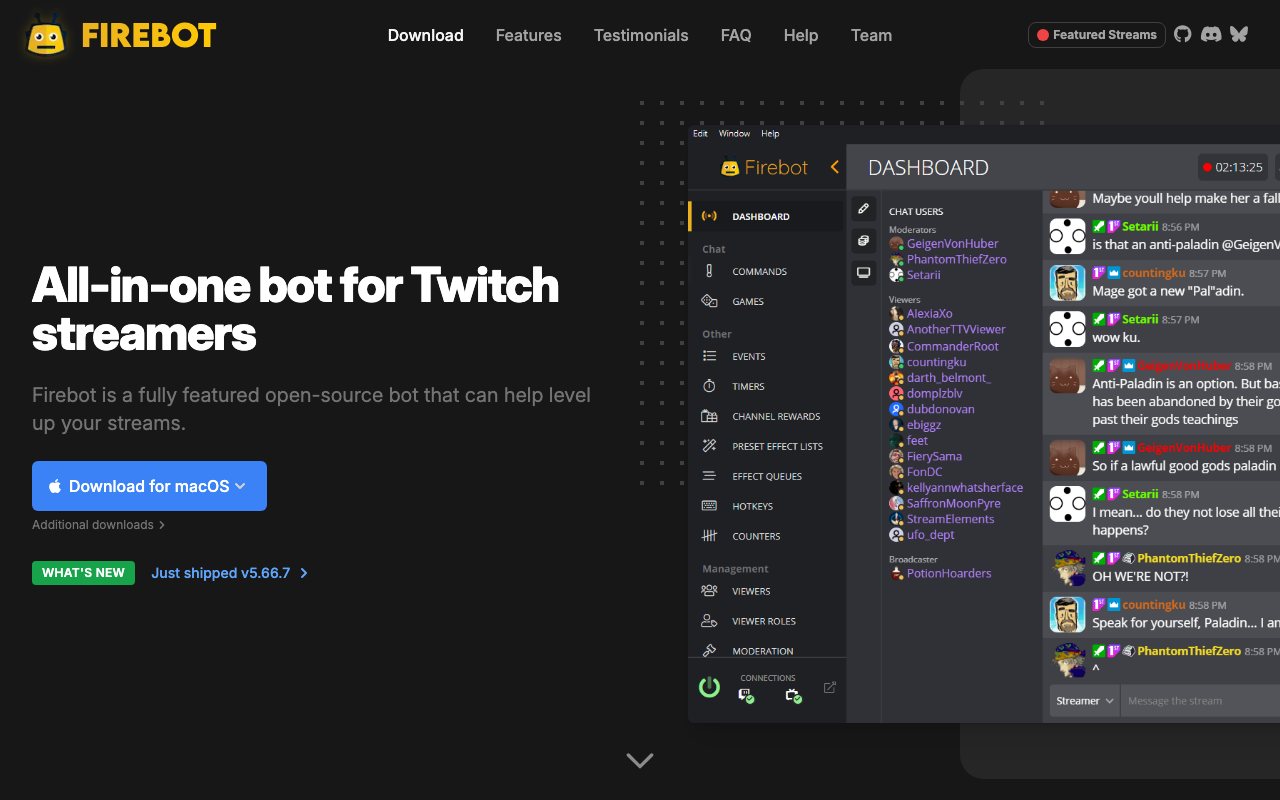
Firebot
A free all-in-one bot for Twitch streamers. Build chat commands, automatic reactions to events like follows, subs, and raids, timers that post at set intervals, a custom currency earned through watch time, built-in games like Slots and Heists, and spam-fighting moderation—all by combining no-code "effects." Integrates with Streamlabs, StreamElements, Discord, and Philips Hue. Open source under GPL-3.0 and available for Windows, Mac, and Linux.
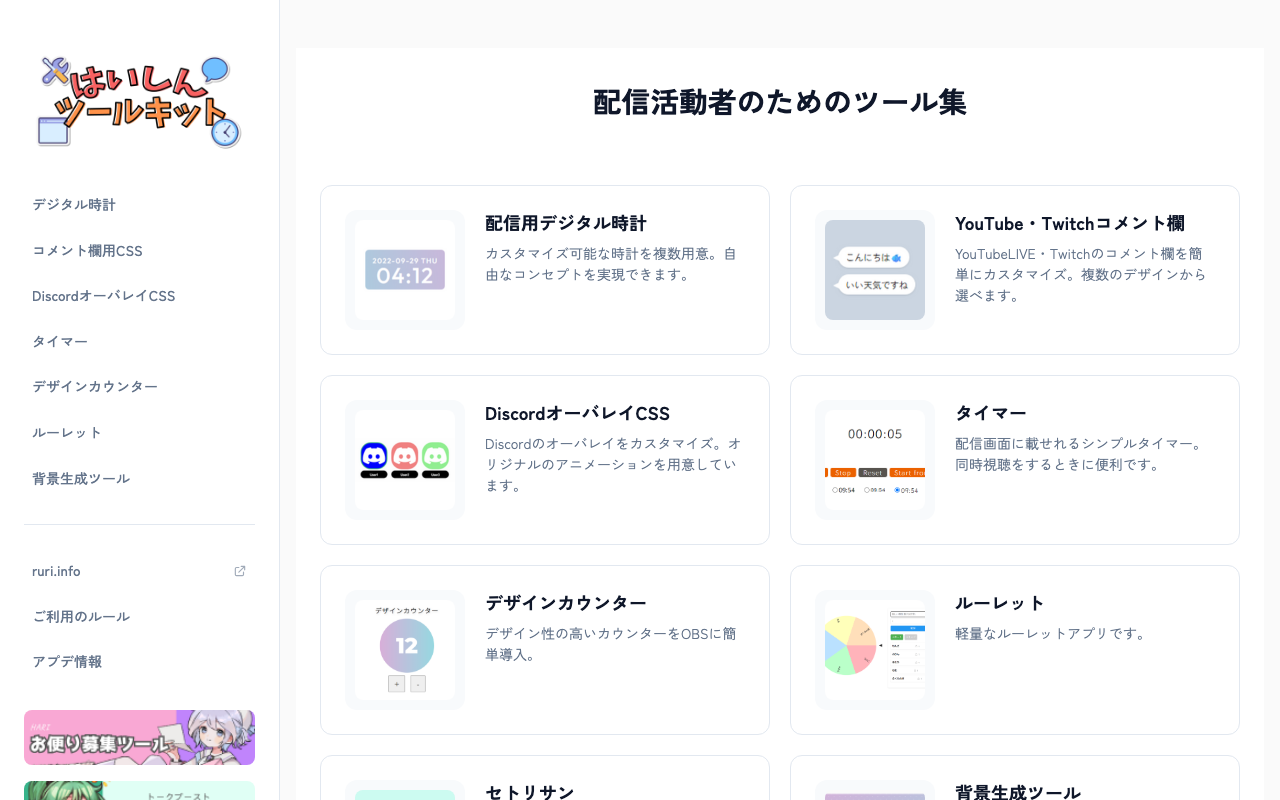
はいしんツールキット
A web platform bundling handy tools for streamers, including a stream timer, countdown, and telop (caption) generator, all usable right in your browser. Many of the tools can be loaded into OBS's browser source, letting you enrich your stream production without installing multiple apps.
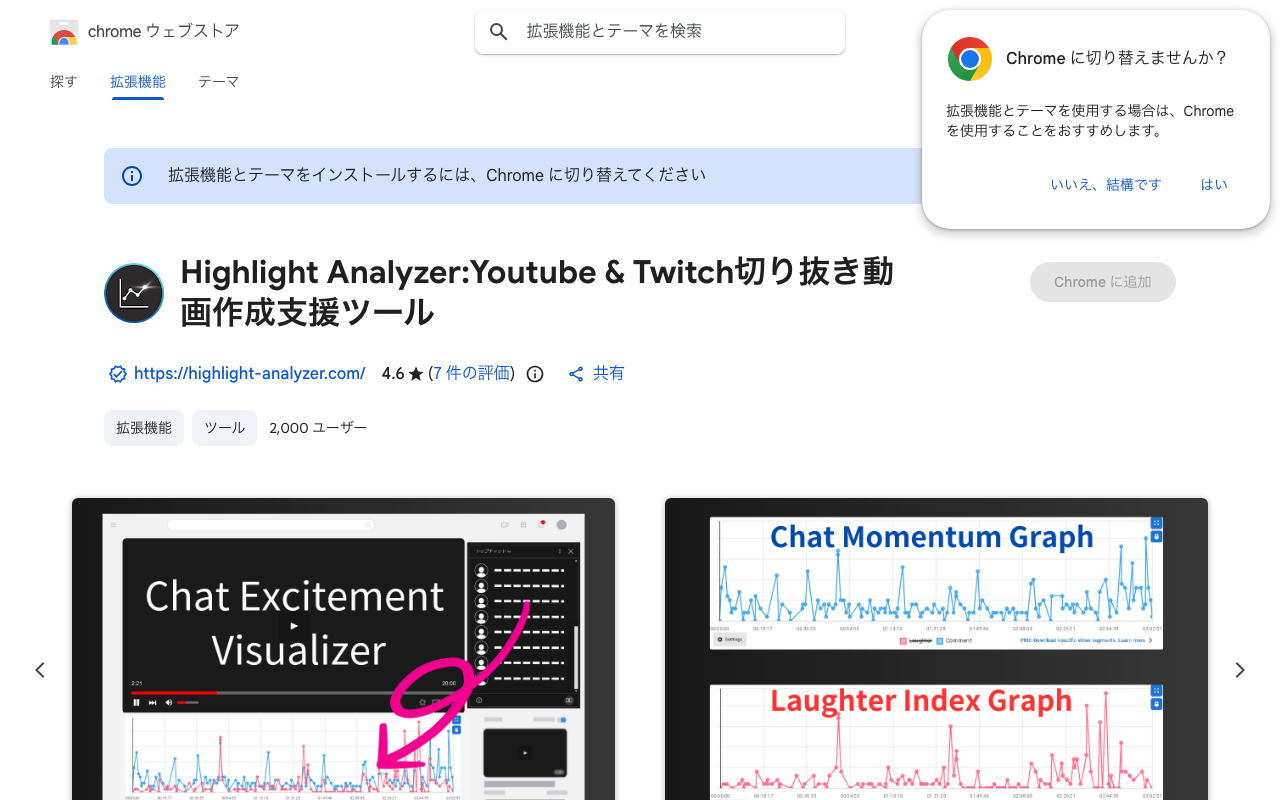
Highlight Analyzer
A Chrome extension that analyzes the chat on YouTube and Twitch stream archives and graphs spikes in laughter and chat speed, making it easier to find clip-worthy moments. It auto-generates a table of contents from chat, supports timestamped notes, and lets you download just the segments you need; on paid plans an AI assistant suggests clip candidates (AI is YouTube only). The basics are free, with paid plans billed monthly (see the official site for details).
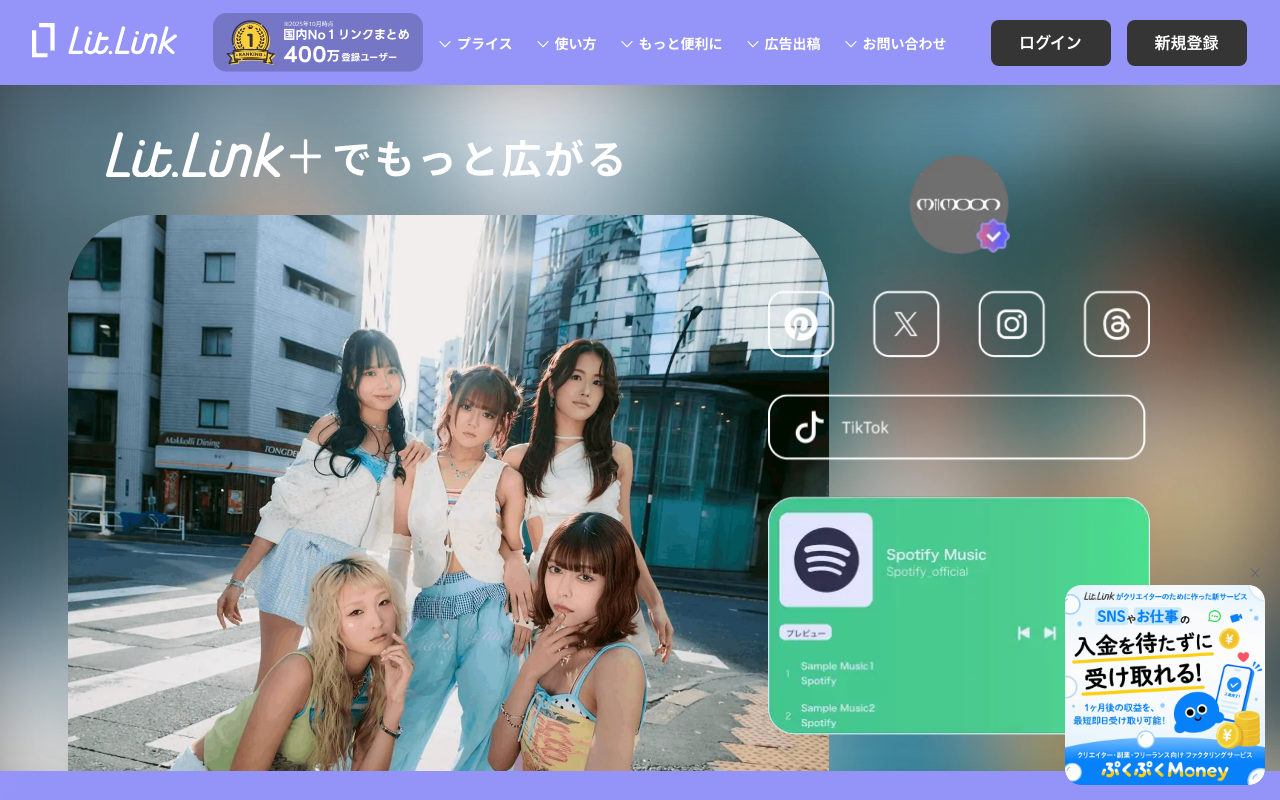
lit.link
A Japan-based link-in-bio service (operated by TieUps Inc.) that lets you gather links to your social accounts, videos, music, and shop into one page. Its block-based builder makes intuitive design possible from just a smartphone, with hundreds of preset backgrounds and icons to choose your look. Core features are free, and you can have a page live after about a minute of sign-up. The paid lit.link Plus tier adds advanced customization like custom share images, animated backgrounds, opening covers, an original logo, and extra fonts. A go-to service in Japan with 4 million registered users.
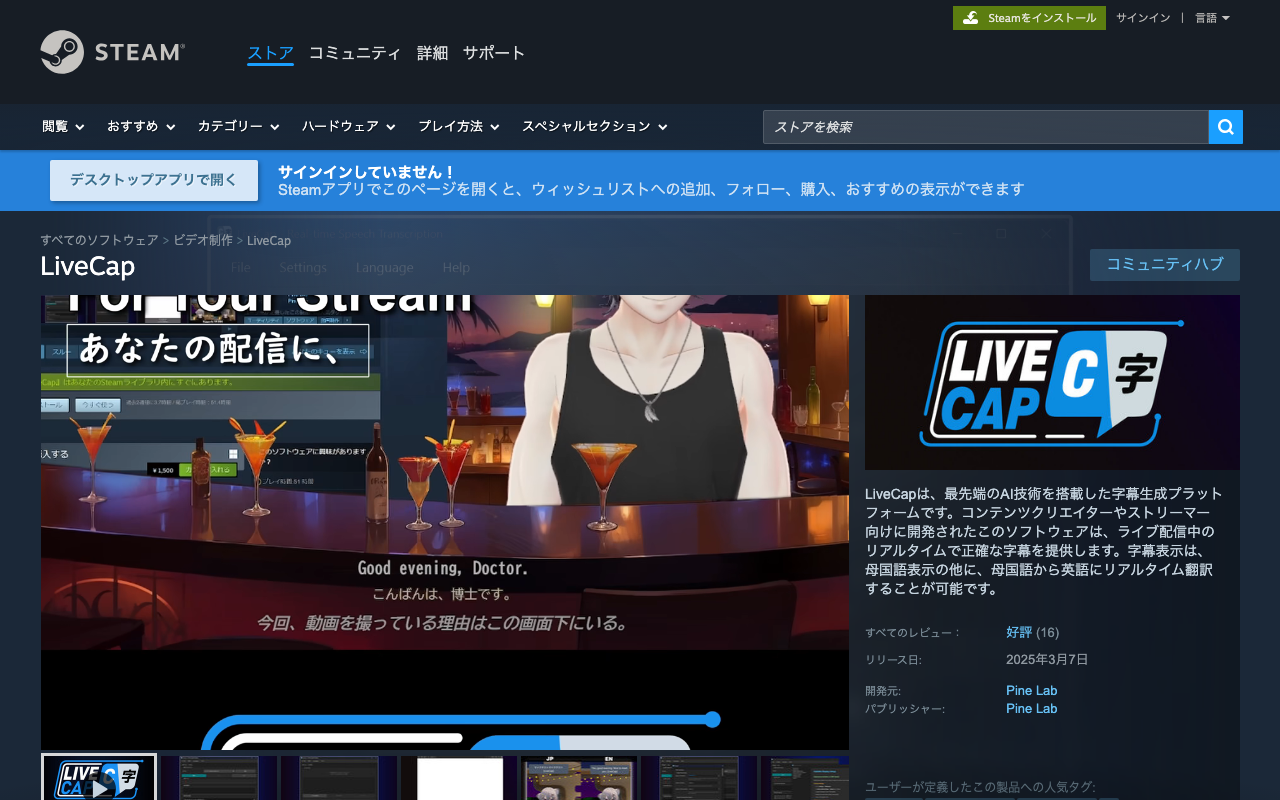
LiveCap
Software that transcribes what a streamer says in real time and auto-translates it into subtitles in up to 16 languages — even from Japanese into English. It integrates via a simple OBS browser source and runs fully locally with minimal delay, great for streamers who want to reach viewers overseas (one-time purchase, ¥2,000).
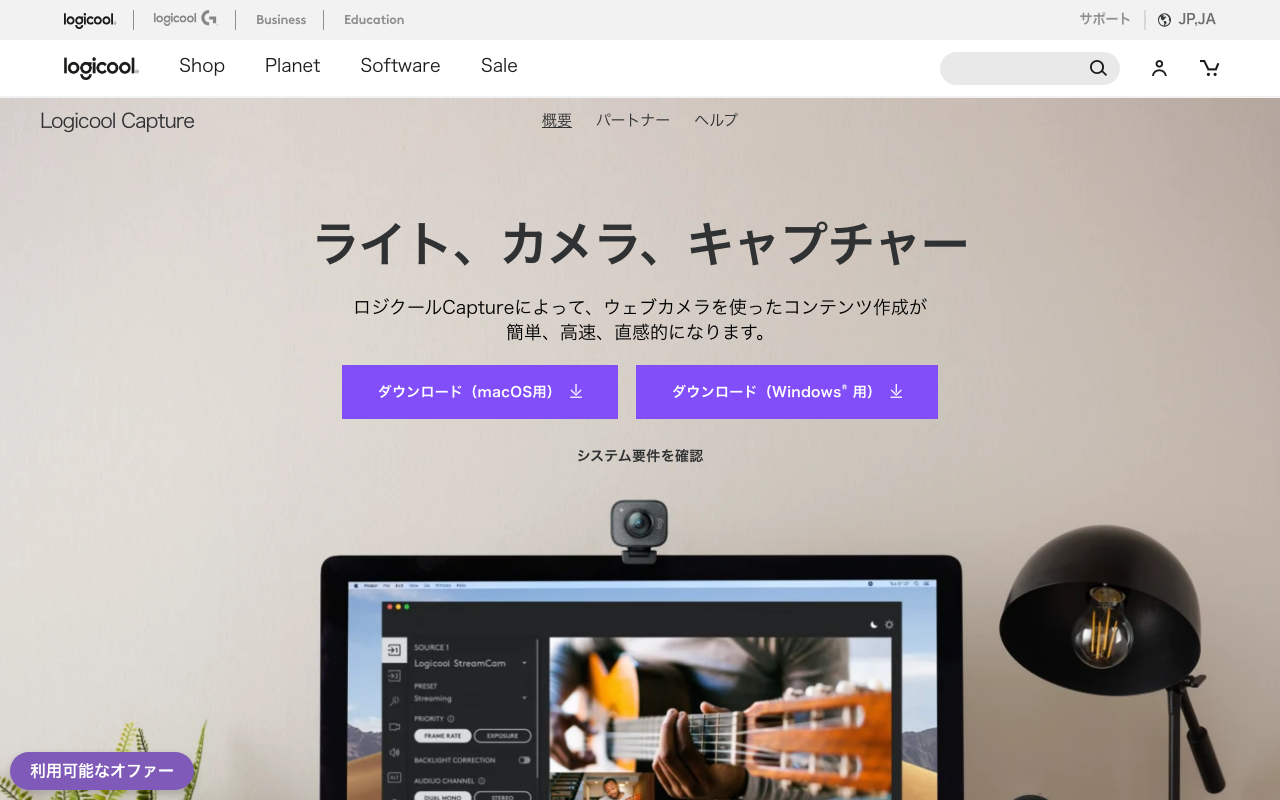
Logitech Capture
Free recording and streaming software for Logitech webcams. It supports recording that combines two webcams with your desktop or app windows, 9:16 vertical video, background removal with chroma key, and live text with selectable fonts and colors, and you can use the finished feed as a camera source in OBS or XSplit (Windows). Supported models include the C920, C922, StreamCam, and BRIO.
Lumia Stream
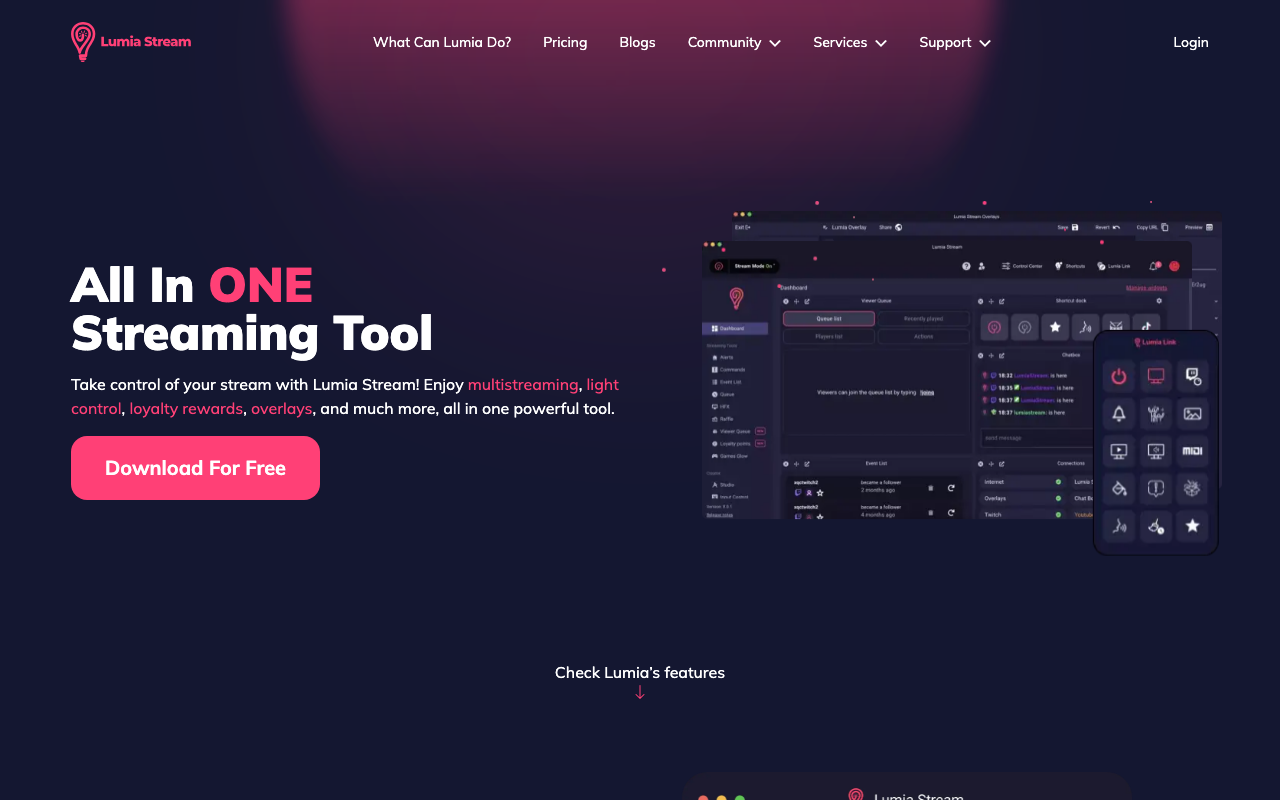
A streaming support app that bundles smart lighting integration, alerts, a chat bot, and loyalty features into one tool. It connects to 40+ devices and services including Philips Hue, Nanoleaf, Govee, and Elgato, letting viewers control your room lighting and effects through chat. The free tier is limited to overlays and a basic bot; full functionality starts at $5.99/month.
Macro Deck
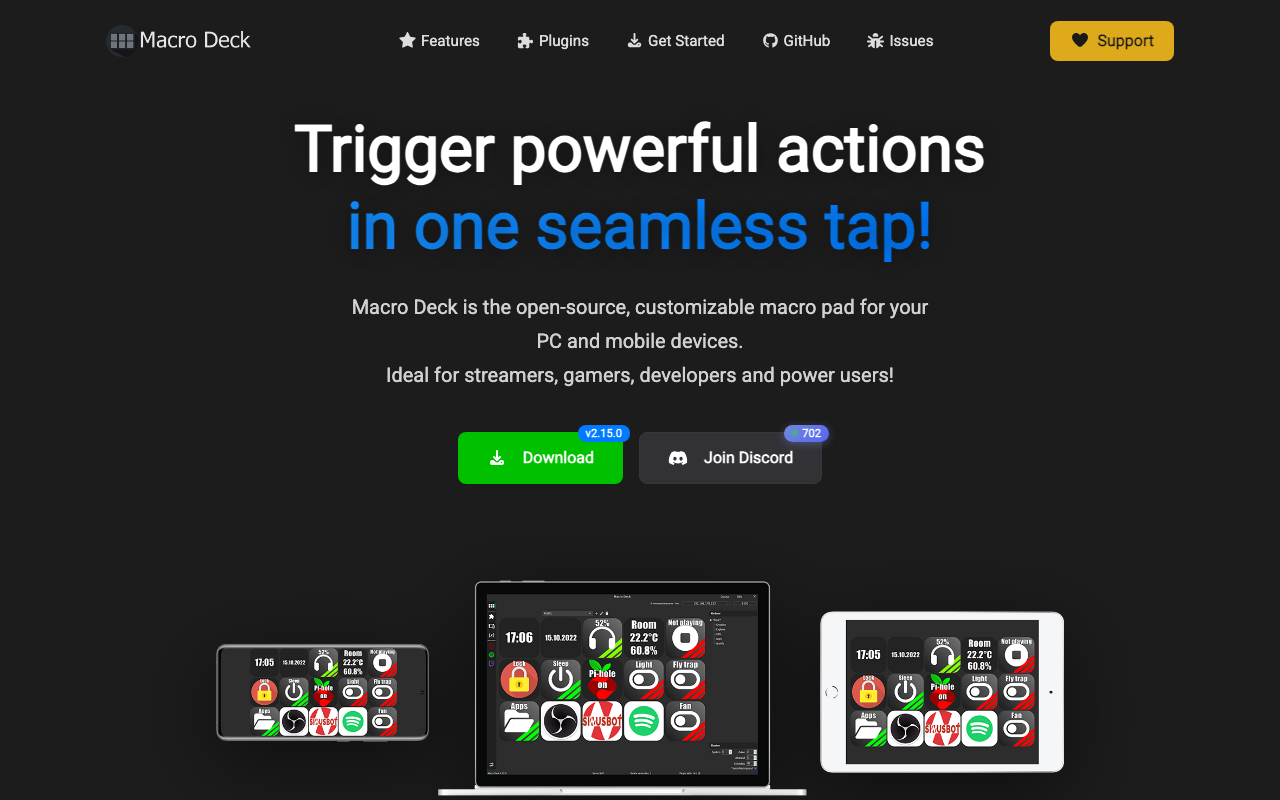
A free, open-source tool that turns your phone, tablet, or browser into a Stream Deck-style macro pad. It supports Windows 10/11, and installing the OBS-WebSocket plugin lets you switch scenes or mute your mic with a single tap. Unlike Touch Portal, every feature is free, and you can even control it from a browser with no dedicated app needed.
マシュマロ
A fan-mail service for receiving anonymous messages from viewers. マシュマロ has AI that automatically removes abusive messages, which has made it the go-to way to gather material for chatting and advice streams. You can sign up with X (formerly Twitter), a Google account or an email address, and everything happens in the browser. Receiving and answering are free, but answers are capped at 100 characters; Premium (¥550/month, tax included) adds ad-free browsing, a 10,000-character limit, the "non-interference" AI mode, revealing censored words, private replies and LINE notifications.
Mix It Up
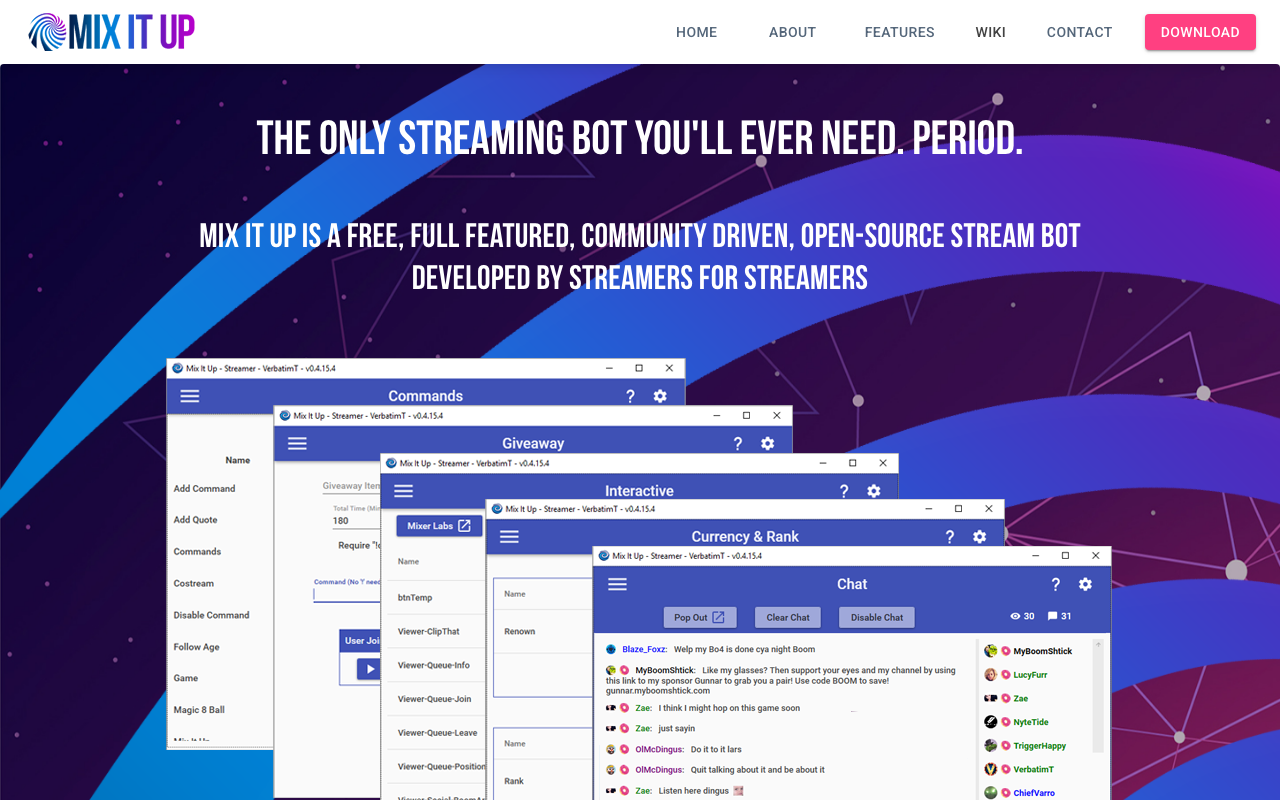
A Windows desktop streaming bot that connects to multiple streaming services at once, including Twitch, YouTube Live, and Kick. A single app covers chat commands, stream alerts, OBS overlays like goal bars and chat boxes, moderation, giveaways, and even viewer points (a custom currency). Settings are stored locally on your own PC rather than in the cloud. You can build everything with the visual editor, and scripting enables more advanced automation.
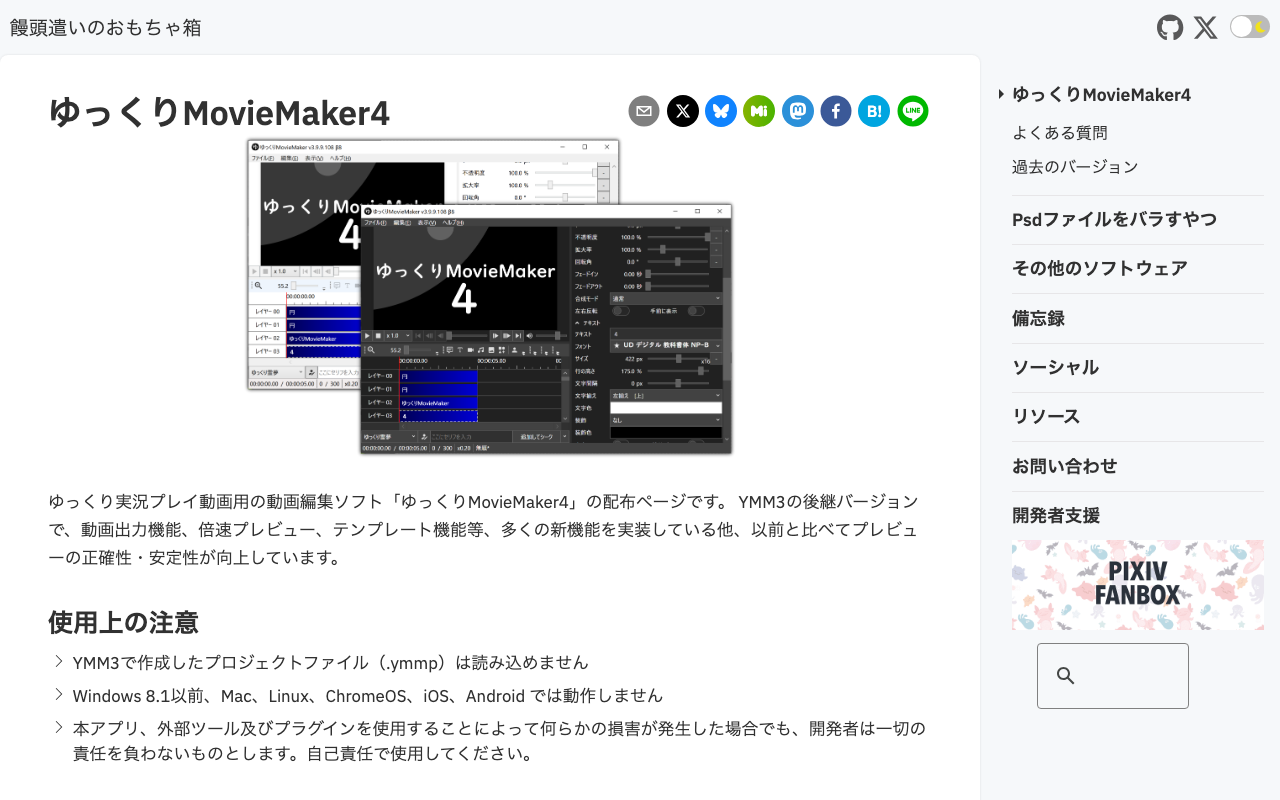
Yukkuri MovieMaker4
Free video editing software built for making Yukkuri commentary videos. Type in text and the characters read it aloud, while you edit character art, subtitles, and sound effects all in one place. Pair it with VOICEVOX for a completely free commentary-video workflow, popular with video-editing beginners too.
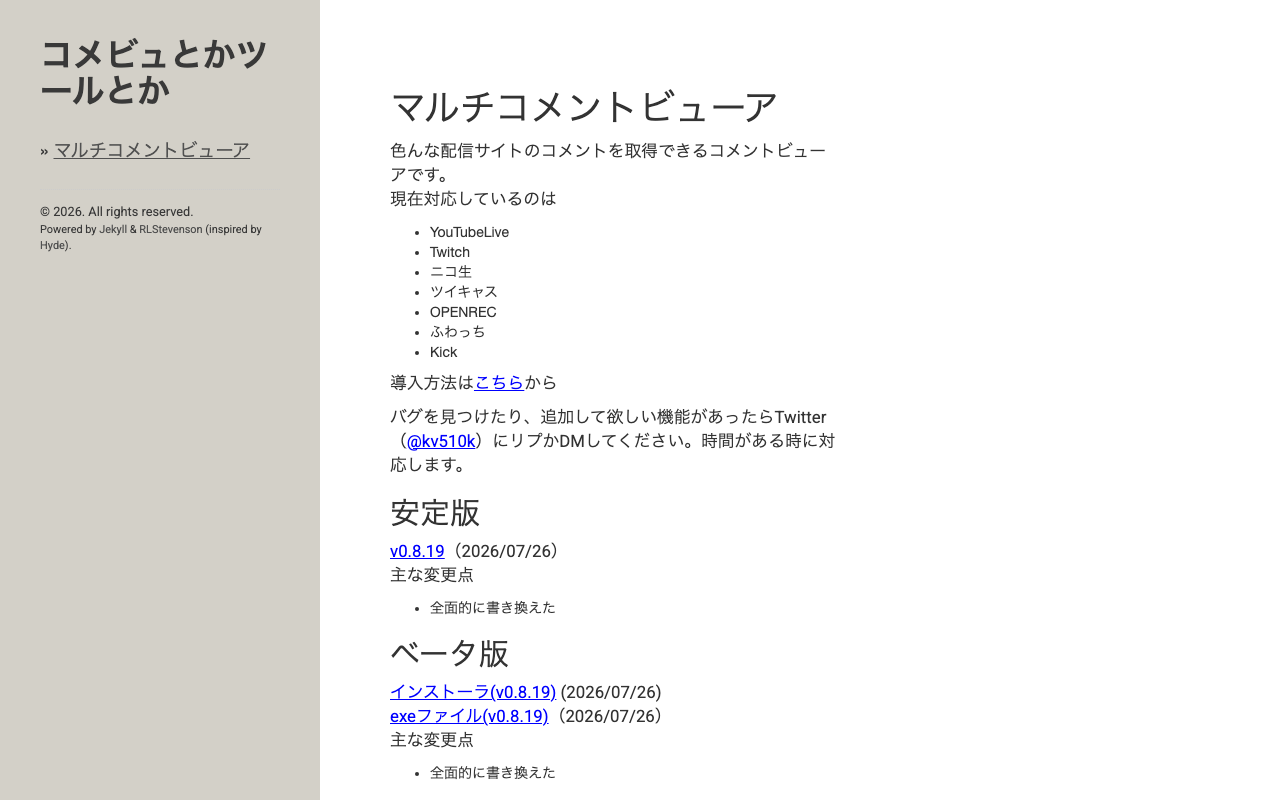
Multi Comment Viewer
A free comment viewer that displays comments from YouTube Live, Twitch, Niconico Live, Twitcasting, OPENREC, Fuwacc, and Kick all in one place. It can connect to multiple sites simultaneously, and integrates with Bouyomi-chan for text-to-speech readout. It also supports plugins for extending functionality, and gets updated frequently.
Nightbot
A free cloud-based chat bot that automatically manages chat on Twitch, YouTube, Trovo, and SOOP. There is nothing to install: sign in on the official site, press "Join" on the dashboard, and it joins your channel. From the control panel you can set up Timers for recurring messages, Custom Commands that answer ! commands automatically, Spam Protection that filters links, repeated posts, and excessive caps, plus Song Requests, Regulars for your frequent viewers, and Giveaways.
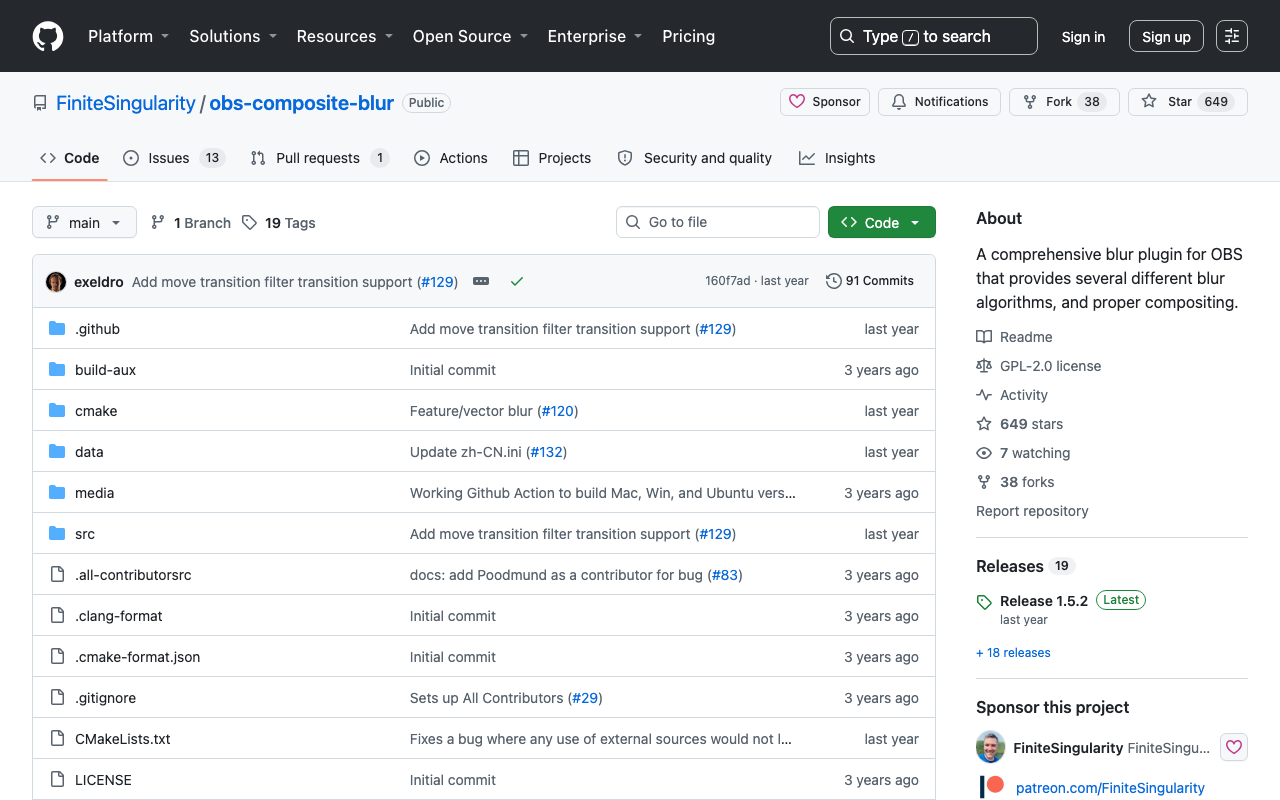
Composite Blur (OBS Plugin)
A free OBS plugin that adds high-quality blur filters. Add "Composite Blur" from a source's filter list and choose between four algorithms — Gaussian, Box, Dual Kawase and Pixelate — along with Area, Directional, Zoom, Motion and Tilt-Shift effects. An Effect Mask limits the blur to a rectangle or a circle, and setting a Background Source composites it cleanly against whatever sits underneath. Works on Windows, macOS and Linux.
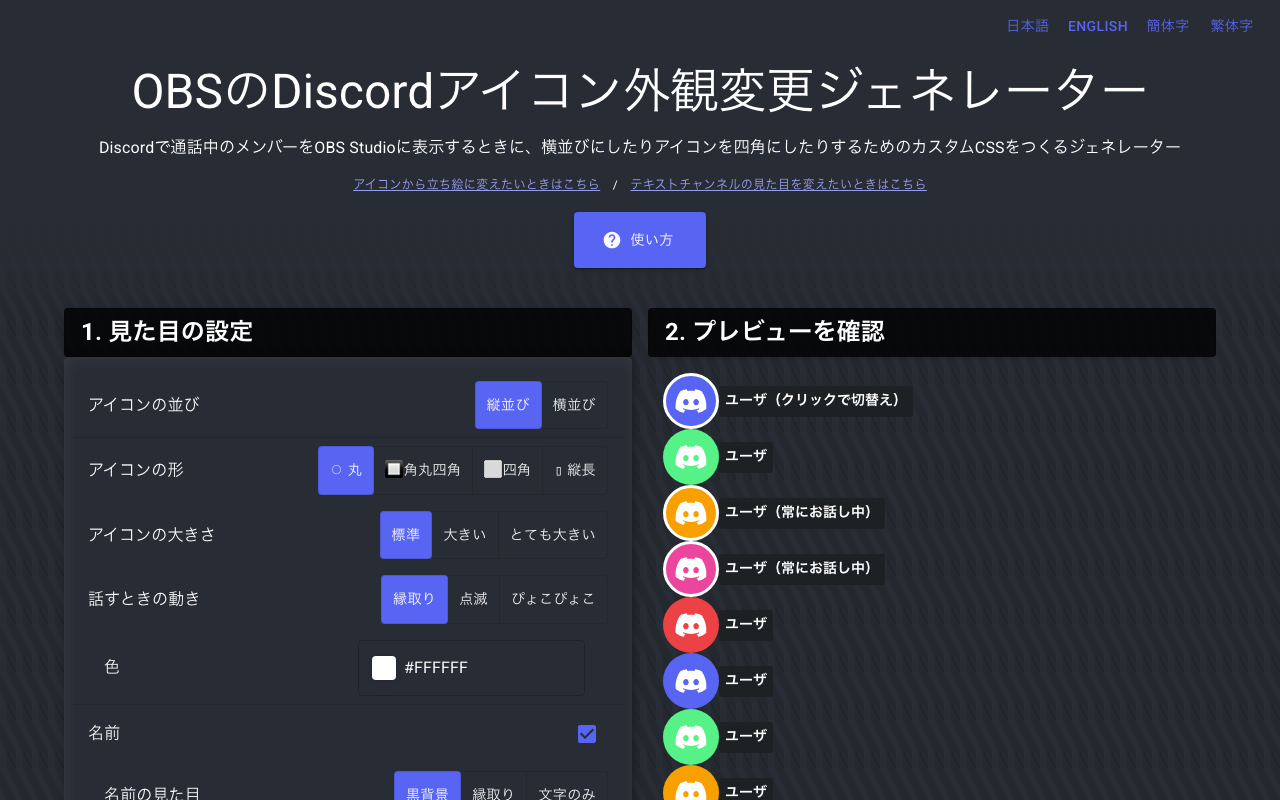
OBS Discord Icon Appearance Generator
A free generator that lets you change how Discord call members' icons look inside OBS. Fine-tune the speaking ring's color, shape, and size, then just paste the generated URL into an OBS browser source to apply it. It helps give collab stream screens a unified look.
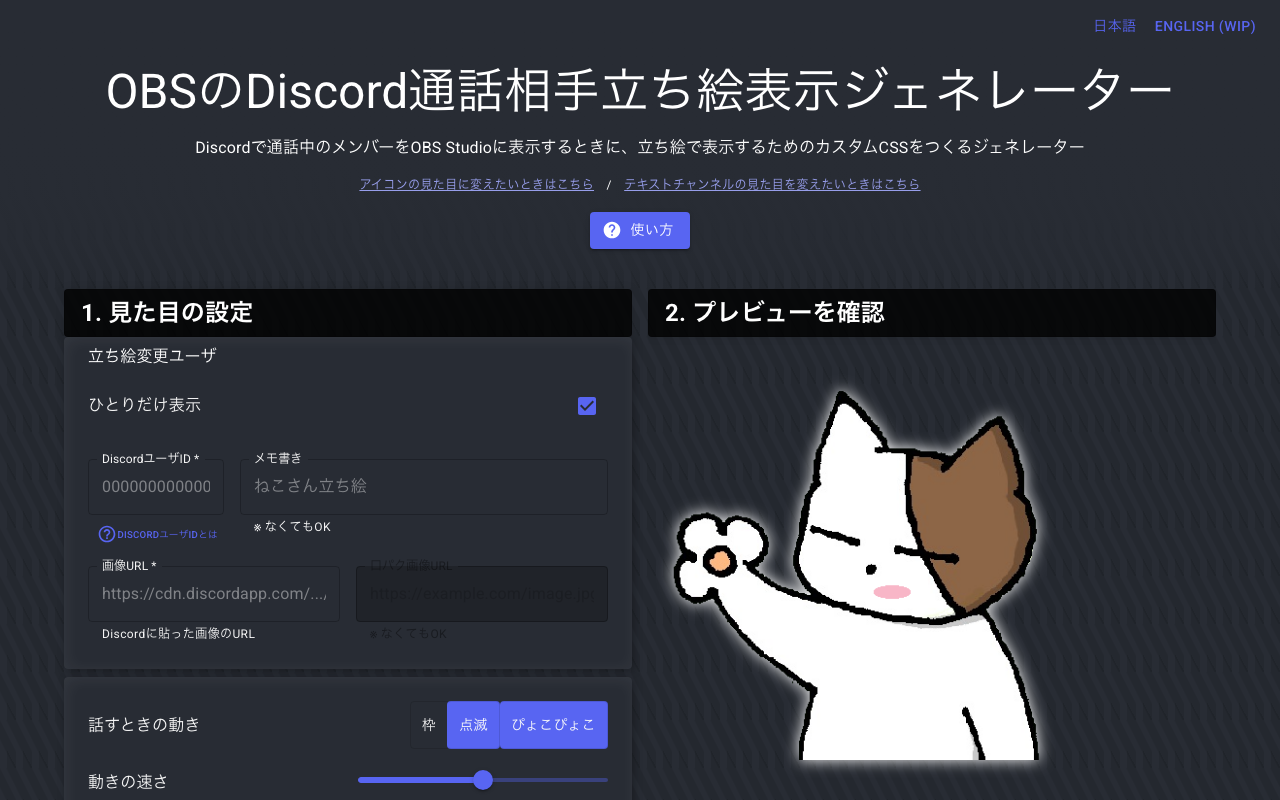
OBS Discord Voice Chat Character Art Generator
A free generator that shows your Discord call partners' full-body character art on your OBS screen, reacting to whoever is speaking. This makes collab streams and multi-person chats easy to follow visually. Just set the generated URL as an OBS browser source — no complicated setup needed.
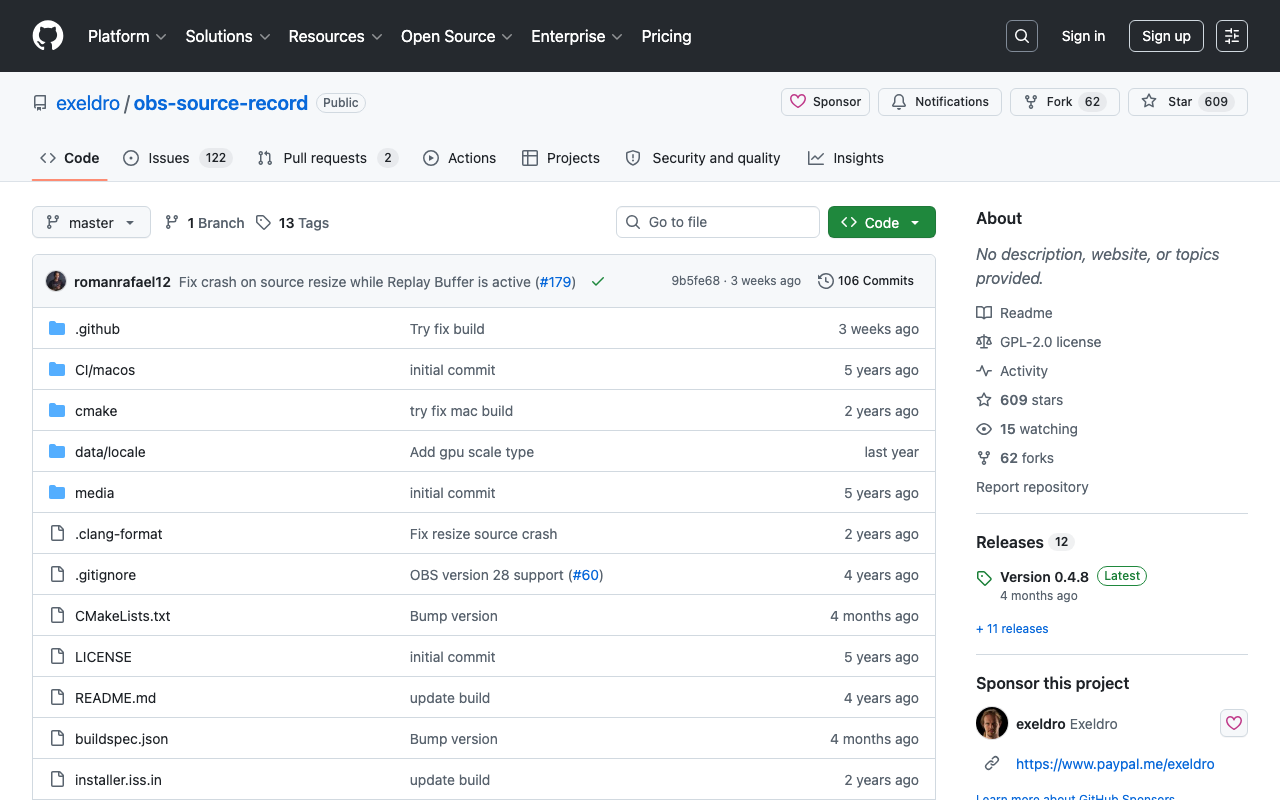
Source Record
A free plugin that lets you record individual OBS sources separately. Capture just the game screen or just the camera alongside your regular stream, useful for building clip and thumbnail material. Added as a filter, and free and open source under GPL-2.0 (by exeldro).
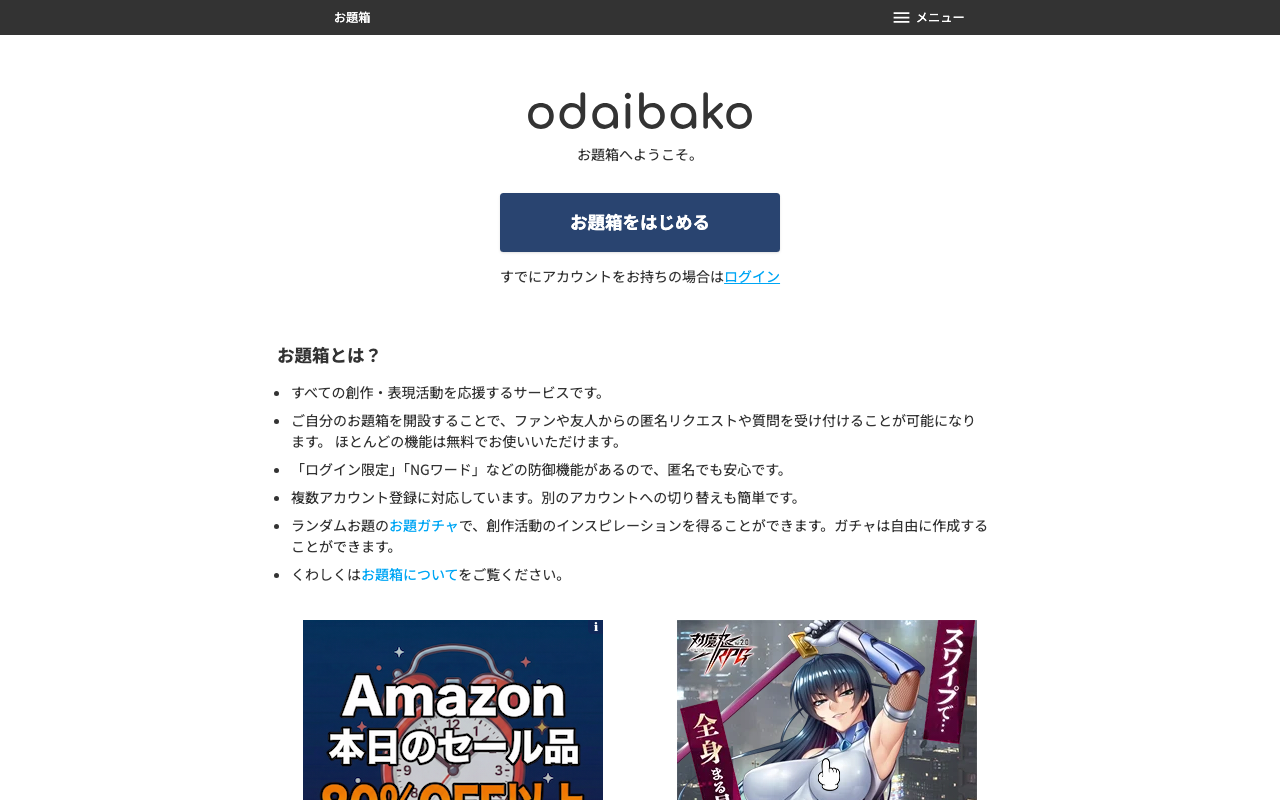
お題箱
A service for collecting topics, requests, and questions anonymously from fans. Restrict submissions to logged-in users or filter NG words to keep out trolls, and there's also a "Topic Gacha" for pulling a random prompt. Supports switching between multiple accounts, and most features are free (an ad-free premium tier is ¥380/month).
OFUSE
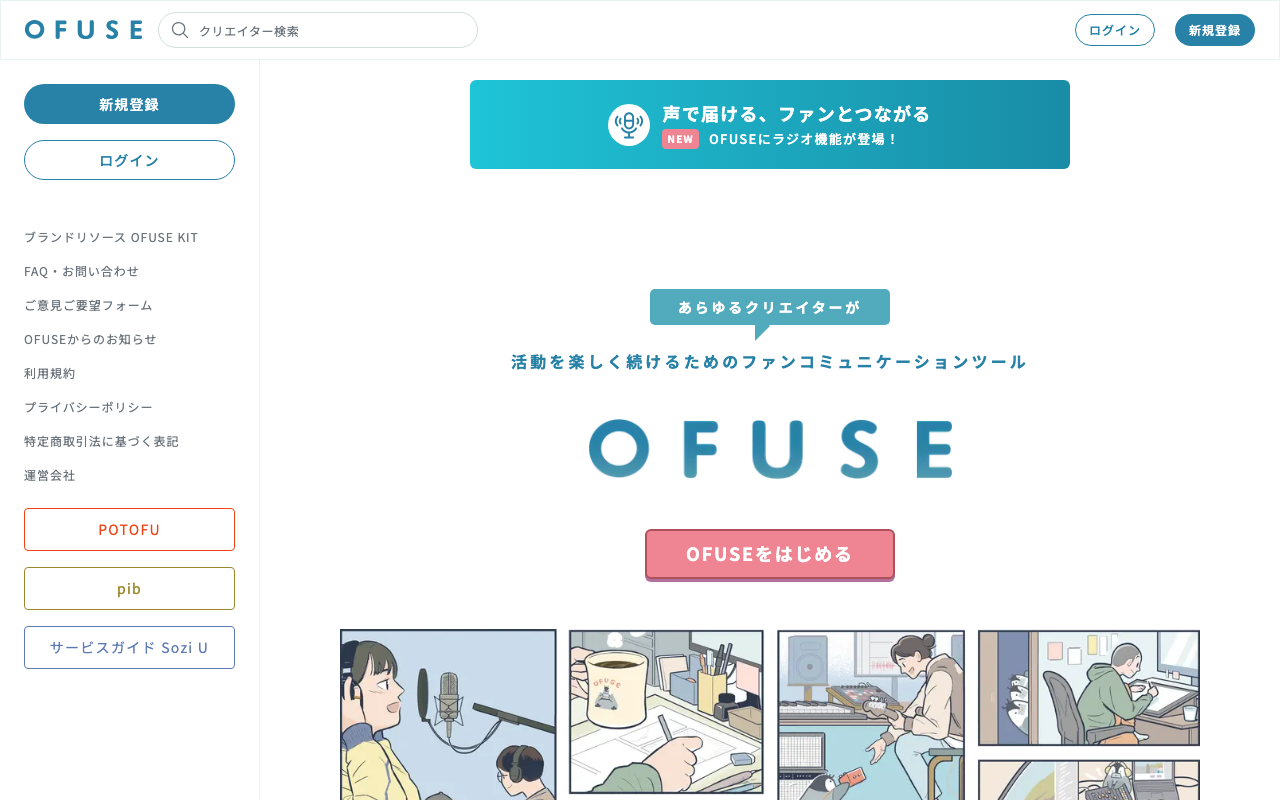
A platform where creators of all kinds, not just streamers, can receive support through fan letters and monthly memberships. It offers image and voice replies to paid support letters (¥100–¥11,000), members-only blog posts, newsletters, and a radio feature. Signing up and using it is free; you receive your earnings minus platform fees (from October 2026: 13% for memberships, 16% for one-time support) and a ¥275 fee per withdrawal.
OneComme
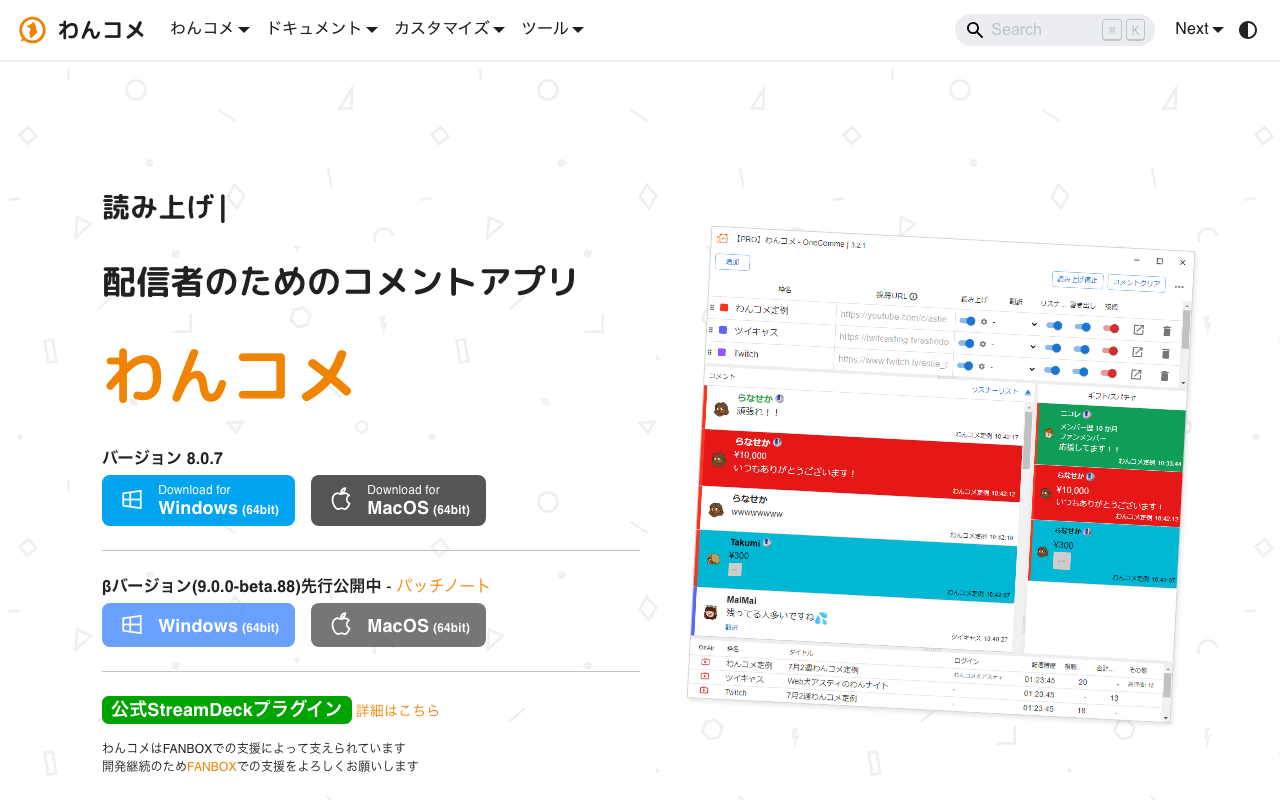
A Japanese-made comment viewer that gathers chat from the major sites — YouTube, Twitch, Niconico Live, TwitCasting, SHOWROOM, Mirrativ, Kick — into a single screen. It includes text-to-speech that works without any extra software, a queue list for viewer-participation events, on-screen effects triggered by chat, and templates for customizing the look. It runs on Windows and macOS, and the core features are free. Remote View, surveys, and chat translation are PRO features.
OpusClip (Opus Clip)
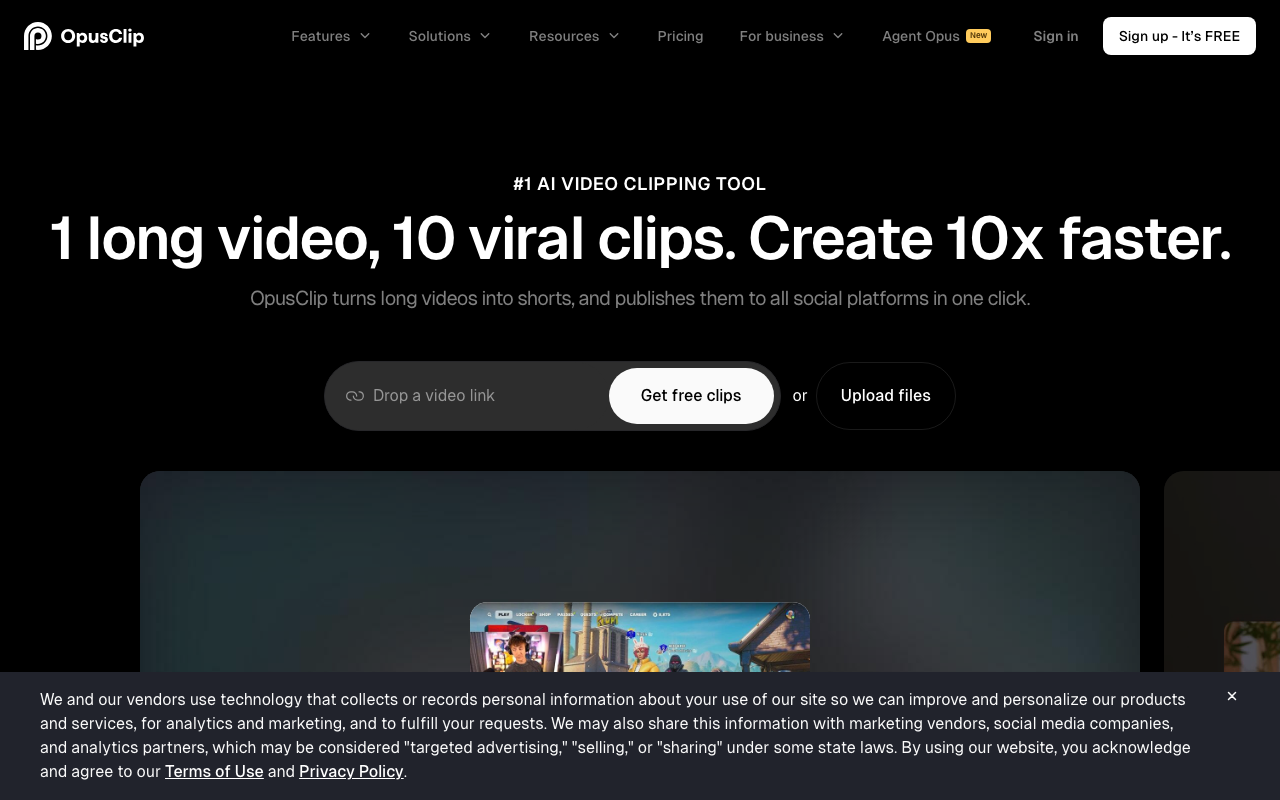
A clip-generation service where AI analyzes long stream archives and automatically pulls out the highlights as vertical short-form videos. It supports Japanese audio and auto-captions, reformatting clips to a 9:16 ratio for TikTok and YouTube Shorts. The free plan covers up to 60 minutes of processing per month.
Photopea
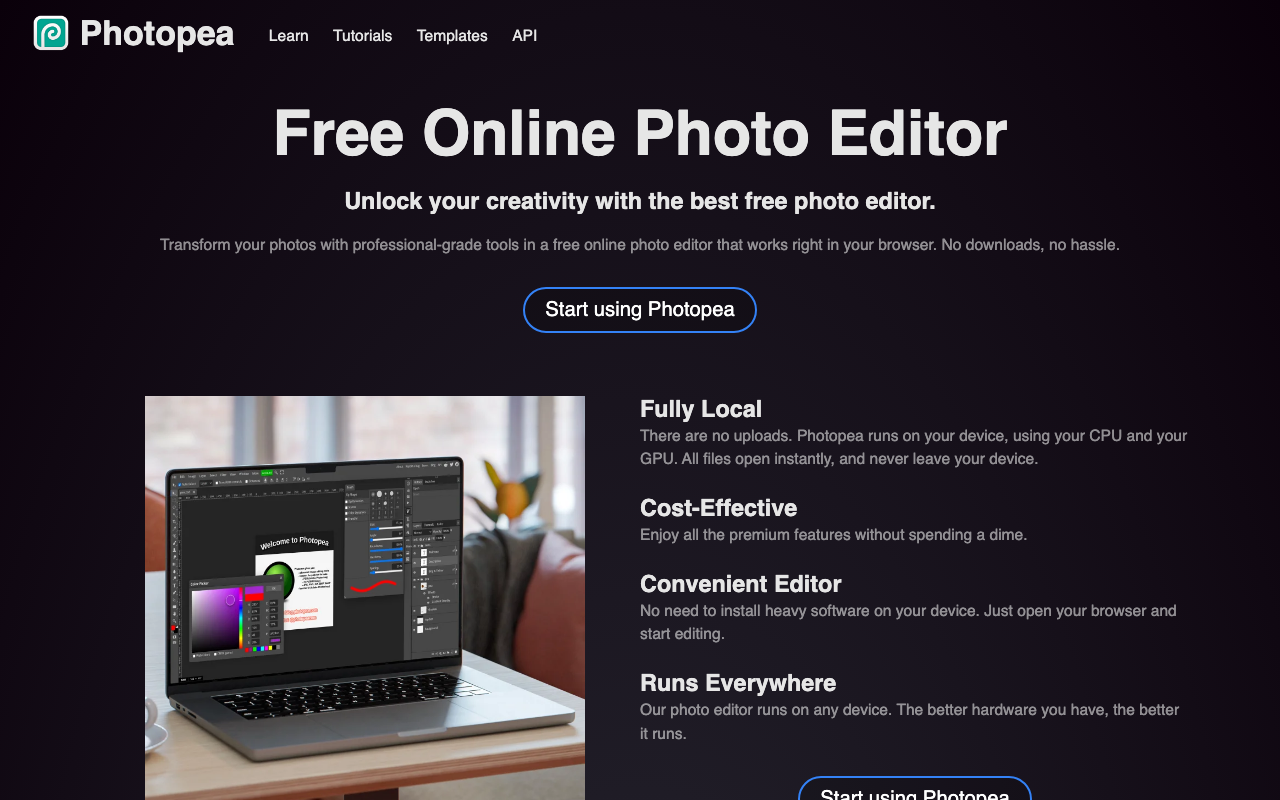
A free image editing tool that runs entirely in your browser. It opens and edits many formats — PSD, AI, XD, Figma, SVG, PDF, RAW (DNG/CR2/NEF, etc.) — with no install needed, and since files are processed on your own device, nothing gets uploaded to the cloud. It matches Photoshop-level features like layers, masks, layer styles, smart objects, and adjustment layers, plus AI tools for one-click background removal and replacing parts of an image from a text prompt. The free version shows ads; Premium removes them and adds more.
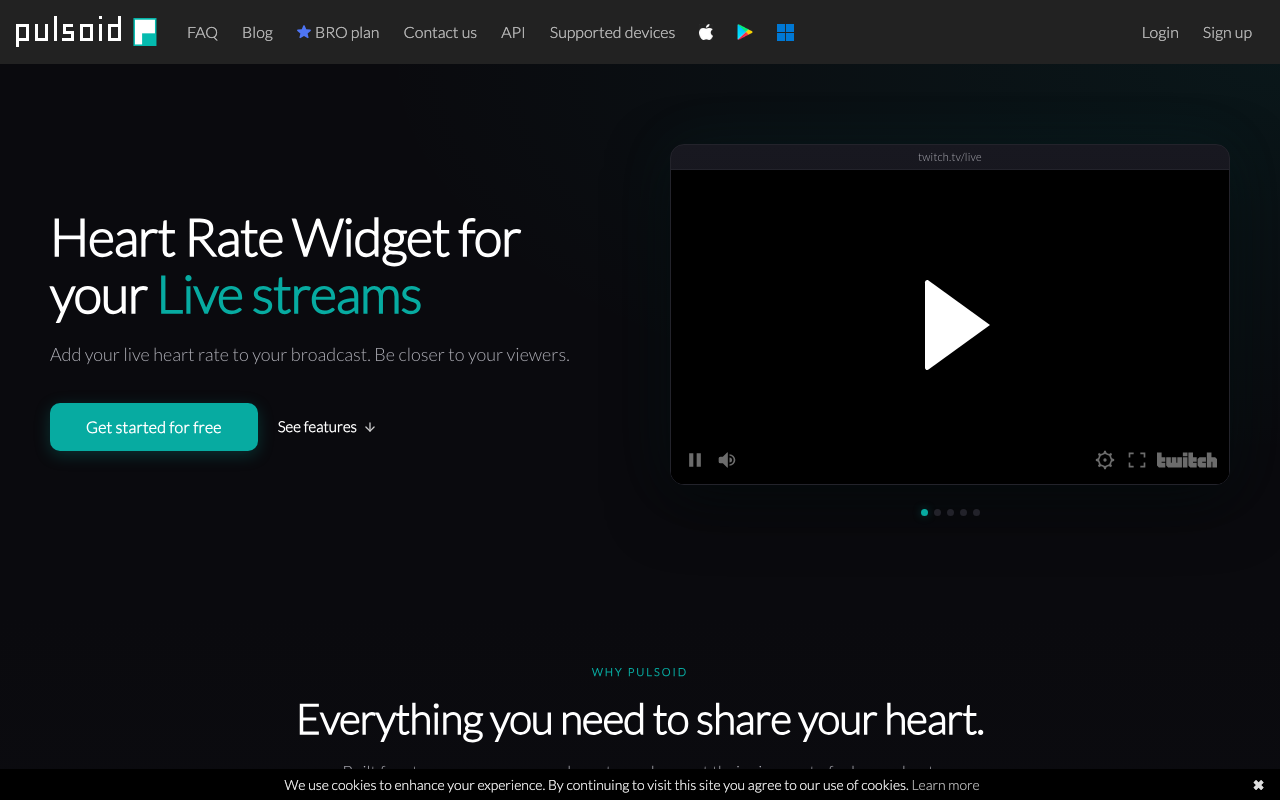
Pulsoid
A widget service that shows your heart rate from a smartwatch or heart-rate sensor on your stream screen in real time. Just connect the Pulsoid app to a supported device and add it to OBS or Streamlabs as a browser source, and you can show viewers the tension of a horror game, an endurance stream, or physical changes during a workout stream. Since you can try it on the free plan, it's an easy addition even if you just want to layer in a bit of extra flair. The widget's look can be adjusted to match your stream layout, so you can add it to a segment without redesigning your existing assets.
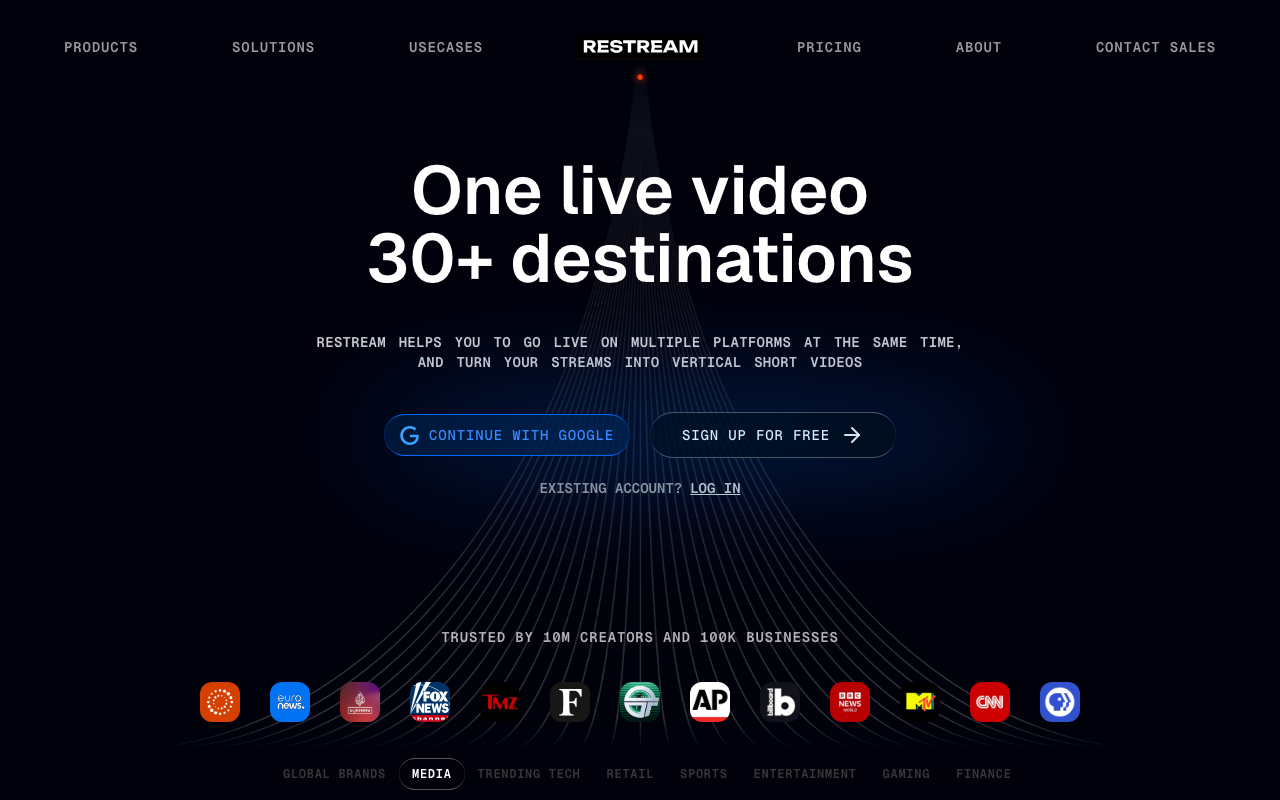
Restream
A multistreaming service that sends a single stream to 30+ destinations at once, including YouTube, Twitch, Kick, and TikTok. Beyond sending from OBS, you can also stream entirely from the browser with Restream Studio, and it includes cross-platform chat that gathers comments from every site into one screen, plus on-screen chat overlays. The free plan covers up to 2 simultaneous destinations (Studio streams carry the Restream logo and are capped at 720p). To add more destinations, upgrade to the paid Standard plan or above.
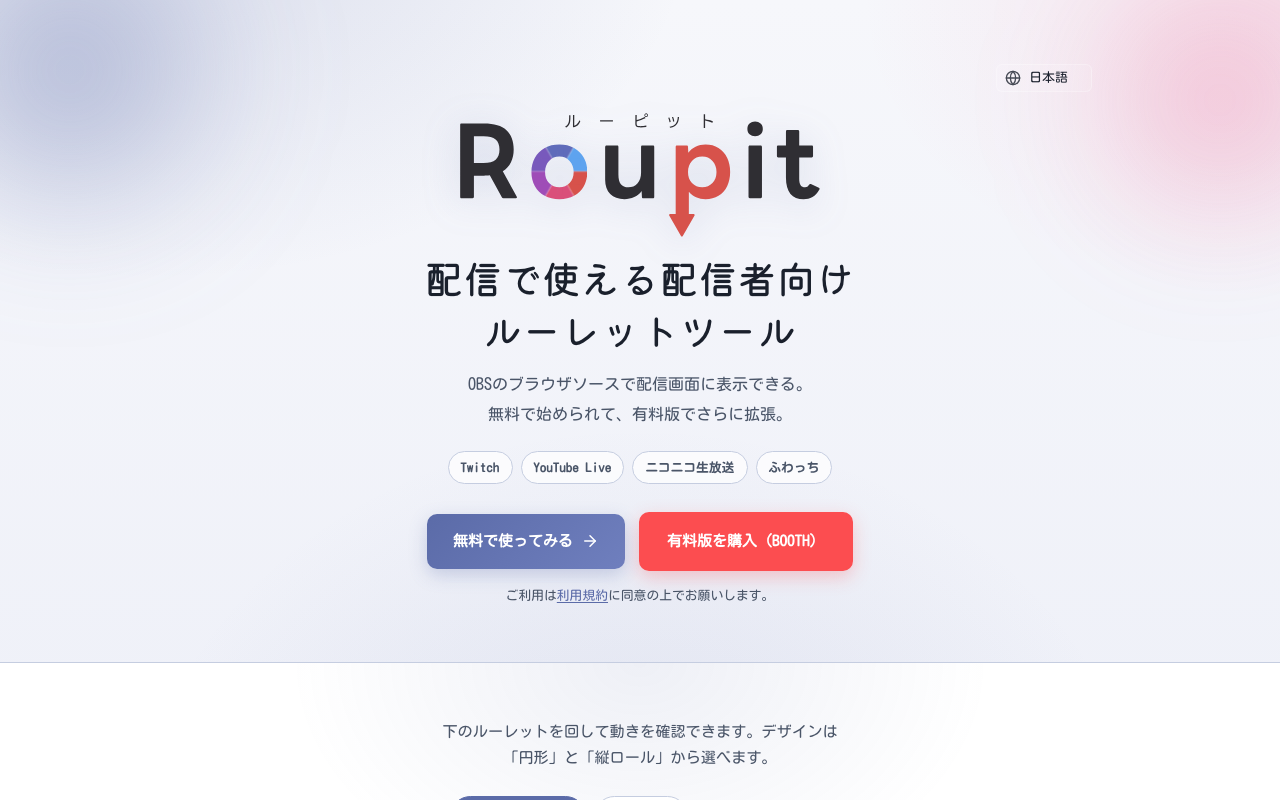
Roupit
A roulette wheel tool for streamers that displays in an OBS browser source. Open the control panel in an OBS dock and spin it, and the roulette on your stream moves in sync. Choose between two designs, a circular wheel and a vertical slot-style reel. The free version is limited to 2 patterns and 12 items and requires a credit (optional in the paid version). The ¥1,000 paid version on BOOTH unlocks up to 6 patterns, 24 items, weighted draws, and color customization.
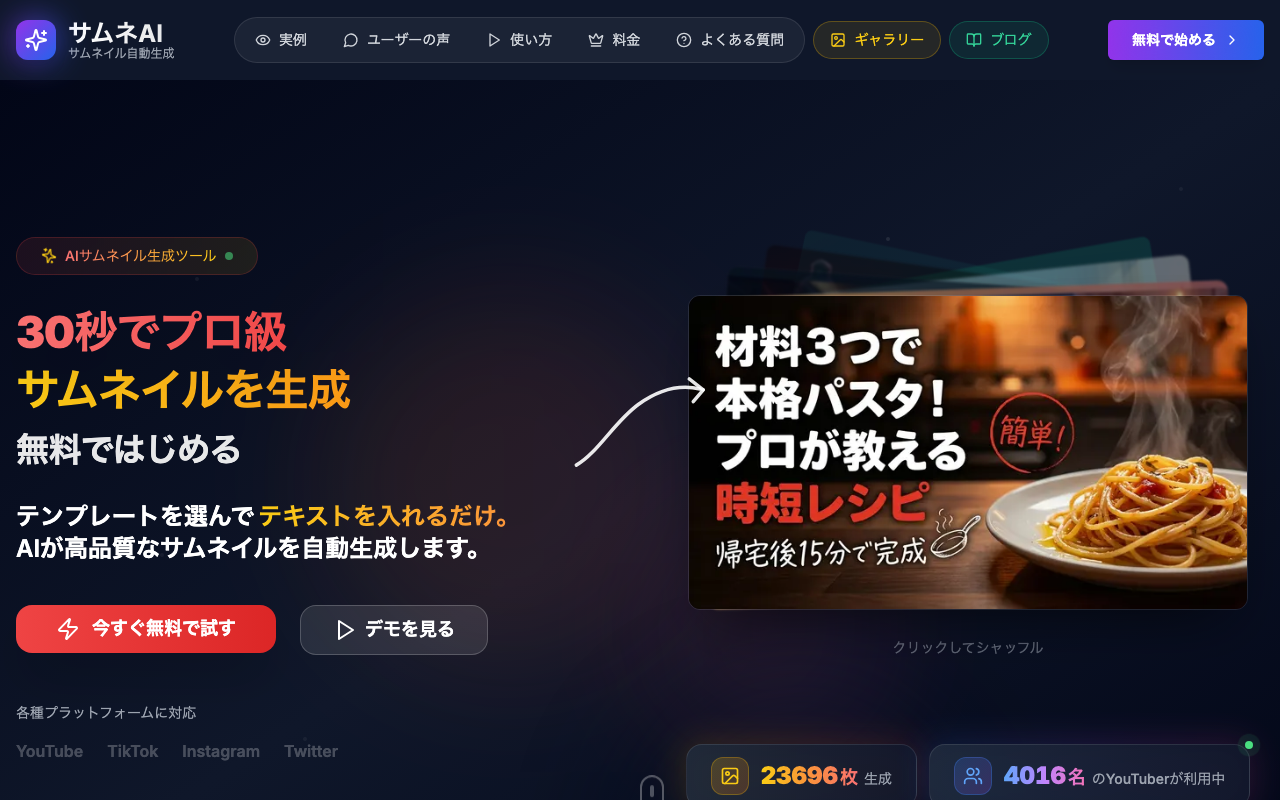
サムネAI
A tool that generates stream and video thumbnails in seconds just by typing in some text for the AI. It supports 16 templates covering VTuber, game streaming, and more, and you can keep refining the result afterward just by telling the AI what to change. The free plan includes up to 3 credits.
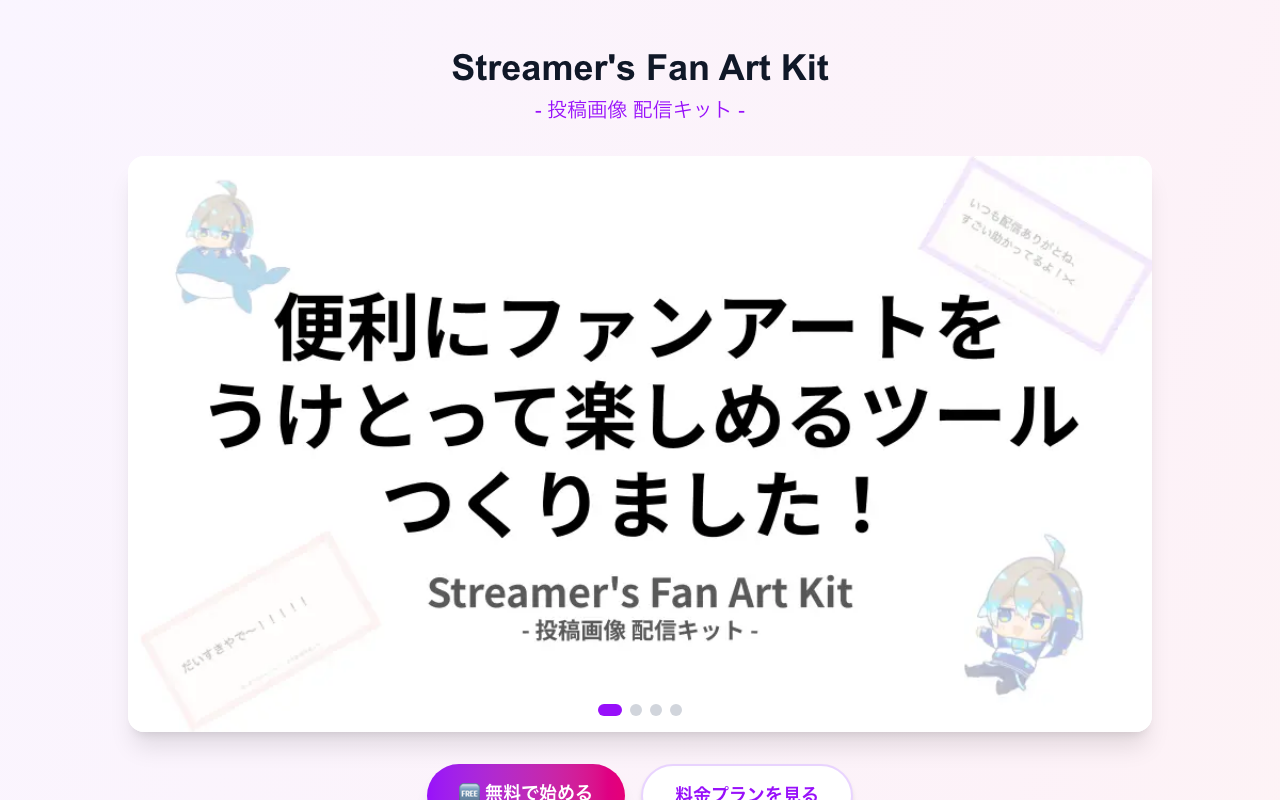
SFAKit (Fan Art Submission System)
A tool for safely receiving fan art from viewers through an approval system, then displaying it as a slideshow on your stream via an OBS browser source. Submitters don't need an account — they can send images through a passphrase-protected URL. Admins log in with a Google account and can display only approved images in real time.
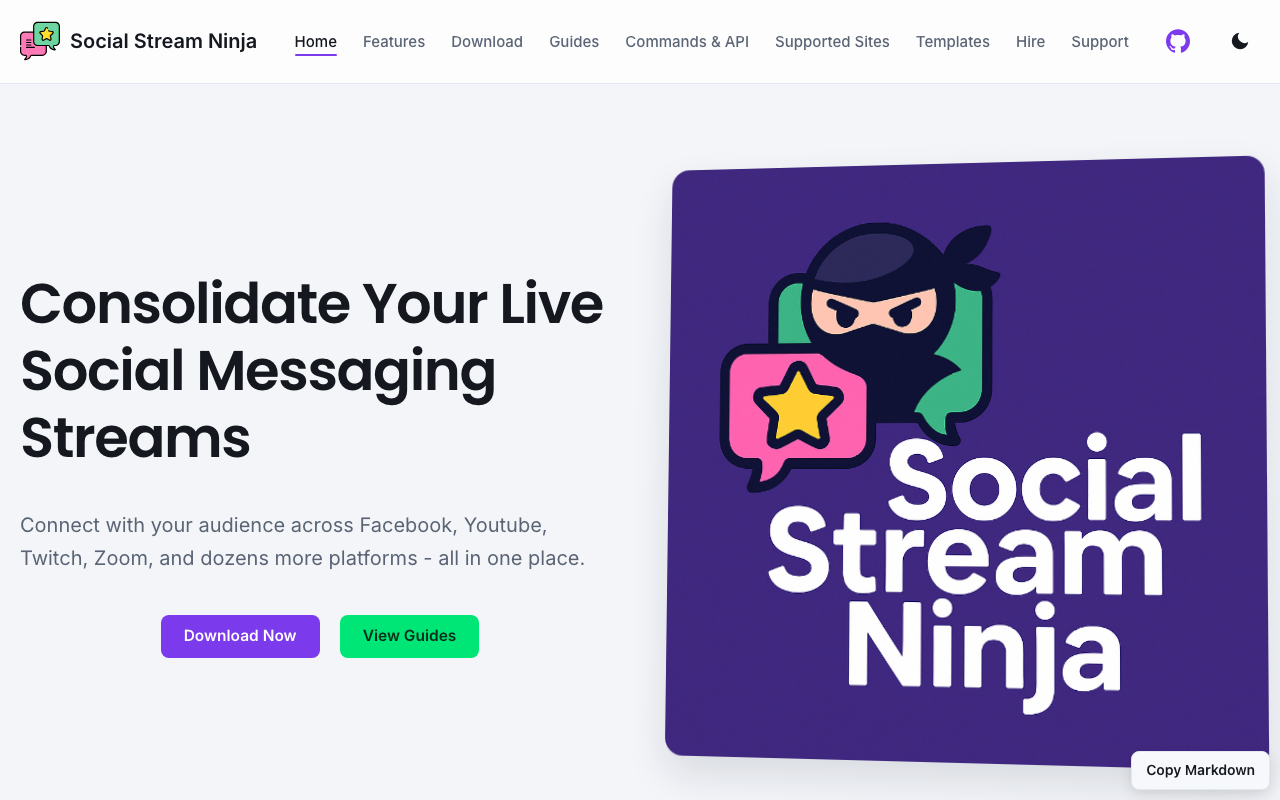
Social Stream Ninja
A free, open-source tool that aggregates chat from multiple services — YouTube, Twitch, TikTok, Discord, and more — and displays the comments you pick as an OBS overlay. Since it runs in the browser, setup is lightweight, and it's easy to manage chat from multiple platforms or guest streams in one place. You can also use it to feature selected comments on screen. Because it's built around links you generate from the official site, you can start doing chat effects without setting up a dedicated server.
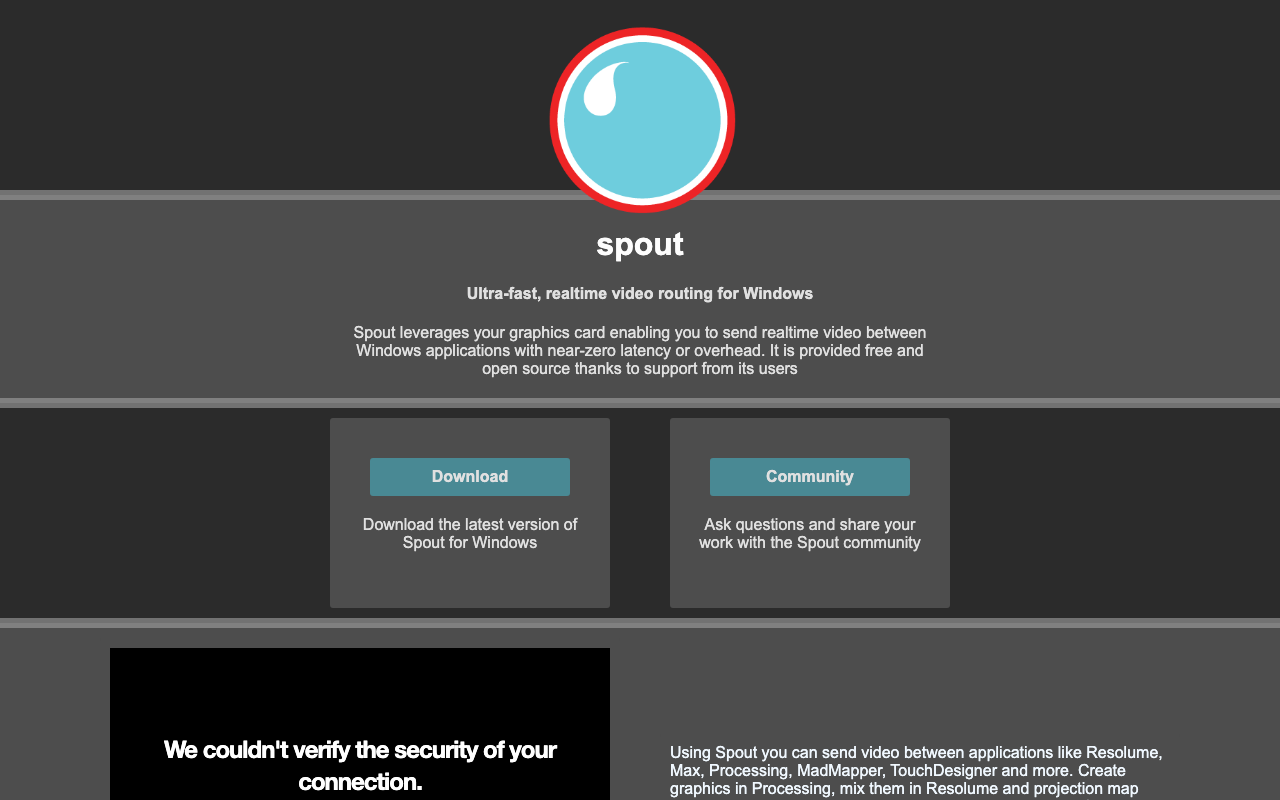
Spout2
A framework that passes GPU textures directly between Windows apps, sharing video with almost no latency. It lets you bring video from avatar apps that support Spout output, like VTube Studio, into OBS with the transparent background intact, so it looks cleaner and runs lighter than a green screen or window capture. It's also widely used in video software such as Resolume, TouchDesigner, and Unity. It's free and open source, but receiving it in OBS requires separately installing the OBS Spout2 Plugin.
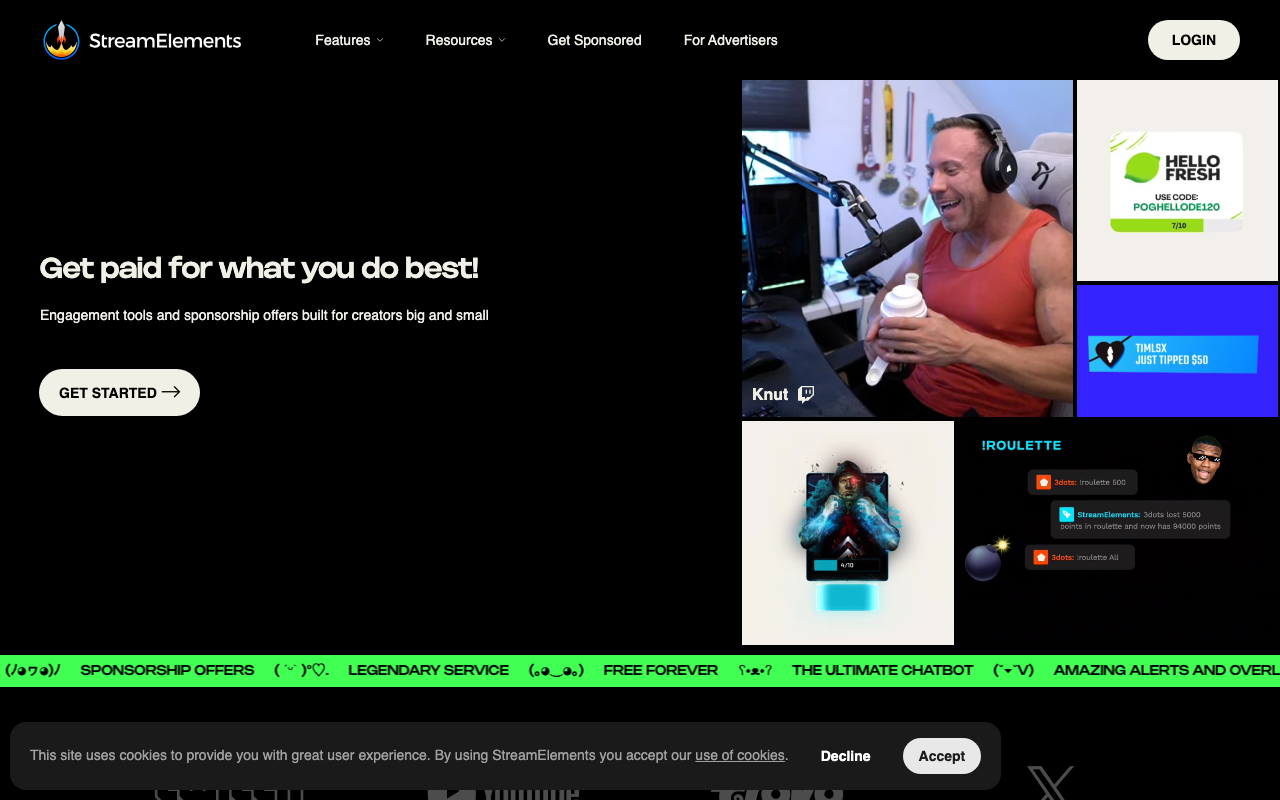
StreamElements
A platform for streamers that centralizes alerts, overlays, a chatbot, and tips (Tipping) in a browser-based dashboard. Just pick a template and adjust it in the visual editor — no design knowledge needed to build alerts and widgets. With the OBS plugin "SE.Live," you can also multistream for free to Twitch, YouTube, Kick, and more, with chat integration built in. Core features are free.
Streamer.bot
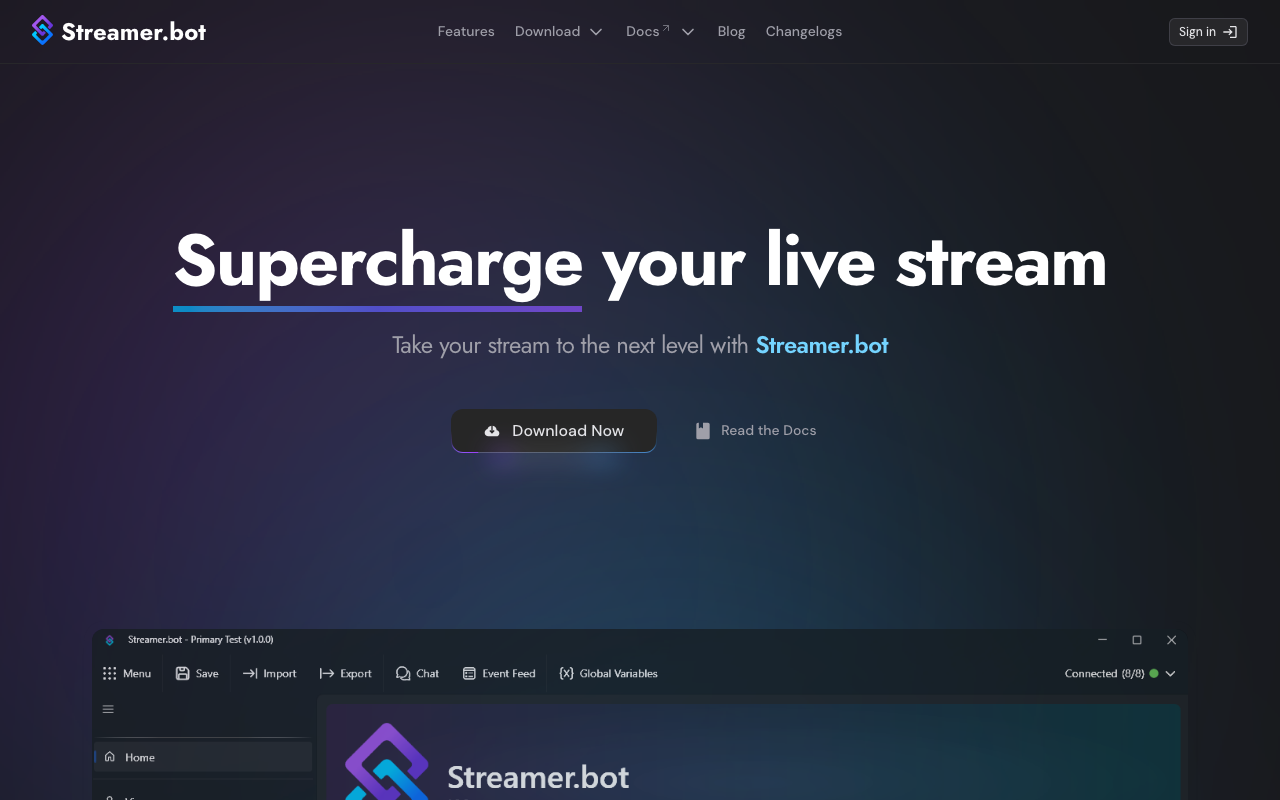
A free, feature-rich bot (for Windows, portable version) that automates behind-the-scenes streaming tasks triggered by events on Twitch, YouTube, and Kick. By combining a Trigger and Sub-Actions inside an Action, you can build no-code workflows like switching OBS scenes with channel points or playing sound effects from chat commands, and you can also write C# code. It also integrates widely with external tools such as OBS WebSocket, VTube Studio, and Stream Deck.
StreamUP
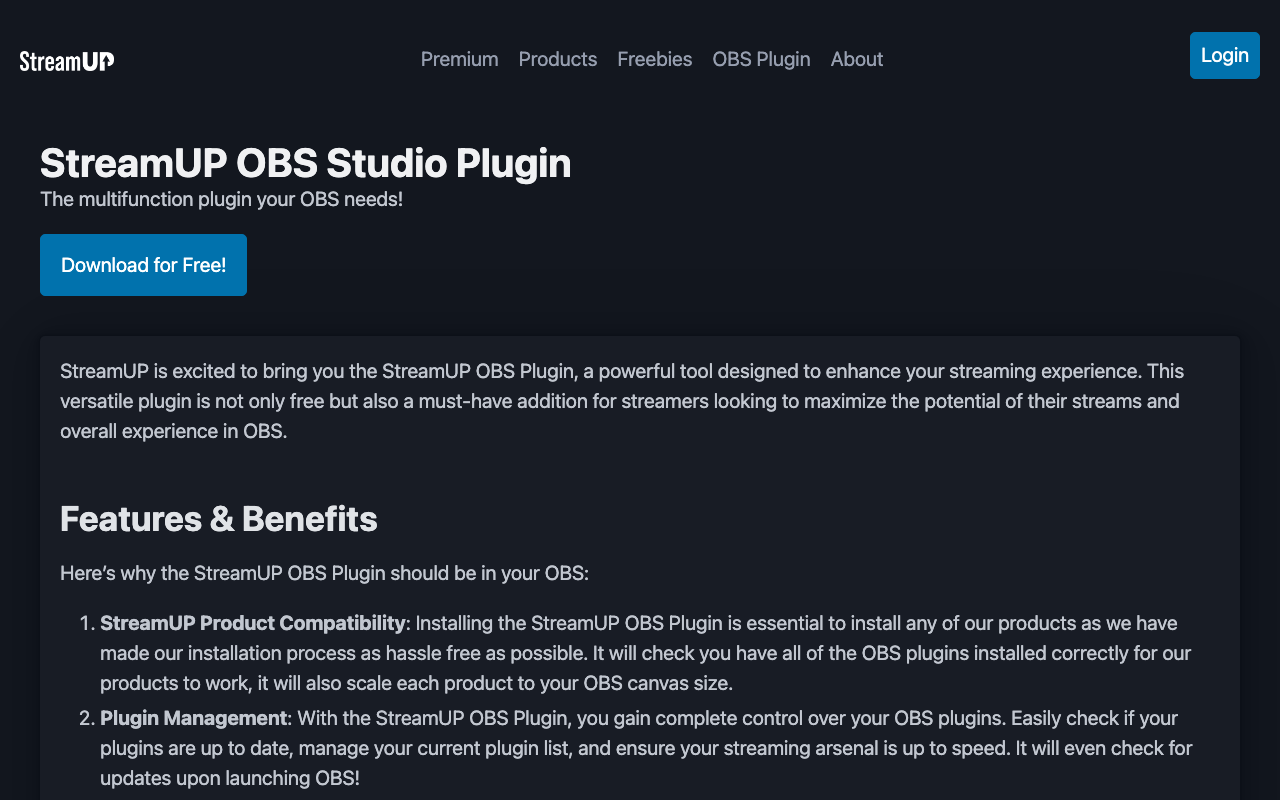
A free, open-source, multi-feature plugin for OBS Studio. It includes Scene Organiser for sorting scenes with folders, search, and favorites; MultiDock for stacking multiple docks into one panel; Pro Toolbar, which keeps CPU, FPS, dropped frames, and bitrate on screen at all times; OBS backup, which saves your scene collections and profiles into a single file; and update checks for your installed plugins. Made for streamers whose OBS setup has grown and needs tidying up.
Sync Timer
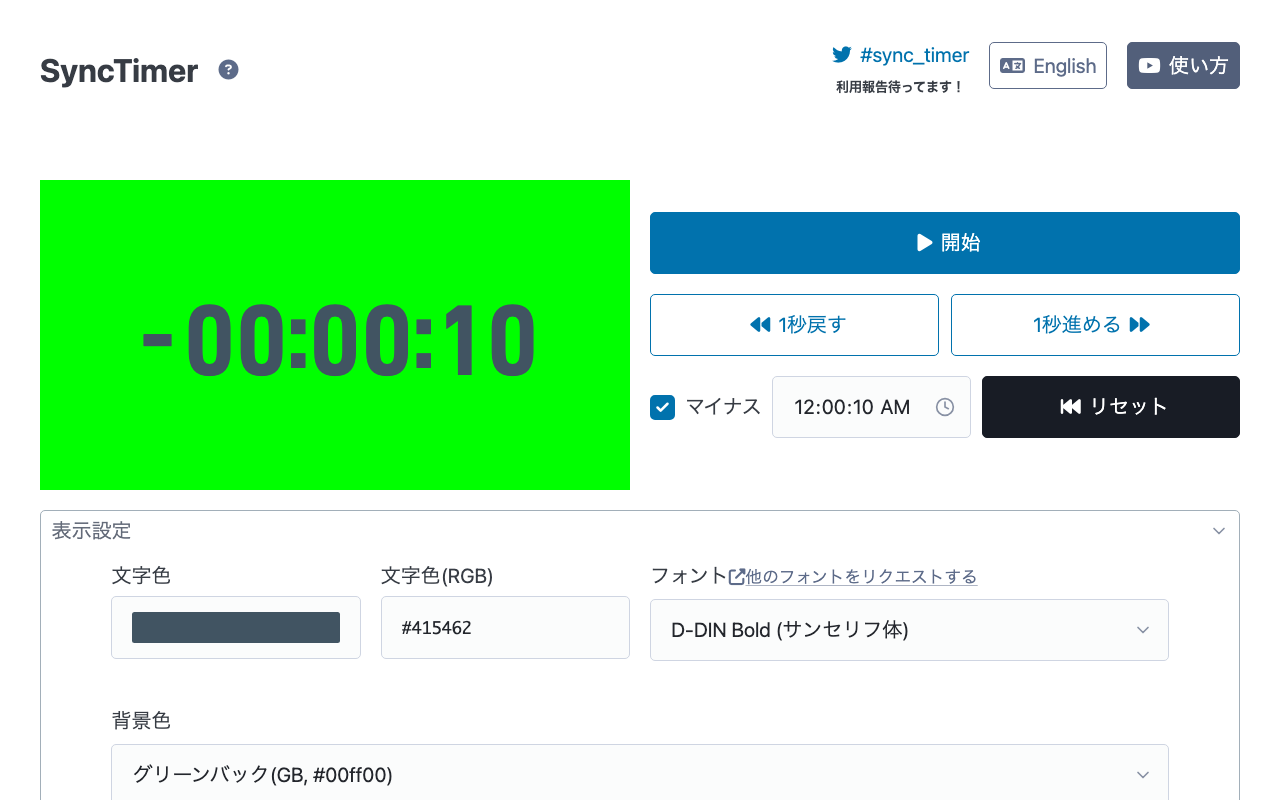
A browser timer for syncing playback start with your viewers during watch-along streams of movies and more. No login required and completely free. It can start from negative seconds, giving you time to hit play exactly at zero. It supports green-screen/blue-screen chroma keying and uses a monospaced font for clean transparent display in OBS, and your settings are saved in the URL automatically, so opening the same URL recreates them.
TikFinity
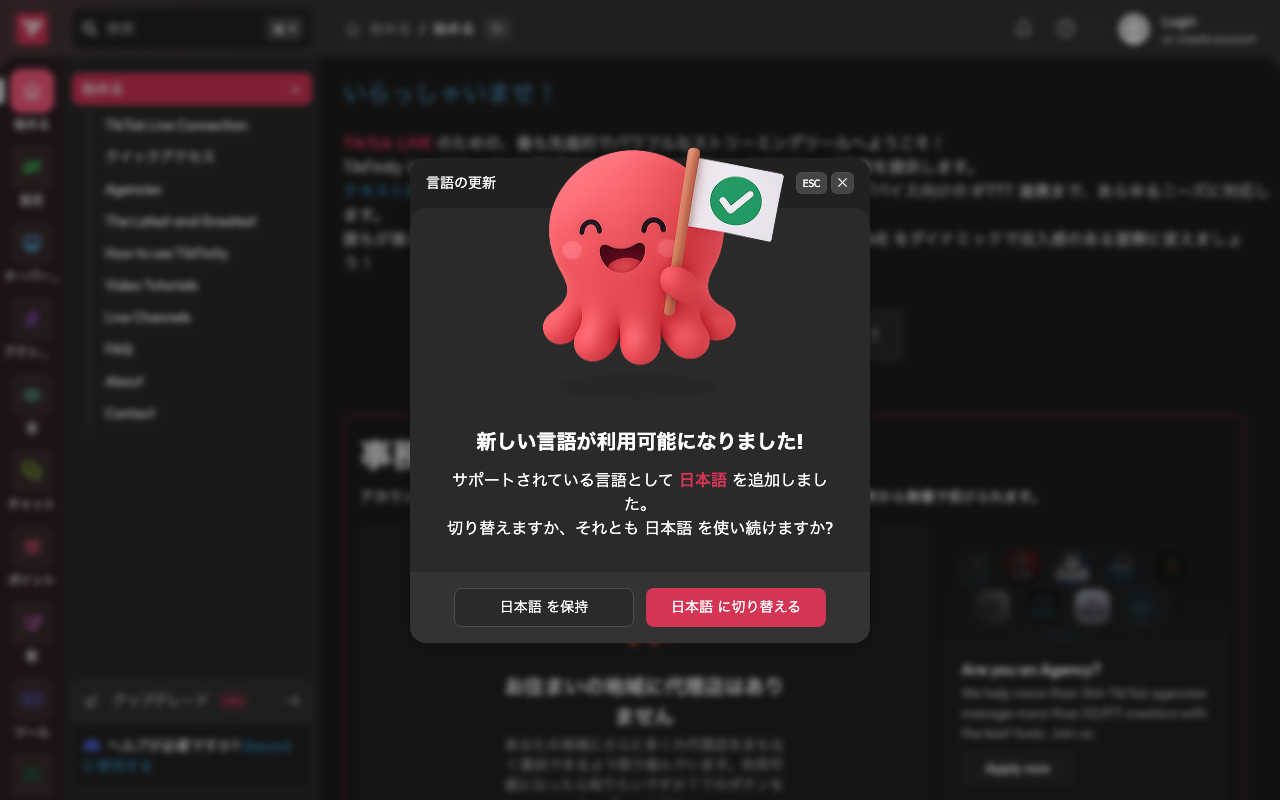
A free interaction tool for TikTok LIVE. Trigger sound effects, overlays, goal gauges, and text-to-speech off gifts and follows, and plug it straight into OBS Studio or Streamlabs. It's an unofficial third-party tool, so it can be affected by changes TikTok makes on its end.
Tobii Eye Tracker 5
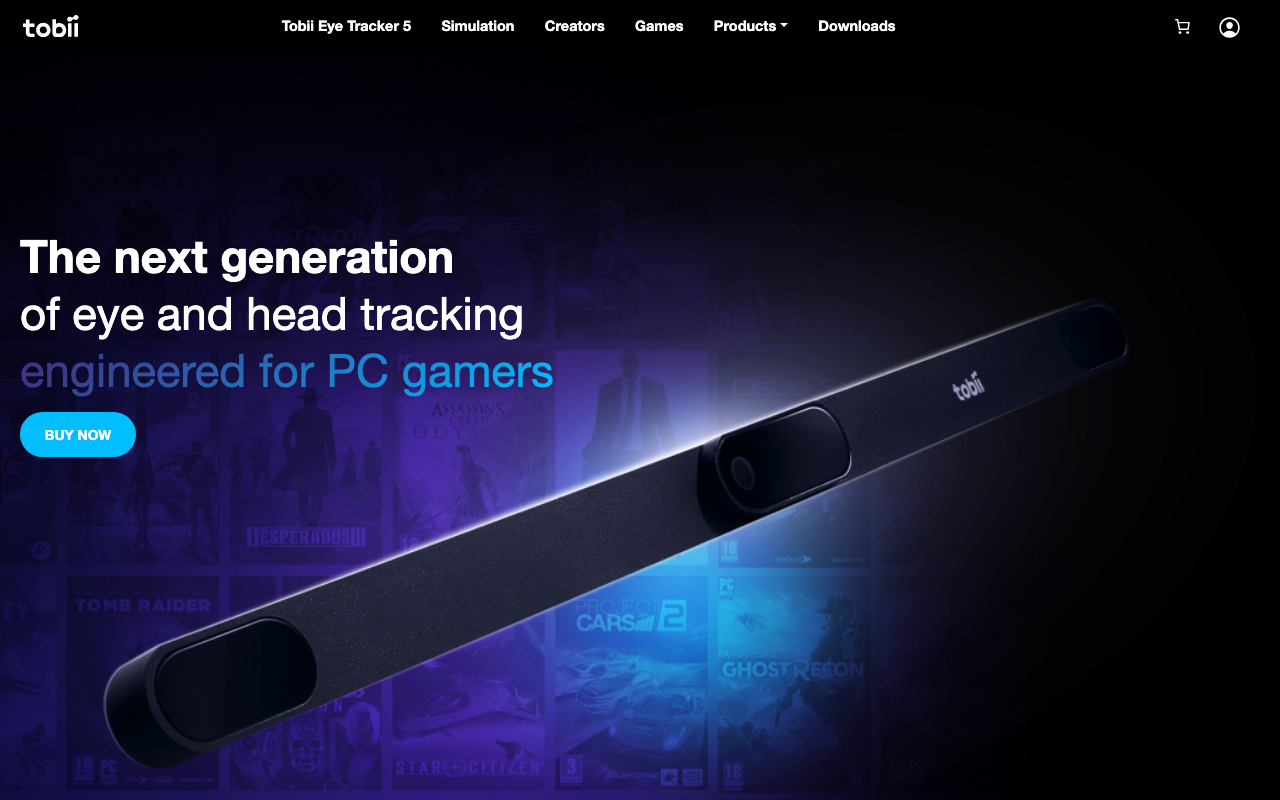
A head- and eye-tracking device that clips onto your PC monitor. No headset needed — it works with 270+ games, letting you control the in-game camera with natural head movement. For streamers, Tobii Ghost can visualize your gaze on screen. Priced at $279 (refurbished units are $229). It's not meant for driving an avatar — the main uses are gaze visualization and in-game camera control.
Touch Portal
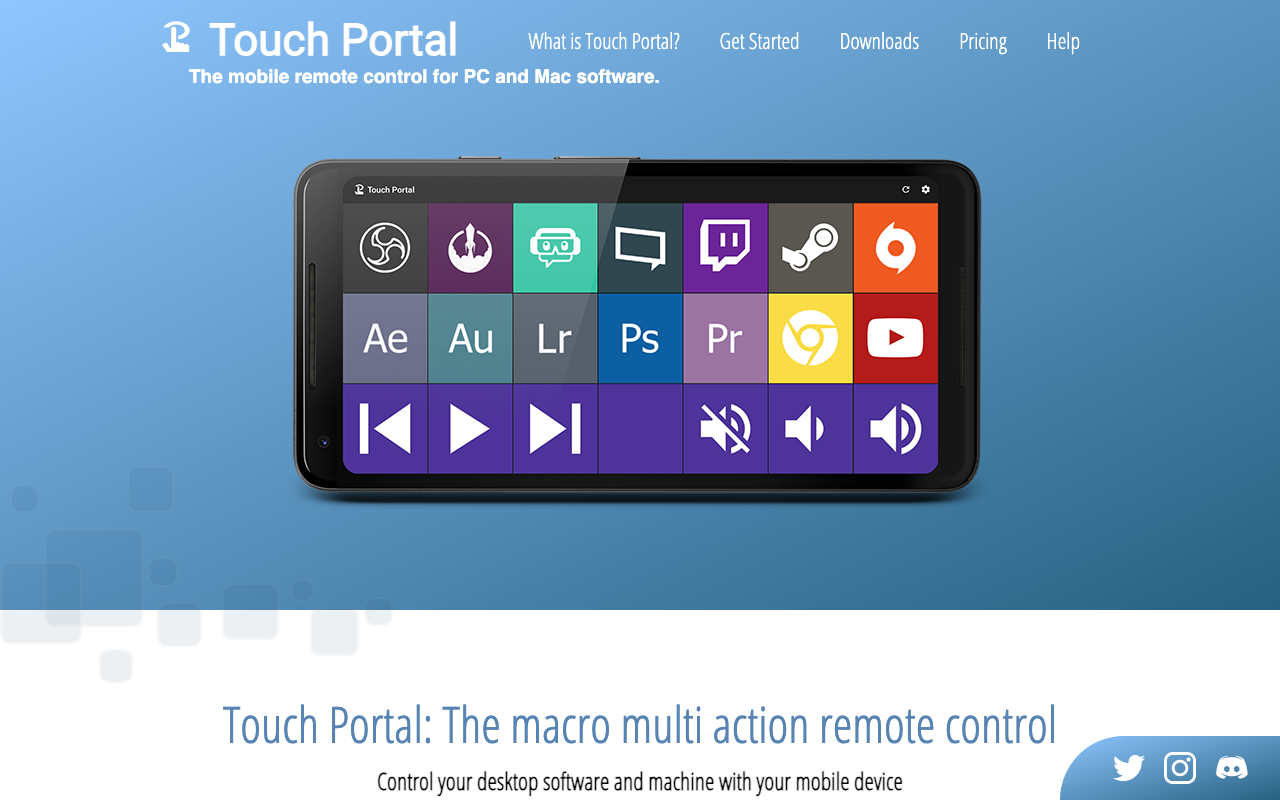
A remote control tool that turns your phone or tablet into a Stream Deck-style macro pad. Connect the desktop app (Windows/Mac/Linux) and mobile app (iOS/Android) over the same network, then switch OBS scenes, mute audio, or start recording with one tap from your phone. Beyond official OBS, Streamlabs, and Twitch integrations, the Pro version unlocks plugins for Discord, Spotify, Voicemod, and more. The free version is capped at 2 pages of a 4x2 grid; Pro is a one-time $13.99 purchase.
Tuna
A free OBS plugin that shows song info—such as the current track title and artist—on your OBS Studio stream. It can pull info from Spotify, YouTube Music, SoundCloud, Deezer, VLC, MPD, Windows media controls, Linux MPRIS, any window title, and more, and a browser extension lets you add support for other services. It also supports lyrics display via lrclib and scrobbling to last.fm. Open-source software released under GPL-2.0.

UD Talk
A communication support app that captions conversations in real time via speech recognition, with automatic translation too. Available on iOS, Android, and the Amazon Appstore, free even for commercial use (paid plans exist for businesses/events). Over 1 million downloads, adopted by 1,000+ organizations. Showing captions on your stream needs a workaround like window capture, since there's no direct OBS integration.
VDO.Ninja
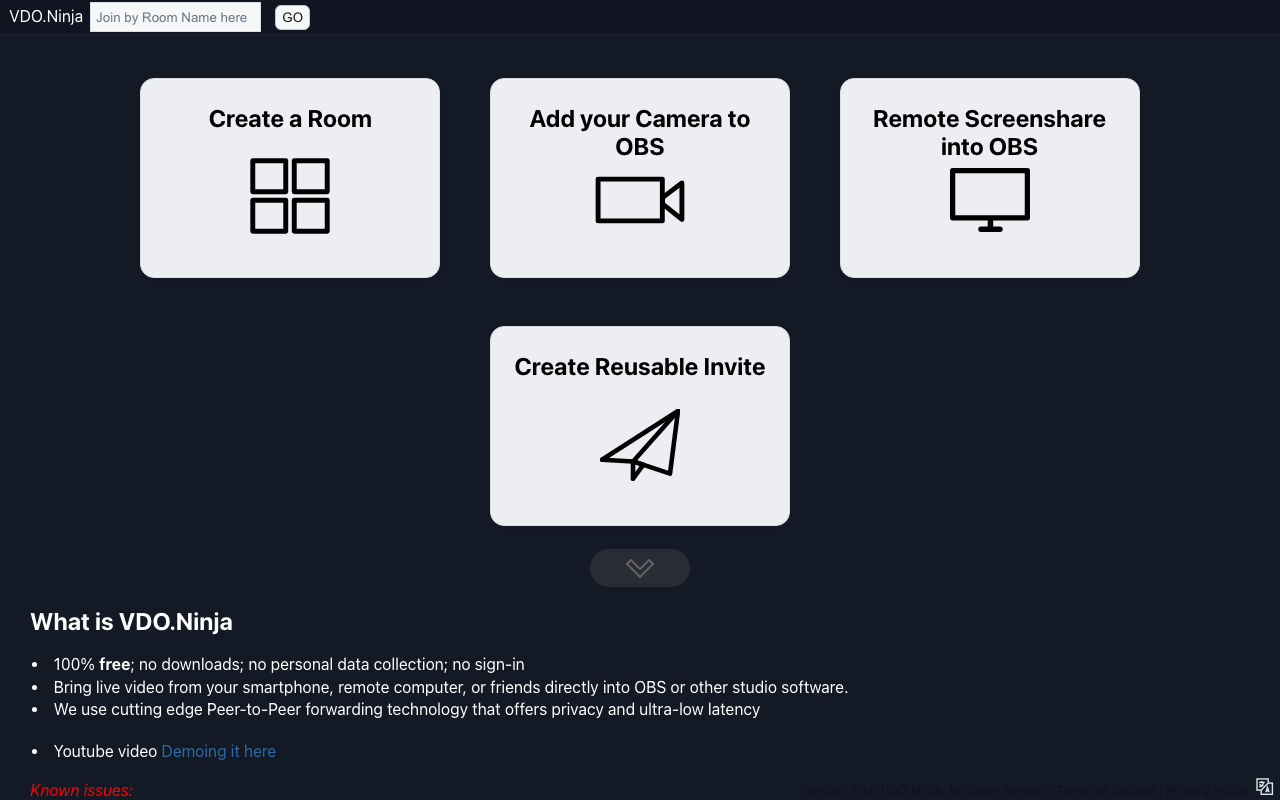
A completely free service that uses WebRTC to share low-latency video and audio between browsers. No account signup or app install needed — just send a link, and you can pull a collab partner's camera or your own phone's camera straight into OBS as a browser source. Group rooms support up to about 30 people, and it's packed with features like screen sharing, virtual backgrounds, a whiteboard, and remote OBS control. It's an open project that states clearly it doesn't collect personal data.
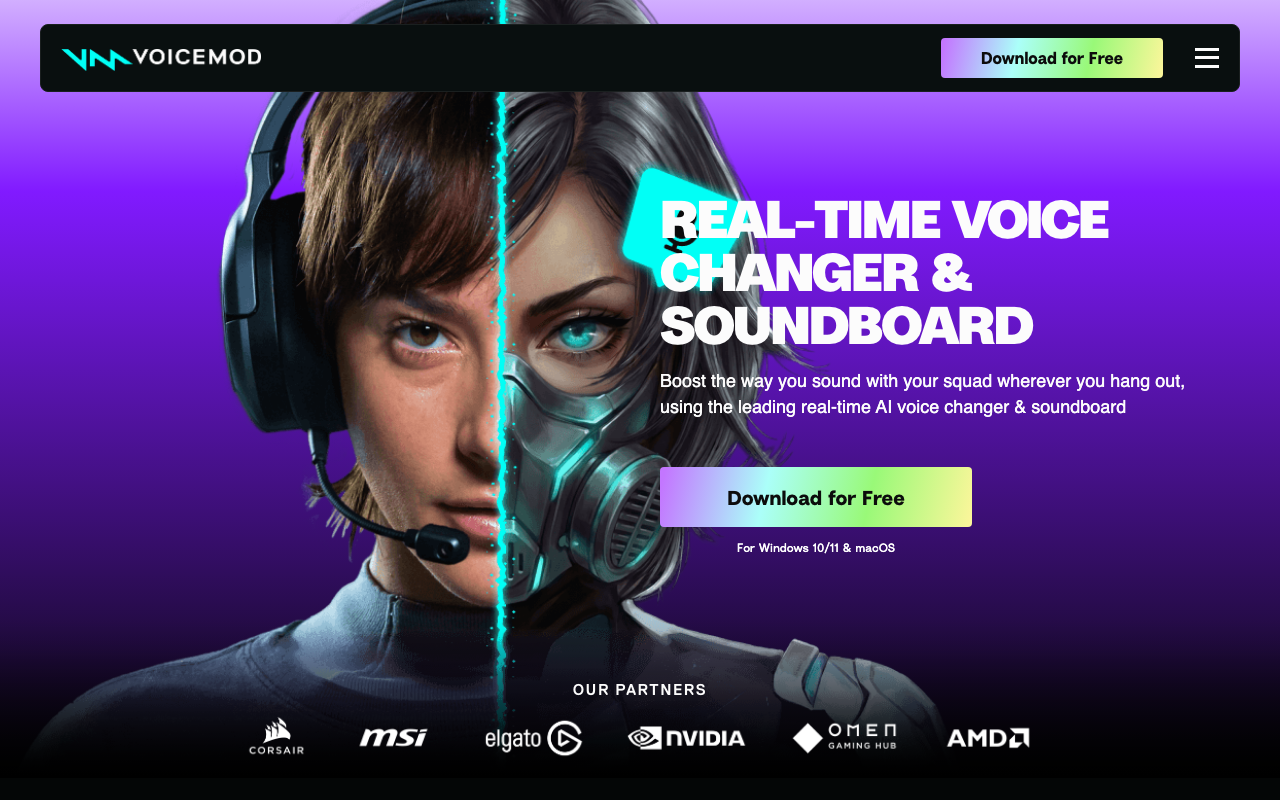
VoiceMod
A real-time voice changer with over 200 voices built in. It runs as a virtual mic (Voicemod Virtual Microphone), so you just set it as the input device in Discord, OBS, VRChat, or any game to carry your transformed voice through. It also comes with a soundboard for instantly playing meme sounds and sound effects via keybinds, plus Voicelab for creating and customizing your own voices. You can start with the free version, and unlocking all voices and more requires the Pro version (in-app purchase).
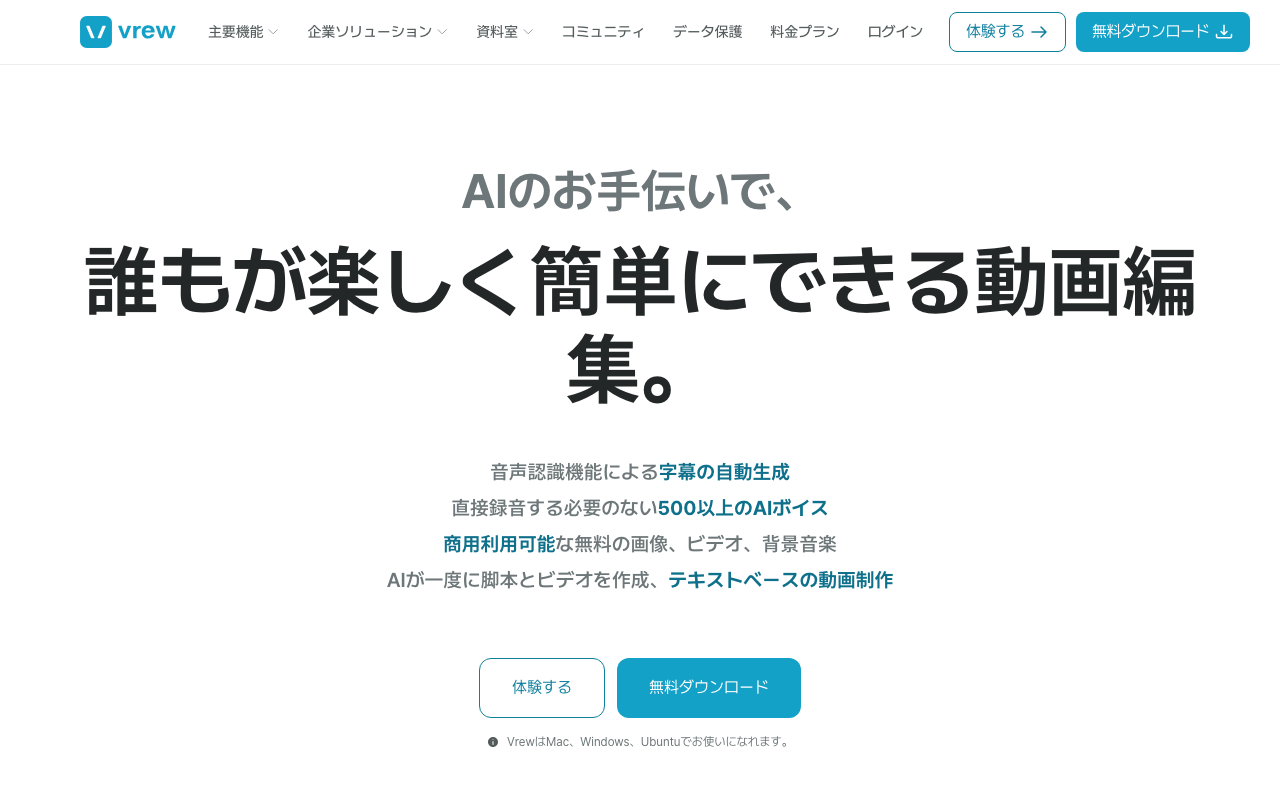
Vrew
AI video editing software that auto-generates subtitles via speech recognition and lets you cut edit simply by deleting text. It supports over 500 AI voices and translated subtitles in more than 100 languages, making it useful for producing clips from stream archives. Works on Windows/Mac/Ubuntu, with a free plan available (paid tiers run on a credit system).
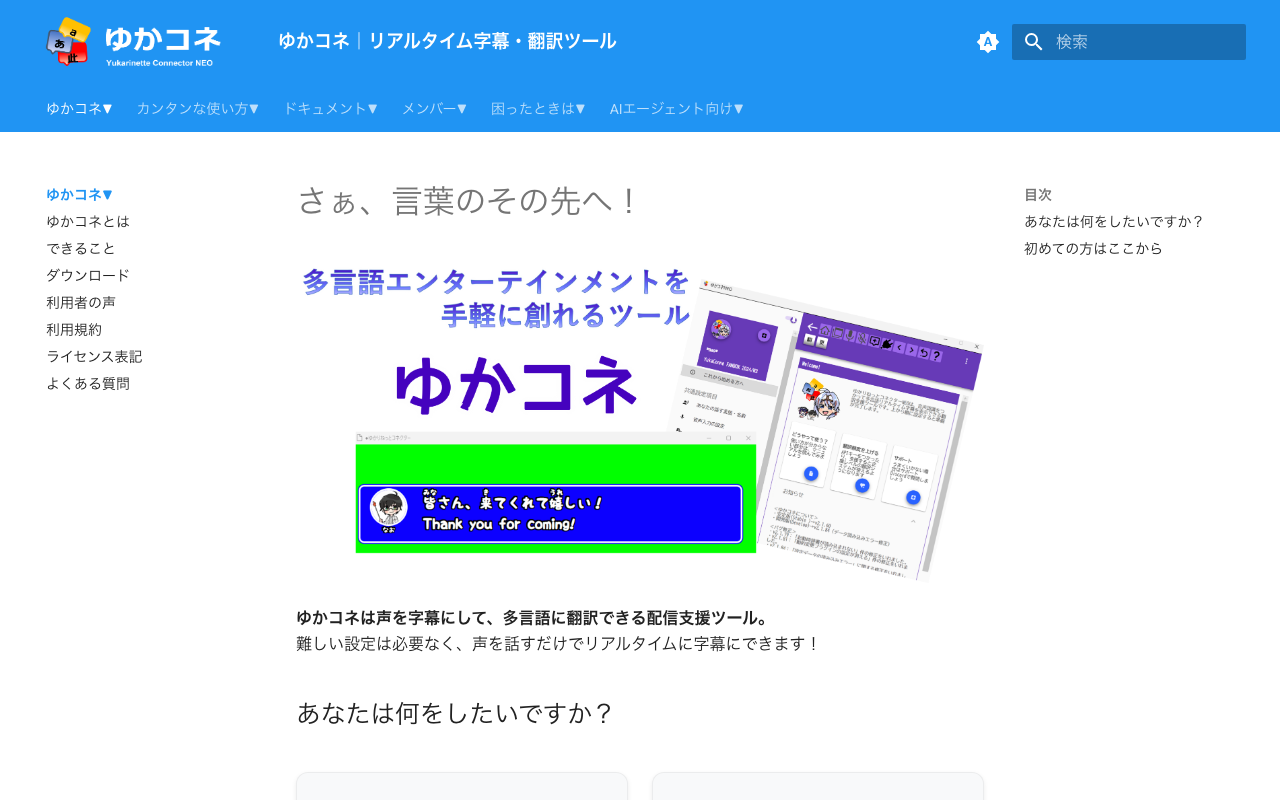
ゆかりねっとコネクターNEO
A subtitle tool that captions your stream audio live and translates it into multiple languages for OBS. It integrates with OneComme, VRChat, and Discord, letting individual streamers offer live multilingual subtitles for international viewers. Core features are free; a supporter version with higher-accuracy translation is available through FANBOX.