
Camo Studio
✨ What You Can Do with This Tool
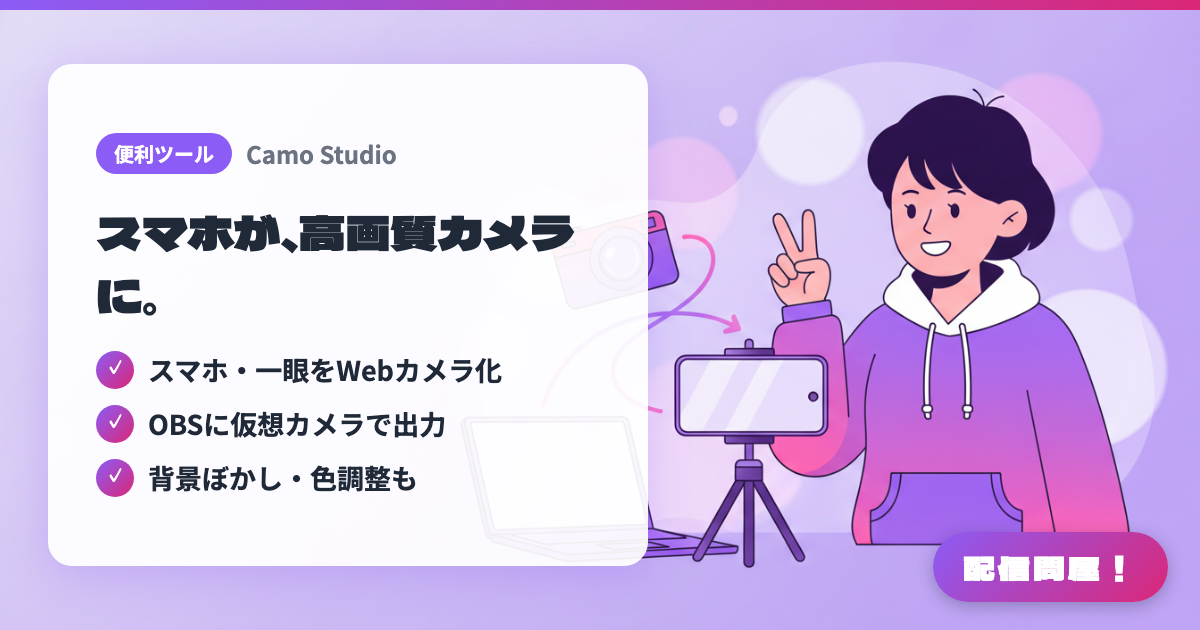
- ✓ スマホ・一眼をWebカメラ化
- ✓ OBSに仮想カメラで出力
- ✓ 背景ぼかし・色調整も
🖼️ Screenshots
📖 What is Camo Studio?
An app that turns your iPhone, Android phone, or DSLR/mirrorless camera into a high-quality webcam. It works on Mac and Windows and outputs as a virtual camera to 40+ apps including OBS Studio and Discord, with built-in background blur and color adjustment. The free version goes up to 720p (no watermark or ads), while Pro unlocks 4K.
💡 When to Use It
Great for streamers who want to boost their video quality using a phone or DSLR they already own, without buying a separate webcam — as a facecam for chatting streams, an overhead cam for cooking or crafting, or an on-site cam at gaming events. It also works well for Discord collabs or recordings where you want to polish the picture: since Camo handles background blur and color adjustment on its own, you don't need to stack extra filters in OBS.
📋 Basic Info
| Price | Freemium (some features paid) |
| Supported OS | Windows / Mac / iOS / Android |
| Last Updated | Aug 2026 |
🚀 How to Use
- Step 1: Install Camo Studio on your PC. If you're using a phone, also install the Camo app on your iPhone or Android device; for a DSLR or action camera, prepare a USB connection instead.
- Step 2: Connect your phone to the PC via USB or Wi-Fi and confirm it's recognized as a camera input in Camo Studio. Choose your resolution and frame rate as needed.
- Step 3: Adjust zoom, exposure, white balance, background blur, and framing in Camo Studio to get a composition where your face or hands read clearly on stream.
- Step 4: In OBS Studio or Discord's video input settings, select "Camo Camera" and add it to your scene just like a regular webcam. If you're using a separate microphone for audio, set that up as a separate input in OBS.
- Step 5: Preview for a few minutes before going live to check your phone's heat, battery, and autofocus behavior. For long streams, use a wired connection with power supplied at the same time.
🎉 Highlights & Comments
What do you love about this tool?
✏️ Leave a comment (optional, up to 200 characters)
0/200