
CastCraft
✨ What You Can Do with This Tool
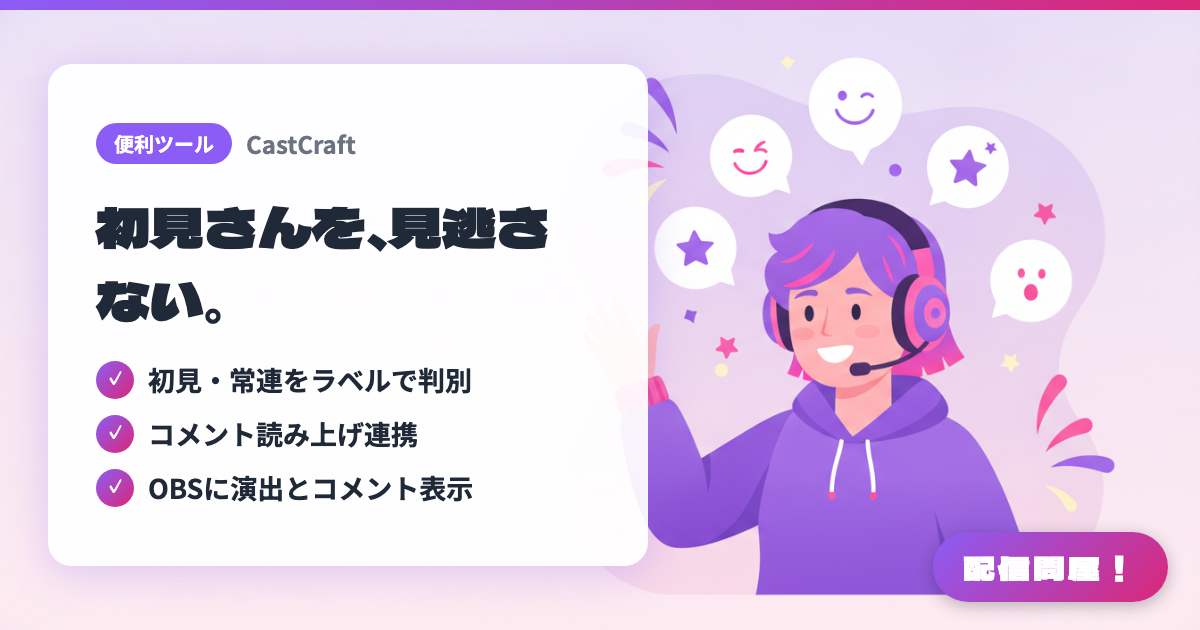
- ✓ 初見・常連をラベルで判別
- ✓ コメント読み上げ連携
- ✓ OBSに演出とコメント表示
🖼️ Screenshots
📖 What is CastCraft?
A free comment viewer and stream effects tool for YouTube and Twitch. First-time viewers are marked with a "NEW" label, and each viewer's chat history, notes, and visit count are automatically tracked, making it easier to call out regulars by name. It comes with everything you need: chat TTS integration with Bouyomi-chan and VOICEVOX, "Chatbox" for displaying chat in OBS, and "Screen" for on-screen effects like fireworks triggered by chat or tips. It's completely free and even has its own tipping feature with a 90% payout rate.
💡 When to Use It
Great for streams focused on viewer communication — where you want to greet every first-time viewer and remember regulars' names and visit counts to call out to them. Add chat-triggered fireworks or GIF effects on screen, and you can build audience-participation-style excitement. It also tracks which Super Chats you've already read, which helps prevent missing any.
📋 Basic Info
| Price | Freemium (some features paid) |
| Last Updated | Jul 2026 |
🚀 How to Use
- Step 1: Install the desktop version (Windows/Mac) from the download page on the official site.
- Step 2: Log in with your YouTube or Twitch account.
- Step 3: Start your stream and click "Connect to Stream" in the "Live Dashboard" tab to begin pulling in chat.
- Step 4: To use the on-screen effects, connect to OBS from the "Screen" tab, and for Chatbox, pick a template and drag-and-drop it into OBS.
- Step 5: If you need TTS, set up the Bouyomi-chan or VOICEVOX integration.
🎉 Highlights & Comments
What do you love about this tool?
✏️ Leave a comment (optional, up to 200 characters)
0/200