
Crowd Control
✨ What You Can Do with This Tool
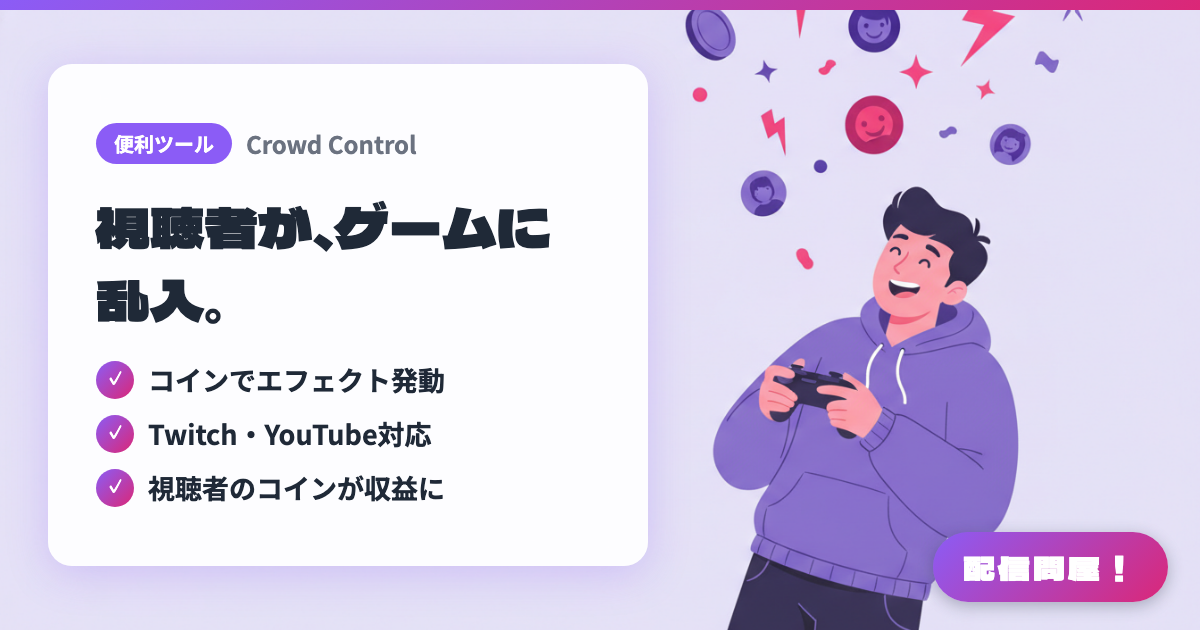
- ✓ Coins trigger effects
- ✓ Supports Twitch & YouTube
- ✓ Viewer coins become revenue
🖼️ Screenshots
📖 What is Crowd Control?
An interactive service that lets viewers mess with a streamer's gameplay. Beyond in-game effects that change characters, items, and environments in 250+ supported games, "Disrupts" let viewers throw images, videos, puzzles, or keyboard/mouse inputs onto the screen. It works with Twitch (extension, Bits, Channel Points), TikTok Gifts, YouTube, and more, and viewers can also join via an Interact Link. Free for streamers, with Pro/Max plans for extra features (check the official site for pricing). The app is Windows-only.
💡 When to Use It
Use it when you want an interactive endurance stream of an action or horror game where viewers meddle directly—deleting your items or shaking things up. It ties into Channel Points and Bits on Twitch and Gifts on TikTok LIVE, making it great for milestone celebrations and event streams. Even with unsupported games, Disrupts let you add surprises to chatting streams or work-along streams by popping images and puzzles onto the screen.
📋 Basic Info
| Price | Freemium (some features paid) |
| Supported OS | Windows |
| Last Updated | Sep 2026 |
🚀 How to Use
- Step 1: Download the Windows Crowd Control desktop app from the official site, create an account, and link the streaming platforms you use, such as Twitch, YouTube, or TikTok.
- Step 2: Choose a username during initial setup (it becomes the URL of the Interact Link your viewers use).
- Step 3: Pick the game you'll stream from the Game Library and work through its game-specific setup until every item is checked off.
- Step 4: In the Effect Manager, adjust each effect's price, cooldown, and sound effect, then add overlays such as the Disrupts Monitor Overlay to your streaming software.
- Step 5: Click "Start Session" on the Live page, test-trigger effects to confirm they work, then share your Interact Link in chat or your stream description.
🎉 Highlights & Comments
What do you love about this tool?
✏️ Leave a comment (optional, up to 200 characters)
0/200