
だれでもVtuber
✨ What You Can Do with This Tool
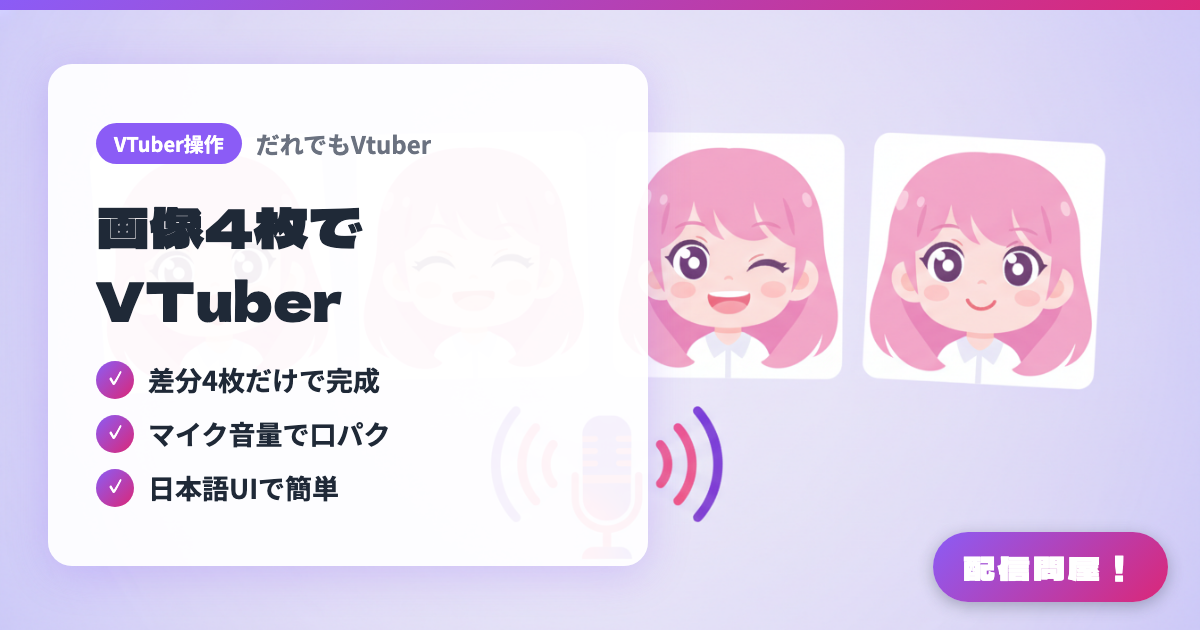
- ✓ Complete with just 4 differentials
- ✓ Lip sync driven by mic volume
- ✓ Easy Japanese UI
🖼️ Screenshots
📖 What is だれでもVtuber?
A beginner-friendly PNGTuber tool with an easy-to-use Japanese UI. Just prepare four differential images — normal, mouth open, blinking, and both — and your avatar is ready to go, automatically switching frames in sync with your mic volume. OBS output setup is simple too, making it a great fit for anyone who wants to start their VTuber journey with minimal hassle ahead of their streaming debut.
💡 When to Use It
Use this when you want to start PNGTubing without getting lost, thanks to its Japanese UI. It's ready to go with just 4 differential images and simple controls, making it a great fit for beginners who want an easy way into VTuber activities ahead of their streaming debut.
📋 Basic Info
| Price | Freemium (some features paid) |
| Last Updated | Apr 2026 |
🚀 How to Use
- Step 1: Download and launch it from the だれでもVtuber distribution page on BOOTH
- Step 2: Register your four differential images — normal, mouth open, blinking, and both — along with your microphone
- Step 3: Set up OBS output (virtual camera / window capture)
- Step 4: The images automatically switch based on your mic volume, bringing your PNGTuber avatar to life on stream
🎬 Tutorial Video
🎉 Highlights & Comments
What do you love about this tool?
✏️ Leave a comment (optional, up to 200 characters)
0/200