
Diff Motion
✨ What You Can Do with This Tool
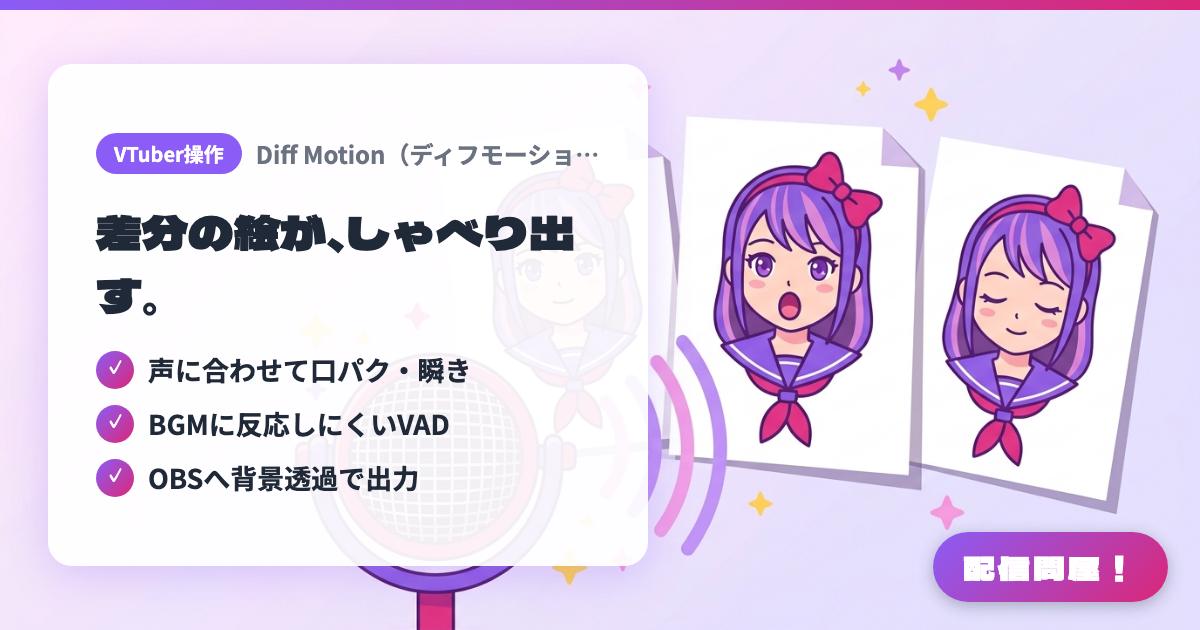
- ✓ 声に合わせて口パク・瞬き
- ✓ BGMに反応しにくいVAD
- ✓ OBSへ背景透過で出力
🖼️ Screenshots
📖 What is Diff Motion?
A Japanese-made app (by yuki-P) that animates a PNGTuber purely from image variants. Register your variants - neutral, open mouth, closed eyes and so on - into a 2-, 4- or 10-image preset, and they switch automatically in time with your mic audio. A VAD mode that responds only to human speech (with 2- and 4-image presets) keeps BGM and background noise from triggering the mouth, and Spout2/Syphon output sends the avatar to OBS with the background still transparent. Expressions can also be switched by hotkey or API. Runs on Windows 11/10 and macOS. 800 yen on BOOTH, commercial use allowed.
💡 When to Use It
For starting out as a PNGTuber with nothing but your own artwork and a few variants, before you commit to a Live2D or VRM model - no face on camera required. It is also worth knowing about if you have been unable to find PNGTuber software that runs on a Mac (Apple Silicon or Intel). You can hit a hotkey mid-chat to swap to a shocked or smiling face, or feed synthesized speech from VOICEVOX through a virtual mic to make an AITuber's mouth move.
📋 Basic Info
| Price | Paid |
| Supported OS | Windows 11/10 / Mac(Apple Silicon・Intel) |
| Developer | yuki-P |
| Last Updated | Sep 2026 |
🚀 How to Use
- Step 1: Buy it on the BOOTH product page (800 yen, download product) and install the Windows installer or the macOS build (Apple Silicon or Intel).
- Step 2: Prepare your variant PNGs - neutral, open mouth, closed eyes. Two images is the minimum, four is standard, and a 10-image preset lets you add more expressions (draw them yourself or commission an artist).
- Step 3: Start Diff Motion, assign each image to a slot, and adjust mic input sensitivity. If BGM or background noise makes the mouth move, turn on VAD mode (available with the 2- and 4-image presets).
- Step 4: Install the Spout2 plugin for OBS (Syphon on macOS) to bring the avatar in with a transparent background. Without the plugin, a window capture will also put it on screen.
- Step 5: Bind your most-used expressions to hotkeys. To connect external tools, see the API documentation served at http://localhost:37264/docs while the app is running.
🎉 Highlights & Comments
What do you love about this tool?
✏️ Leave a comment (optional, up to 200 characters)
0/200