
Discord Streamkit Overlay
✨ What You Can Do with This Tool
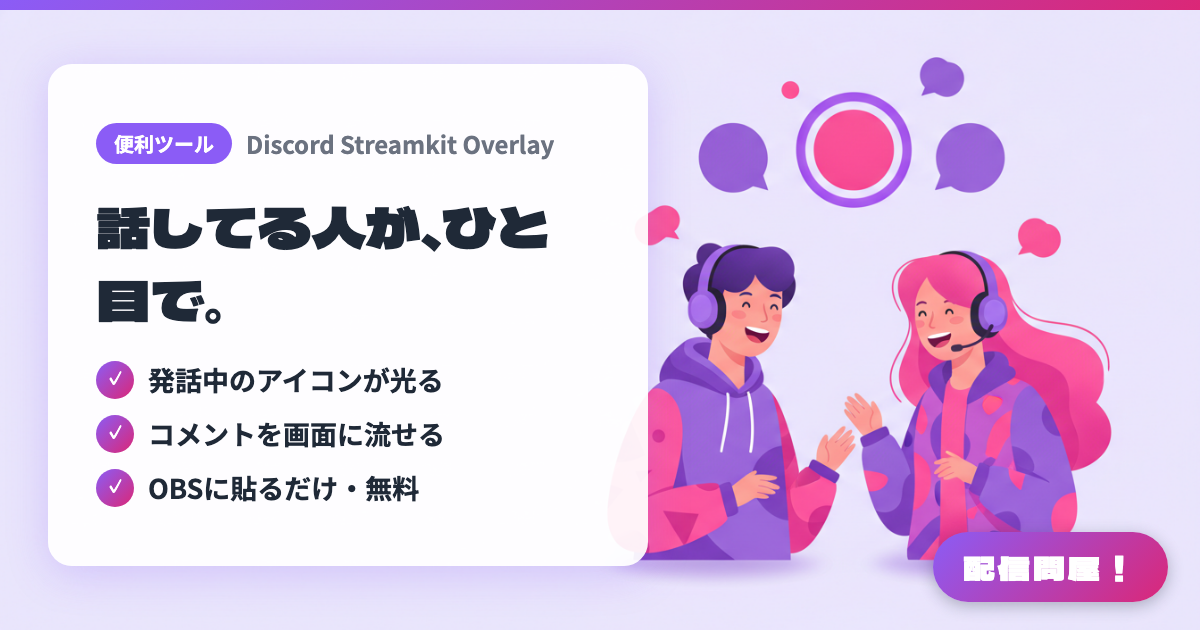
- ✓ 発話中のアイコンが光る
- ✓ コメントを画面に流せる
- ✓ OBSに貼るだけ・無料
🖼️ Screenshots
📖 What is Discord Streamkit Overlay?
An official overlay generator from Discord for streaming. Open streamkit.discord.com/overlay in your browser, configure one of the three widget types — Status, Chat, or Voice — and it issues a URL you can simply paste into an OBS browser source. It can show icons for who's currently talking, or scroll messages from a text channel across your screen. Everything happens in the browser, with no extra install and no cost.
💡 When to Use It
A go-to choice for letting viewers know "who's talking right now" during a collab stream. In multi-person game streaming or radio-style streams, simply having the active speaker's icon light up makes the conversation much easier to follow. Using the Chat widget, you can scroll messages from a Discord community channel across the bottom of your screen, creating a way to pull in topics or requests for listener-participation segments.
📋 Basic Info
| Price | Free |
| Supported OS | ブラウザ(OS不問) |
| Last Updated | Jul 2026 |
🚀 How to Use
- Step 1: Open streamkit.discord.com/overlay in your browser, select "Install for OBS," and link your Discord account.
- Step 2: On the VOICE WIDGET tab, choose the server and voice channel you want shown on stream (for chat display, specify a text channel under CHAT WIDGET instead).
- Step 3: Adjust options like icon size, small avatar display, and hiding non-speaking members, then copy the generated URL from the bottom right of the screen.
- Step 4: In OBS, choose "Add Source" → "Browser," paste the copied URL into the URL field, and set the width and height. Use custom CSS to fine-tune the look if needed.
- Step 5: Check that overlay access is enabled on the Discord client side, then start a call to test that the frame lights up while speaking.
🎬 Tutorial Video
🎉 Highlights & Comments
What do you love about this tool?
✏️ Leave a comment (optional, up to 200 characters)
0/200