
FaceMotion3D
✨ What You Can Do with This Tool
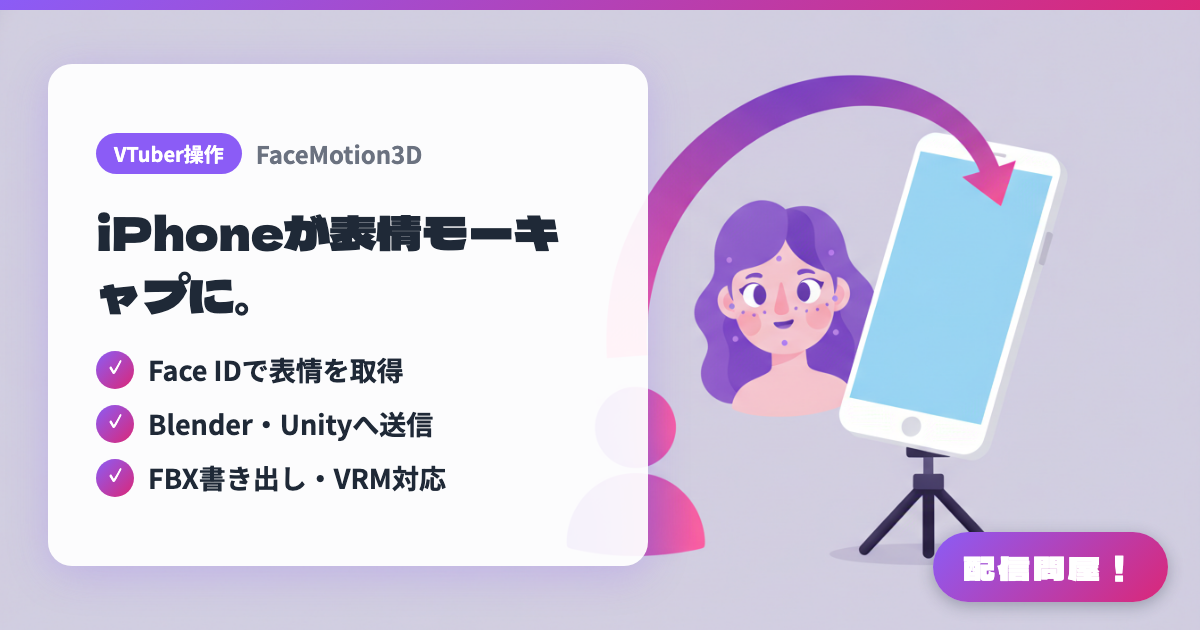
- ✓ Face IDで表情を取得
- ✓ Blender・Unityへ送信
- ✓ FBX書き出し・VRM対応
🖼️ Screenshots
📖 What is FaceMotion3D?
An app that captures facial expressions on an iPhone with Face ID or an A12 Bionic chip or later, and streams them in real time to 3D software on your PC. Compatible with Maya, Blender, Unity, Unreal Engine, and DAZ Studio, with support for FBX export and VRM import. The app itself is free, with streaming and other features priced at ¥120–¥500/month or a one-time ¥2,500 purchase.
💡 When to Use It
For creators who want to use facial motion capture not just for streaming but also for video production and 3D animation work. Good for when you want to record while checking expression data in Blender or Unity, when you want to verify a VRM model's expressions, or when you'd rather keep the motion as editable footage than as a live stream.
📋 Basic Info
| Price | Freemium (some features paid) |
| Supported OS | iOS / PC連携 |
| Developer | DevelopW LLC |
| Last Updated | Jul 2026 |
🚀 How to Use
- Step 1: Get the iOS app and the script for whichever 3D software you use — Blender, Unity, Unreal Engine, and so on — from the Download section of the official site.
- Step 2: Launch FaceMotion3D on an iPhone/iPad with Face ID or an A12 Bionic chip or later, and set up the receiving plugin or script on your PC.
- Step 3: Open your model or rig in whichever production environment you're using — Maya, Blender, Unity, Unreal Engine, DAZ Studio — and confirm the streaming connection.
- Step 4: Stream your expressions in real time to preview them, then use FBX export or VRM import as needed to bring the recorded data into your production workflow.
🎉 Highlights & Comments
What do you love about this tool?
✏️ Leave a comment (optional, up to 200 characters)
0/200