
Figryne Cast Studio (Lite)
✨ What You Can Do with This Tool
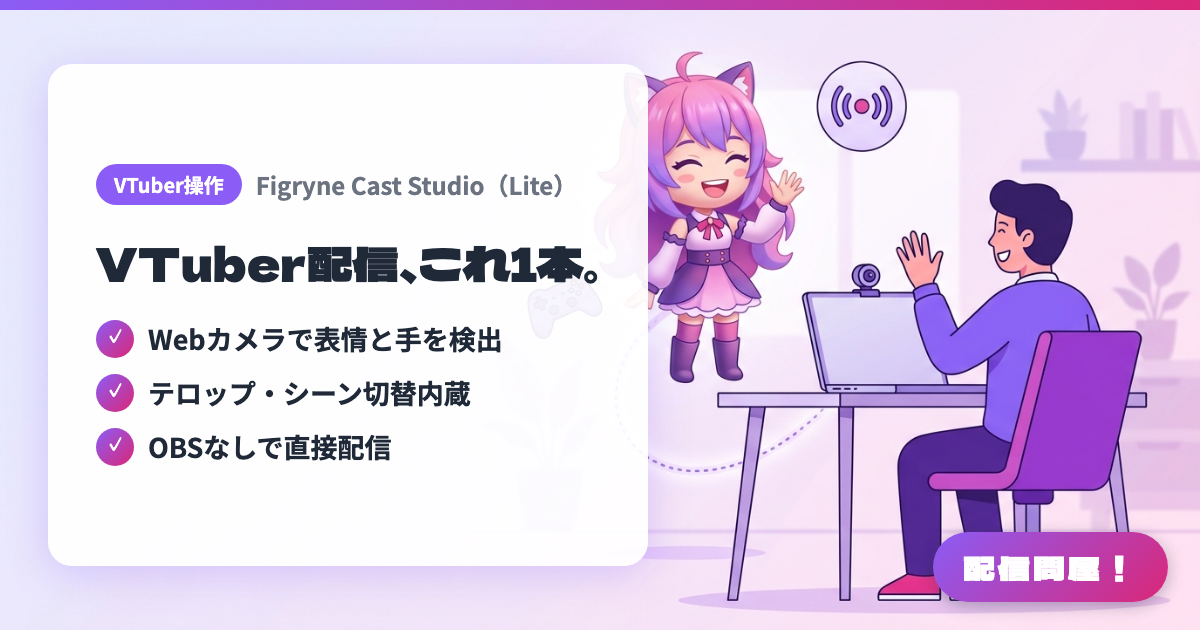
- ✓ Webカメラで表情と手を検出
- ✓ テロップ・シーン切替内蔵
- ✓ OBSなしで直接配信
🖼️ Screenshots
📖 What is Figryne Cast Studio (Lite)?
A Japanese-made all-in-one VTuber streaming app that handles everything from VRM avatar tracking to going live. A single webcam tracks your expressions, eye movement and hands, and scene switching, text overlays, live chat display and direct RTMP streaming to YouTube/Twitch are all built in, so there is no OBS to set up. VRoid Hub integration loads your avatar directly, and you can overlay game footage from a capture card. Lite is a one-time purchase of 2,480 yen (the trial stops after 5 minutes per stream); Live2D support is a separate 620-yen add-on. On Mac it is Apple Silicon only.
💡 When to Use It
For laptops that bog down when a tracking app and OBS are running side by side, this keeps a just-chatting stream inside one app. With most VTuber software being Windows-only, it is also an option for anyone who wants to stream from an Apple Silicon MacBook. And when you want Switch gameplay from a capture card on screen next to your avatar, you can start without learning OBS scene setup.
📋 Basic Info
| Price | Paid |
| Supported OS | Windows 10/11(64bit) / Mac(Apple Silicon M1以降のみ) |
| Last Updated | Sep 2026 |
🚀 How to Use
- Step 1: Download the free trial from the official site (figryne.com) and install the Windows build or the macOS build (Apple Silicon / M1 or later only), whichever matches your PC.
- Step 2: Launch the app, connect a webcam, and pick an avatar: one of the bundled presets, your own VRM file, or a model loaded by linking your VRoid Hub account.
- Step 3: In the tracking settings, adjust eye openness, mouth movement, gaze and the blink dead zone, then check that your expressions and hands map to the avatar the way you want.
- Step 4: Build your layout by stacking background video, text overlays and capture-card game footage into a scene (Lite allows up to 6 scenes).
- Step 5: Paste the stream key issued by YouTube Live or Twitch and start streaming. The trial cuts off after 5 minutes with a 5-minute cooldown, so buy the 2,480-yen one-time Lite license to keep going.
🎉 Highlights & Comments
What do you love about this tool?
✏️ Leave a comment (optional, up to 200 characters)
0/200