
Flood-Tuber
✨ What You Can Do with This Tool
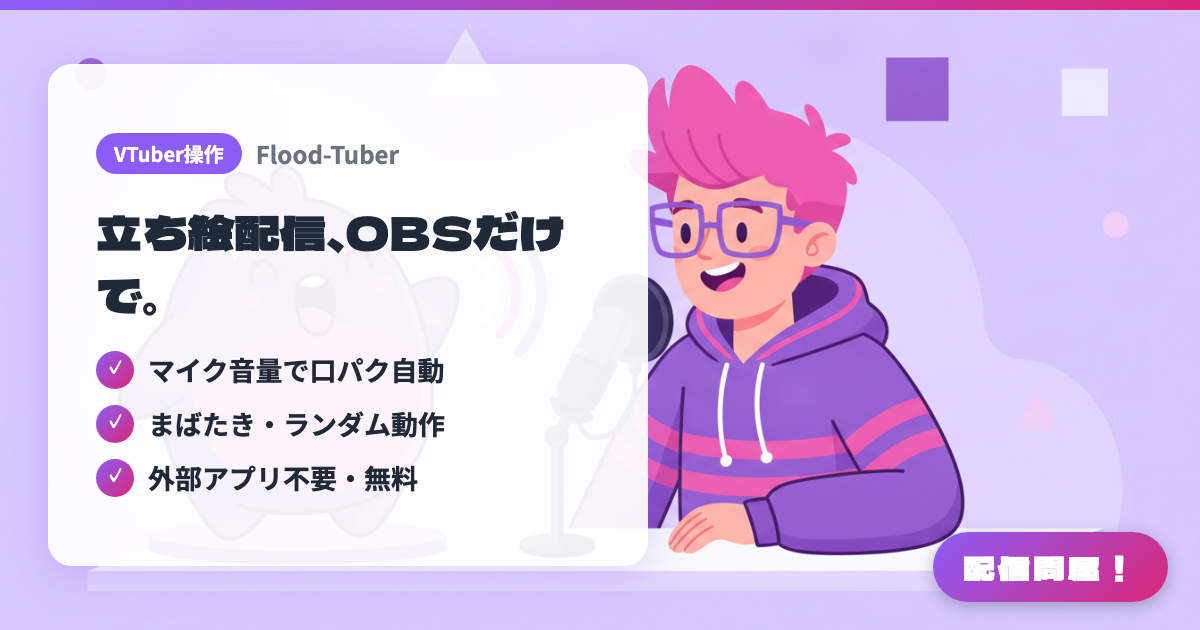
- ✓ マイク音量で口パク自動
- ✓ まばたき・ランダム動作
- ✓ 外部アプリ不要・無料
🖼️ Screenshots
📖 What is Flood-Tuber?
A PNGTuber plugin that runs inside OBS Studio 30.2 or later. It automatically swaps between idle and talking images based on your mic volume, and supports auto-blink, random actions, and APNG / WebP / GIF. Everything happens inside OBS with no external app needed. Free under GPLv2, for Windows 64-bit (the installer is unsigned, so a SmartScreen warning will appear).
💡 When to Use It
Great when you want to do a chatting stream with a PNG avatar but running a separate PNGTuber app or virtual camera bogs down your PC — a single OBS source handles lip sync and blinking. It also fits when you want a small avatar tucked in the corner of a gaming stream that bounces as you talk, or when you want animated APNG/GIF variations to pop in random special poses and liven up a chatting stream.
📋 Basic Info
| Price | Free |
| Supported OS | Windows |
| Developer | justflood |
| Last Updated | Sep 2026 |
🚀 How to Use
- Step 1: Download "FloodTuber-Installer.exe" from GitHub Releases or the OBS forum resource page and install it into OBS Studio 30.2 or later (Windows 64-bit). The installer is unsigned, so if a SmartScreen warning appears, check it and continue
- Step 2: Restart OBS, then add a "Flood Tuber Avatar" source to your scene
- Step 3: In the source properties, choose the audio source (your mic) it should react to, then either load a preset from the avatar library or set the idle, talking (Talk A/B/C), and blink images individually
- Step 4: Adjust the talk-detection threshold, lip-sync speed, auto-blink interval, random actions, and motion settings such as Shake/Bounce
- Step 5: Actually talk into your mic and check in the preview that lip sync and the mirror direction look right before you go live
🎉 Highlights & Comments
What do you love about this tool?
✏️ Leave a comment (optional, up to 200 characters)
0/200