
Inochi2D
✨ What You Can Do with This Tool
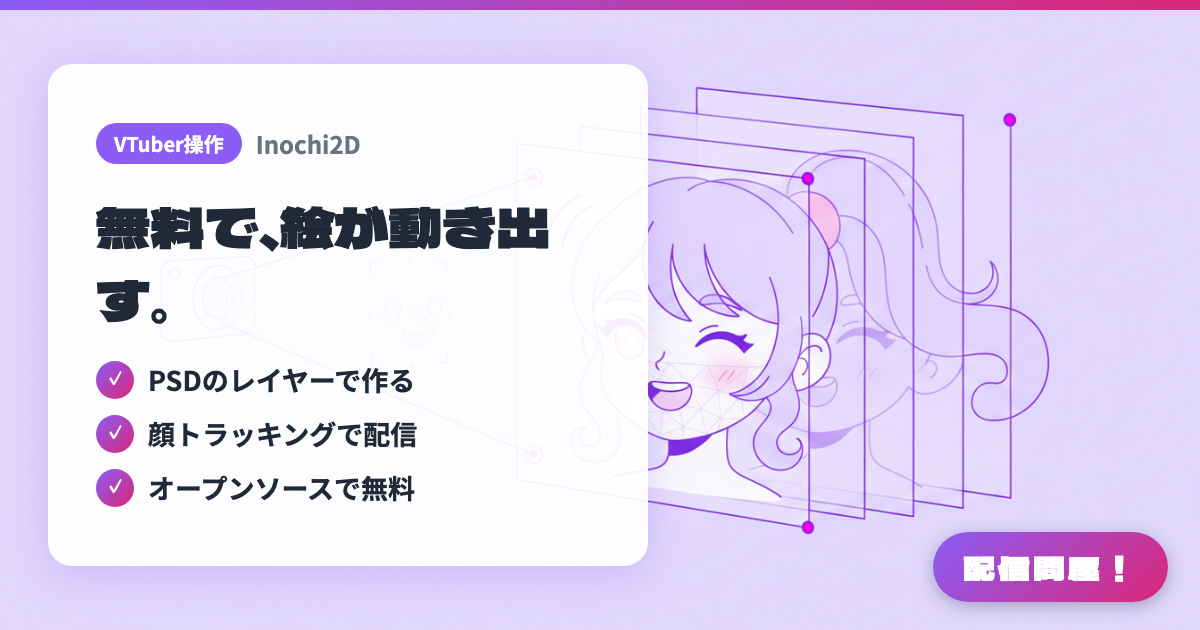
- ✓ PSDのレイヤーで作る
- ✓ 顔トラッキングで配信
- ✓ オープンソースで無料
🖼️ Screenshots
📖 What is Inochi2D?
An open-source puppet animation framework for moving layered 2D illustrations in real time. It's built from two apps: "Inochi Creator," for rigging your model, and "Inochi Session," for VTubing with face tracking, letting you give flat art a sense of pseudo-depth in motion. Inochi Creator is available free from itch.io under the BSD-2-Clause license and runs on Windows/Linux.
💡 When to Use It
For anyone who wants to try animating a model for free before committing to a paid Live2D Cubism plan. Just layer your own illustration and you can start a character-art stream with blinking and lip sync. It's also a fit for VTubers running a Linux streaming setup who can't use Windows-only tools, or developer-minded streamers who want to read the source and extend it to their liking.
📋 Basic Info
| Price | Free |
| Supported OS | Windows / Linux |
| Developer | Inochi2D Project |
| Last Updated | Jul 2026 |
🚀 How to Use
- Step 1: From the download page on inochi2d.com, get Inochi Creator (free, distributed via itch.io) and Inochi Session, and install them.
- Step 2: Launch Inochi Creator and load a PSD with your bangs, eyes, mouth, body, and other parts separated into layers. The layers are imported directly as parts.
- Step 3: Add a mesh to each part and add Deform parameters, linking things like eye opening/closing, mouth opening/closing, and neck tilt to the parameters.
- Step 4: Export the finished rig as an .inp file and load it into Inochi Session. Set up webcam or iPhone face tracking to move the model.
- Step 5: Capture Inochi Session with OBS's window capture, set up chroma key or transparent background, and put it on your stream screen.
🎉 Highlights & Comments
What do you love about this tool?
✏️ Leave a comment (optional, up to 200 characters)
0/200