
LiveCap
✨ What You Can Do with This Tool
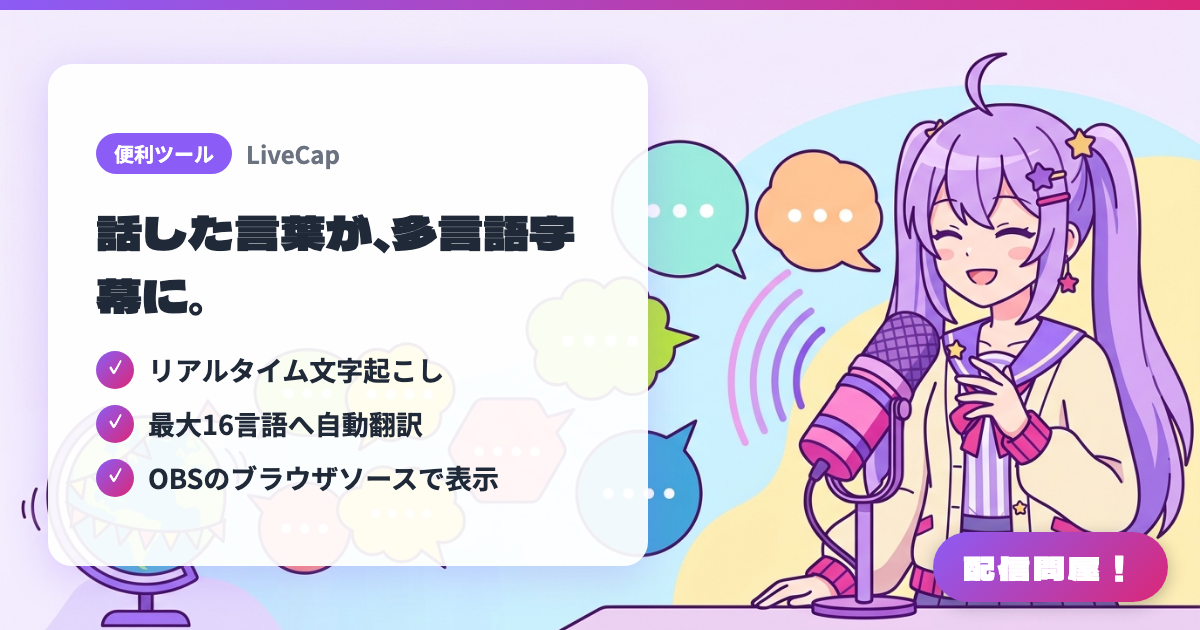
- ✓ リアルタイム文字起こし
- ✓ 最大16言語へ自動翻訳
- ✓ OBSのブラウザソースで表示
🖼️ Screenshots
📖 What is LiveCap?
Software that transcribes what a streamer says in real time and auto-translates it into subtitles in up to 16 languages — even from Japanese into English. It integrates via a simple OBS browser source and runs fully locally with minimal delay, great for streamers who want to reach viewers overseas (one-time purchase, ¥2,000).
💡 When to Use It
Use it when you want to speak Japanese but still reach viewers overseas. It transcribes your speech in real time and auto-translates it into subtitles in up to 16 languages, including English. Since it runs fully locally, delay is minimal, and it's also useful for showing subtitles to viewers who have trouble hearing, or for multilingual communication in VRChat.
📋 Basic Info
| Price | Paid |
| Last Updated | Jun 2026 |
🚀 How to Use
- Step 1: Purchase and install LiveCap from Steam (supports Windows 10/11, one-time purchase ¥2,000, free trial available)
- Step 2: Launch LiveCap and set your microphone, spoken language, and the subtitle languages you want to translate into (up to 16 languages)
- Step 3: Add a browser source under Sources in OBS and enter the subtitle URL that LiveCap provides (font and color are customizable)
- Step 4: Once you start streaming, what you say is transcribed and translated in real time, showing multilingual subtitles on your stream screen
🎉 Highlights & Comments
What do you love about this tool?
✏️ Leave a comment (optional, up to 200 characters)
0/200