
Lumia Stream
✨ What You Can Do with This Tool
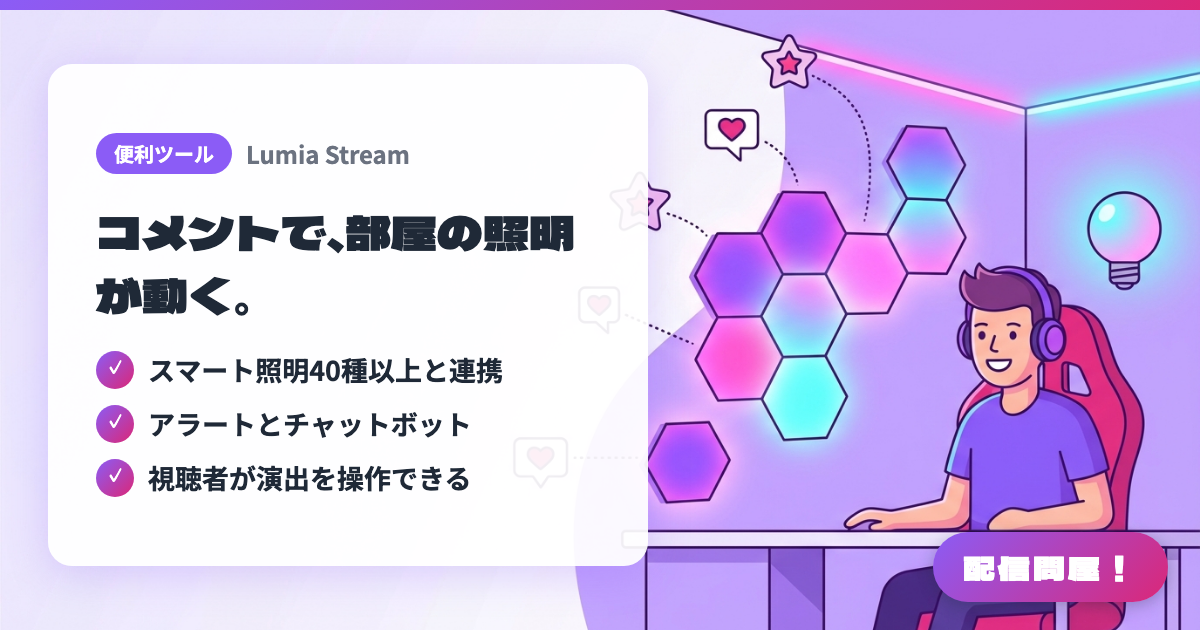
- ✓ スマート照明40種以上と連携
- ✓ アラートとチャットボット
- ✓ 視聴者が演出を操作できる
🖼️ Screenshots
📖 What is Lumia Stream?
A streaming support app that bundles smart lighting integration, alerts, a chat bot, and loyalty features into one tool. It connects to 40+ devices and services including Philips Hue, Nanoleaf, Govee, and Elgato, letting viewers control your room lighting and effects through chat. The free tier is limited to overlays and a basic bot; full functionality starts at $5.99/month.
💡 When to Use It
Great for viewer-participation chatting or gaming streams where you want chat comments or point redemptions to change your room lighting and background effects. Because your actual physical space reacts, not just an on-screen alert, reactions come across more clearly. It's also a good fit for special episodes like birthday streams or endurance streams — adding lighting changes to your usual alert effects creates an event feel without much added cost.
📋 Basic Info
| Price | Freemium (some features paid) |
| Supported OS | Windows / Mac |
| Last Updated | Aug 2026 |
🚀 How to Use
- Step 1: Create an account on the Lumia Stream official site and install the Windows or Mac app. Link your Twitch, YouTube, or other streaming accounts first.
- Step 2: From Connections, link your smart lights or streaming devices — Philips Hue, Nanoleaf, Govee, Elgato, and so on — and confirm you can control them from Lumia.
- Step 3: Add Lumia Stream's overlay or browser source to OBS, and set it up so alerts, chat commands, and lighting effects show up on your stream.
- Step 4: Set up chat commands or point-redemption conditions viewers can use, and assign them to the effects you want to show on stream — color changes, flashing, scene switches, and so on.
- Step 5: Before going live, run the commands in a test stream and check the lights' response speed, brightness, and how they look on camera. Add cooldowns for effects that are too bright or likely to get spammed.
🎉 Highlights & Comments
What do you love about this tool?
✏️ Leave a comment (optional, up to 200 characters)
0/200