
Macro Deck
✨ What You Can Do with This Tool
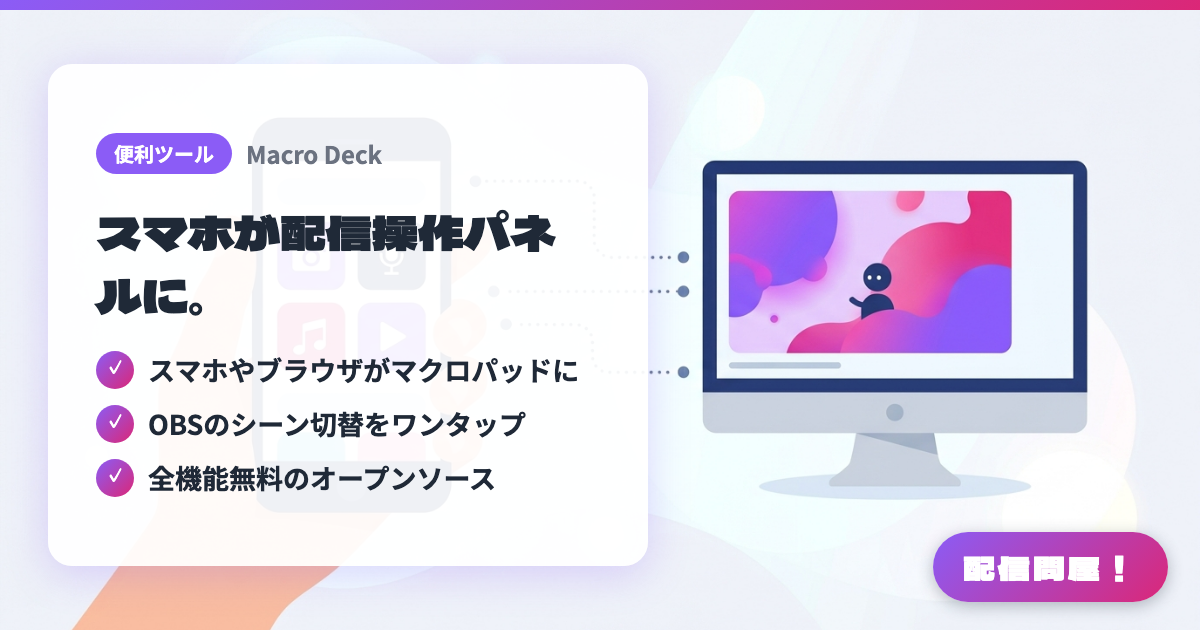
- ✓ スマホやブラウザがマクロパッドに
- ✓ OBSのシーン切替をワンタップ
- ✓ 全機能無料のオープンソース
🖼️ Screenshots
📖 What is Macro Deck?
A free, open-source tool that turns your phone, tablet, or browser into a Stream Deck-style macro pad. It supports Windows 10/11, and installing the OBS-WebSocket plugin lets you switch scenes or mute your mic with a single tap. Unlike Touch Portal, every feature is free, and you can even control it from a browser with no dedicated app needed.
💡 When to Use It
Great for when you want to build a stream control panel on your own phone before buying a Stream Deck. You can gather OBS scene switching, mic muting, sound effect playback, and canned chat messages onto one screen, so even solo streamers can handle scene changes calmly. Useful for beginners on a budget or streamers with a spare PC or tablet lying around.
📋 Basic Info
| Price | Free |
| Supported OS | Windows 10/11(操作端末はスマホ・タブレット・ブラウザ) |
| Last Updated | Aug 2026 |
🚀 How to Use
- Step 1: Install Macro Deck Server on your Windows PC, and connect the phone, tablet, or other PC you'll use for control to the same network
- Step 2: Connect to the server from the mobile app or browser client, and build a button layout that's easy to tap while streaming
- Step 3: If you want to control OBS, enable OBS WebSocket and assign actions like scene switching, muting, and starting recording on the Macro Deck side
- Step 4: Gather your frequently used sound effects, canned chat phrases, app launches, and hotkeys into buttons, and test that they work with one tap before you go live
- Step 5: During the actual stream, keep your phone within reach and arrange the buttons in an order you can press without looking, so you can operate it without interrupting your game or chat
🎉 Highlights & Comments
What do you love about this tool?
✏️ Leave a comment (optional, up to 200 characters)
0/200