
Mix It Up
✨ What You Can Do with This Tool
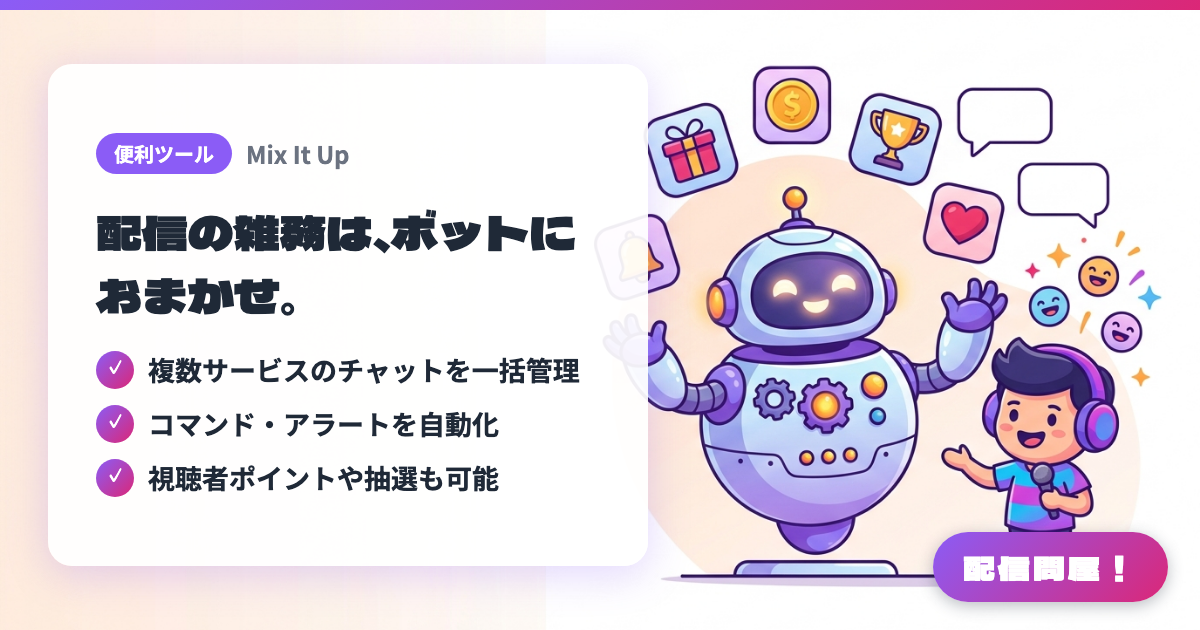
- ✓ 複数サービスのチャットを一括管理
- ✓ コマンド・アラートを自動化
- ✓ 視聴者ポイントや抽選も可能
🖼️ Screenshots
📖 What is Mix It Up?
A Windows desktop streaming bot that connects to multiple streaming services at once, including Twitch, YouTube Live, and Kick. A single app covers chat commands, stream alerts, OBS overlays like goal bars and chat boxes, moderation, giveaways, and even viewer points (a custom currency). Settings are stored locally on your own PC rather than in the cloud. You can build everything with the visual editor, and scripting enables more advanced automation.
💡 When to Use It
Useful when you're multistreaming to Twitch and YouTube at the same time and want the same commands and moderation applied to both chats. Automating standard replies like "!discord" or alerts for new follows and membership sign-ups lets you focus on talking to your audience. For long streams, combining viewer points with giveaways also works well for running interactive events with your regulars.
📋 Basic Info
| Price | Free |
| Supported OS | Windows(10 / 11) |
| Last Updated | Sep 2026 |
🚀 How to Use
- Step 1: Get the Windows 10/11 installer from "Download" on the official site (mixitup.bot) and run it
- Step 2: In the setup wizard on first launch, connect the Twitch / YouTube / Kick account you stream on (connect a separate bot account too, if needed)
- Step 3: Create chat commands on the "Commands" screen, and set the actions (sending a chat message, playing a sound effect, a Web Request, etc.) along with the roles allowed to run them and any cooldowns
- Step 4: Use the "Overlay" feature to set up widgets for alerts, goal bars, and a chat box, then add the URL it generates as an OBS browser source
- Step 5: Set up viewer points (Currency) and giveaways, then run a test stream to confirm commands and alerts work before going live for real
🎉 Highlights & Comments
What do you love about this tool?
✏️ Leave a comment (optional, up to 200 characters)
0/200