
nizima LIVE
✨ What You Can Do with This Tool
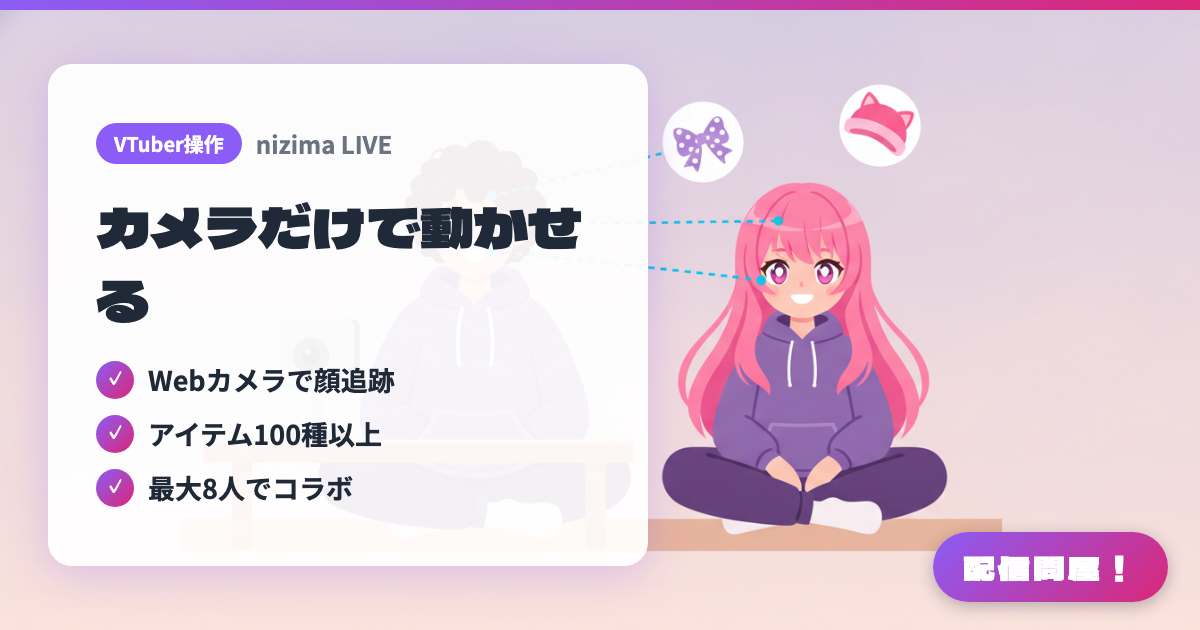
- ✓ Webカメラで顔追跡
- ✓ アイテム100種以上
- ✓ 最大8人でコラボ
🖼️ Screenshots
📖 What is nizima LIVE?
A VTuber streaming app that reads your face and expressions through nothing but a webcam and drives a Live2D model in real time. Perfect Sync captures fine detail such as puffed cheeks, lip sync follows your voice, and the camera feed itself never appears on screen, so there is no risk of showing your face. It also includes 100+ preset items and collab rooms that hold up to eight people at once. Available for Windows and macOS (some features are unsupported on Mac), with a free plan alongside paid plans at 550 yen/month for individuals and 3,300 yen/month for businesses.
💡 When to Use It
This is the pick when you would rather not show your face but still want an expressive stream. Because the camera feed never appears on screen, only the fine details carry over to the model, which is enough to hold a chatting stream on reaction alone. Putting "nizima LIVE TRACKER" on an iPhone you already own pushes the tracking accuracy up further. For collab streams, a collab room takes up to eight people at higher quality than screen sharing, so it suits milestone streams and guest episodes.
📋 Basic Info
| Price | Freemium (some features paid) |
| Supported OS | Windows / Mac |
| Last Updated | Aug 2026 |
🚀 How to Use
- Step 1: Download the Windows build (installer or ZIP) or the macOS build (.pkg) from the download page on the official site and install it.
- Step 2: Load your own Live2D model, then choose the model and the camera you want to use from the menu bar on the left.
- Step 3: Start tracking with your webcam. For higher accuracy, install "nizima LIVE TRACKER" on an iPhone X or later running iOS 14 or newer and connect it.
- Step 4: Fine-tune blinking, mouth movement, hair sway, and other parameters, and enable Perfect Sync and lip sync if you need them.
- Step 5: Connect it to OBS Studio to bring the model into your stream, then dress it up with the 100+ items or invite guests into a collab room (up to eight people).
🎬 Tutorial Video
🎉 Highlights & Comments
What do you love about this tool?
✏️ Leave a comment (optional, up to 200 characters)
0/200