
OneComme
✨ What You Can Do with This Tool
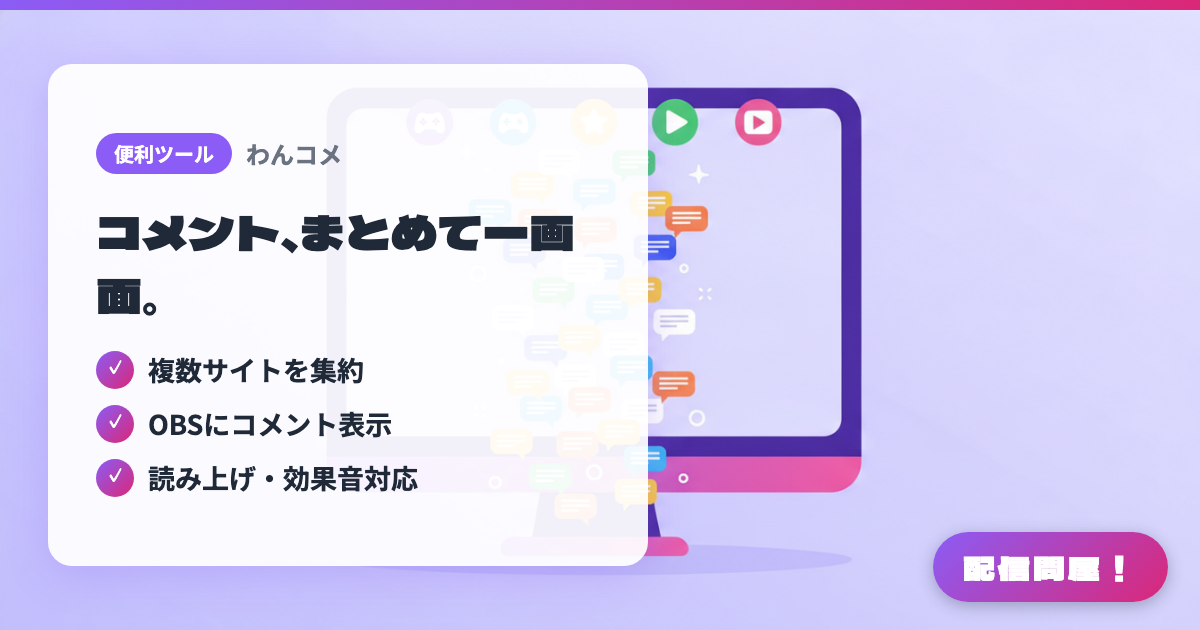
- ✓ 複数サイトを集約
- ✓ OBSにコメント表示
- ✓ 読み上げ・効果音対応
🖼️ Screenshots
📖 What is OneComme?
A Japanese-made comment viewer that gathers chat from the major sites — YouTube, Twitch, Niconico Live, TwitCasting, SHOWROOM, Mirrativ, Kick — into a single screen. It includes text-to-speech that works without any extra software, a queue list for viewer-participation events, on-screen effects triggered by chat, and templates for customizing the look. It runs on Windows and macOS, and the core features are free. Remote View, surveys, and chat translation are PRO features.
💡 When to Use It
Use it when you're streaming to several sites at once and don't want to miss chat on any of them. Even when you're locked into a game and can't watch the screen, the text-to-speech reads chat out loud for you. In viewer-participation multiplayer streams, anyone who types the entry keyword is queued automatically, so you can run sign-ups entirely from the chat panel. Swap the template and the chat bubbles can match your stream's design.
📋 Basic Info
| Price | Free |
| Supported OS | Windows / Mac |
| Last Updated | Sep 2026 |
🚀 How to Use
- Step 1: Download OneComme from the official site and install it on a Windows or macOS PC.
- Step 2: In the first-run setup, pick the sites you plan to stream on, sign in to each one via "Open in browser", then work through "Save" and "Finish".
- Step 3: Register your stream URL to connect chat, then open "..." in the top-right menu and use "Comment Tester" to send a test comment and confirm it displays.
- Step 4: Open "..." in the top-right menu, go to "Templates", and drag the template's "drag here into OBS" handle onto OBS.
- Step 5: Adjust the width and height of the browser source (index.html) added in OBS, and turn on text-to-speech or the participation queue list as needed.
🎉 Highlights & Comments
What do you love about this tool?
✏️ Leave a comment (optional, up to 200 characters)
0/200