
PNGtuber+
✨ What You Can Do with This Tool
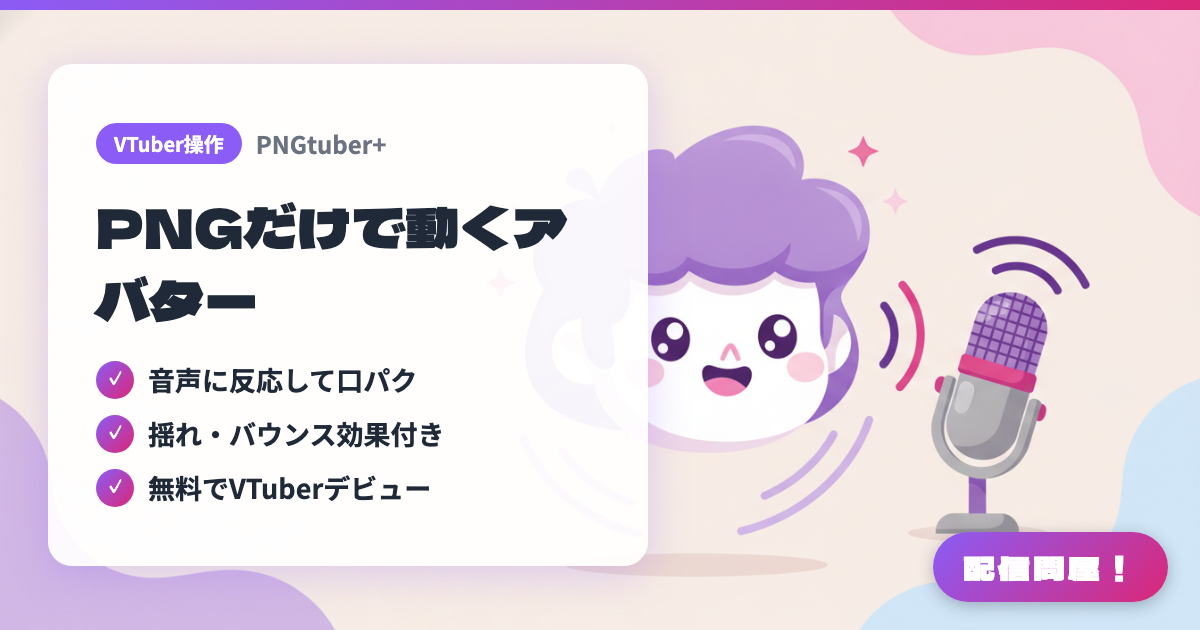
- ✓ 音声に反応して口パク
- ✓ 揺れ・バウンス効果付き
- ✓ 無料でVTuberデビュー
🖼️ Screenshots
📖 What is PNGtuber+?
Free software for building a PNGTuber avatar out of stacked PNG images. It runs on Windows, macOS and Linux, is offered on itch.io as "name your own price" (you can take it for free), and is also distributed free on Steam. It supports sprite-sheet animation, sine-wave sway, drag, bounce and jiggle, and per-sprite visibility tied to speaking and blinking, and you can set the background to green or transparent for OBS. The UI is English-only, and the source code is published under the Unlicense (public domain).
💡 When to Use It
For when you lack the budget or time to commission a Live2D model but still want more movement than a static PNGTuber. Swap in art you drew yourself and you get an avatar whose mouth moves as you talk during a chatting stream and whose hair trails behind when you nod. It also works well if you want to switch expression variants or costumes on camera during game streams. Since the UI is English-only, following a walkthrough while you do the initial setup keeps things smooth.
📋 Basic Info
| Price | Free |
| Supported OS | Windows / Mac / Linux |
| Developer | kaiakairos |
| Last Updated | Sep 2026 |
🚀 How to Use
- Step 1: Grab PNGTuber Plus from itch.io via "Download Now" (name your own price, $0 is fine) or from Steam, and unpack it on Windows, Mac or Linux
- Step 2: Load a PNG for each state — mouth closed, mouth open, eyes closed — and assign each sprite to show or hide based on speaking and blinking
- Step 3: Set sine-wave sway, attach sprites to a parent, and dial in drag, bounce and jiggle so hair and ears trail naturally behind your movement
- Step 4: Set the background color to green screen or transparent, then press Ctrl+L to save the avatar data
- Step 5: Bring it into OBS as a Window Capture and key out the background with a chroma key filter to composite it into your stream layout
🎬 Tutorial Video
🎉 Highlights & Comments
What do you love about this tool?
✏️ Leave a comment (optional, up to 200 characters)
0/200