
Roupit
✨ What You Can Do with This Tool
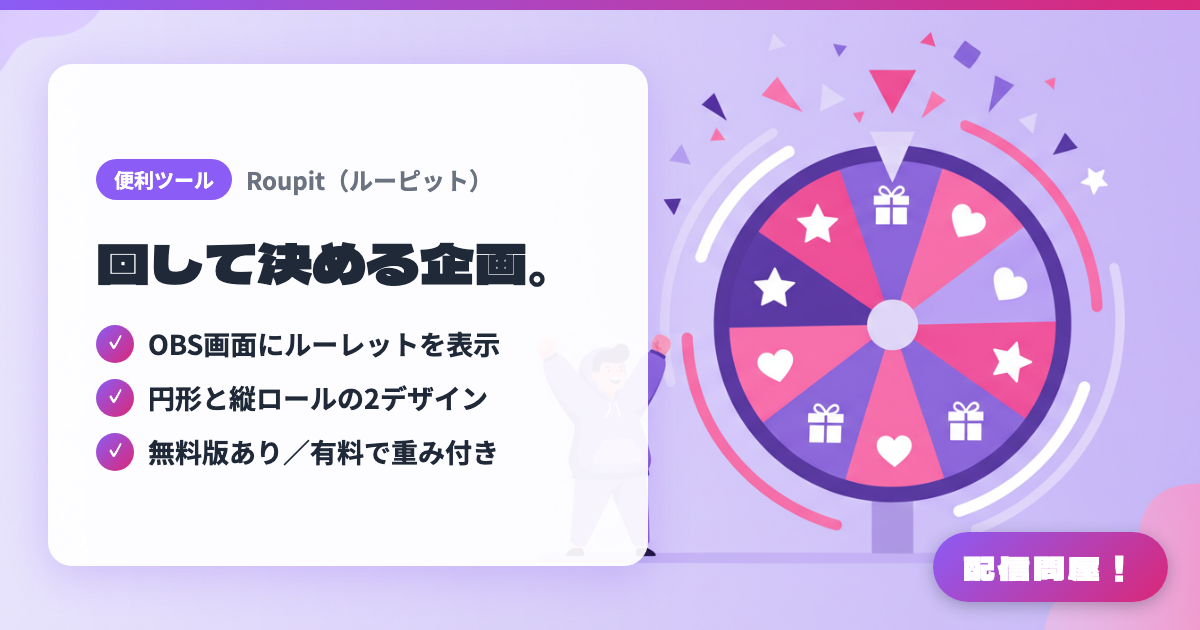
- ✓ OBS画面にルーレットを表示
- ✓ 円形と縦ロールの2デザイン
- ✓ 無料版あり/有料で重み付き
🖼️ Screenshots
📖 What is Roupit?
A roulette wheel tool for streamers that displays in an OBS browser source. Open the control panel in an OBS dock and spin it, and the roulette on your stream moves in sync. Choose between two designs, a circular wheel and a vertical slot-style reel. The free version is limited to 2 patterns and 12 items and requires a credit (optional in the paid version). The ¥1,000 paid version on BOOTH unlocks up to 6 patterns, 24 items, weighted draws, and color customization.
💡 When to Use It
When deciding challenge rules or penalty games during game streaming, put chat's suggestions into the roulette and spin it on stream, so everyone accepts the result and the moment gets hyped. In a chatting stream, turn it into a topic gacha filled with "next topic" ideas as a backup for when the conversation stalls. For giveaways, enter viewers' names as items and use "当選後に削除" (remove after winning) mode to draw winners one at a time in public, with no risk of the same person winning twice.
📋 Basic Info
| Price | Freemium (some features paid) |
| Supported OS | ブラウザ(OBS Studioのカスタムブラウザドック/ブラウザソースで利用) |
| Developer | hanetsuki |
| Last Updated | Sep 2026 |
🚀 How to Use
- Step 1: Open the settings screen (controller) from "無料で使ってみる" (Try it free) on the official site. No installation is needed, and your items and settings are saved in the browser's localStorage
- Step 2: Use "コピー" (Copy) to copy the two URLs under "導入方法" (Setup) at the bottom of the settings screen, then register the first one under OBS "Docks" → "Custom Browser Docks" to show the controller inside OBS
- Step 3: Add the second URL (the display screen) as an OBS "Browser" source to show the roulette on your stream. A browser source size of at least 600×600 is recommended
- Step 4: Enter options with "項目を追加" (Add item); you can also paste multiple lines of text to add them all at once. Choose a design ("円形ルーレット" circular or "縦ロール" vertical reel) and a mode ("当選後に削除" remove after winning or "当選後も残す" keep after winning), and adjust spin time, spin sound, and win sound
- Step 5: Press "ルーレット開始" (Start roulette) in the dock and the roulette on your stream spins in sync. For weighted draws or per-item colors, buy the paid version on BOOTH and enter the license key on the settings screen to activate it
🎉 Highlights & Comments
What do you love about this tool?
✏️ Leave a comment (optional, up to 200 characters)
0/200