
🛠️
✨ What You Can Do with This Tool
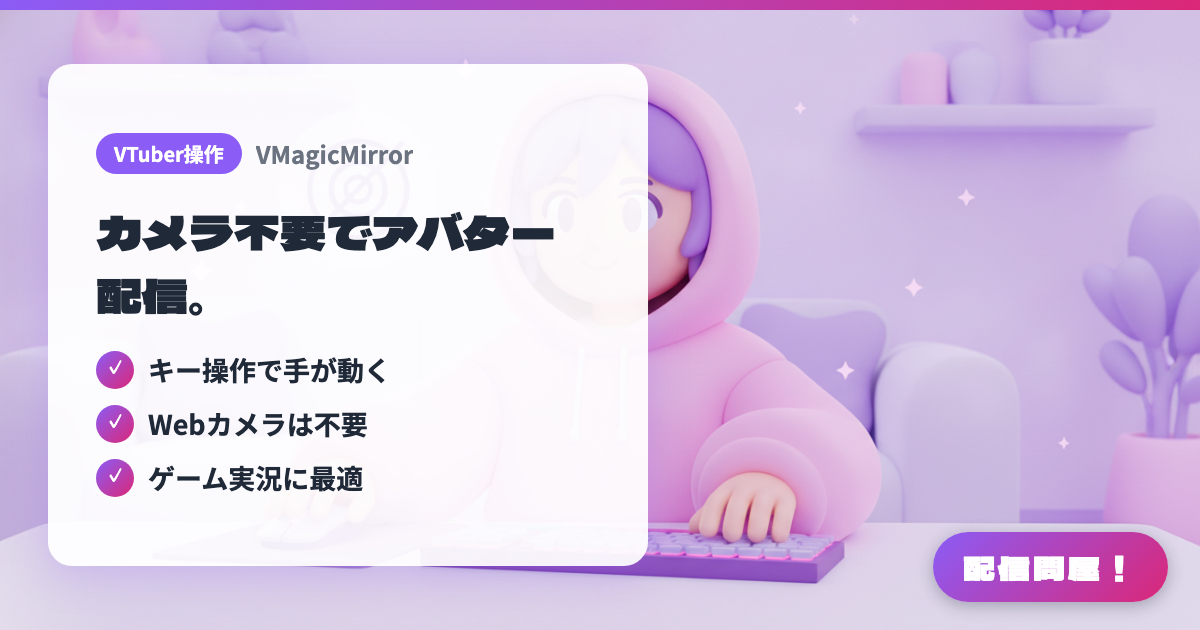
- ✓ Hands move with your keystrokes
- ✓ No webcam needed
- ✓ Ideal for game streaming
🖼️ Screenshots
📖 What is VMagicMirror?
A free Windows tool that animates a VRM avatar without any special devices. It has a unique feature where the avatar moves naturally in sync with your keyboard and mouse input. Freely released by independent developer malaybaku.
💡 When to Use It
This is a rare free tool where your avatar moves naturally in sync with your keyboard and mouse, even without a webcam. While playing games, it automatically animates your avatar's hands typing on the keyboard, making it well suited for game streaming. Adding a webcam also enables face tracking, letting you stream with even richer expressions.
📋 Basic Info
| Price | Free |
| Developer | malaybaku |
| Last Updated | Mar 2026 |
🚀 How to Use
- Step 1: Download VMagicMirror from the official site (malaybaku.github.io/VMagicMirror) or BOOTH, and unzip it
- Step 2: Load your VRM avatar file from the control panel
- Step 3: Move your keyboard and mouse, and your avatar starts moving automatically in sync (no camera required)
- Step 4: Capture it as a Game Capture in OBS Studio, set up transparency, and overlay it on your game screen to stream
🎬 Tutorial Video
🎉 Highlights & Comments
What do you love about this tool?
✏️ Leave a comment (optional, up to 200 characters)
0/200
👤 Creator
🎨
malaybaku
github.com →