
VR Vlog
✨ What You Can Do with This Tool
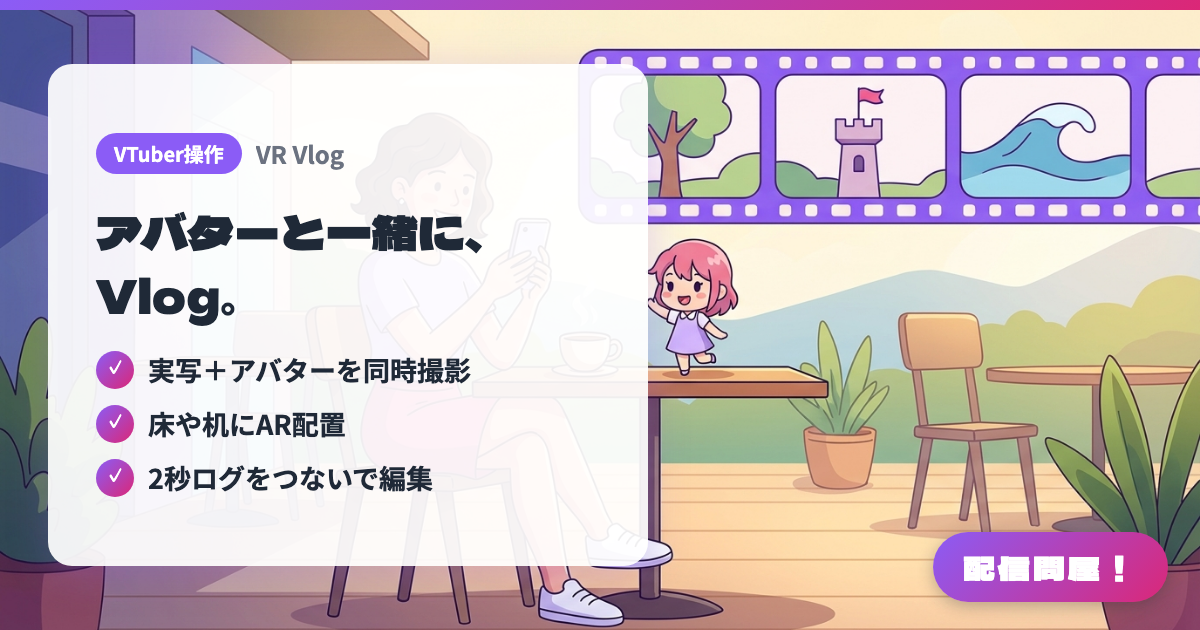
- ✓ 実写+アバターを同時撮影
- ✓ 床や机にAR配置
- ✓ 2秒ログをつないで編集
🖼️ Screenshots
📖 What is VR Vlog?
A smartphone app for shooting live-action vlogs with your VRM avatar. It records the view from your rear camera together with an avatar that follows your head direction and expressions, and it can also place the avatar on floors and desks in AR (on Android, this needs an ARCore-compatible device). Join 2-second logs, up to 30 logs and 60 seconds, into a vlog, then edit with trimming, text and filters. It loads VRM 0.x/1.0 files on your device and your own models on VRoid Hub. For iPhones on iOS 17 or later and Android 10 or later. Currently all features are free with no ads (terms may change).
💡 When to Use It
Use it when you want to share an outing with your followers on days you aren't streaming. Shoot short clips with your avatar at a travel spot or café, and you have a live-action vlog with no PC or compositing software. It also works for event and concert trip records, short videos announcing your streams, and merch introductions with your avatar placed on a desk. Because it joins short logs, it's easy to collect moments through the day and put them together later.
📋 Basic Info
| Price | Free |
| Supported OS | iOS / Android |
| Developer | うりぼ~ |
| Last Updated | Nov 2026 |
🚀 How to Use
- Step 1: Install from the App Store or Google Play via the official site (iPhone with iOS 17 or later / Android 10 or later).
- Step 2: Load a VRM 0.x/1.0 file saved on your device, or a model you registered on VRoid Hub. For avatars on your PC or lilToon models, export to VRM with the "Exporter" and receive it through the QR code it shows.
- Step 3: Choose normal shooting, or AR placement by tapping a floor or desk to place one avatar, then shoot a 2-second "log". In AR placement you can adjust position, size and direction, and lock the pose.
- Step 4: Select several saved logs, long-press to reorder them, and combine them into one video (up to 30 logs and 60 seconds).
- Step 5: If needed, edit with trimming, added text and per-clip filters, then save the finished video to your device.
🎉 Highlights & Comments
What do you love about this tool?
✏️ Leave a comment (optional, up to 200 characters)
0/200