
Kstudio (Stream Assets Shop|BOOTH)
✨ What You Can Do with This Tool
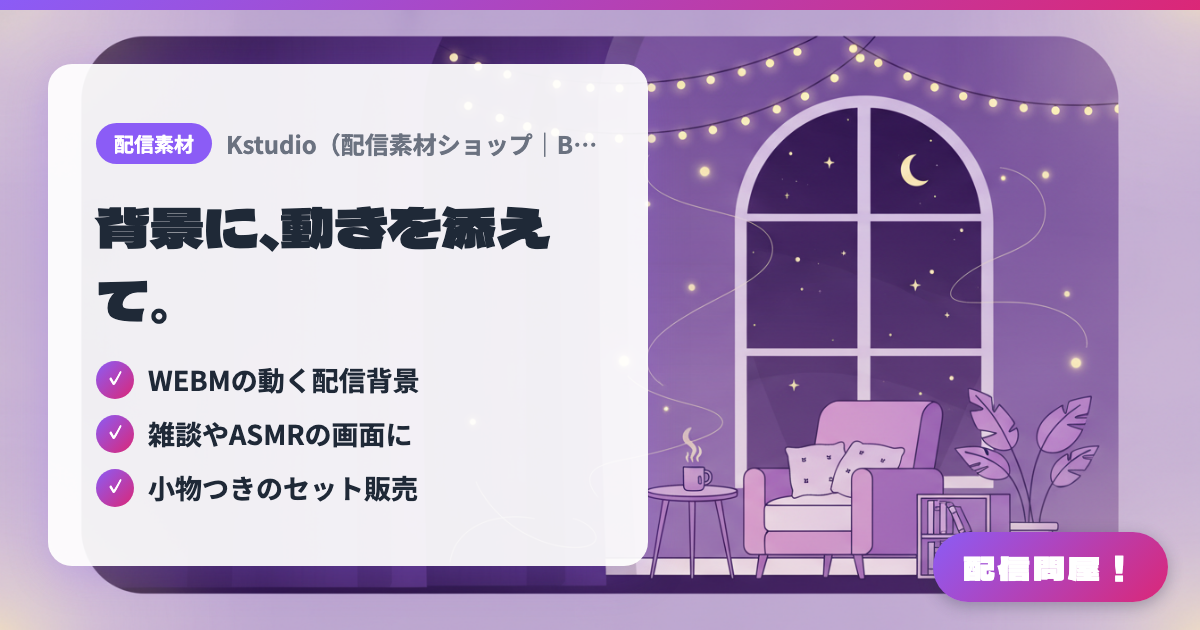
- ✓ WEBMの動く配信背景
- ✓ 雑談やASMRの画面に
- ✓ 小物つきのセット販売
🖼️ Screenshots
📖 What is Kstudio (Stream Assets Shop|BOOTH)?
A stream asset shop specializing in animated stream backgrounds. It sells WEBM video backgrounds — like a theater room with falling stars or an attic room — bundled with props, letting you turn your chatting, collab, or ASMR stream screen into a space with movement. No generative AI is used, and new items are added monthly (Live2D assets are also available).
💡 When to Use It
Useful when you want to add a bit of gentle motion or atmosphere to your stream instead of a static screen. Just drop a starry sky, room, or theater-style video background into OBS, and your chatting, ASMR, or collab stream feels less like a frozen image. It's also a good fit for VTubers and streamers who don't have time to make their own animated backgrounds but want assets that aren't AI-generated.
📋 Basic Info
| Price | Paid |
| Developer | Kstudio |
| Last Updated | Jul 2026 |
🚀 How to Use
- Step 1: On Kstudio's BOOTH page, choose an animated background that fits your stream's mood.
- Step 2: Check the file format, terms of use, and conditions for commercial use or crediting on the product page before purchasing.
- Step 3: Add the downloaded WEBM background or prop assets to your streaming software (such as OBS) as a media source.
- Step 4: Set it to loop with no audio, adjust the layer order, and position it so it doesn't overlap your avatar or chat.
- Step 5: Before going live, check the preview for how strong the motion is and its impact on performance, and switch backgrounds to suit chatting, collab, or ASMR streams.
🎉 Highlights & Comments
What do you love about this tool?
✏️ Leave a comment (optional, up to 200 characters)
0/200