
✨ What You Can Do with This Tool
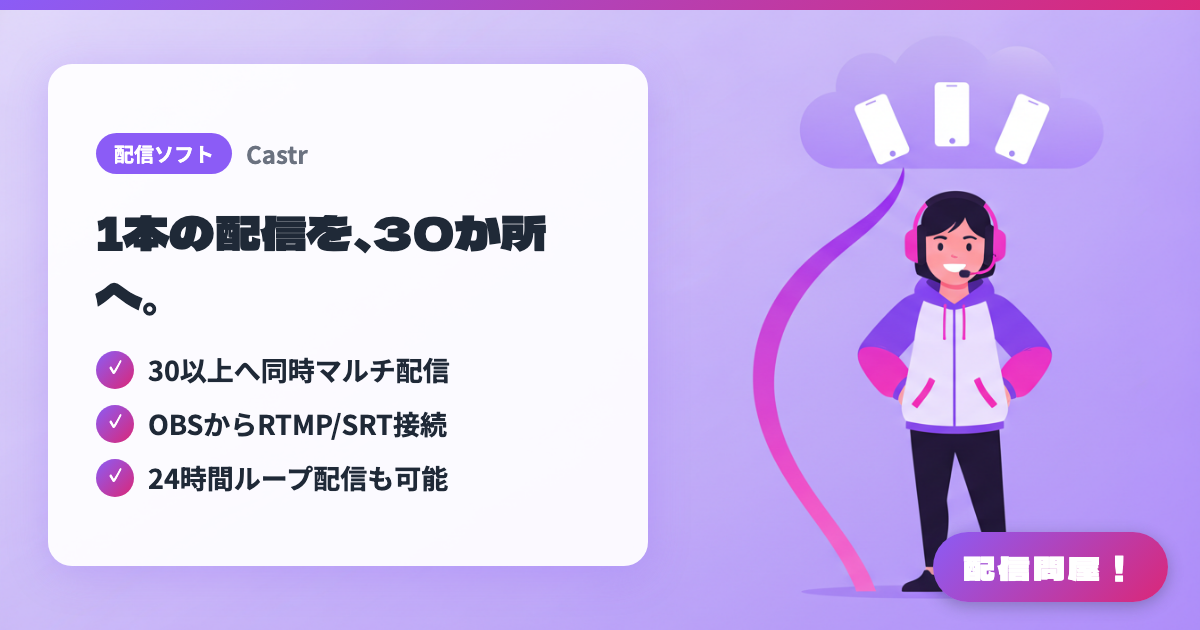
- ✓ 30以上へ同時マルチ配信
- ✓ OBSからRTMP/SRT接続
- ✓ 24時間ループ配信も可能
🖼️ Screenshots
📖 What is Castr?
Castr is a cloud streaming service that lets you go live to 30+ platforms at once. Beyond multistreaming, it brings together multi-CDN live delivery, video hosting that turns your streams into VOD, 24/7 loop streaming (TV Playout) built from recordings and live sources to keep a channel always on, and even IP camera streaming — all in one platform. You can connect from OBS, vMix, or Wirecast over RTMP/SRT, with ingest points in 40 locations worldwide and automatic failover for reliability. A 7-day free trial requires no credit card; check the official site for the latest pricing plans.
💡 When to Use It
Great when you want to stream to YouTube, Twitch, and X at the same time without doubling up on your PC's bandwidth or CPU. You send a single encode to Castr and let the cloud handle distribution to each destination. For events or live shows where reliability matters most, multi-CDN delivery and automatic failover act as your safety net. It also works for running a 24/7 loop stream of past archives to keep a channel continuously live.
📋 Basic Info
| Price | Paid |
| Supported OS | Web |
| Last Updated | Jul 2026 |
🚀 How to Use
- Step 1: Create an account at castr.com and start the 7-day free trial — no credit card required
- Step 2: Create a multistreaming stream in the dashboard and get your RTMP ingest URL and stream key
- Step 3: In OBS, go to Settings → Stream, choose "Custom" as the service, and enter the URL and stream key you got
- Step 4: Connect your destination channels (YouTube, Twitch, Facebook, etc.) in Castr and pick which platforms to stream to simultaneously
- Step 5: For always-on streaming, upload pre-recorded videos to TV Playout and set up a 24/7 loop streaming schedule
🎉 Highlights & Comments
What do you love about this tool?
✏️ Leave a comment (optional, up to 200 characters)
0/200