
🖥️Streaming Software
Streaming and recording software like OBS, Streamlabs, and vMix
📖 このカテゴリの関連ガイド
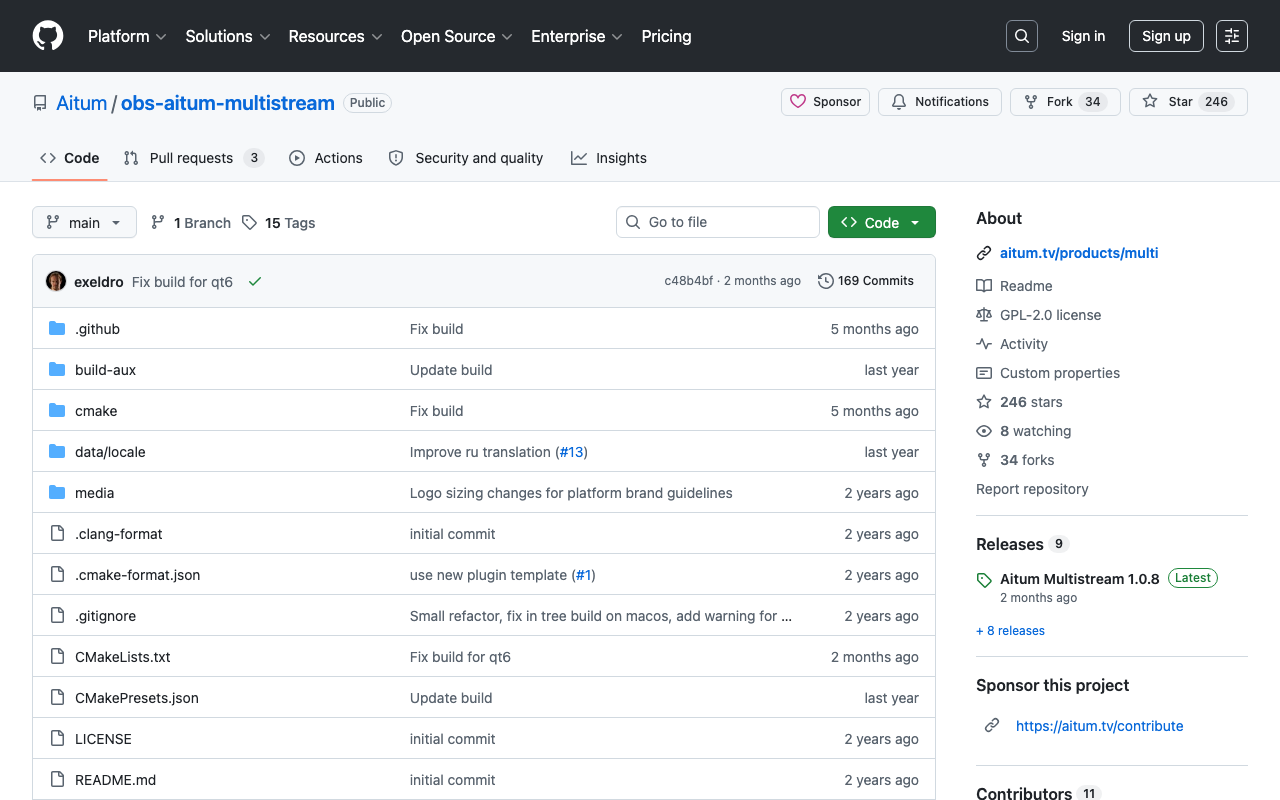
Aitum Multistream
A free plugin that lets you multistream from OBS Studio to several destinations at once. Because it builds a multistream setup entirely within OBS without going through an external relay service, you avoid monthly relay fees. It can stream to Twitch, YouTube, TikTok, and any RTMP address, and lets you set a different resolution or bitrate for each destination. Requires OBS Studio 30.0 or later (64-bit). It's GPL-2.0 open source, developed by Aitum, the same team behind the vertical-streaming plugin Aitum Vertical.
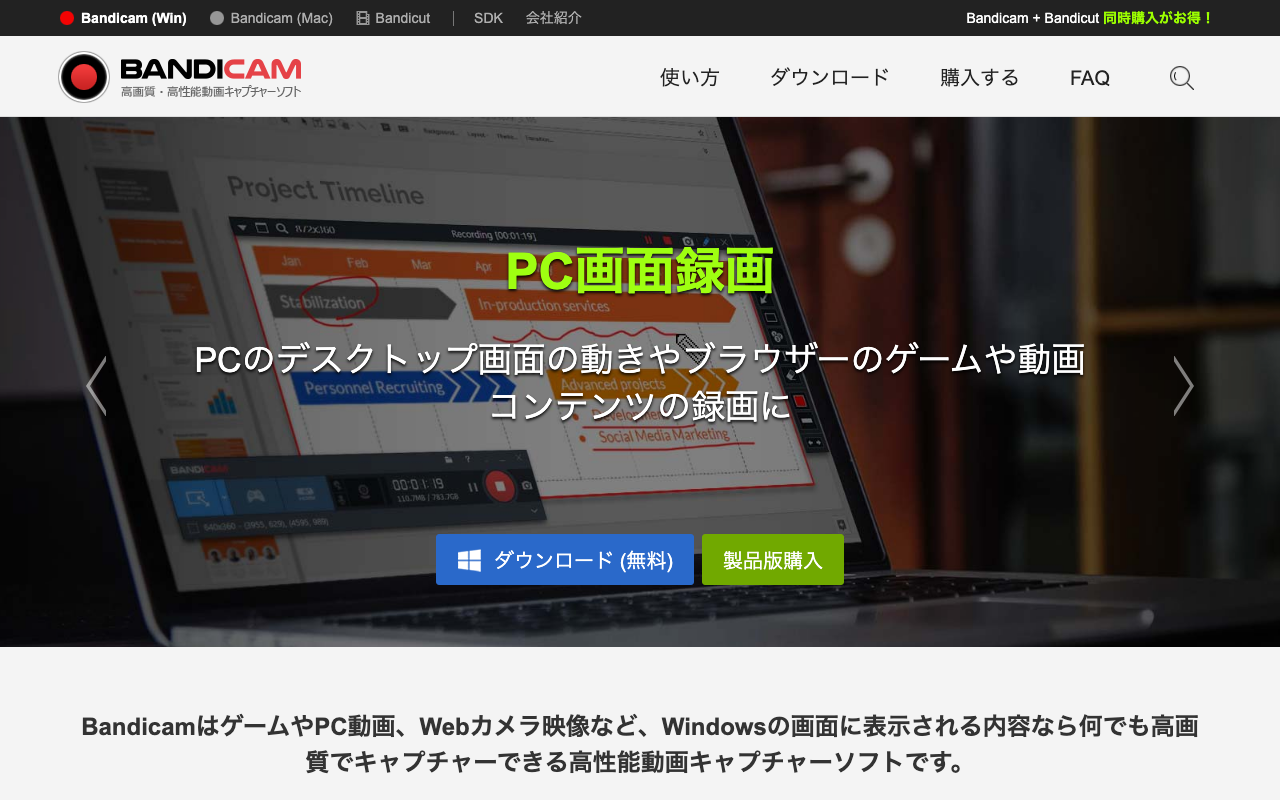
Bandicam
A capture tool that records games, your PC screen, and external devices in high quality. You can switch between “Screen Recording Mode,” “Game Recording Mode,” “Device Recording Mode,” and “Audio Recording Mode” depending on what you need, and it can record DirectX/OpenGL/Vulkan-compatible games at up to 4K (3840×2160) and up to 480fps. It also supports recording game console or webcam footage, or just PC and mic audio on their own. Built for Windows 11/10/8/7 (64-bit). The free version limits each recording to 10 minutes and adds a www.BANDICAM.com logo watermark to the video.
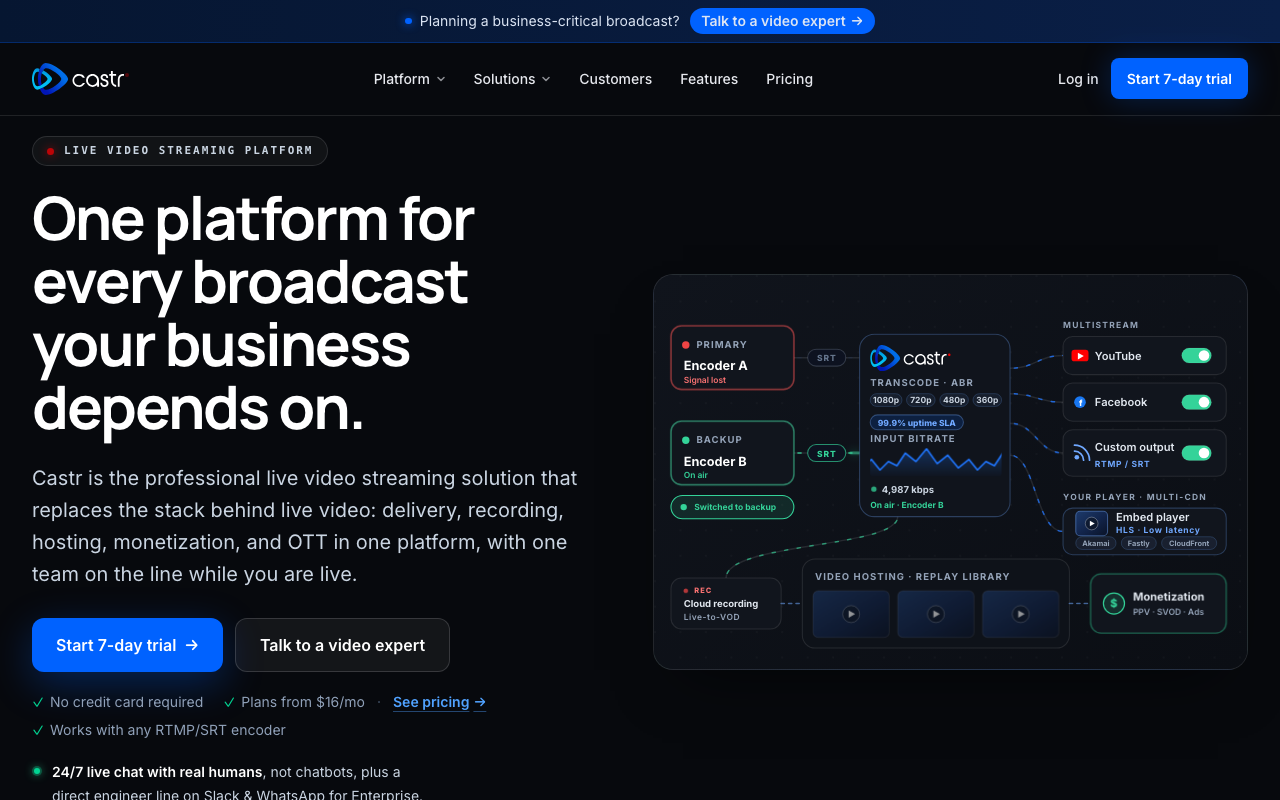
Castr
Castr is a cloud streaming service that lets you go live to 30+ platforms at once. Beyond multistreaming, it brings together multi-CDN live delivery, video hosting that turns your streams into VOD, 24/7 loop streaming (TV Playout) built from recordings and live sources to keep a channel always on, and even IP camera streaming — all in one platform. You can connect from OBS, vMix, or Wirecast over RTMP/SRT, with ingest points in 40 locations worldwide and automatic failover for reliability. A 7-day free trial requires no credit card; check the official site for the latest pricing plans.
DistroAV (formerly obs-ndi)
A free plugin (formerly obs-ndi) that adds NDI send and receive capability to OBS Studio. It lets you pass video and audio straight to another PC on the same LAN, making it useful for two-PC setups that split gaming and streaming across separate machines, or for pulling in footage from a dedicated tracking PC. Requires OBS 31.1.1 or later and the NDI runtime. Supports Windows, macOS, and Linux.
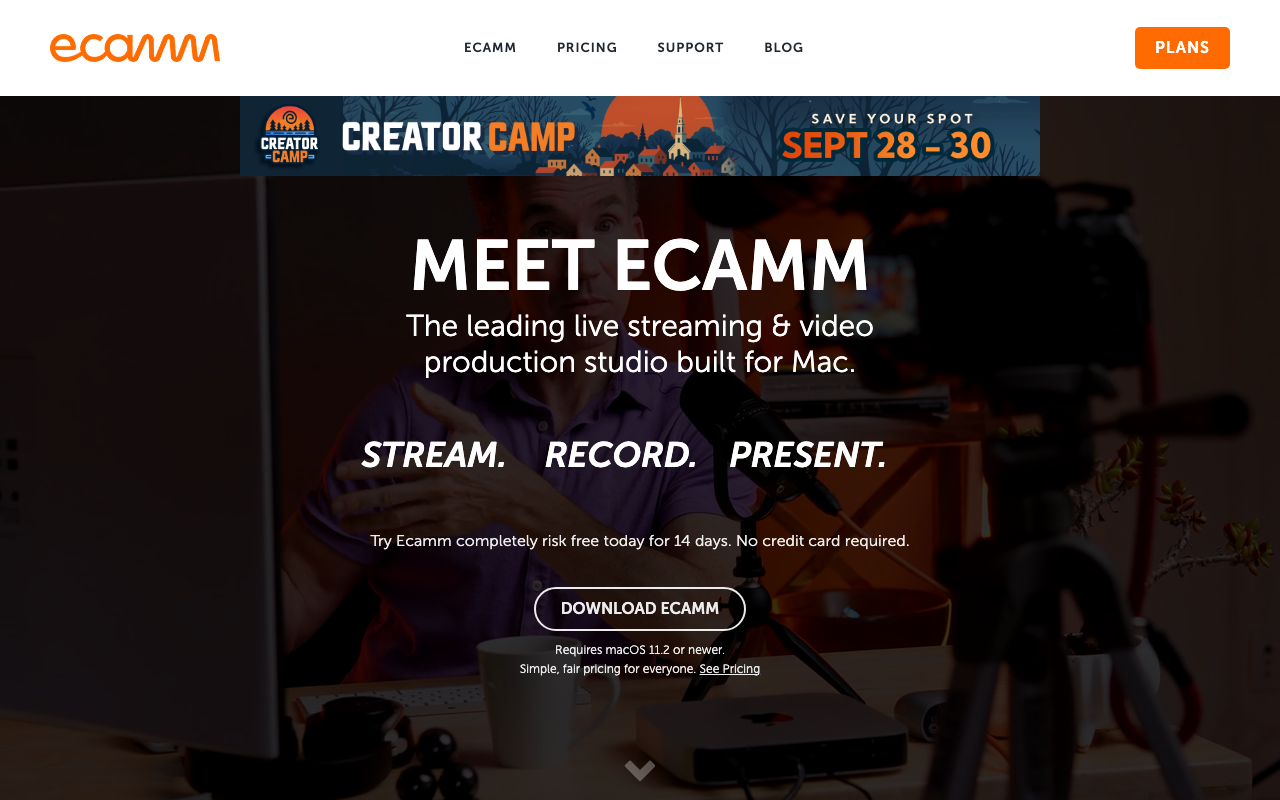
Ecamm Live
A Mac-only live streaming and video production studio. It includes a live switcher for real-time multi-camera switching, green-screen compositing (with video backgrounds supported too), split-screen with up to 10 video guests, and Stream Deck integration. You can also multistream simultaneously to platforms like YouTube, Twitch, Facebook, Instagram, X, and Amazon Live. It's paid, with a Standard plan at $16/month and a Pro plan at $32/month, plus a 14-day free trial that doesn't require a credit card (requires macOS 11.2 or later).
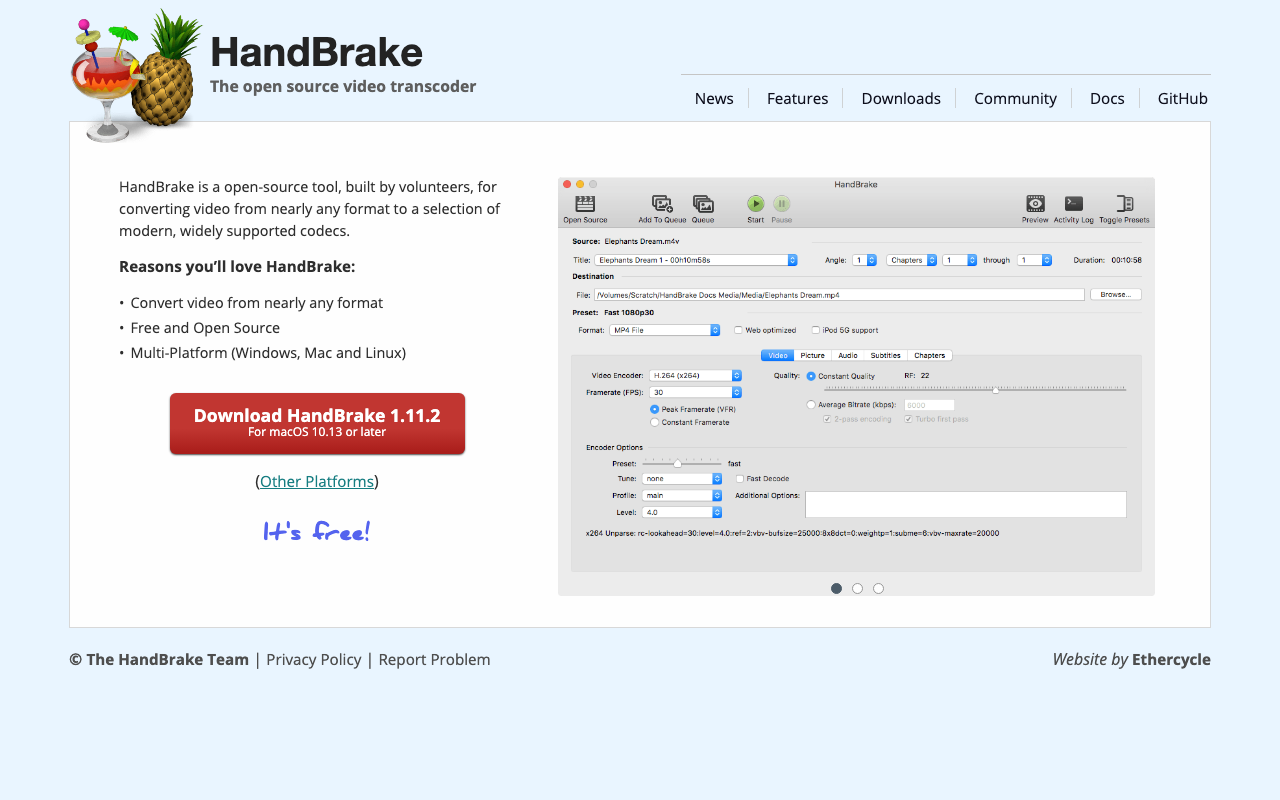
HandBrake
A free, open-source video encoder that converts almost any video format into widely supported codecs. It runs on Windows, Mac, and Linux, and is maintained by volunteer developers. Just load a source file and pick a preset to convert, or fine-tune resolution, bitrate, quality (RF value), audio tracks, and subtitles. Useful for shrinking the file size of stream archives, re-encoding footage to match an upload site's specs, or converting source footage into a format your editing software handles easily.
Larix Broadcaster
A free app for going live straight from a phone or tablet. Alongside RTMP/RTMPS it supports SRT (Push/Listen/Rendezvous), RIST and RTSP, so the picture holds together on unstable connections — handy for on-location coverage or feeding a streaming server at home. It runs on iOS 16 or later, Android 7.0 or later and Mac, and can overlay images, text and timestamps as well as record on the device. Core streaming is free; H.265/HEVC, NDI, WHIP and three or more simultaneous outputs are premium features.
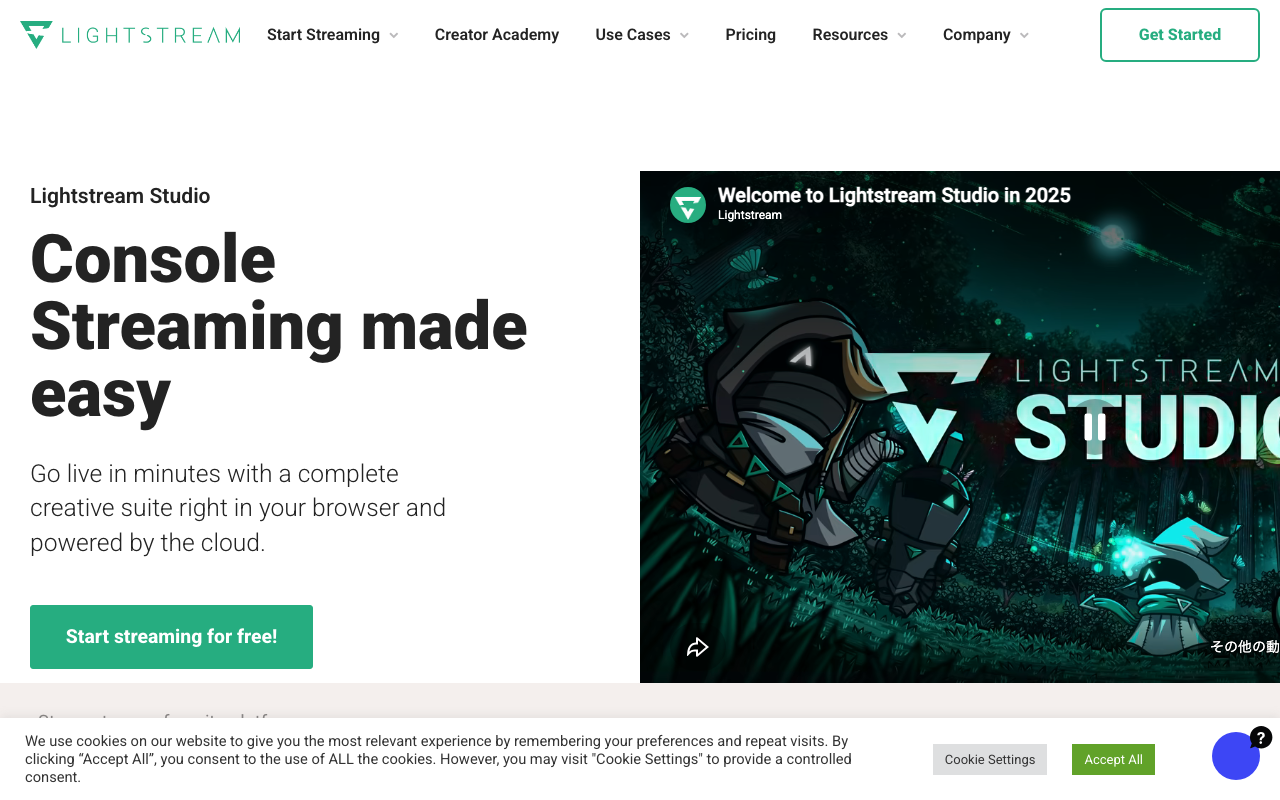
Lightstream Studio
A cloud-based streaming studio that runs right in your browser. Since video compositing happens in the cloud, it doesn't tax your PC or console, letting you add overlays and alerts to Xbox or PlayStation footage without a capture card. You can switch between scenes while live, and multistream to up to 5 RTMP-compatible destinations like Twitch, YouTube, and Facebook at once. The free plan offers 720p, up to 10 hours, 3 scenes, and a Lightstream logo, while Premium ($12/month, or $9/month billed annually) unlocks 1080p, up to 20 scenes, and up to 10 guests.
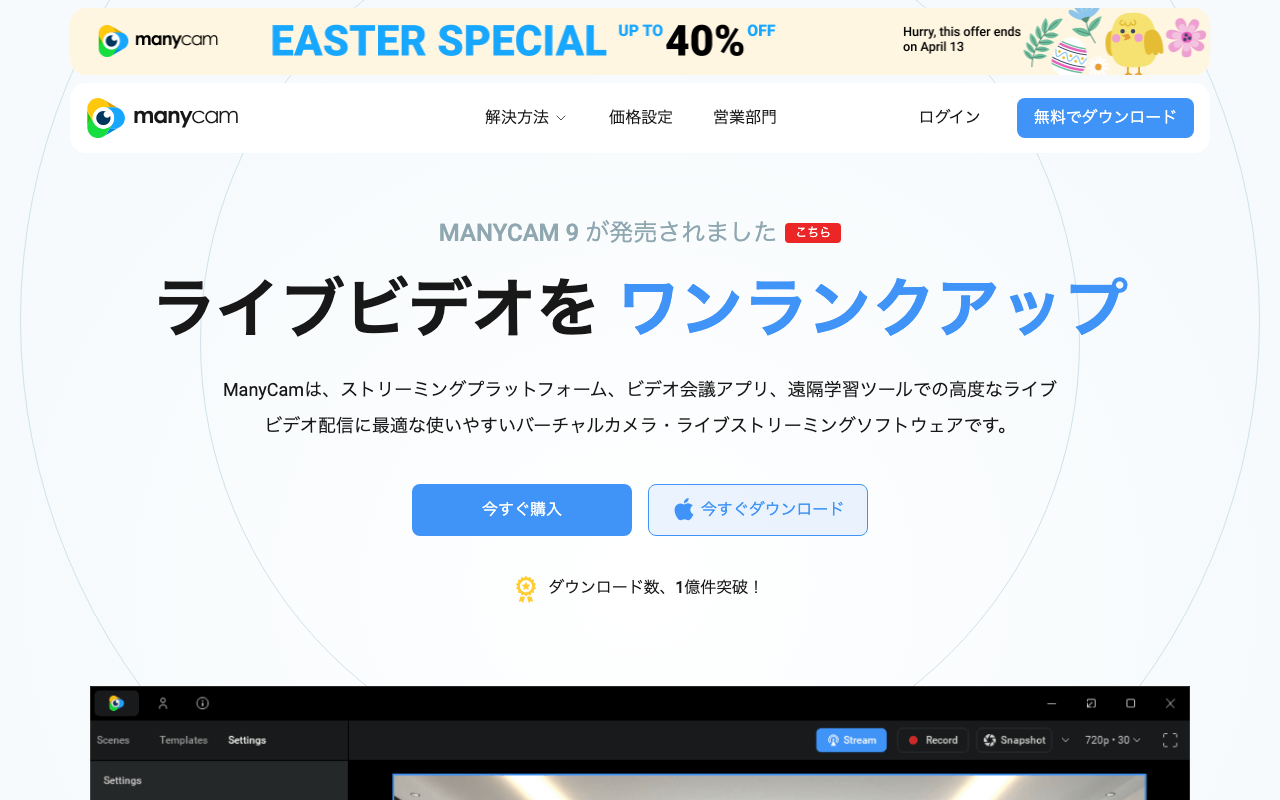
ManyCam
Freemium streaming and video software with a virtual webcam feature. Switch between multiple camera feeds while streaming, with a full set of virtual backgrounds, filters, and text overlays. Used across a wide range of scenes, from education and business to live streaming.
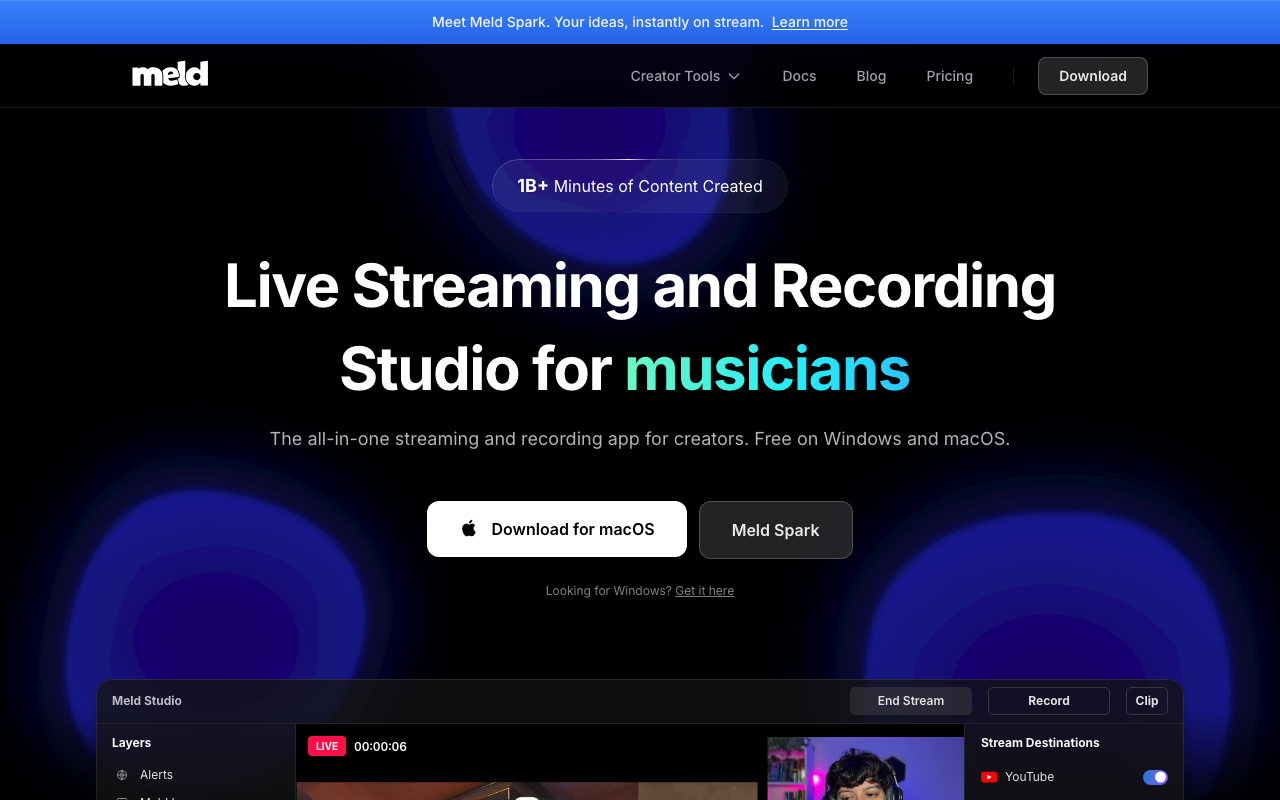
Meld Studio
Streaming and recording software you can use as an alternative to OBS. Streaming and recording are free, with no watermark or time limit. It's optimized for DirectX 12 and Apple Silicon, and can import your OBS scenes with a single click. It comes with 30-plus built-in effects including chroma key, plus simultaneous vertical canvas output. Only the AI feature, Spark, requires a paid plan.
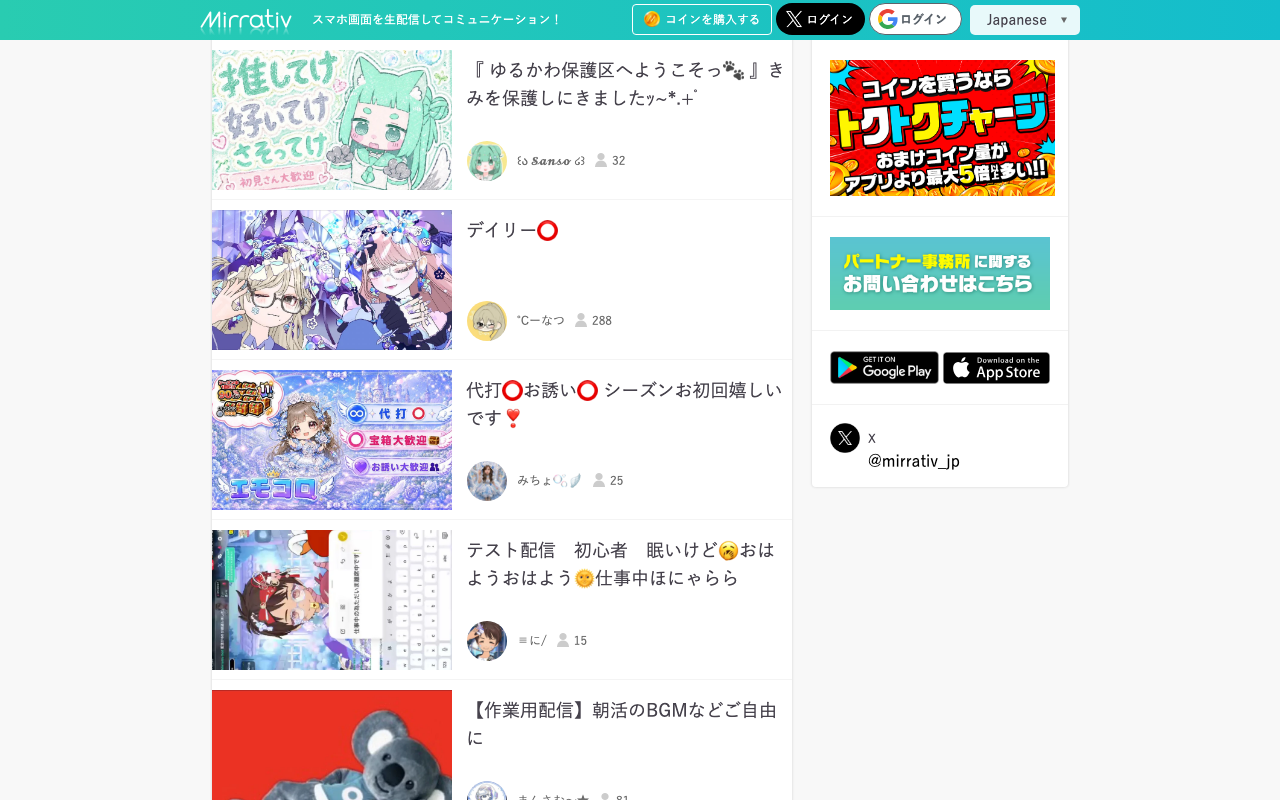
Mirrativ
An app that lets you live-stream your phone's game screen exactly as-is. You can start streaming in just a few taps, and stream as your "Emomo" avatar without showing your face. It also supports voice-call collabs, automatic stream recording, and gift-based monetization. Works on iOS 16+ and Android, and is free with in-app purchases.
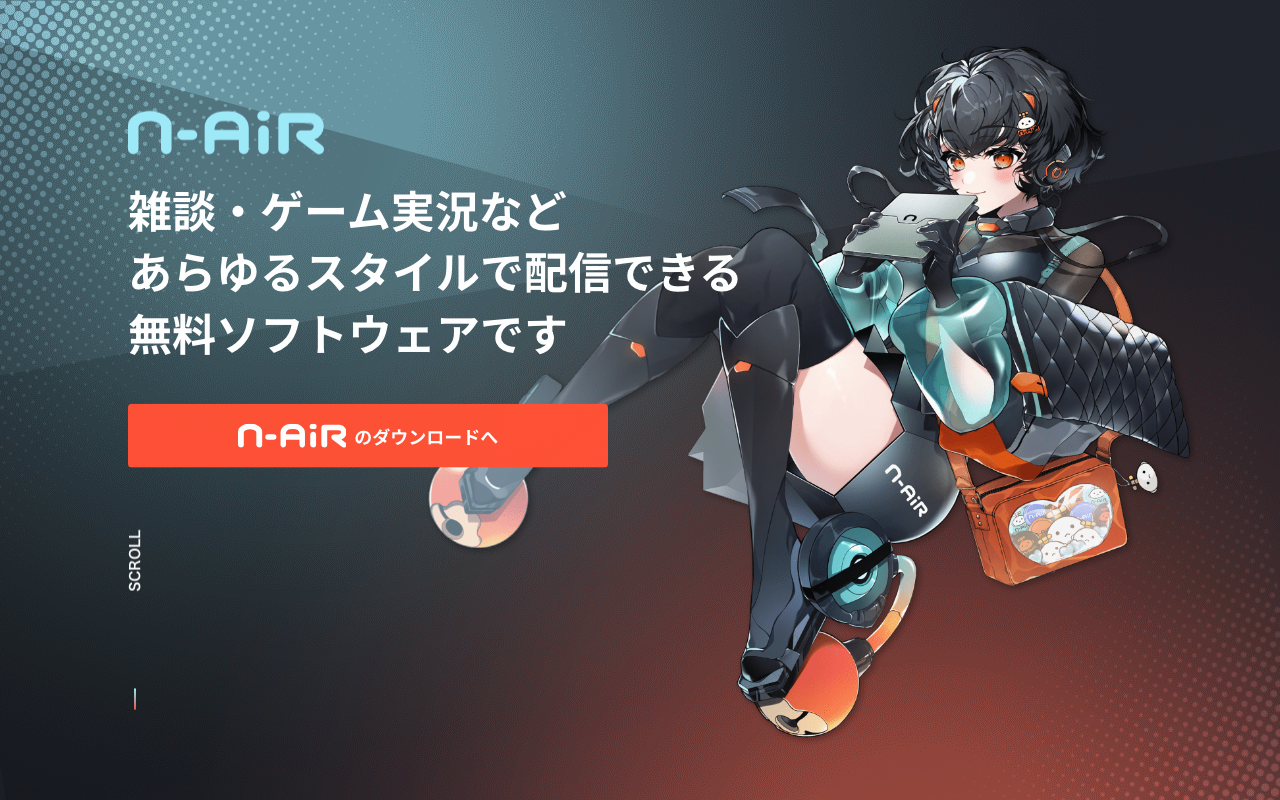
N Air
The official free streaming software for Niconico Live, developed by Dwango. Built as an open-source fork of Streamlabs Desktop, it lets you create a program and start, stop, or extend your broadcast without leaving the app. It ships with "N Voice" chat text-to-speech and a voice changer that builds your own voice from 100 sound options (with Kotoyomi Near, Zundamon, and Kasukabe Tsumugi presets), and it supports VTuber streaming with Custom Cast avatars. It runs on Windows 11 or later (64-bit) with 8GB or more of memory, and is free even for commercial use.
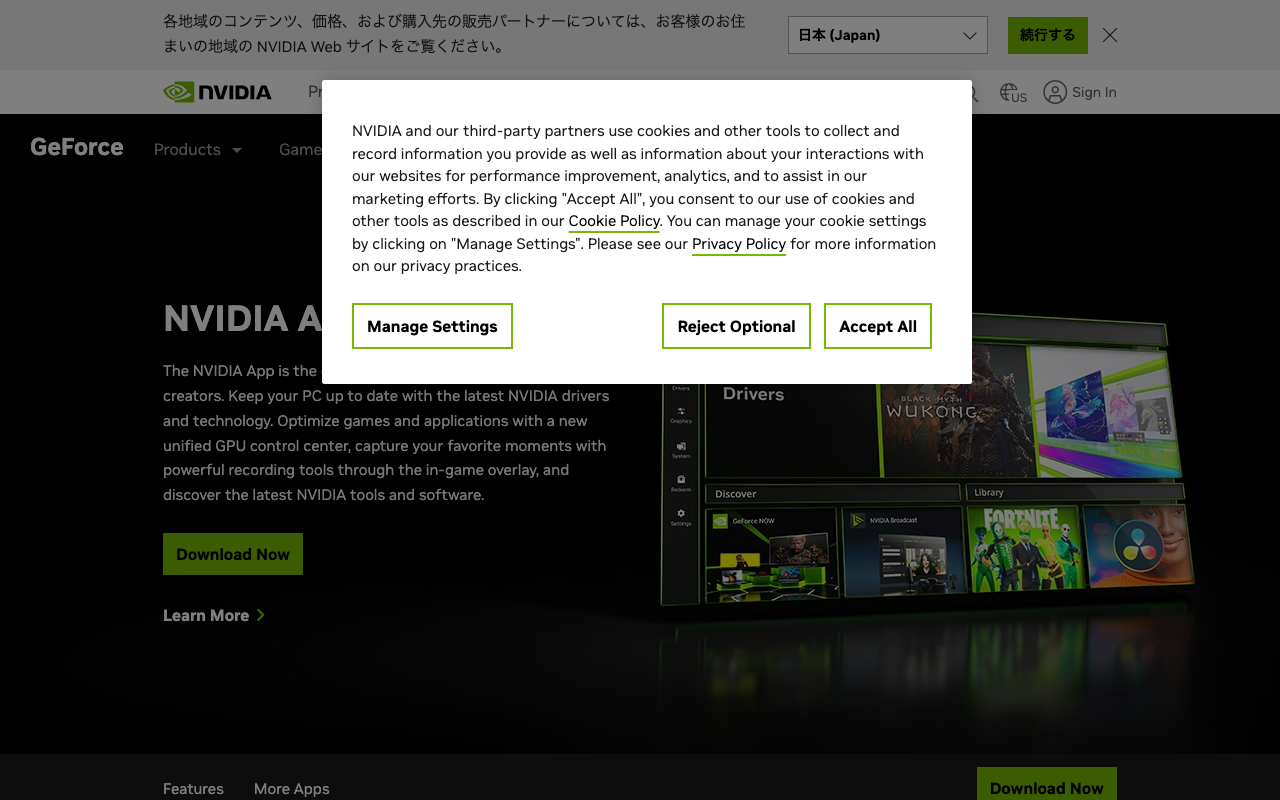
NVIDIA App (ShadowPlay)
The official app for GeForce-equipped PCs. Hit Alt+Z during a game to bring up the overlay and handle recording, screenshots, and Instant Replay on the spot. ShadowPlay recording supports the AV1 codec, capturing up to 8K HDR at 30fps or 4K HDR at 120fps. With "Instant Replay" constantly buffering recent gameplay in the background, you can save a great moment with a single hotkey even if you weren't recording. It's a free tool that also handles driver updates, game setting optimization, and filters from the same app.
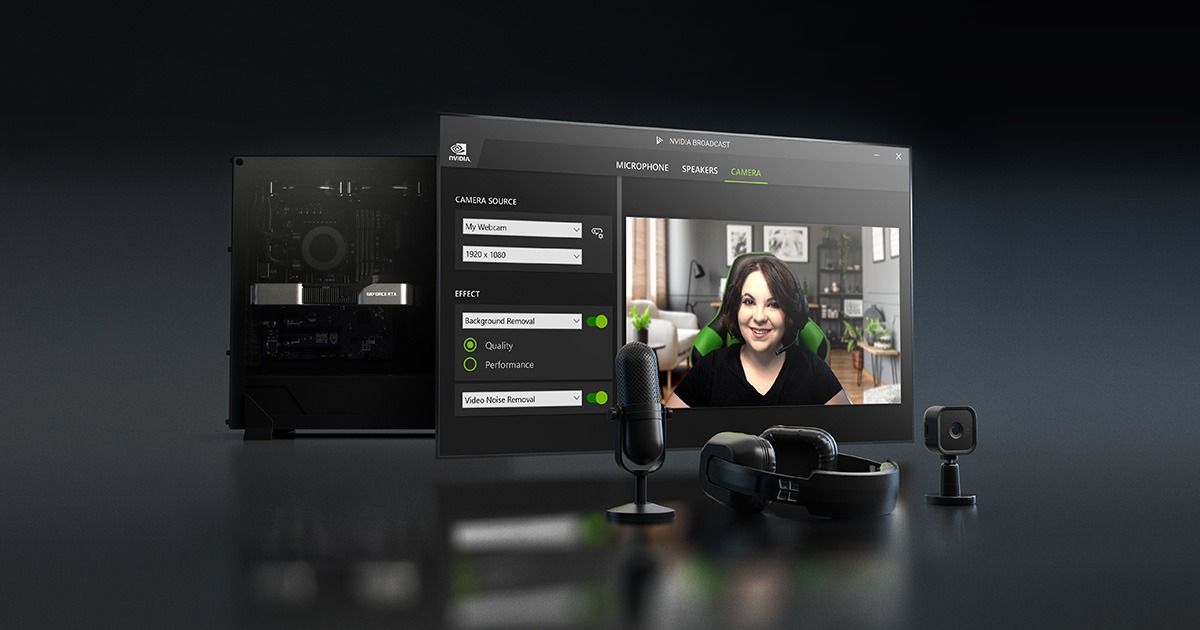
NVIDIA Broadcast
A free AI streaming-assist app for PCs with GeForce RTX cards. It applies AI effects in real time through virtual devices: noise removal, room echo removal and studio voice for the microphone, and background removal, blur or replacement, virtual key light, eye contact and auto frame for the camera. The advantage is that any app that lets you pick an input device — OBS, Discord, Zoom — can use it as is. It requires an RTX 2060 or better GPU and Windows 10/11 (64-bit).
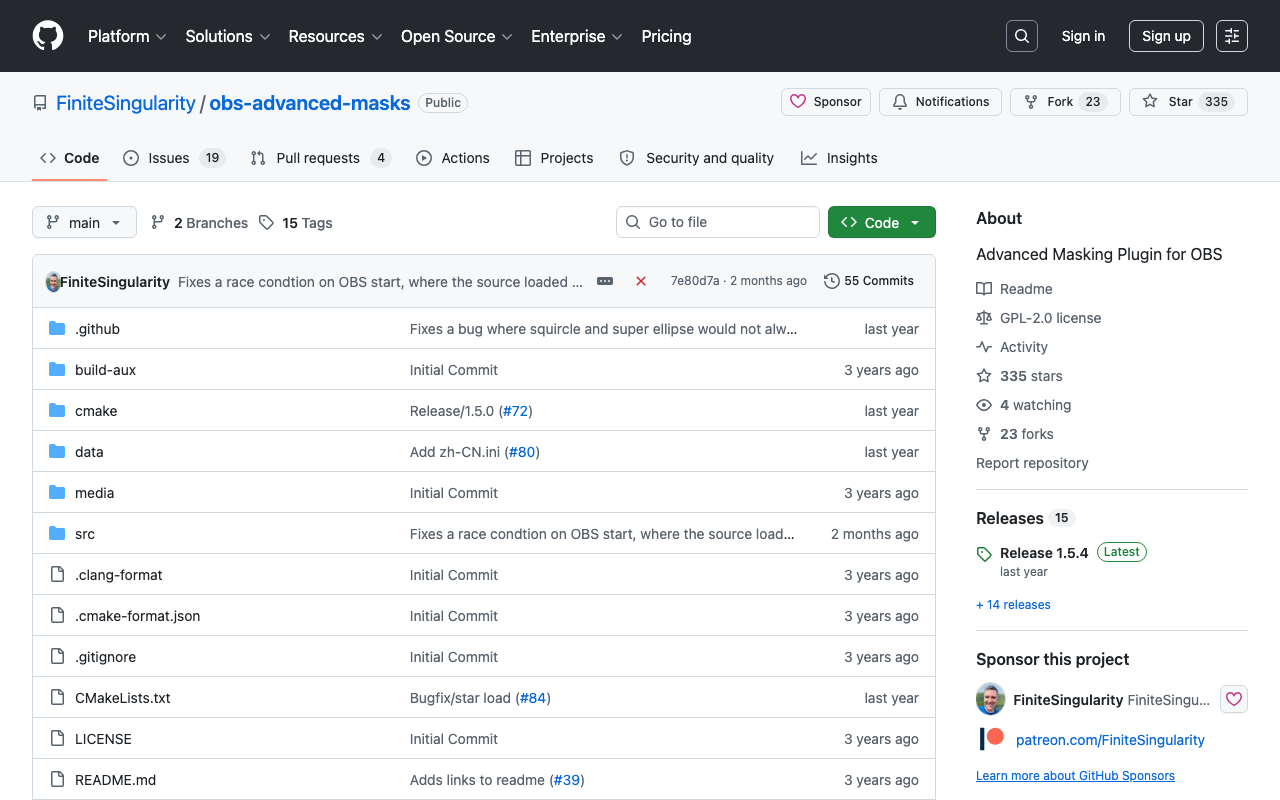
Advanced Masks (OBS Plugin)
A free plugin that extends OBS's masking options. Combine shape masks (circles, stars, hearts, etc.), masks built from another source or image, and gradient masks. It lets you crop your avatar or stream screen into any shape you like, or apply color correction to just part of the frame. Supports Windows, macOS, and Linux.
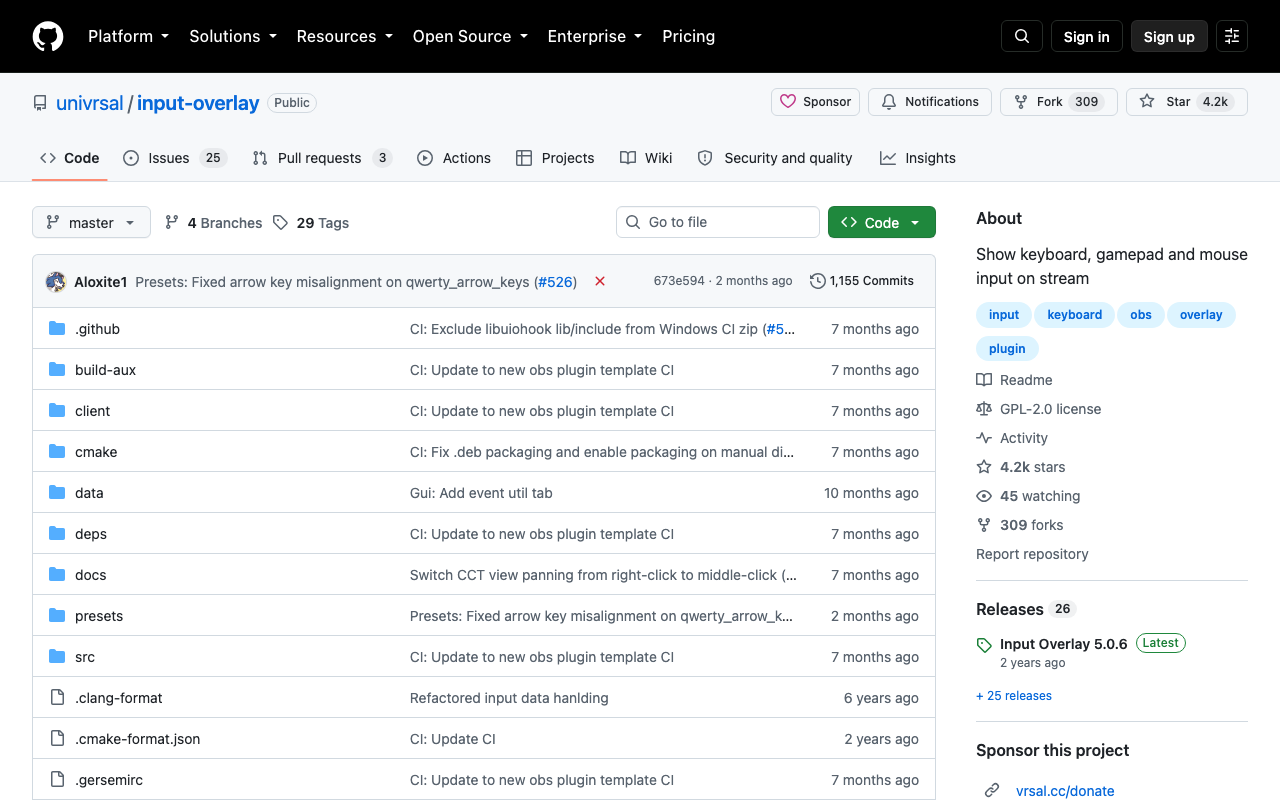
Input Overlay (OBS Plugin)
An OBS plugin that adds a source showing your keyboard, mouse and gamepad input in real time. Keys light up as you press them, mouse movement and the scroll wheel are reproduced, and controller sticks and triggers are shown as well. Use the official preset layouts as they are, or build your own button placement and artwork with the bundled io-cct config tool. It also supports a WebSocket remote connection so a gaming PC can send its input to a separate streaming PC. Free and open source (GPL-2.0) for Windows and Linux; macOS is not supported.
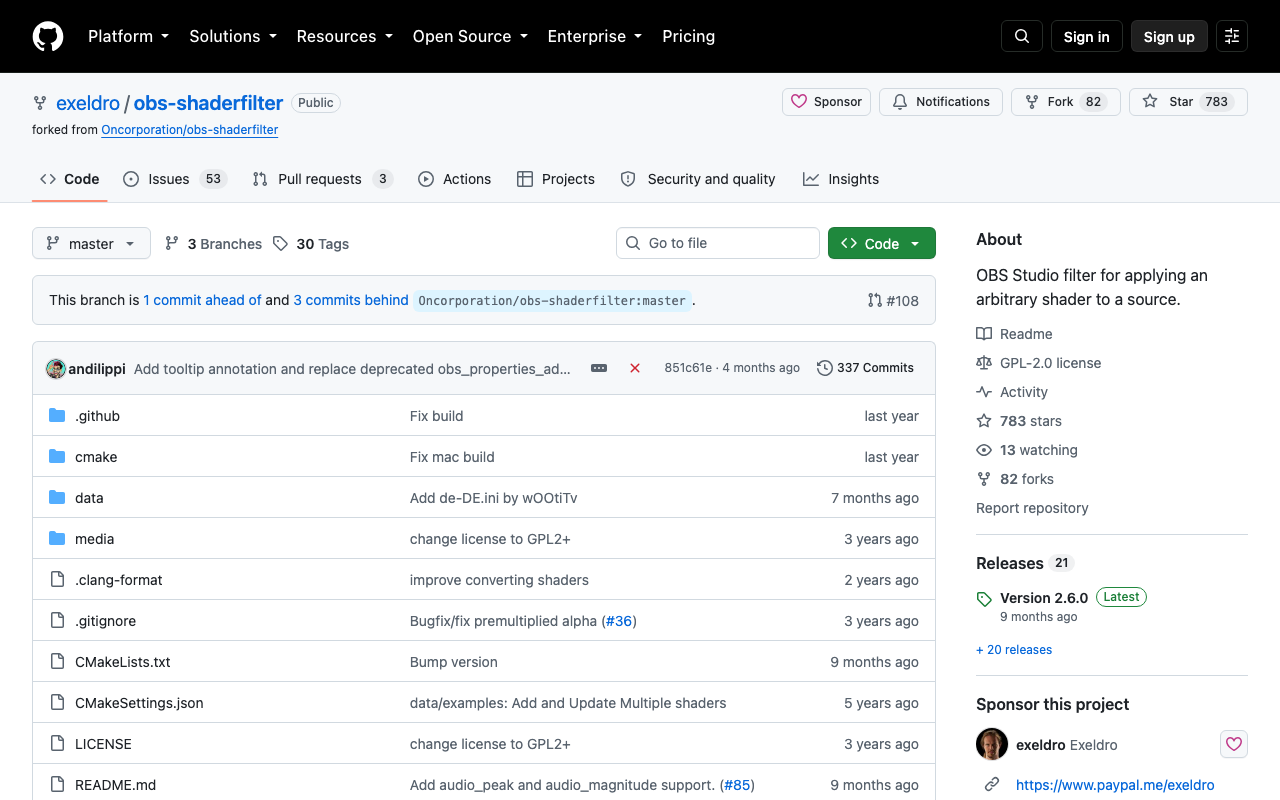
obs-shaderfilter (OBS Shader Filter)
An OBS plugin that lets you apply your own shaders (OBS-flavoured HLSL) to any source. Right-click a source, add the "User-defined shader" filter, and load one of the 164 bundled samples (.shader) to get drop shadows, rounded corners, glitch, VHS looks, fire, zoom blur, audio-reactive effects and more. Every uniform variable in the shader shows up automatically in the properties panel as a slider or colour picker, and shaders you write yourself can be loaded too. Free and open source for Windows, macOS and Linux.
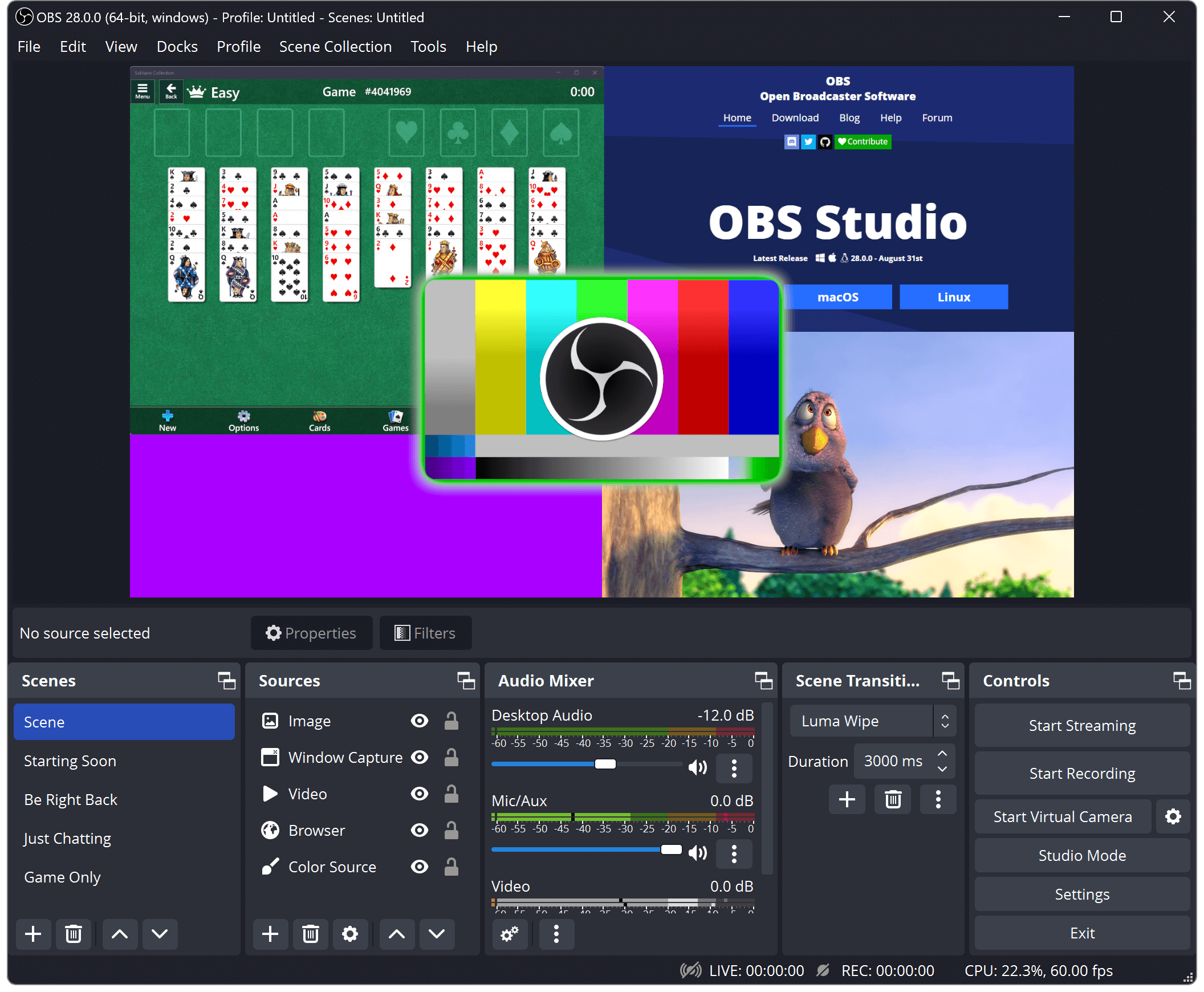
OBS Studio
The go-to free streaming and recording software used by streamers worldwide. It works with YouTube, Twitch, Niconico, and virtually every platform, with advanced features like scene switching, mic volume control, and video filters. Extendable with plugins, it's the foundation of a streaming setup that grows with you from beginner to pro.
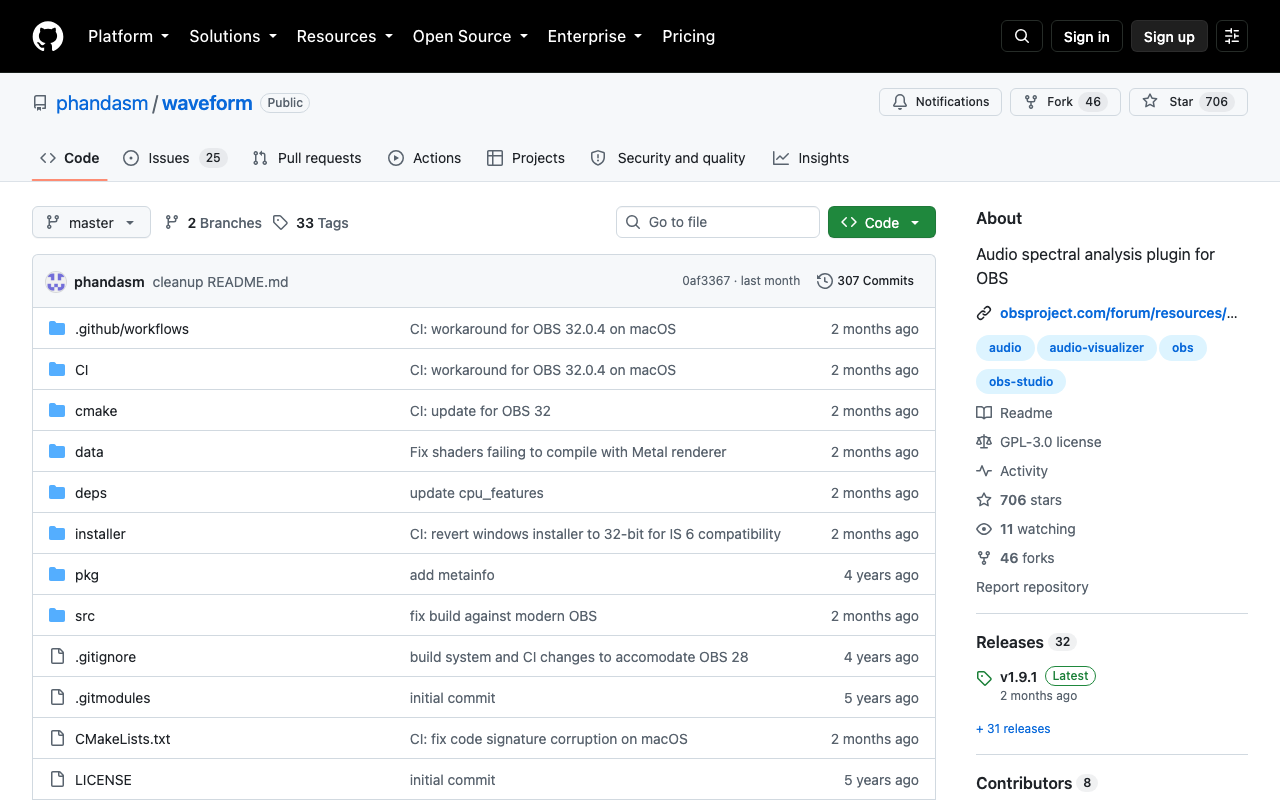
Waveform (OBS Audio Spectrum Plugin)
An OBS plugin that draws the frequency spectrum of an audio source on your stream. Add the "Waveform Visualizer" source, point it at your mic or background music, and it renders a curve, bars, stepped bars, a level meter with an RMS mode, or an experimental waveform, while Radial Layout bends any of them into a circle. The three-colour gradient, FFT size and smoothing are all adjustable. Free and open source (GPL-3.0) for 64-bit Windows, macOS and Linux on OBS 27 or later.
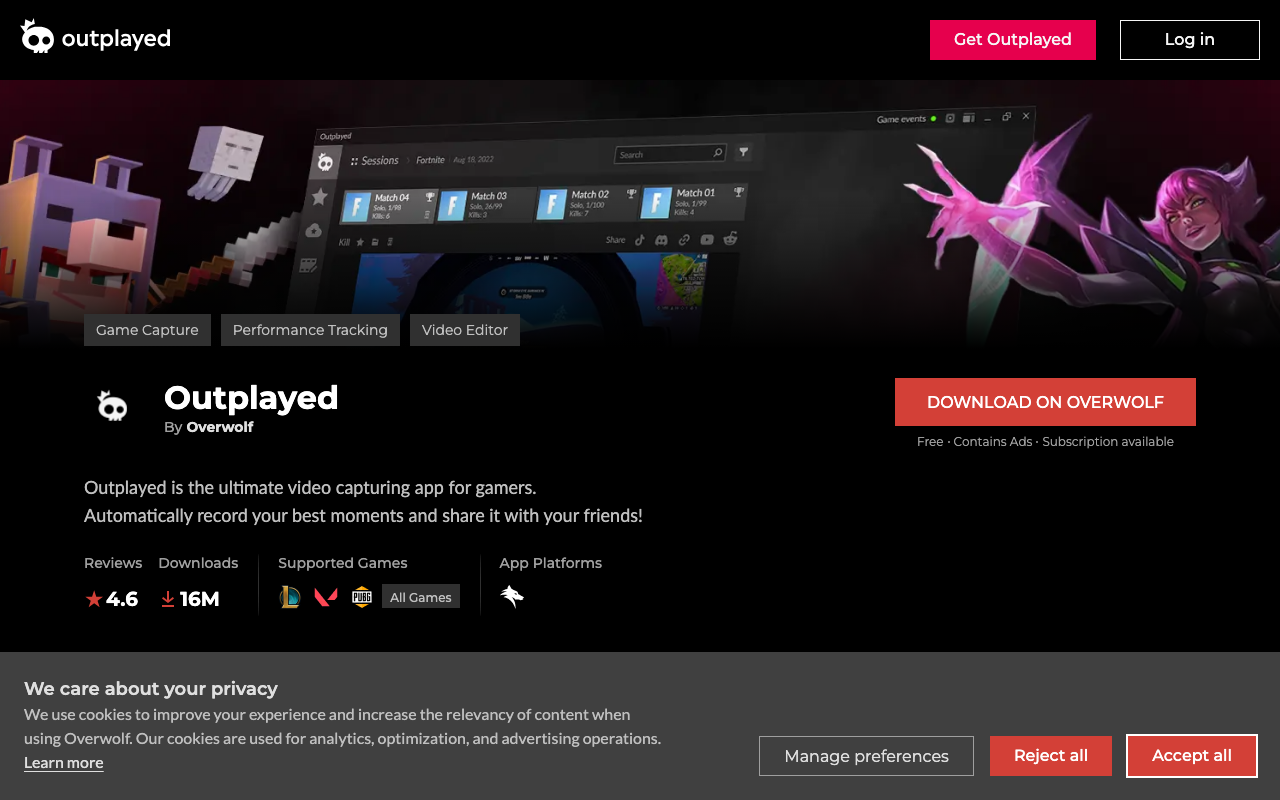
Outplayed
A free recording app that clips and saves your best moments automatically. It runs on the Overwolf client and supports over 5,000 titles. It detects in-game events such as kills and wins to save clips on its own, and also handles hotkey-driven manual recording and a per-match timeline view. The built-in editor trims and merges clips so you can share them straight to social media. Every feature stays free but shows ads, and a paid plan removes them and unlocks extras. Windows only.
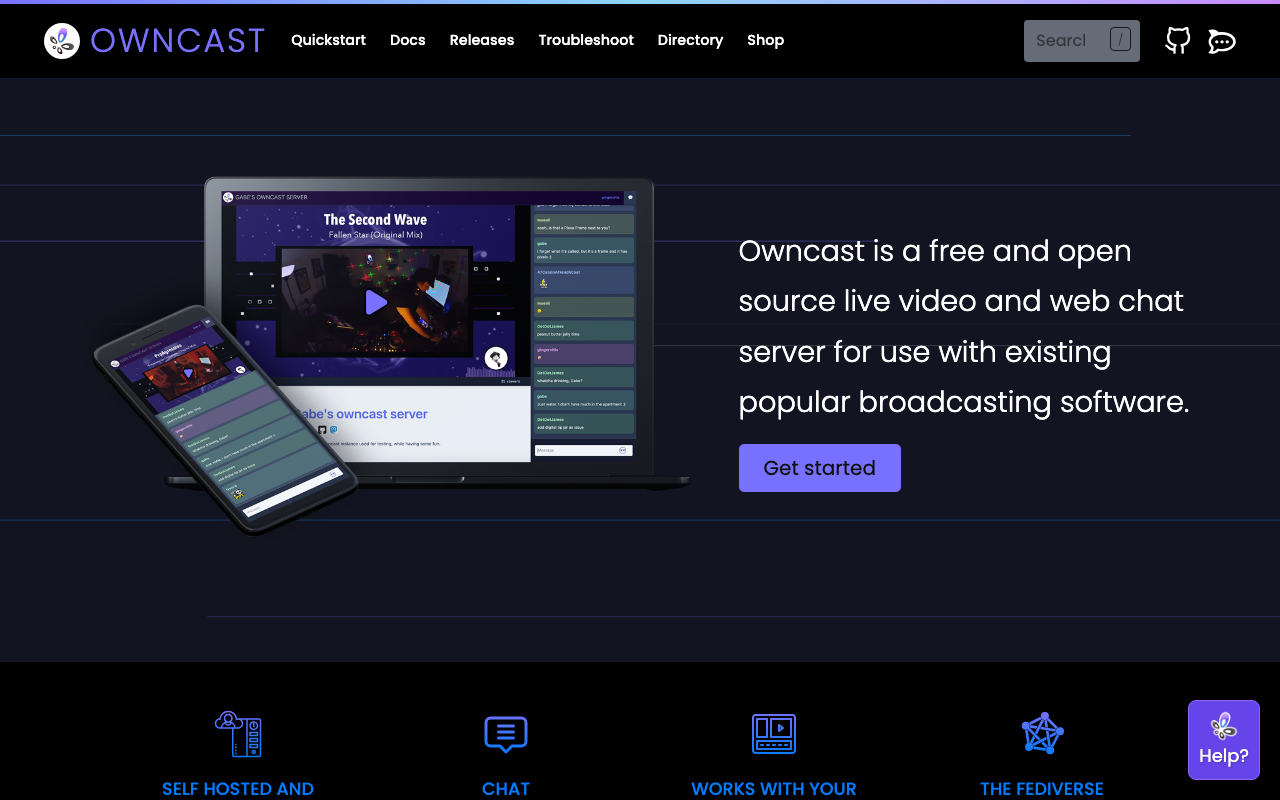
Owncast
An open-source live streaming server you run on your own infrastructure. Just send RTMP from OBS or Streamlabs and you can publish your own stream page with built-in chat. It also includes notification integration with the fediverse (like Mastodon), viewer and moderation management, and an embeddable player. Free under the MIT license (Linux/macOS/Docker).
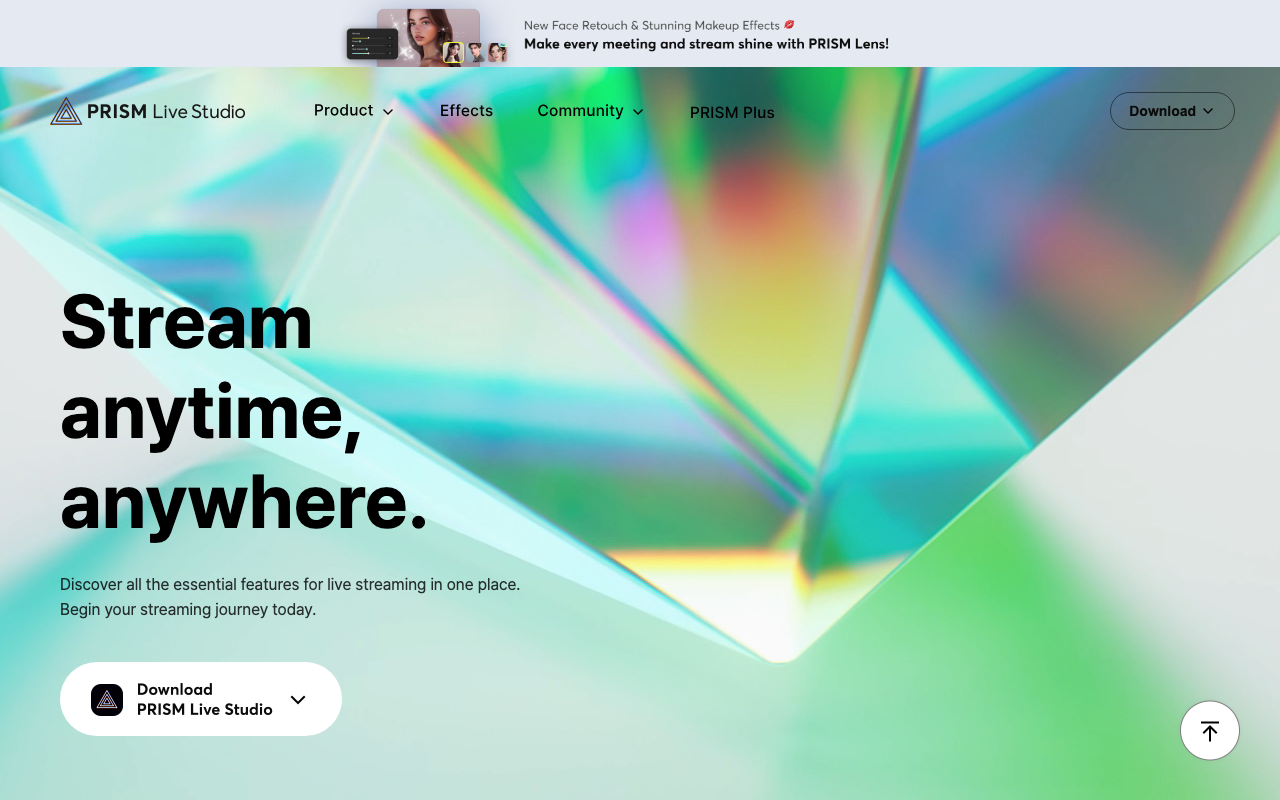
PRISM Live Studio
A free streaming and recording app from the NAVER group. Just pick a template to set up your stream layout in minutes, and it comes standard with effects like masks and background filters, plus "AvatarLive," an avatar streaming feature that doesn't require showing your face. It also supports turning your phone into a webcam and has a mobile app version, making it a good fit for beginners who want an easier start than OBS. It's free at its core, with multistreaming to multiple platforms and premium effects unlocked through the paid PRISM Plus tier. Supports Windows 10/11 and macOS.
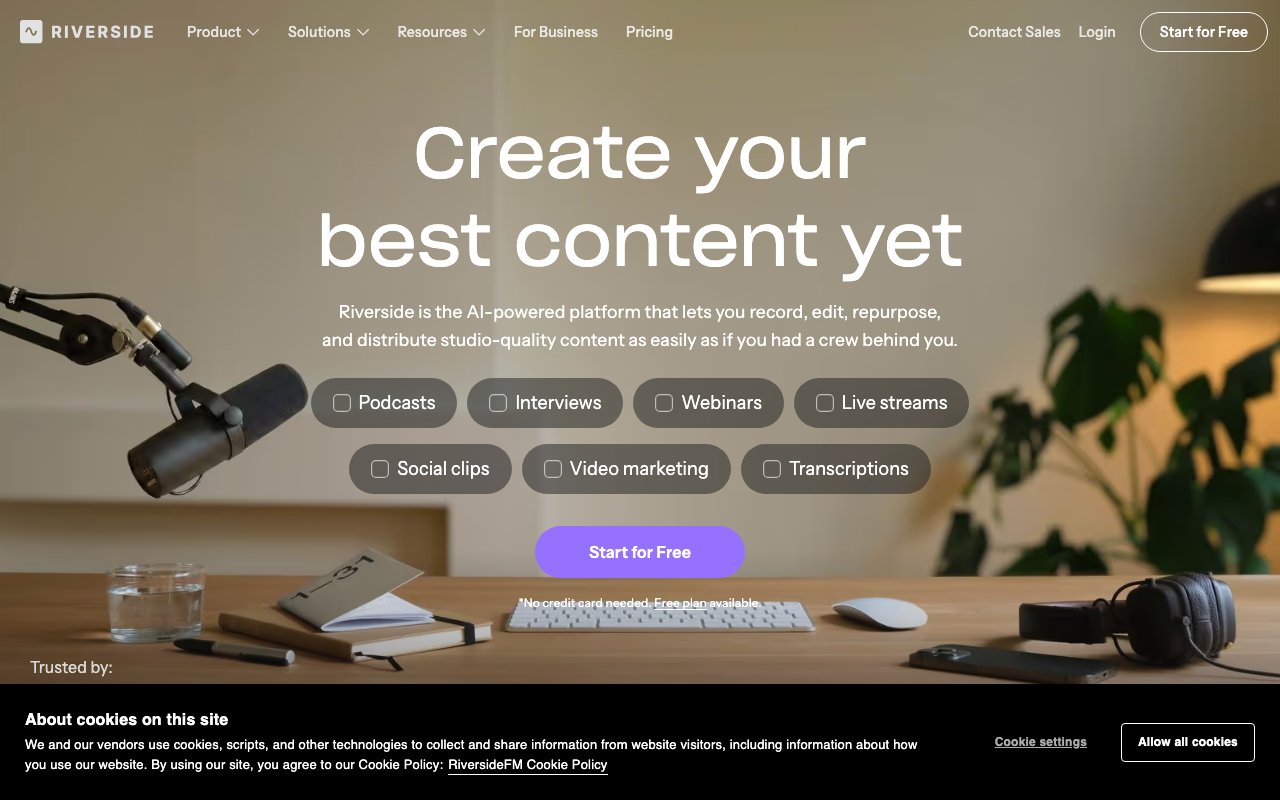
Riverside
A service for interviews and podcasts that records and live streams in high quality from the browser alone. Its defining feature is local recording on each participant's own device: even if the call connection breaks up, you keep per-person tracks at up to 4K with uncompressed audio. It also offers text-based editing that cuts video the way you edit a transcript, filler-word removal, AI clip generation and simulcasting to YouTube and elsewhere. The free plan gives 720p, two hours of separate-track recording and a watermark; paid plans start at $24 a month for Pro billed annually.
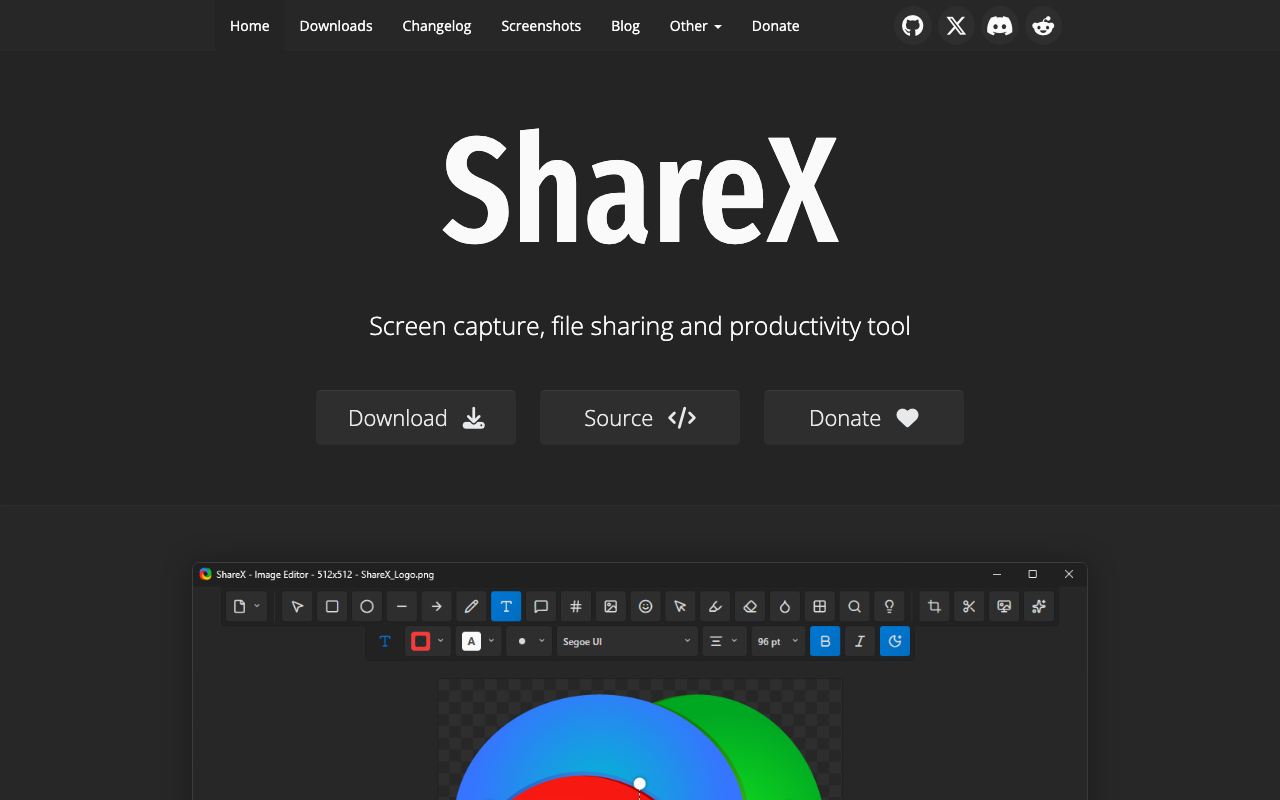
ShareX
A free capture tool for Windows. Besides multiple capture modes, full screen, region select, active window, and scrolling capture, it includes screen and GIF recording, plus an annotation editor for adding rectangles, arrows, text, and blur. Its powerful workflow feature automates post-capture actions (save, copy, upload) and hotkeys, with support for a wide range of upload destinations. It's completely free, open source, ad-free, and requires no account, available as a Setup installer or portable version, and also through the Microsoft Store or Steam.
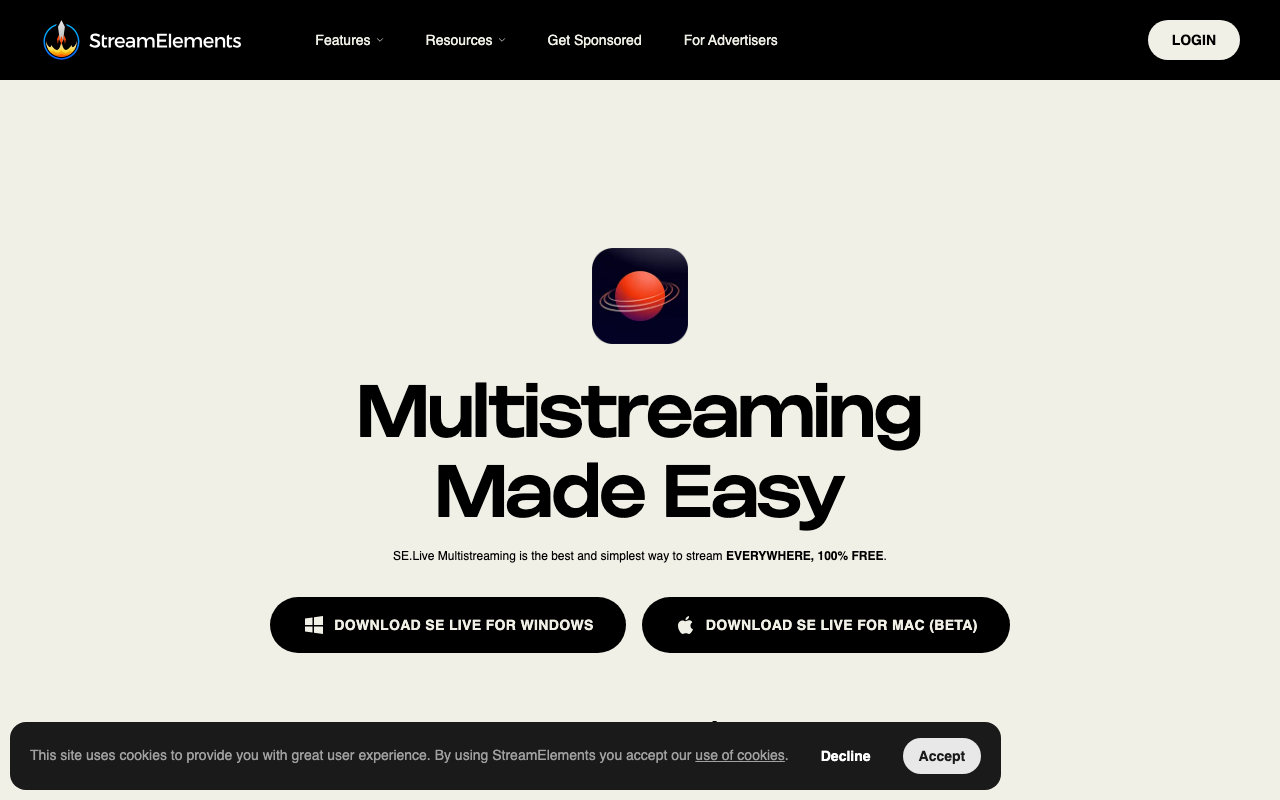
StreamElements SE.Live
A free, cloud-based streaming plugin that integrates into OBS. It lets you manage overlays, alerts, and chat all from within the OBS window while keeping CPU usage low. It supports Twitch, YouTube, and Facebook, streamlining multi-platform streaming.
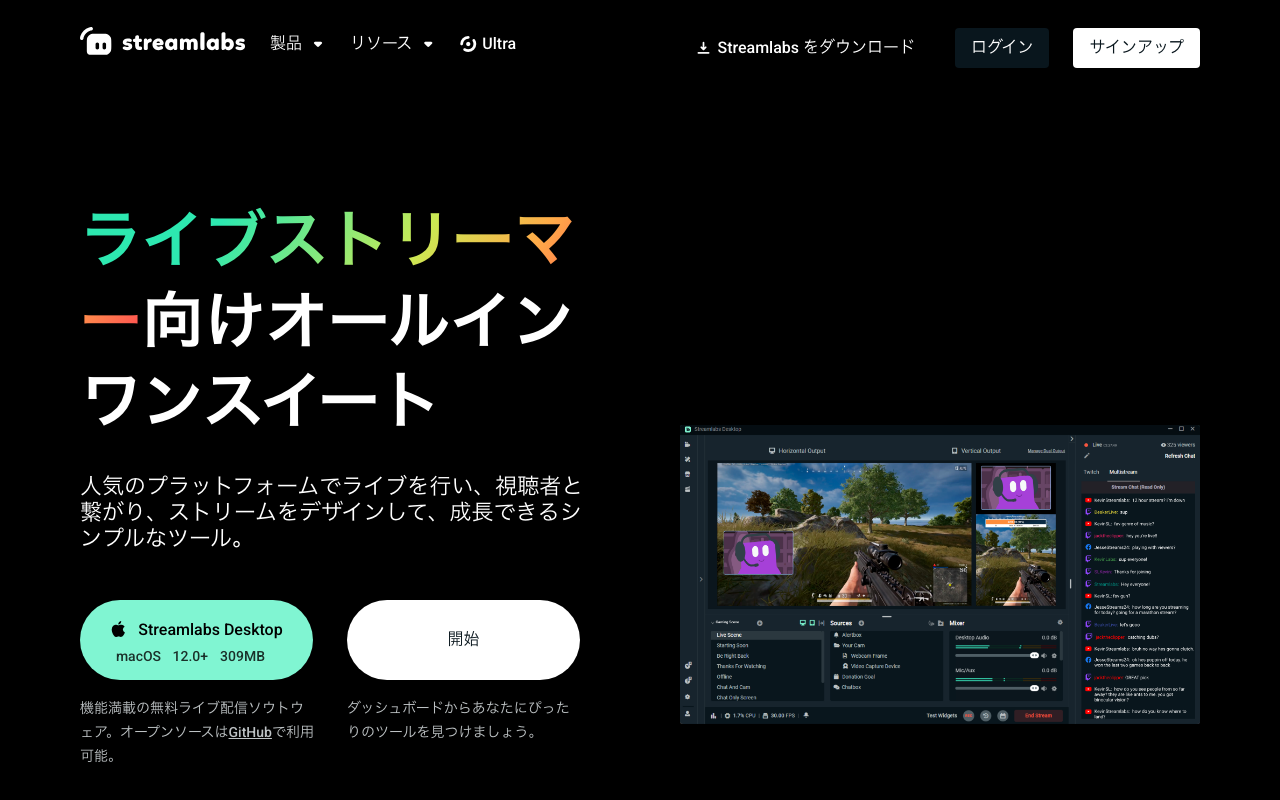
Streamlabs
A family of streaming software and services built on the core OBS engine (now part of Logitech). Streamlabs Desktop for PC is free and ships with stream alerts, widgets, hundreds of overlays, the Cloudbot chatbot, and Dual Output for going live in horizontal and vertical formats at the same time. Mobile and XBOX apps plus video editing tools run under the same account, and the paid Ultra (starting at $15.75/mo) and Ultra+ tiers unlock multistreaming and premium assets.
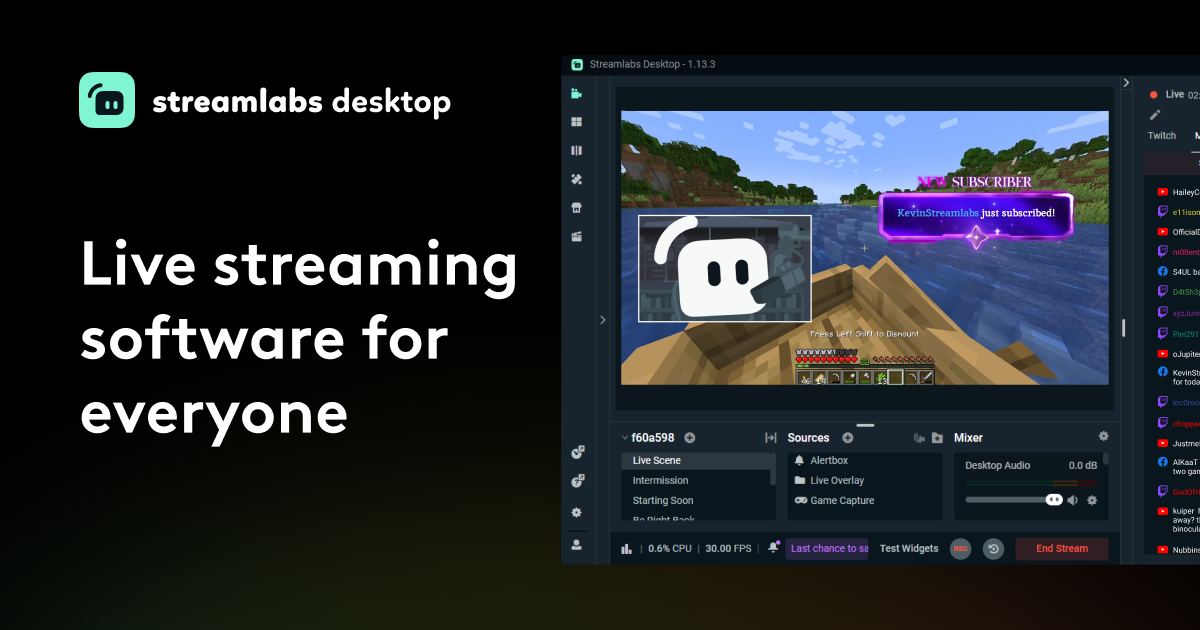
Streamlabs Desktop
A streaming app built on OBS that folds alerts, overlays, and a chat bot into a single tool. It supports the major platforms — Twitch, YouTube, TikTok, Kick — and ships with Collab Cam for inviting guests with just a link, hundreds of free overlay themes, and the free Cloudbot chat bot. Because alerts are configured inside the app itself, you can build a complete streaming setup without stitching together separate services. The core features are free; Ultra, which adds multistreaming and 1,000+ themes, starts at $15.75/month (check the official site for current pricing).
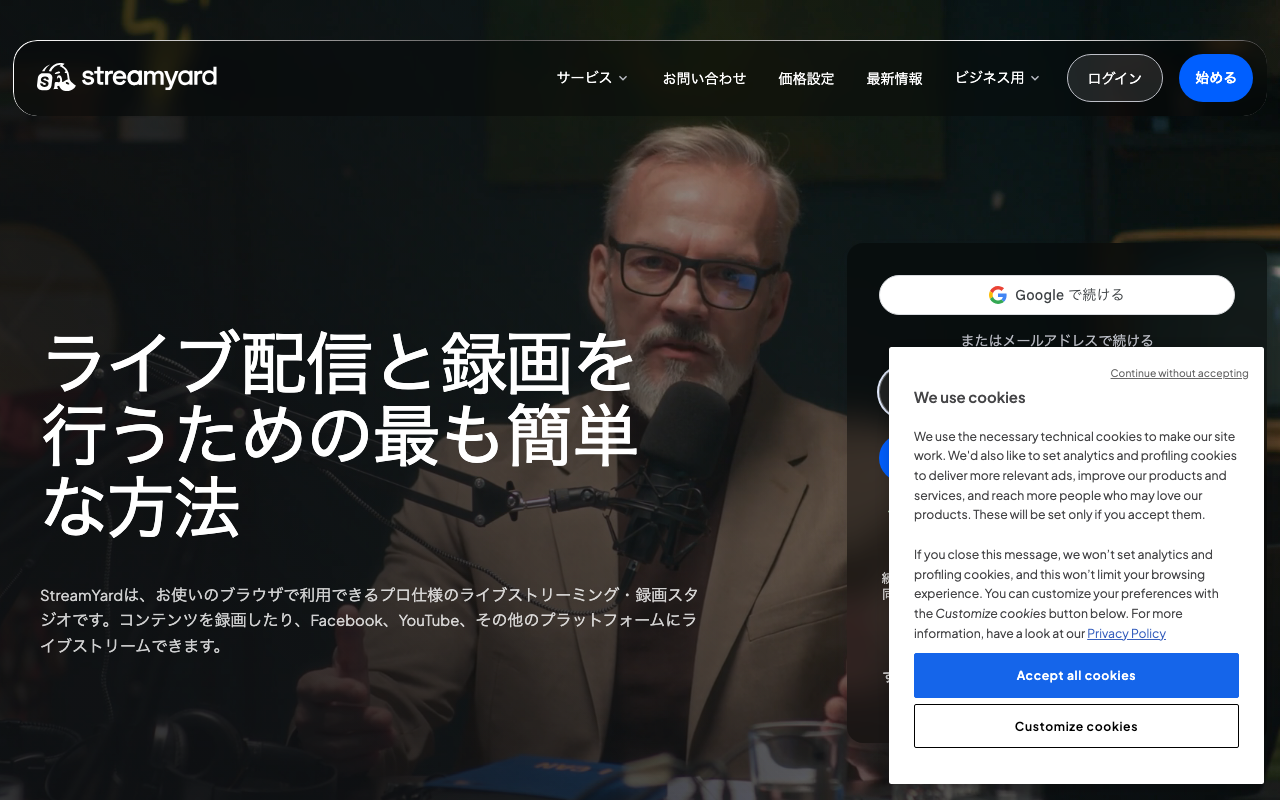
StreamYard
A browser-based live streaming studio for streaming and recording, no software install required. Guests simply open an invite link to join, making it great for interviews and collab streams. You can display up to 6 people on screen (10 on paid plans), and set up logos, overlays, and lower-third banners right in the browser. The free plan shows the StreamYard watermark, limits stream length, and caps local recording at 2 hours per month. Multistreaming to multiple platforms requires the Core plan or higher at $44.99/month (annual billing is cheaper, and a free trial is available).
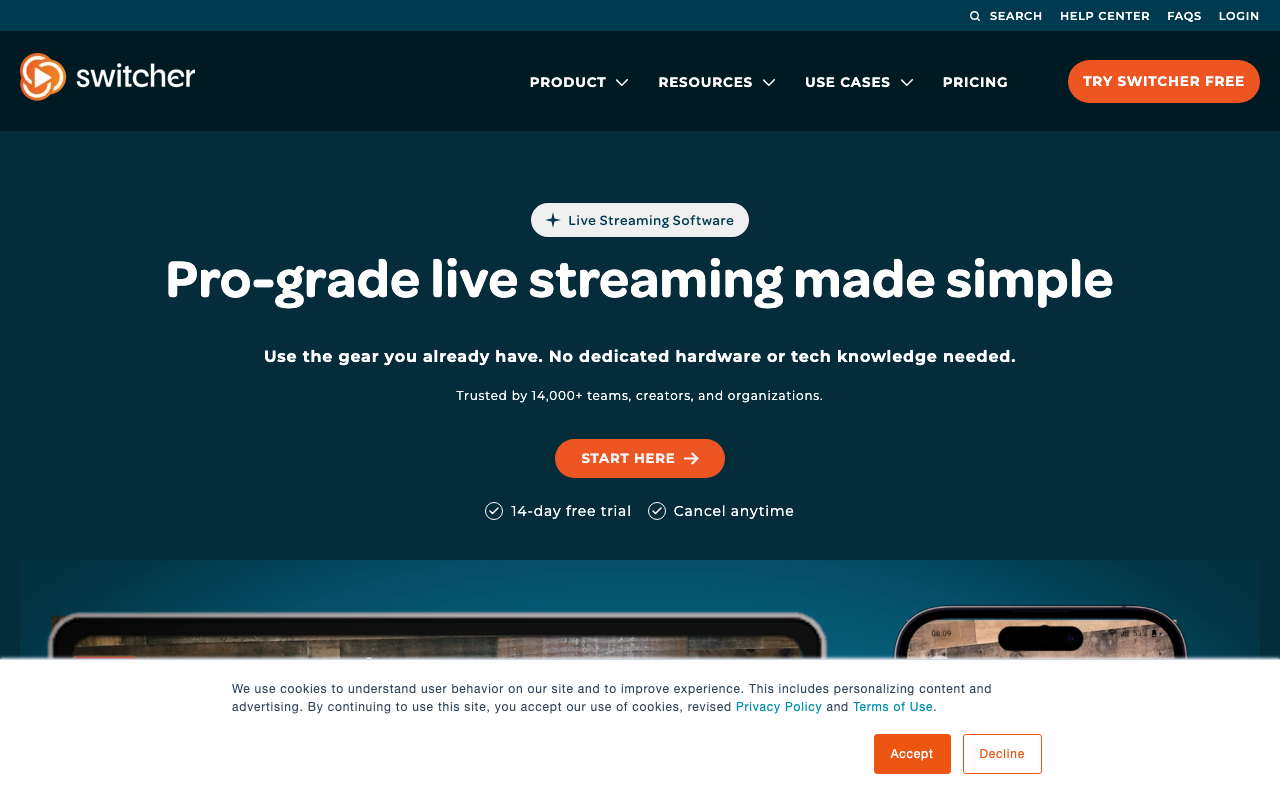
Switcher Studio
A multi-camera streaming app that links several iPhones, iPads and Macs so you can switch between up to nine cameras while live. The point is that phones you already own become your second and third camera, with no dedicated switcher or capture card to buy. It handles lower thirds, scoreboards, slides and pre-recorded video inserts, up to five remote guests, and simulcasting to YouTube, Facebook, Instagram, TikTok and more. There is a 14-day free trial; paid plans are Studio at $65 a month and Suite at $99 a month, with a discount for annual billing.
Twitch Studio
A simple, Twitch-dedicated streaming software provided officially by Twitch. Follow and subscription alerts come built in, and you can start streaming in just three steps with no complicated setup — making it a popular free option especially suited to Twitch beginners who are just getting started.
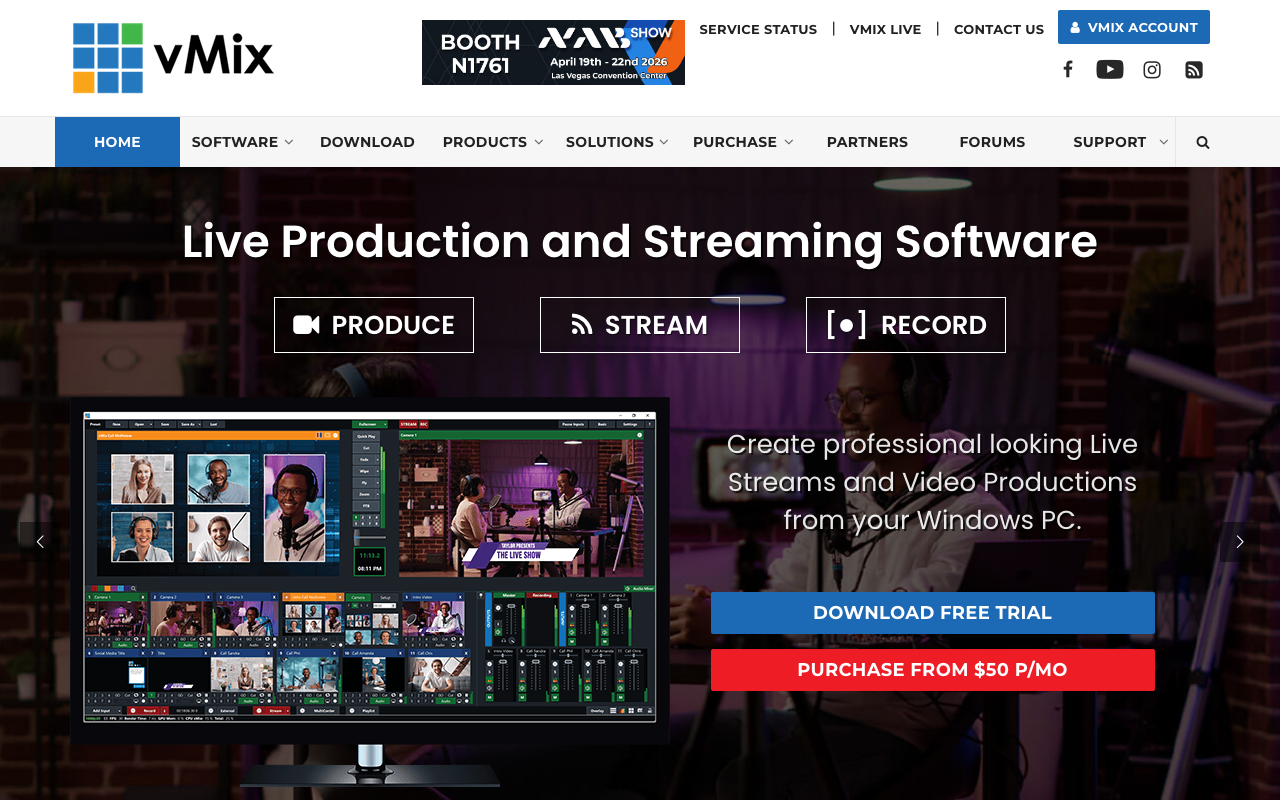
vMix
Professional-grade live production and streaming software for Windows. It handles everything from HD/4K switching and mixing to live streaming and recording in one package. There's a 60-day free trial, aimed at streamers and organizations needing a serious live production setup.
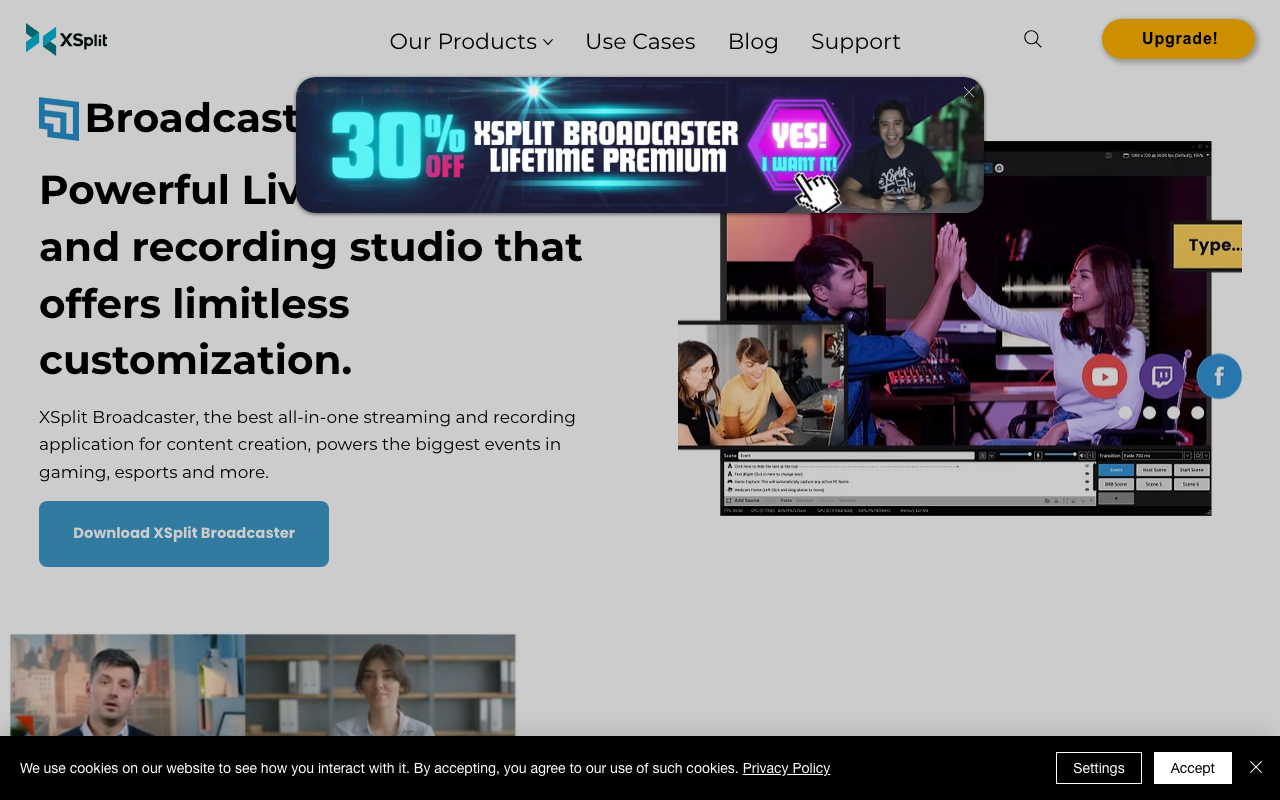
XSplit Broadcaster
A Windows streaming software where you drag and drop sources like a camera, game screen, images, or web pages onto scenes for live streaming and recording. It supports background removal and blur without a green screen, noise suppression, simultaneous landscape and portrait output, multistreaming to multiple services, and importing OBS scenes. The free version is watermark-free up to 720p, while higher resolutions and some features are unlocked with a paid plan (monthly, annual, or one-time purchase).
YouTube初配信でバズるには❕️
YouTubeは知ってると思います❕️初配信でバズるには❕️↴ 初配信は盛り上げるよりまた見たいと思わせる。自己紹介だけで終わらせず、初見でも参加しやすい企画を1つ入れる。 項目 内容 自己紹介 名前、雰囲気、活動の軸を短く伝える 何をする人か 歌、雑談、ゲーム、企画などの方向性を示す 今日の見どころ 初見が参加しやすい企画や質問コーナーを入れる 今後の予定 次回配信や今後やりたいことを軽く予告する ただの自己紹介より、参加型企画が向いてる❕️視聴者が関われる残りやすい❕️ 初見さんの入りやすさ難しい内輪ネタを減らして、1本の軸が分かる内容に寄せるのが安定。初見にこの人は何をしている人かを伝える❕️ 事前告知・待機所・短い予告投稿をセットにすると見つかりやすくなる。配信前の導線づくりが大事❕️ 30秒〜1分で自己紹介今日のテーマをひとことで提示参加型コーナーを1つ入れる今後の活動予告を短く話す次回につながる一言を置く あなたの強みを1つ決める 初見参加型の企画を1本入れる 配信前に短い予告を出す どうでしたか?YouTubeで上げてみてください❕️