
DistroAV (formerly obs-ndi)
✨ What You Can Do with This Tool
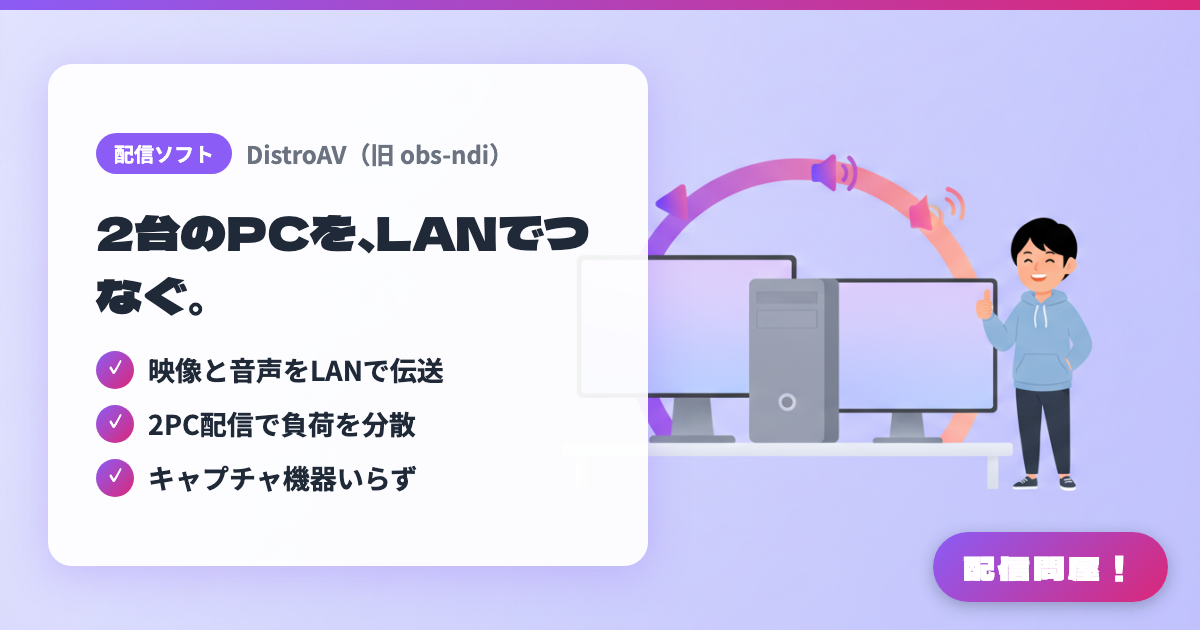
- ✓ 映像と音声をLANで伝送
- ✓ 2PC配信で負荷を分散
- ✓ キャプチャ機器いらず
🖼️ Screenshots
📖 What is DistroAV (formerly obs-ndi)?
A free plugin (formerly obs-ndi) that adds NDI send and receive capability to OBS Studio. It lets you pass video and audio straight to another PC on the same LAN, making it useful for two-PC setups that split gaming and streaming across separate machines, or for pulling in footage from a dedicated tracking PC. Requires OBS 31.1.1 or later and the NDI runtime. Supports Windows, macOS, and Linux.
💡 When to Use It
Use it for a two-PC setup that splits gaming and streaming machines, or when you want to bring footage from a dedicated VTuber tracking PC into your main OBS. Since it passes video and audio over the LAN without adding more HDMI capture cards, it's an easy way to cut down on desk cabling. Well-suited to anyone who wants high-quality streams but finds a single PC too heavily loaded.
📋 Basic Info
| Price | Free |
| Supported OS | Windows / macOS / Linux(OBS 31.1.1以上、NDIランタイム必須) |
| Last Updated | Aug 2026 |
🚀 How to Use
- Step 1: Confirm your OBS Studio version is 31.1.1 or later, then install both DistroAV itself and the NDI runtime.
- Step 2: Connect the sending and receiving PCs to the same wired LAN or a stable, high-speed network, and make sure your firewall isn't blocking NDI traffic.
- Step 3: Enable NDI output on the sending PC's OBS, and specify the scenes or sources you want to send — game footage, camera, VTuber tracking video, and so on.
- Step 4: Add an NDI source on the receiving PC's OBS, select the sending PC's name or output name, and check that video and audio are in sync.
- Step 5: Before going live, check resolution, frame rate, and audio latency, and if the load is too high, reduce the number of sources sent or lower the quality to prioritize stability.
🎉 Highlights & Comments
What do you love about this tool?
✏️ Leave a comment (optional, up to 200 characters)
0/200