
🛠️
chanmiya (YouTube Assets & Stream Overlays)
Stream AssetsOverlayYouTube AssetsCommercial Use AllowedBOOTHFreemium
✨ What You Can Do with This Tool
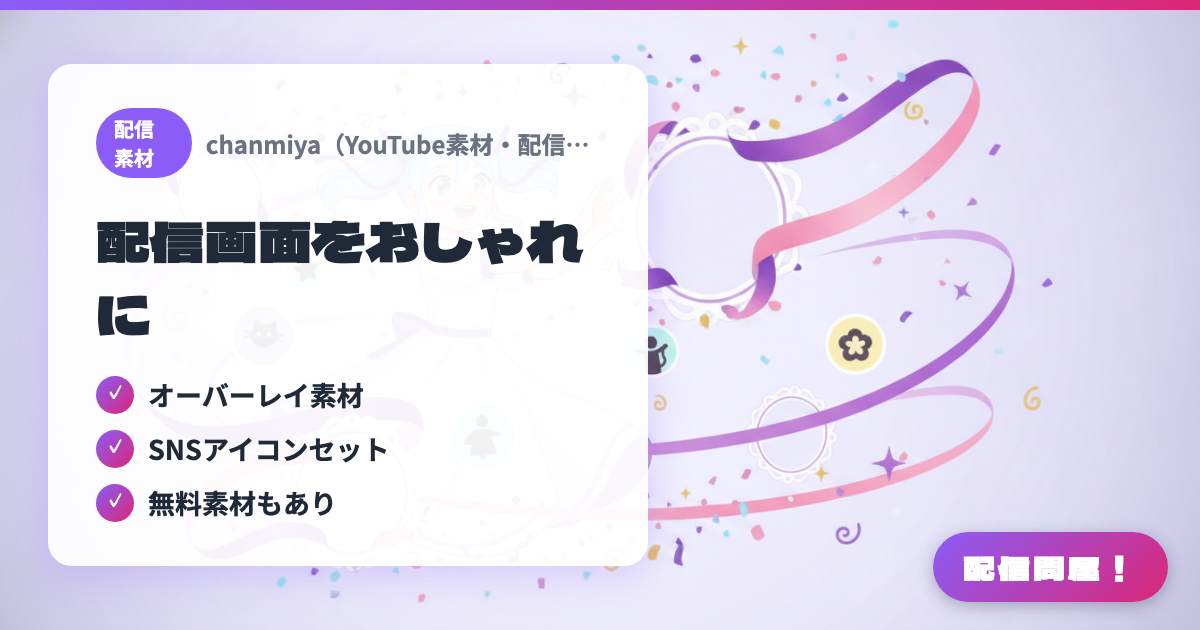
- ✓ Overlay assets
- ✓ SNS icon sets
- ✓ Free assets included
🖼️ Screenshots
📖 What is chanmiya (YouTube Assets & Stream Overlays)?
A BOOTH shop selling overlay assets, SNS icon sets, and text animation assets for YouTubers and streamers. Both free and paid assets are available, and commercial use is allowed (resale and redistribution are prohibited).
💡 When to Use It
Use this when you're looking for assets to dress up your OBS stream screen or an SNS icon set. It also carries text animation assets aimed at YouTubers, so you can mix free and paid assets to build a streaming style that's all your own. Commercial use is allowed, so it also works for monetized streams.
📋 Basic Info
| Developer | chanmiya |
| Last Updated | Apr 2026 |
🚀 How to Use
- Step 1: Open chanmiya.booth.pm and pick the design you want from the asset list. Free assets are listed at "¥0," so you can download them right away
- Step 2: Unzip the downloaded ZIP file and add the image file you need as an Image source in OBS via "+" → "Image"
- Step 3: Arrange the layer order and adjust the size and position in your OBS scene to reflect it on your stream
🎬 Tutorial Video
🎉 Highlights & Comments
What do you love about this tool?
✏️ Leave a comment (optional, up to 200 characters)
0/200
👤 Creator
🎨
chanmiya
chanmiya.booth.pm →