
VTuber Name Logo Design (日野家 | Coconala)
✨ What You Can Do with This Tool
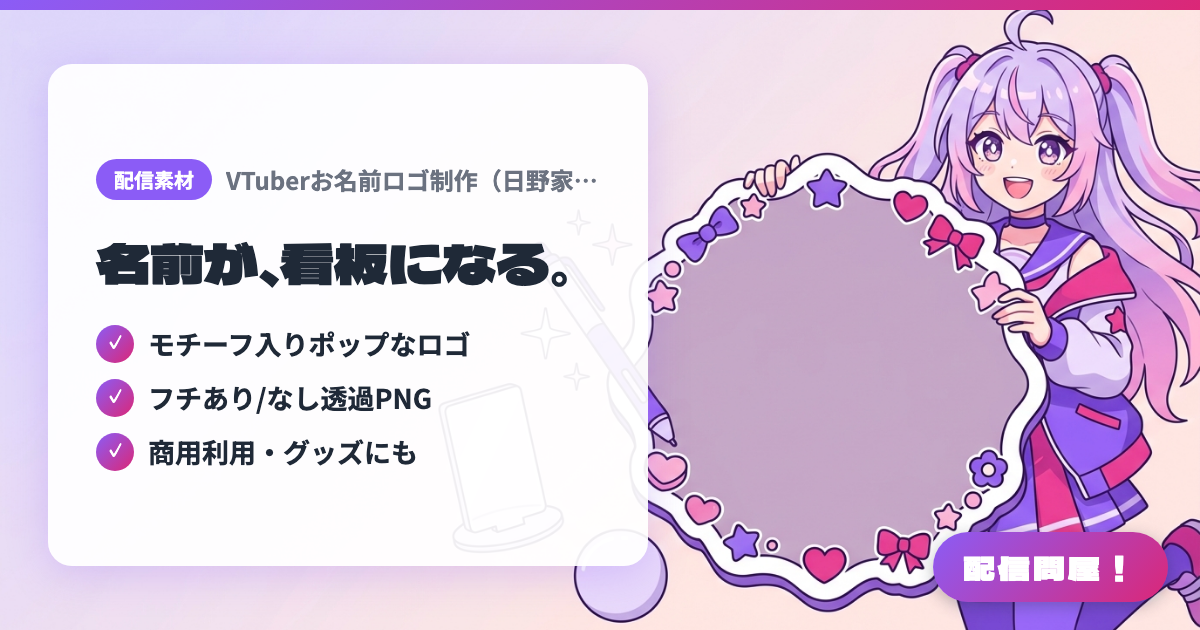
- ✓ モチーフ入りポップなロゴ
- ✓ フチあり/なし透過PNG
- ✓ 商用利用・グッズにも
🖼️ Screenshots
📖 What is VTuber Name Logo Design (日野家 | Coconala)?
A Coconala listing (日野家) for commissioning a name logo for VTubers, V-livers, and streamers. Specializes in pop, easy-to-read designs with motif illustrations scattered around the lettering. ¥8,000 standard, commercial use allowed, up to 2 minor revisions included, delivered as transparent PNGs (long side approx. 5000px) in both bordered and borderless versions. Since the artist works from your brief with no rough drafts or consultation, be as specific as possible when ordering. Copyright is not transferred, and redistributing the delivered files is not allowed. Check the listing page for current pricing and availability.
💡 When to Use It
Great for when your debut stream is approaching and you already have your full-body character art and Live2D model ready, but still lack a signature name logo to put on your stream screen or thumbnails. With bordered and borderless versions available, it drops straight into a bright chatting stream background or a dark horror game stream alike. Also handy when creating commemorative merch (acrylic stands, pin badges) for a subscriber milestone, since the commercial-use-included logo can be reused directly in your print files.
📋 Basic Info
| Price | Paid |
| Developer | 日野家 |
| Last Updated | Sep 2026 |
🚀 How to Use
- Step 1: Check the sample work (portfolio) and terms of service on the Coconala listing page, and confirm the style and conditions such as "no generative AI or adult-content accounts" fit your needs.
- Step 2: Contact the seller via "Free Quote Consultation" and send the specified template (your name in Japanese + romaji, colors, mood, motifs you want included, desired options, and reference images such as your character art).
- Step 3: Check the quote and purchase. Add options such as an X header (+¥500), rush delivery, or opting out of portfolio display at this stage.
- Step 4: Check the finished product and request up to 2 minor revisions, such as color adjustments. Note that since there are no rough drafts, major direction changes are not possible.
- Step 5: Place the delivered transparent PNGs (bordered/borderless) on your stream screen using an OBS image source, and use the same logo for thumbnails, X headers, and merch to keep a consistent look.
🎉 Highlights & Comments
What do you love about this tool?
✏️ Leave a comment (optional, up to 200 characters)
0/200