
Stream Opening (Starting Soon Screen) & Ending Video Production (MoMoqune | Coconala)
✨ What You Can Do with This Tool
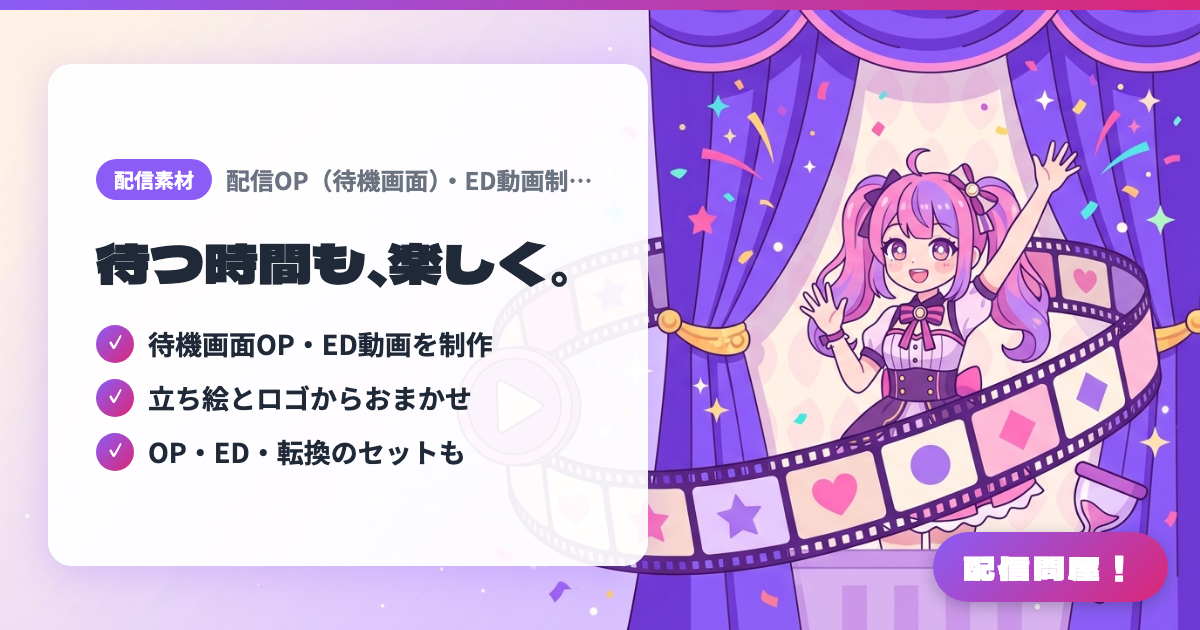
- ✓ 待機画面OP・ED動画を制作
- ✓ 立ち絵とロゴからおまかせ
- ✓ OP・ED・転換のセットも
🖼️ Screenshots
📖 What is Stream Opening (Starting Soon Screen) & Ending Video Production (MoMoqune | Coconala)?
A Coconala listing (MoMoqune) that turns your existing character art and logo into a starting-soon (OP) video and an ending (ED) video for your streams. There are 3 tiers (all prices before tax): a fully hands-off plan (¥10,000) where you just fill out a production questionnaire, a hands-off plan with a final-review step (¥12,000), and a standard plan (from ¥15,000) that also includes a rough-draft check. A stream set bundling OP + ED + transitions is also available, delivered as MP4. Adding background music costs extra, depending on its length in seconds. Check the listing page for pricing and turnaround time.
💡 When to Use It
Useful for the few minutes between your scheduled start time and the actual stream, when viewers tend to drop off during a static starting-soon screen — an animated OP video with your character moving builds a "we're about to start" atmosphere. Also good for playing an ED video at the close of a karaoke stream or anniversary stream to leave a lasting impression. If you want to unify your OP, ED, and scene-transition visuals in the same theme and aesthetic before your debut, ordering all three as a set gives you a consistent look.
📋 Basic Info
| Price | Paid |
| Developer | MoMoqune |
| Last Updated | Sep 2026 |
🚀 How to Use
- Step 1: Check the sample videos and pricing plans (fully hands-off / hands-off / standard / stream set) on the Coconala listing page, and understand the differences in the number of revisions allowed.
- Step 2: Send your desired deadline and rough budget via "Free Quote Consultation," and you'll receive a production questionnaire (intake form) to fill in with the mood you want and any text you'd like included.
- Step 3: Send your character art and other illustration assets along with your logo (PNG, optional), decide whether to add background music or thumbnail production (+¥4,000), and complete the purchase.
- Step 4: With the standard plan, finalize the composition during the rough-draft check and request one simple revision at the finished-product check. With the hands-off plans, the video is finished directly based on your questionnaire answers.
- Step 5: Add the delivered MP4 to a media source in OBS, check "Loop," and place it in your Starting Soon scene. Put the ED video in your ending scene and switch to that scene to play it.
🎉 Highlights & Comments
What do you love about this tool?
✏️ Leave a comment (optional, up to 200 characters)
0/200