
Chibi Illustration for VTubers & Streamers (さらえみ | Coconala)
✨ What You Can Do with This Tool
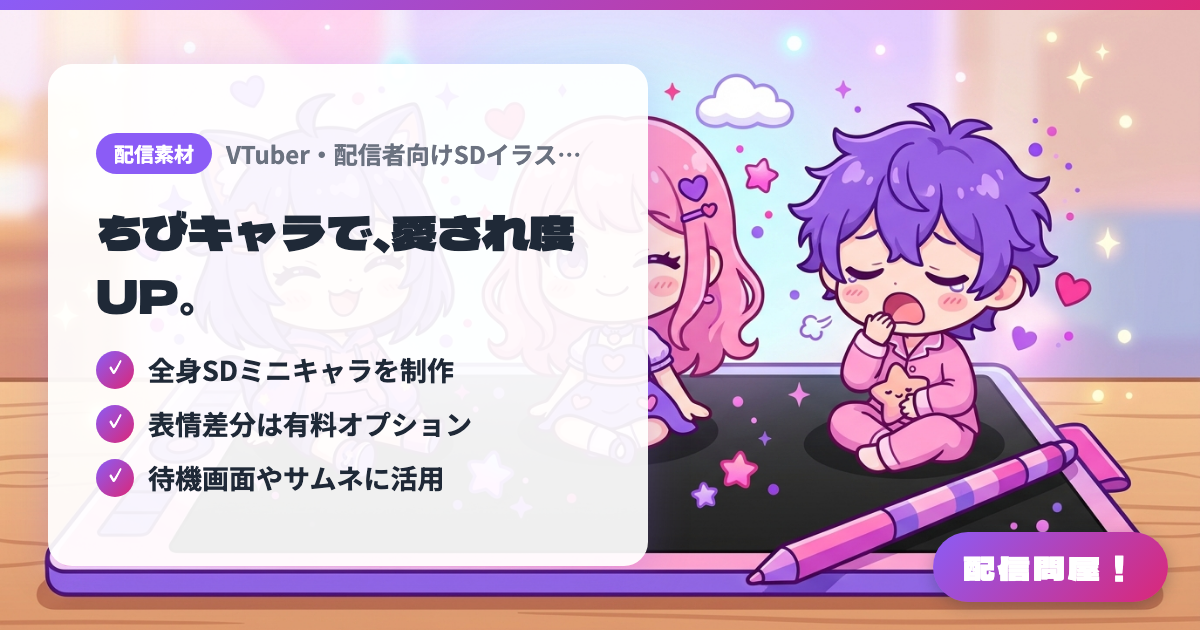
- ✓ 全身SDミニキャラを制作
- ✓ 表情差分は有料オプション
- ✓ 待機画面やサムネに活用
🖼️ Screenshots
📖 What is Chibi Illustration for VTubers & Streamers (さらえみ | Coconala)?
A Coconala listing, open only to VTubers and streamers, for custom chibi (SD, super-deformed) illustrations. The base package is one full-body character, no background, 350dpi (up to 3000px), delivered as PNG/JPG/PSD of your choice with two free revisions. Expression variants, pose variants, layered PSDs and Illustrator (.ai) delivery are paid options. Use in streams, thumbnails and monetized streams is included, but secondary use such as ads and merchandise sales incurs extra fees based on the production cost, and copyright remains with the artist. Check the listing page for current prices and availability.
💡 When to Use It
Use it when you want a little chibi character tucked into the corner of your waiting screen or stream layout, or a deformed illustration for a "Be right back" screen during chatting streams. With expression variants, you can switch them as reactions to comments or to show wins and losses in gaming streams. It also suits creators planning anniversary merch like acrylic stands or badges who want to confirm commercial terms upfront.
📋 Basic Info
| Price | Paid |
| Last Updated | Oct 2026 |
🚀 How to Use
- Step 1: On the Coconala listing page, check the base package, paid options (expression variants, pose variants, layered PSD, etc.), the permitted usage, and the fee rules for secondary use
- Step 2: Via "Free quote consultation", send character references such as your character art or turnaround sheet, along with the intended use (stream assets, icons, merch, etc.) and the poses and expressions you want
- Step 3: Agree to the quote and purchase, then review the rough sketch and have expressions or props adjusted within the two free revisions
- Step 4: Receive the final files in your preferred format such as PNG/JPG/PSD. If you plan to sell merch or use it in ads, confirm the extra fees at this point
- Step 5: Place the chibi illustration as an OBS image source or on your waiting screen and thumbnails, and switch between expression variants as reaction assets
🎉 Highlights & Comments
What do you love about this tool?
✏️ Leave a comment (optional, up to 200 characters)
0/200