
X Header Design for VTubers (すしねこ。 | Coconala)
✨ What You Can Do with This Tool
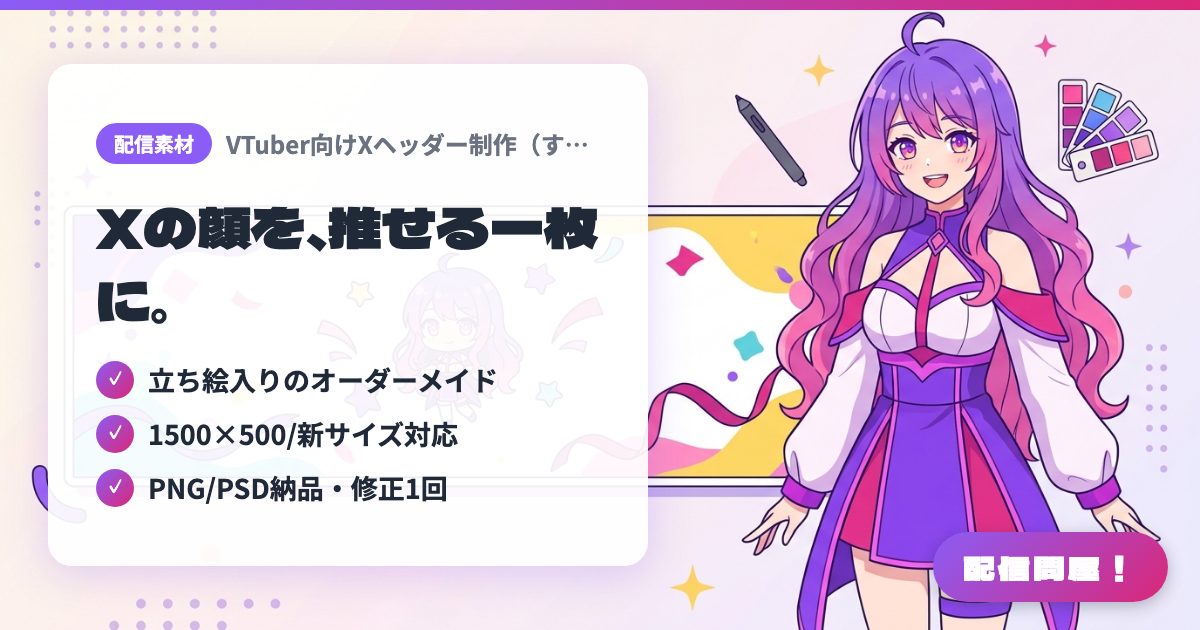
- ✓ 立ち絵入りのオーダーメイド
- ✓ 1500×500/新サイズ対応
- ✓ PNG/PSD納品・修正1回
🖼️ Screenshots
📖 What is X Header Design for VTubers (すしねこ。 | Coconala)?
A Coconala listing that creates custom X (formerly Twitter) profile header images for VTubers, Vliver streamers and other creators. Using your character art or chibi illustration (transparent PNG), the seller designs a header featuring your creator name or tagline. Sizes are 1500×500px or the new 1250×500px (350dpi), delivered as PNG/PSD with one free revision. Commercial use is not included in the base price; commercial use, permission to edit, and express delivery (within 2 days) are paid options. Copyright transfer is negotiable. Check the listing page for current prices and availability.
💡 When to Use It
Use it before your debut to polish your X account so your profile matches your brand before you announce your first stream. It also works well when your character art changes for a new outfit reveal or anniversary, letting visitors see your current look and what you stream at a glance. A handy option for indie VTubers who don't have time to design it themselves.
📋 Basic Info
| Price | Paid |
| Last Updated | Oct 2026 |
🚀 How to Use
- Step 1: On the Coconala listing page, check the prices, options (commercial use, edit permission, express delivery, etc.) and the "Before purchasing" notes, then send your request via "Free quote consultation"
- Step 2: During the quote consultation, share your creator name, the text you want, preferred colors or theme, and reference headers, and decide on the size (1500×500px or the new 1250×500px)
- Step 3: Agree to the quote and purchase, then upload your character art or chibi illustration as a transparent PNG in the talk room
- Step 4: Review the finished file, request changes within the one free revision if needed, then approve the delivery
- Step 5: Set the delivered PNG as your header image from "Edit profile" on X, and match its colors with your stream announcement images and YouTube banner
🎉 Highlights & Comments
What do you love about this tool?
✏️ Leave a comment (optional, up to 200 characters)
0/200