
🛠️
Stream Effect Assets — torananeko
BOOTHEffectsStream AssetsTransparent BackgroundAnimationFreemiumOBS IntegrationStage EffectsFreemium (some features paid)
✨ What You Can Do with This Tool
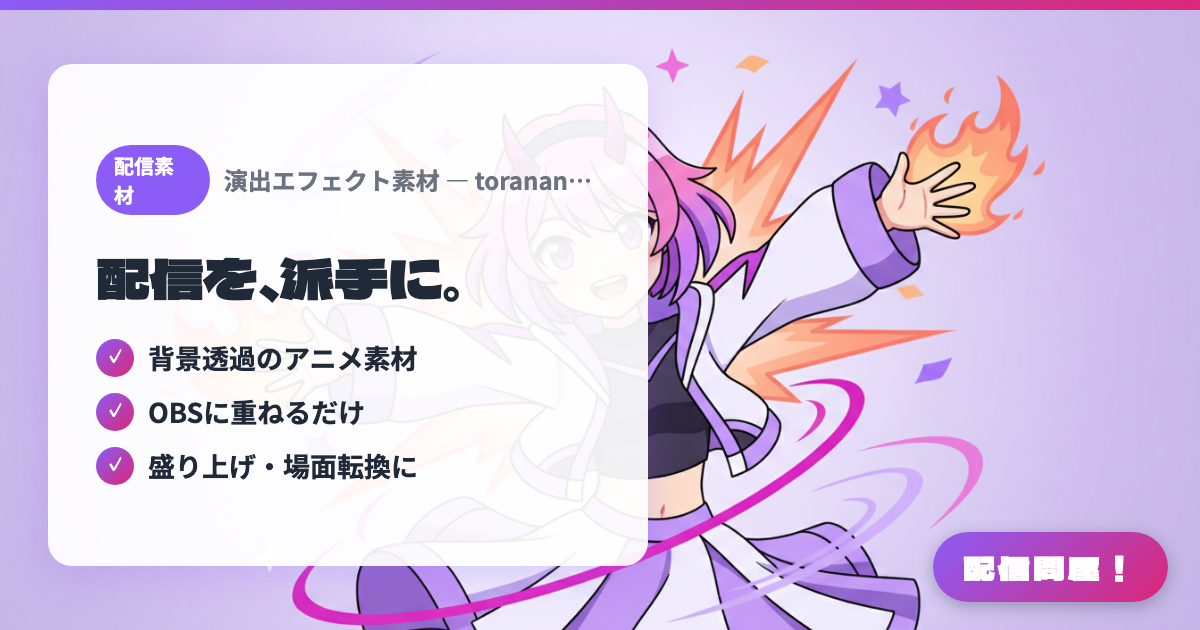
- ✓ Transparent-background animated assets
- ✓ Just layer onto OBS
- ✓ For hype moments and scene transitions
🖼️ Screenshots
📖 What is Stream Effect Assets — torananeko?
A collection of stream effect assets sold on BOOTH — flames, crowd murmur, and abyss animations with transparent backgrounds. Just load them into an OBS media source, and use them to punch up hype moments and scene transitions in game streams or VTuber broadcasts. Bold, high-visibility designs are the hallmark.
💡 When to Use It
Use this when you want to spice up hype moments or scene transitions with flashy visuals. Just layer these transparent-background flame and crowd-murmur animations over OBS for eye-catching effects.
📋 Basic Info
| Price | Freemium (some features paid) |
| Last Updated | Apr 2026 |
🚀 How to Use
- Step 1: Purchase and download the stream effect assets on BOOTH
- Step 2: Unzip the files and check the transparent-background video assets
- Step 3: Add them as a media source in OBS on your stream layout
- Step 4: Adjust position and size to use for hype moments and scene transitions
🎬 Tutorial Video
🎉 Highlights & Comments
What do you love about this tool?
✏️ Leave a comment (optional, up to 200 characters)
0/200