
🛠️
Glow Overlay Effect — ことはる雑貨店
BOOTHEffectsGIFOBS IntegrationAdditive BlendingStream AssetsFreemiumVisual FlairFreemium (some features paid)
✨ What You Can Do with This Tool
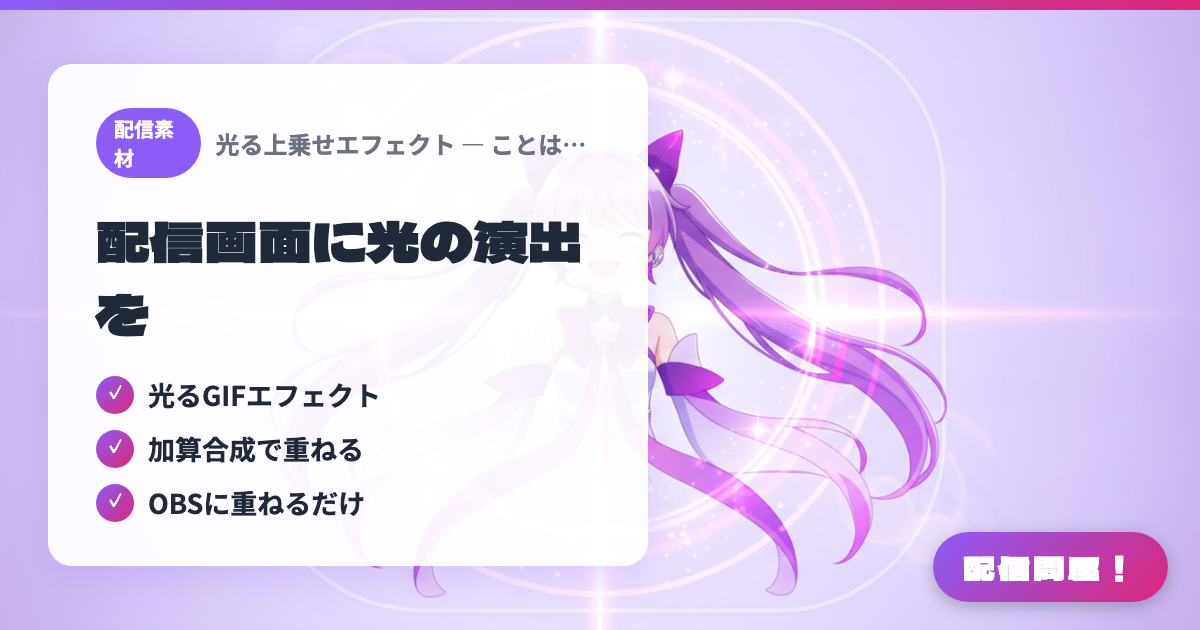
- ✓ Glowing GIF effects
- ✓ Layered via additive blending
- ✓ Just drop it into OBS
🖼️ Screenshots
📖 What is Glow Overlay Effect — ことはる雑貨店?
Glowing effect GIF assets sold on BOOTH, designed to be used together with OBS's Additive blend filter. Layering them over your screen adds a shining light effect with ease, perfect for special VTuber stream moments or scene transitions. A simple setup delivers striking visual impact.
💡 When to Use It
Use this when you want to add a glowing effect to your stream screen. These additive-blend glow effect GIFs are great for anyone looking to add flair to special moments or scene transitions.
📋 Basic Info
| Price | Freemium (some features paid) |
| Last Updated | Apr 2026 |
🚀 How to Use
- Step 1: Purchase and download the glow effect assets on BOOTH
- Step 2: Add the GIF as a Media Source / Image Source in OBS
- Step 3: Set that source's blend mode to Additive
- Step 4: Adjust the position and size to overlay the glowing effect on your screen
🎬 Tutorial Video
🎉 Highlights & Comments
What do you love about this tool?
✏️ Leave a comment (optional, up to 200 characters)
0/200