
Meld Studio
✨ What You Can Do with This Tool
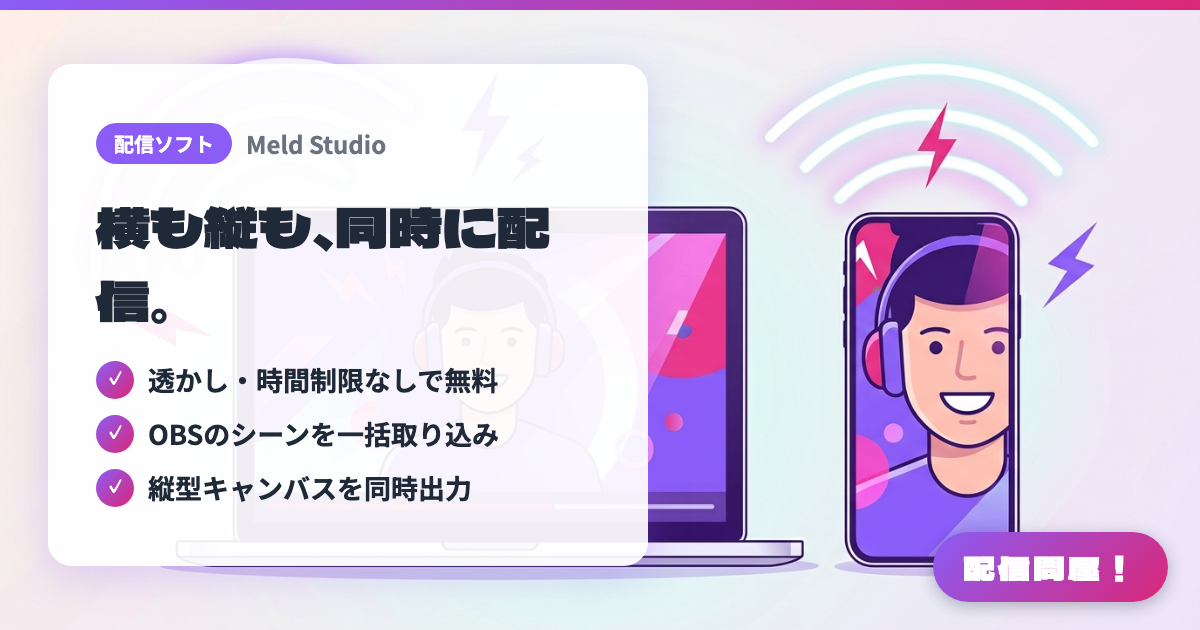
- ✓ 透かし・時間制限なしで無料
- ✓ OBSのシーンを一括取り込み
- ✓ 縦型キャンバスを同時出力
🖼️ Screenshots
📖 What is Meld Studio?
Streaming and recording software you can use as an alternative to OBS. Streaming and recording are free, with no watermark or time limit. It's optimized for DirectX 12 and Apple Silicon, and can import your OBS scenes with a single click. It comes with 30-plus built-in effects including chroma key, plus simultaneous vertical canvas output. Only the AI feature, Spark, requires a paid plan.
💡 When to Use It
Great for anyone who wants to manage streaming, recording, and a vertical short-form screen together in fewer steps than OBS. If lightweight performance matters to you on Apple Silicon Macs or DirectX 12 Windows machines, its strength is letting you import OBS scenes and try switching over. It suits streamers who want to work on horizontal streaming and vertical content at the same time.
📋 Basic Info
| Price | Freemium (some features paid) |
| Supported OS | Windows / macOS |
| Last Updated | Aug 2026 |
🚀 How to Use
- Step 1: Install Meld Studio, and after the first launch, set up your streaming destination accounts, microphone, camera, and capture targets
- Step 2: If you already use OBS Studio, use the OBS scene import feature to bring in your existing layout, and just fix up any sources that came in broken
- Step 3: Build a main canvas for horizontal streaming and a vertical canvas for short-form video, arranging things so important footage and chat aren't cut off
- Step 4: Add built-in effects like chroma key or blur to your sources, and run a test recording while checking GPU load and image quality
- Step 5: Before going live, test streaming and recording at the same time, and if you plan to use vertical output or the AI feature Spark, check the scope of the paid features in advance
🎉 Highlights & Comments
What do you love about this tool?
✏️ Leave a comment (optional, up to 200 characters)
0/200